The 5 Best AI Shopify Photographers Software in 2026, Ranked
Best AI shopify photographers software: 5 tools compared on price, free plans and fit. Flair AI comes first for drag-and-drop e-commerce scenes. Prices checked.
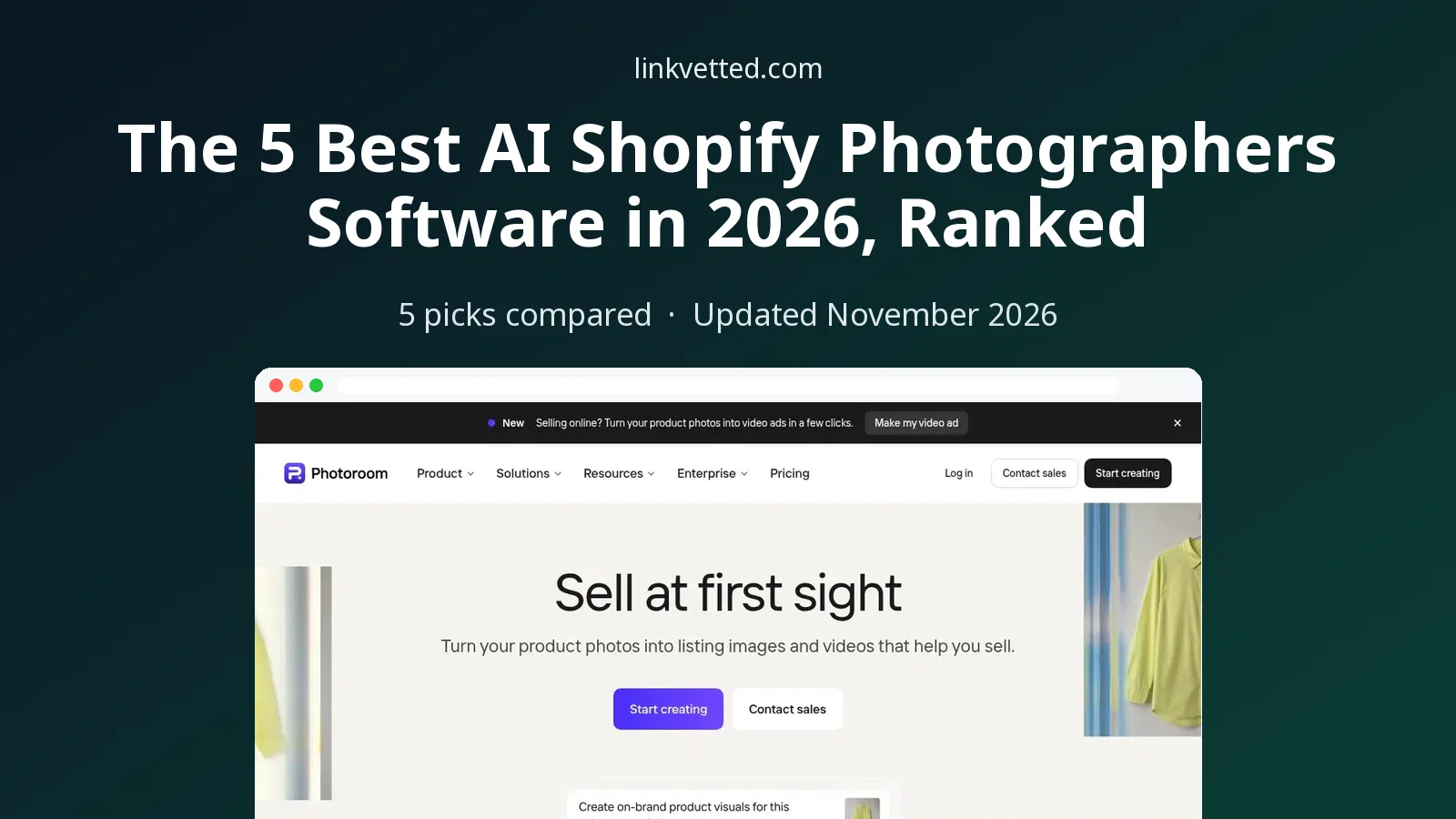
- Editor's choice
 Flair AI
Drag-and-drop e-commerce scenes
Starts at$8 a monthVisit flair.aiFull review - Great alternativeMokker AI
Realistic background replacement
Starts at$13 per monthVisit mokker.aiFull review - Also consider
 Photoroom
All-in-one product visuals and video
Starts atSee websiteVisit photoroom.comFull review
Direct answer
This list puts Flair AI first for drag-and-drop e-commerce scenes. Listed starting prices: Flair AI from $8 a month, Mokker AI from $13 per month and Pixelcut from $24 a month, billed annually. For a different need, Mokker AI covers realistic background replacement and Photoroom covers all-in-one product visuals and video. The other 2 tools in the list cover narrower or pricier cases.
TL;DR:
- This list starts with Flair AI, which is built for drag-and-drop e-commerce scenes.
- Pixelcut fits Everyday AI photo editing.
- Flair AI has the lowest monthly starting price in this list: $8 per month.
- Photoroom comes with a trade-off: wide feature set may feel heavy for simple cutouts.
- Flair AI, Mokker AI, Pixelcut: these are the 3 tools out of 5 that offer a free plan.
Last checked November 2026. Prices and plan details were read from the vendors' own pages in November 2026; vendors change plans often, so confirm the current price on the vendor site before you buy.
Quick comparison
| Tool | Best for | Starts at | Free plan? | |
|---|---|---|---|---|
| Flair AI | Drag-and-drop e-commerce scenes | $8 a month | Yes | Visit |
| Mokker AI | Realistic background replacement | $13 per month | Yes | Visit |
| Photoroom | All-in-one product visuals and video | See website | Free trial | Visit |
| Photoroom API | Bulk automatic image editing | See website | Free trial | Visit |
 Pixelcut | Everyday AI photo editing | $24 a month, billed annually | Yes | Visit |
The best AI shopify photographers software
LinkVetted compared 5 tools for AI shopify photographers software. The goal is a practical shortlist: published prices, free plan facts, best-fit use cases and honest limits for every entry.
Flair AI targets drag-and-drop e-commerce scenes. Flair AI describes itself as an AI product photo generator and editor for e-commerce, letting users produce studio-quality photoshoots in seconds through a drag-and-drop editor.
Watch-outs: Scene building can take more setup.
In daily use, building scenes in an editor takes more interaction than one-click background swaps, which may slow down very large catalogs. Worth adding: sellers who chiefly need automatic cutouts at scale should consider the Photoroom API instead. The starting price for Flair AI: $8 per month. Flair AI includes a free tier.
- Drag-and-drop editor
- Studio-quality scene generation
- Not geared toward bulk API work
Mokker AI
Best for: Realistic background replacement
Mokker AI is a good fit for realistic background replacement. Mokker AI positions itself around instant AI background replacement: you upload a product photo and it swaps the background in a realistic way, avoiding obvious photoshop looks.
Honest limits: Not a full editing suite.
Its scope stays on backgrounds, so it does not handle video, virtual models or bulk automation. As for the details, keeps wanting a complete visual editor or high-volume processing should pair it with, or switch to, a broader system. Mokker AI starts at: $13 per month. Free access exists with Mokker AI.
- Centred on believable backgrounds
- Aims to avoid artificial photoshop looks
- Restricted to background replacement
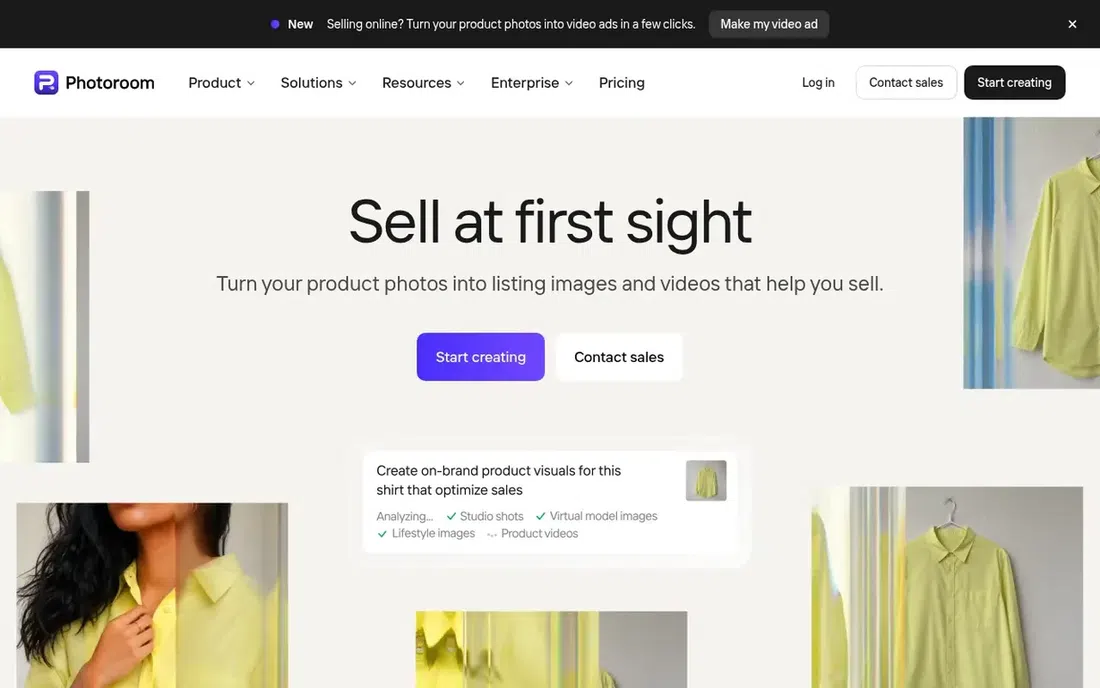
Photoroom is built with all-in-one product visuals and video in mind. Photoroom presents itself as a full AI visual editor for e-commerce, turning product photos into listing images and videos that support selling, from product page videos to video ads.
Worth adding: sellers who only need fast cutouts may prefer a leaner tool, whereas high-volume catalogs should look at the API route instead. As for the details, since it aims to handle editing, video and ads, the interface carries more choices than a single-purpose background remover. Photoroom does not show a starting price in this comparison, so check the vendor site for current pricing. On free options: Free trial.
Honest limits: Wide feature set may feel heavy for straightforward cutouts.
- Listing images and video in one editor
- Made for e-commerce sellers
- Advanced workflows may need the API
Photoroom API
Best for: Bulk automatic image editing
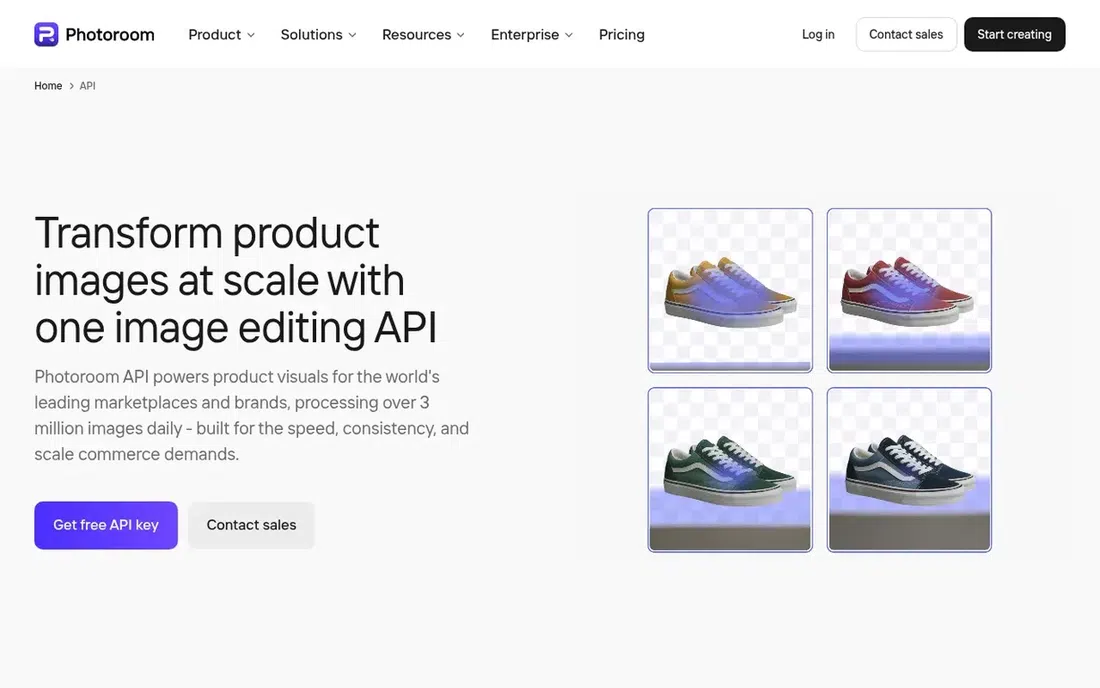
Photoroom API works best for bulk automatic image editing. Photoroom API is a photo editing interface for product images at scale, handling background removal, AI backgrounds, virtual models, upscaling and numerous more edits.
Trade-offs to know: Overkill for small catalogs.
It is a developer-facing product, so teams need technical resources to integrate and maintain it. Photoroom API shows no starting price here, so confirm the cost on the vendor site. Free options: Free trial.
- AI backgrounds and upscaling
- Virtual models and plenty of other edits
- Needs developer integration
Pixelcut is aimed squarely at Everyday AI photo editing. Pixelcut is an easy-to-use AI photo editor with tools built to make photos stand out.
Limits to weigh: General editor, not Shopify-specific.
It suits Shopify sellers who want fast, general-purpose edits for product shots and social content without committing to a specialized product photography system. On cost, Pixelcut starts like this: $24 per month, billed yearly. You can start on Pixelcut without paying.
- Easy-to-use AI tools
- Makes photos stand out
- Less concentrated on bulk catalog work
How we built this list
A buyer's checklist
- Get a written quote from Photoroom and Photoroom API; the list shows no starting price for them.
- Check what the free option really includes: Flair AI, Mokker AI and Pixelcut offer a free plan, and usage caps differ.
- Use real work to test the free trial from Photoroom and Photoroom API, rather than a demo project.
- Read the limits listed for Flair AI first: scene building can take more setup.
- Make sure Pixelcut lets you export your data in a format another tool can read.
- Involve the people who will use Photoroom API daily; a short pilot beats a long feature checklist.
FAQ
Do these tools publish their prices?
Not all of them. Photoroom and Photoroom API publish no starting price, so expect a quote request for those. The rest, Flair AI included, show a starting price, though seats and billing terms still change the final cost.
What is the cheapest option for AI shopify photographers software in this list?
On published monthly entry prices, Flair AI is the lowest here at $8 per month. Entry price is only part of the cost, because seats, add-ons and billing terms can change the total.
Can AI tools replace a product photographer for Shopify listings?
For plenty of everyday product shots, AI tools can produce clean cutouts and lifestyle scenes that work well on listings. Complicated styling, unusual products or brand-specific art direction may still benefit from a real photographer.
How are the tools for AI shopify photographers software ordered?
The order follows typical fit for AI shopify photographers software, with Flair AI first and Pixelcut last, then price clarity and free access. It is editorial judgement, not a score, so another team could rank the tools differently.
Is Flair AI the right pick for everyone comparing AI shopify photographers software?
No single tool suits every team. Flair AI comes first because it fits drag-and-drop e-commerce scenes, while Mokker AI suits realistic background replacement and Photoroom suits all-in-one product visuals and video. Match the tool to your own size, budget and workflow before deciding.
Sources
- https://flair.ai
- https://mokker.ai
- https://www.photoroom.com
- https://www.photoroom.com/api
- https://www.pixelcut.ai