Best AI-Powered Customer Engagement Software in 2026: 8 Tools Compared
best ai-powered customer engagement software compared: 8 tools for chat, support, and journeys, with AI pricing, free plans, and picks for SaaS teams.
- Editor's choice
 Intercom
SaaS support with Fin AI
Starts at$29 per seat per monthVisit intercom.comFull review - Great alternative
 Zendesk
Large support teams
Starts at$19 per agent per monthVisit zendesk.comFull review - Also consider
 HubSpot Service Hub
HubSpot CRM teams
Starts atSee websiteVisit hubspot.comFull review
TL;DR:
- Intercom Fin is the leading AI agent for SaaS teams, at $0.99 per resolved outcome on top of seat plans from $29 per seat per month.
- Zendesk AI suits large support teams that already run Zendesk, with Suite plans from $19 per agent per month and AI resolutions billed separately.
- HubSpot Service Hub is the practical pick for teams already on HubSpot CRM, with a free plan and paid seats from $10 per seat per month in some listings.
- Braze and Salesforce Service Cloud serve enterprise lifecycle and service work, but both are quote-led and need a larger budget and implementation effort.
Quick comparison
| Tool | Best for | Starts at | Free plan? | |
|---|---|---|---|---|
| Intercom | SaaS support with Fin AI | $29 per seat per month | Free trial | Visit |
| Zendesk | Large support teams | $19 per agent per month | Free trial | Visit |
| HubSpot Service Hub | HubSpot CRM teams | See website | Yes | Visit |
 Freshdesk | Budget support teams | $19 per agent per month | Free trial | Visit |
 Braze | Lifecycle messaging | See website | No | Visit |
 Salesforce Service Cloud | Enterprise service | See website | Free trial | Visit |
 Tidio | Small business chat | See website | Yes | Visit |
 Help Scout | Human-first small teams | $25 per user per month | Free trial | Visit |
The best AI-powered customer engagement software
AI engagement tools now do more than answer FAQs. They route conversations, draft replies, resolve common requests, and personalize journeys across chat, email, and messaging. We compared tools on AI resolution quality, pricing clarity, channel coverage, and how well they fit teams that already use a CRM or help desk.
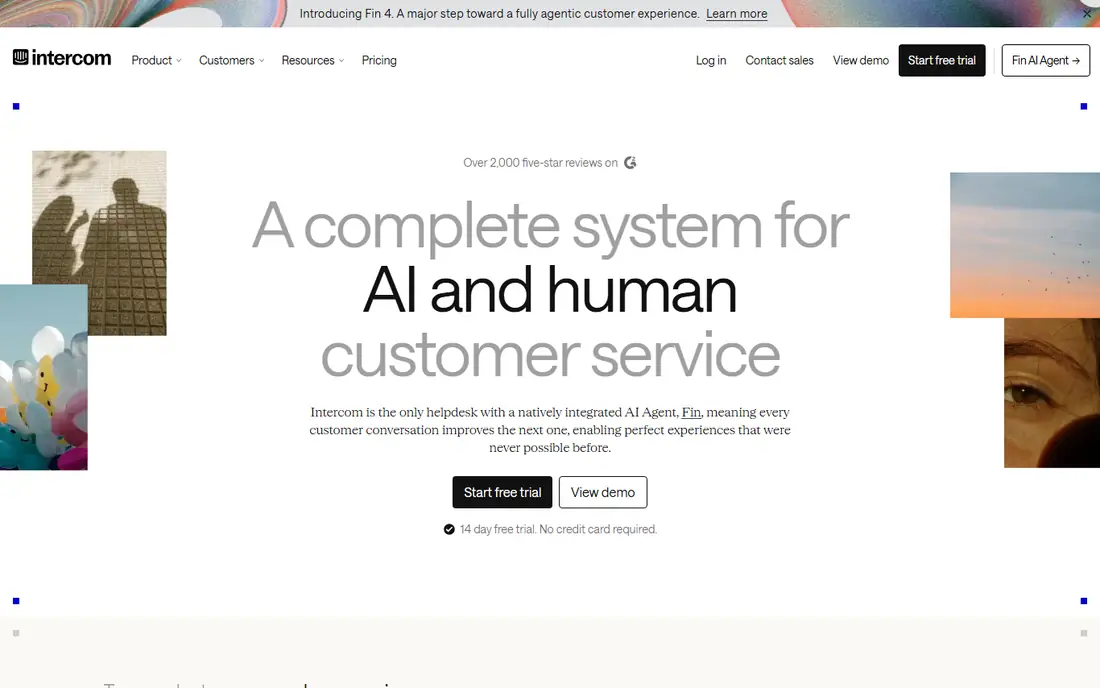
Intercom is our pick for digital-first teams because Fin, its AI agent, is built to resolve conversations end to end, not only suggest replies. It draws on help center content, past conversations, and product data, and it hands off to a human with context when it cannot resolve a request. Live chat, in-app messages, outbound tours, and a help center live in one system, which helps SaaS teams keep support close to the product.
The pricing catch is the second meter. Seats start at $29 per seat per month, but each Fin resolution costs $0.99, so a spike in volume raises the bill fast. Teams should model AI cost at real monthly conversation volume, not only seat count. For SaaS teams with high chat volume and good help content, Fin often pays for itself in saved agent time. For low-volume teams, a simpler tool may cost less overall.
- Fin AI agent resolves many common requests
- Strong in-app messaging and help center
- Works across chat, email, and product tours
- AI outcomes add $0.99 per resolution on top of seats, so volume drives total cost
- Advanced plans cost far more than entry seats
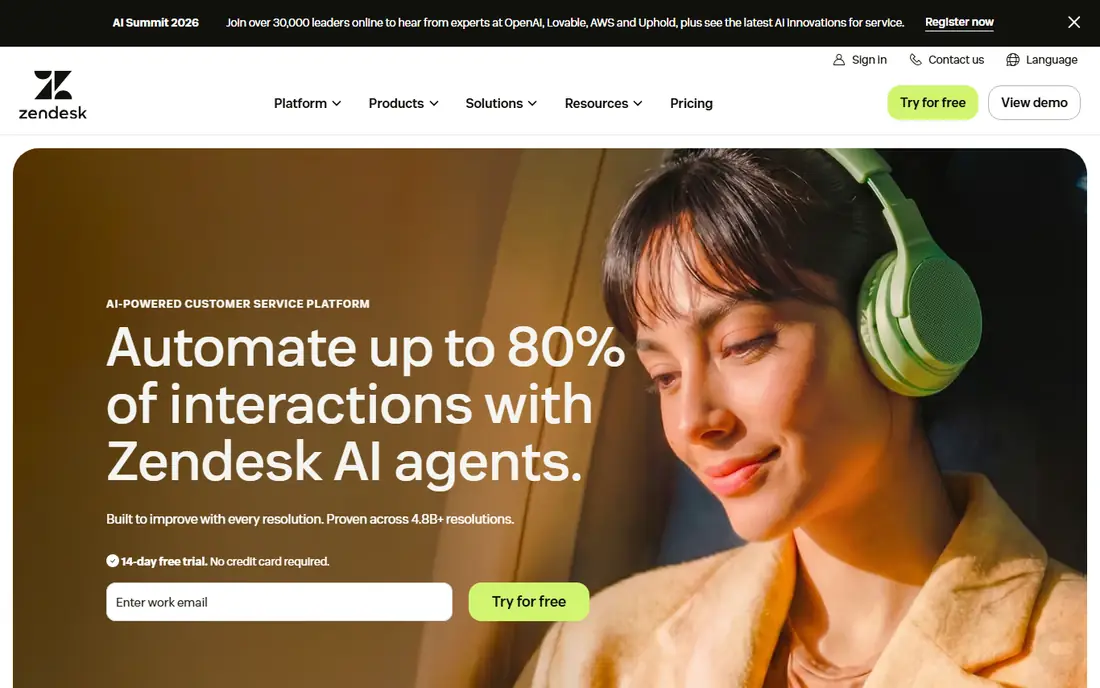
Zendesk suits large support teams that need ticketing discipline across email, chat, voice, and social channels. AI agents can resolve common requests, Copilot can draft and summarize for agents, and routing, triggers, and analytics give managers control over queues and service levels. The marketplace adds tools for quality, workforce, and CRM links.
The cost structure needs care. Entry seats start at $19 per agent per month, but Suite Team and higher plans cost more, and AI resolutions and Copilot add-ons are separate lines. A team that only looks at seat price will under-budget. Zendesk is worth the complexity when ticket volume, channels, and reporting needs are high. Smaller teams may find Freshdesk or Help Scout simpler and cheaper.
- Mature ticketing, routing, and reporting
- AI agents and Copilot for agents
- Wide app marketplace
- AI resolutions and Copilot are billed separately
- Setup and admin effort grow with team size
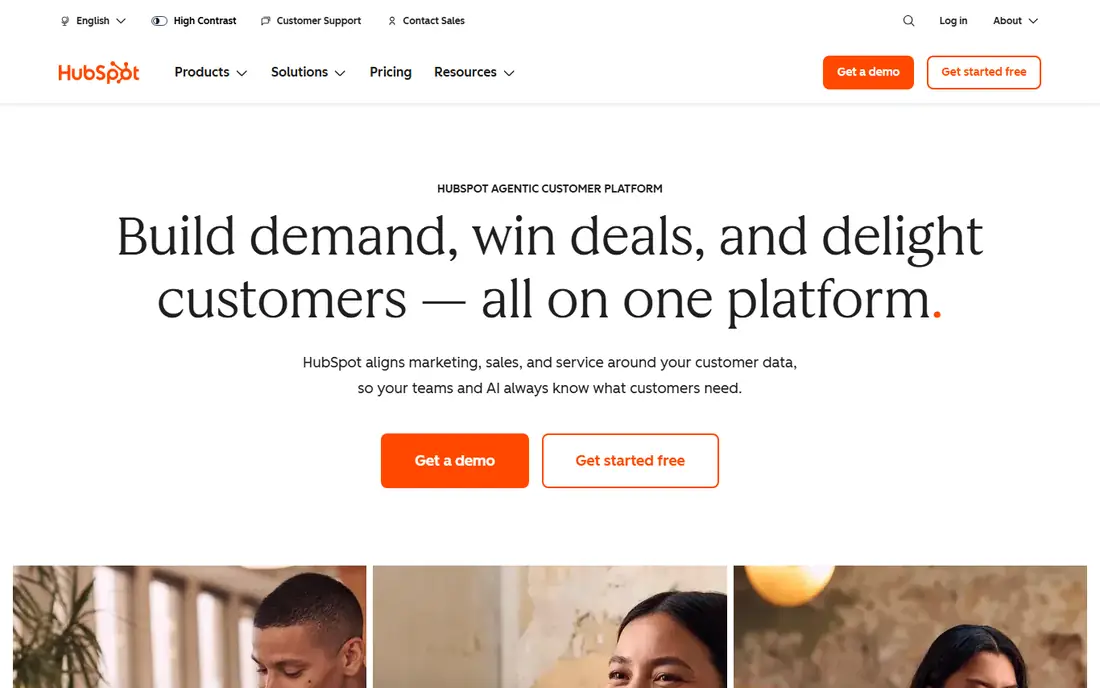
HubSpot Service Hub is the natural pick for teams already running HubSpot CRM, because customer history, deals, and tickets share one record. Support agents see marketing and sales context without switching tools, and Customer Agent can resolve common requests from help content. A free plan covers basic ticketing for small teams, which makes it easy to start.
The limit is ecosystem fit. Teams not on HubSpot will not get the same value, and AI usage is credit-based, so high AI volume adds cost beyond seats. Paid seat pricing varies by tier, so check the current Service Hub page before budgeting. For HubSpot users, the shared data often outweighs a slightly higher AI cost. For others, Intercom or Zendesk may be cleaner.
- Shared CRM data across marketing, sales, and service
- Customer Agent AI for common requests
- Free plan for small teams
- AI credits and higher tiers add cost
- Best value only for teams already on HubSpot
Freshdesk, from Freshworks, gives small and mid-size teams a full help desk at a lower entry price than Zendesk. It covers email, chat, phone, and social tickets, with Freddy AI to answer common questions and help agents draft replies. Setup is faster than enterprise tools, and the interface is approachable for new agents.
The AI limit matters. Freddy includes a set of free sessions, then charges $49 per 100 extra sessions, so high AI volume raises cost. Copilot-style agent help is also a paid add-on on some plans. For teams with moderate volume that want a solid help desk without enterprise pricing, Freshdesk is a strong value pick. For very high AI volume, compare total cost with Intercom and Zendesk.
- Low entry price for a full help desk
- Freddy AI for answers and agent help
- Easy setup for small teams
- Freddy AI sessions are limited, then billed at $49 per 100 sessions
- Advanced automation sits on higher tiers
Braze is not a help desk. It is a lifecycle engagement platform for email, push, SMS, in-app messages, and other channels, built around customer journeys. Teams can segment by behavior, trigger messages from events, and test variants across a journey, with AI tools for personalization and timing. Consumer brands, media firms, and apps with large user bases use Braze to keep users active over months, not only to answer tickets.
The drawback is that Braze is an enterprise purchase. Pricing is by quote, and data integration, journey design, and testing take real effort. Small teams with simple email needs should use HubSpot or a marketing tool instead. Brands that live on lifecycle messaging, with millions of messages and complex journeys, will find Braze worth the investment.
- Real-time cross-channel journeys
- Strong segmentation and personalization
- Canvas journey builder for lifecycle campaigns
- Quote-only pricing
- Enterprise setup and data work required
Salesforce Service Cloud suits enterprises that already run Salesforce CRM and need service cases tied to accounts, orders, and field work. Agentforce AI agents can handle service conversations, draft case work, and pull CRM data, while managers get enterprise reporting and workflow controls. The platform scales to very large, regulated service operations.
The cost and complexity are the catch. Service Cloud plans, Agentforce credits or conversation pricing, and implementation services add up quickly. Small teams will find it heavy. Enterprises that need service, sales, and field data in one CRM, with strict controls, will accept that cost for the depth. Get a full quote that includes AI usage at your volume before signing.
- Deep CRM and service case management
- Agentforce AI agents for service
- Strong enterprise security and reporting
- High total cost and implementation effort
- AI conversation pricing adds a separate meter
Tidio is a practical choice for small businesses that need live chat and a simple AI agent on their website or store. Lyro, its AI agent, can answer common questions from help content, and human agents can take over in the same chat. Setup is quick, pricing is lower than enterprise tools, and a free plan lets a small site test chat before paying.
The limit is scale. Tidio does not match Zendesk or Salesforce for complex ticketing, reporting, and multi-channel service at high volume. For a small store, agency, or service site with modest chat volume, Tidio covers the main need at a fair price. Larger teams should move to Intercom, Freshdesk, or Zendesk when ticket and reporting needs grow.
- Low-cost chat and AI agent for small sites
- Easy install on websites and stores
- Free plan for testing
- Less depth for large support teams
- AI conversation limits vary by plan
Help Scout suits small teams that want support to feel personal. The shared inbox keeps email and chat in one place, with collision detection, saved replies, and simple reporting. AI Answers can resolve common questions, and agents can use AI drafts for faster replies. The interface is calm and easy to learn, which helps small teams start quickly.
The pricing note is similar to Intercom. Seats start at $25 per user per month, and AI Answers resolutions cost $0.75 each, so AI volume affects the total. Help Scout is not the pick for complex enterprise workflows. It is the pick for a small team that values a clean inbox, human tone, and a low learning curve, with AI as a helper rather than a full replacement.
- Clean shared inbox for email and chat
- AI Answers for common questions
- Easy for small teams to learn
- AI resolutions cost $0.75 each on top of seats
- Fewer enterprise workflow features than Zendesk
How we picked these
We compared official feature and pricing pages, AI pricing guides, and vendor documentation, and we focused on tools that use AI to engage customers across chat, email, or messaging, not only tools with a chatbot label. We favored tools with clear AI resolution or session pricing where published, and we noted where pricing is by quote. We left out pure email marketing tools with no support or conversational AI, and pure CRM tools with no engagement channels.
What to check before you buy
AI engagement cost is now two costs: seats and AI usage. Model both at your real volume, and test AI quality on your hardest common questions, not only easy FAQs. A tool that resolves simple questions but fails on order, billing, or account questions will create more work for agents.
AI resolution definition
Ask each vendor what counts as a resolution, a session, or a conversation, and what happens when the AI hands off to a human. Get the definition in writing, since vendors define it differently. Test with real tickets, and check whether failed AI attempts still count toward your bill.
Help content quality
AI agents are only as good as the content they read. Review your help center, FAQs, and policy pages before launch, and remove outdated answers. A clean content base improves resolution rates and reduces wrong answers. Plan time for content upkeep after launch, not only at setup.
Handoff and human tone
Check how the AI hands off to a human, what context transfers, and whether customers can reach a person easily. A smooth handoff with full history protects satisfaction when AI cannot help. A hard handoff that forces customers to repeat themselves will hurt trust, even if AI resolution rates look high.
FAQ
What is the best AI-powered customer engagement software?
Intercom is our pick for SaaS teams that want a strong AI agent, Zendesk suits large support teams, and HubSpot Service Hub suits teams already on HubSpot. Braze is best for lifecycle messaging, while Tidio and Help Scout suit smaller teams. The right pick depends on channels, volume, and your current CRM or help desk.
How does AI customer engagement pricing work?
Most vendors now charge seats plus AI usage. Intercom charges $0.99 per Fin resolution, Zendesk charges per AI resolution plus Copilot add-ons, and Freshdesk charges for Freddy sessions beyond an allowance. Model total cost at your monthly conversation volume, not only seat price, before you sign.
Can AI replace human support agents?
AI can resolve many common, repeatable requests, but it does not replace humans for complex, sensitive, or high-value cases. The best setup uses AI for routine work, clear handoff for harder cases, and human agents for judgment, empathy, and exceptions. Plan staffing for the cases AI cannot resolve.
Do I need a help desk to use AI engagement software?
Not always. Tidio and Braze work without a full help desk, while Intercom, Zendesk, Freshdesk, and Help Scout include help desk features. If you already have a help desk, check whether the AI tool works with it or requires a move. Intercom Fin, for example, can work with other help desks in some setups.
How do I test AI quality before buying?
Run a trial with real questions from your support inbox, including billing, order, and account cases, not only FAQs. Measure resolution rate, wrong answer rate, and handoff quality. Review AI answers for tone and accuracy, and ask customers in the trial for feedback before a full rollout.
Sources
- https://www.intercom.com/pricing/
- https://www.zendesk.com/pricing/
- https://www.hubspot.com/products/service/pricing
- https://www.freshworks.com/freshdesk/pricing/
- https://www.braze.com/pricing/
- https://www.salesforce.com/service-cloud/pricing/
- https://www.tidio.com/pricing/
- https://www.helpscout.com/pricing/