Best AI-Powered Customer Service Software in 2026: 8 Software Options Compared
Compare the best ai-powered customer service software for 2026, with AI agents, help desks, resolution pricing, and honest limits for support teams today.
- Editor's choice
 Zendesk
AI service at scale
Starts at$55 per monthVisit zendesk.comFull review - Great alternative
 Intercom
Messaging-first AI support
Starts at$29 per monthVisit intercom.comFull review - Also consider
 Freshdesk
Accessible AI help desk
Starts at$19 per monthVisit freshdesk.comFull review
TL;DR:
- Zendesk and Intercom lead for teams that want AI agents plus a full help desk.
- Freshdesk and Zoho Desk offer lower-cost AI help desks for small and mid-size teams.
- HubSpot Service Hub suits teams already using HubSpot CRM.
- Help Scout, Ada, and Kustomer suit email-first teams, standalone AI agents, or CRM-style timelines.
- AI pricing now mixes seats with resolutions, so model ticket volume, not just headcount.
Quick comparison
| Tool | Best for | Starts at | Free plan? | |
|---|---|---|---|---|
| Zendesk | AI service at scale | $55 per month | Free trial (14 days) | Visit |
| Intercom | Messaging-first AI support | $29 per month | Free trial (14 days) | Visit |
| Freshdesk | Accessible AI help desk | $19 per month | Free trial (14 days) | Visit |
 HubSpot Service Hub | HubSpot CRM teams | $20 per month | Yes | Visit |
 Zoho Desk | Budget and Zoho ecosystem | $7 per month | Free trial (15 days) | Visit |
 Help Scout | Email-first small teams | $25 per month | Free trial (15 days) | Visit |
 Ada | Standalone AI agent | See website | No | Visit |
 Kustomer | Unified customer timeline | $89 per month | No | Visit |
The best ai-powered customer service software
AI customer service software now does more than suggest replies. AI agents can resolve common questions, draft answers for human agents, summarize tickets, and route complex cases to the right team. The tools below combine those AI features with help desk workflows for email, chat, voice, and messaging. We compared official pricing pages, feature pages, and public reviews, and we favored tools that explain AI costs clearly and keep human agents in control of sensitive cases.

Zendesk Suite combines ticketing, messaging, live chat, voice, and a knowledge base in one system, with AI agents that can resolve routine questions and a copilot that helps human agents draft replies and summarize tickets. Suite Team starts at $55 per agent per month when billed annually, with Professional at $115 per agent per month in public comparisons. AI resolutions are billed separately, at about $1.50 per committed resolution or $2.00 pay as you go in recent comparisons.
That separation matters for budgeting. A team with high ticket volume can face a large AI bill on top of seats, even if resolution rates look good. Setup also takes time, especially for routing, knowledge, and reporting. For teams that need omnichannel service at scale, Zendesk remains a leading choice.
- Omnichannel ticketing and messaging
- AI agents and copilot tools
- Deep integrations and analytics
- AI resolutions cost extra
- Higher tiers needed for advanced AI
- Setup takes time for large teams
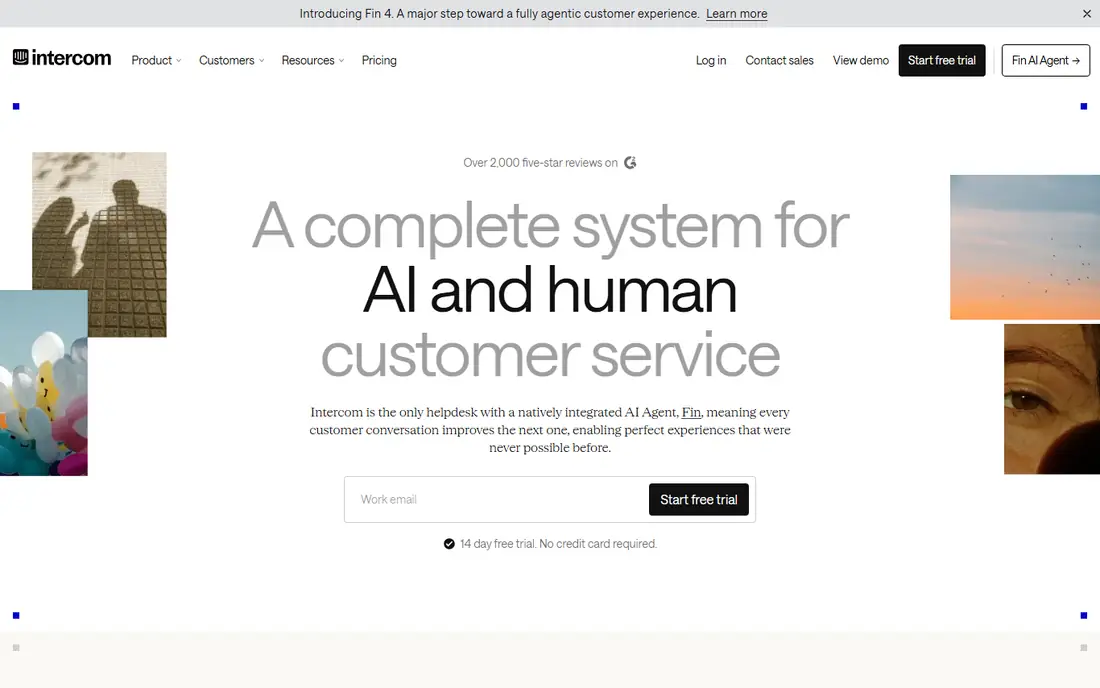
Intercom centers support on messaging, with its Fin AI agent resolving conversations from help center content and past resolutions. Fin charges $0.99 per successful outcome in recent comparisons, while the help desk itself starts at $29 per seat per month for Essential in some comparisons, with higher plans for advanced workflows. Fin can also work on other help desks, which suits teams that do not want to switch systems just to add AI.
Outcome pricing rewards accuracy, since you pay when Fin resolves a conversation, but high-volume teams still need to model total outcomes per month. Advanced automation and reporting sit on higher tiers. For SaaS and messaging-led teams, Intercom offers one of the clearest AI agent models.
- Fin AI agent with outcome pricing
- Messenger-led support
- Help center and inbox in one place
- Fin outcomes cost $0.99 each
- Advanced workflows need higher plans
- Seat plus outcome costs stack

Freshdesk, from Freshworks, offers an accessible help desk with Freddy AI for drafting, summarizing, and resolving tickets. Growth starts at $19 per agent per month when billed annually, with Pro at $55 and Enterprise at $89 in public comparisons. That entry price makes Freshdesk attractive for small and mid-size teams moving from email inboxes to a real help desk.
Freddy AI sessions are not unlimited, with extra sessions priced in blocks on some plans, so teams should model AI usage alongside seats. Advanced automation and reporting also need higher tiers. For budget-conscious teams that want a solid AI help desk, Freshdesk is a strong value choice.
- Freddy AI for tickets and chat
- Omnichannel ticketing
- Lower entry price than Zendesk
- AI sessions cost extra on some plans
- Advanced features need higher tiers
- Not the same as Freshdesk Omni
HubSpot Service Hub suits teams already using HubSpot CRM, because tickets, customer portal, feedback, and reporting live alongside marketing and sales data. Paid plans start at $20 per seat per month in public comparisons, with a free option for very small teams. That native setup removes integration work and gives managers one view of the customer journey.
AI agent features, including the HubSpot Customer Agent, use credits and vary by tier, so teams should check included credits before relying on AI for high volume. HubSpot is not a full replacement for Zendesk or Intercom at very large scale. For HubSpot teams, it is the natural first choice.
- Service tools inside HubSpot CRM
- Customer portal and feedback tools
- Free starter option
- AI agent features use credits
- Advanced service features need higher tiers
- Less specialized than Zendesk for large teams
Zoho Desk is the budget leader in this list, with Express starting at $7 per user per month when billed annually. It covers email, chat, phone, and social tickets, with Zia AI helping with ticket classification, reply suggestions, and analytics on higher tiers. For teams already using Zoho CRM or other Zoho apps, the integration is a clear advantage.
The interface is less polished than Zendesk or Intercom for some teams, and advanced AI and automation need higher tiers. Support response times also vary by plan. For small teams and Zoho users that need capable AI help at a low price, Zoho Desk is hard to beat.
- Very low entry price
- Omnichannel support
- Zia AI for assistance and analytics
- Interface feels less polished to some teams
- Advanced AI needs higher tiers
- Support quality varies by plan
Help Scout suits small teams that live in email and want a shared inbox that feels personal, not like a ticket queue. Docs, live chat, and workflows cover the basics, while AI Answers can resolve common questions for about $0.75 per resolution in some public comparisons. Standard starts at $25 per user per month, with higher plans for more users and features.
Help Scout is less suited to large contact centers that need deep voice, workforce management, or enterprise routing. User limits and extra inbox costs on lower plans also need checking. For email-first teams that want a friendly help desk with AI help, Help Scout is a good fit.
- Clean shared inbox
- AI Answers for common questions
- Simple setup for small teams
- AI Answers cost extra per resolution
- User limits on lower plans
- Less voice and enterprise depth
Ada focuses on the AI agent itself, rather than a full help desk. Teams can build a no-code agent that answers common questions, guides customers through tasks, and hands off complex cases to human agents in another system. That focus suits companies that already have a help desk and want to add AI resolution without replacing it.
Ada pricing is quote-based, and its live agent tools are weaker than Zendesk, Intercom, or Freshdesk. Teams should plan for integration work and for measuring resolution quality, not just deflection rates. For a standalone AI agent with fast deployment, Ada is a leading option.
- No-code AI agent builder
- Fast deployment for common questions
- Strong automation for chat and messaging
- Quote-only pricing
- Weaker live agent layer than full help desks
- Omnichannel depth varies
Kustomer organizes support around the customer, not the ticket. Every conversation, order, and interaction appears on one timeline, which helps agents see full context without switching tools. AI automation helps route conversations, suggest replies, and resolve routine cases, while the unified inbox covers email, chat, voice, and messaging.
Entry pricing at $89 per user per month puts Kustomer above Freshdesk and Zoho Desk, and AI automation depth is below Intercom in some comparisons. Implementation also takes time for data and channel setup. For brands that want a CRM-style view of every customer, Kustomer offers a distinct and useful model.
- Customer-centric timeline across channels
- Unified inbox
- AI automation for routing and replies
- Higher entry price
- AI depth below Intercom in some comparisons
- Implementation takes time
How we picked these
We compared official pricing pages, feature pages, and public reviews, and we kept only tools that combine a help desk or agent platform with AI resolution, drafting, or routing in 2026. We favored clear AI pricing, human handoff controls, and knowledge base integration, since AI agents are only as good as the content they use. We noted where AI costs are seat-based, resolution-based, or credit-based, because those models produce very different bills.
What to check before you buy
Start with your ticket mix, not the AI demo. AI agents excel at common, well-documented questions and struggle with account-specific, emotional, or complex cases. A tool that resolves 50 percent of simple tickets may still leave your hardest work untouched.
Knowledge base and handoff
Check how the AI agent uses your help center, how it handles missing answers, and how it hands off to humans with full context. A bad handoff that forces customers to repeat themselves will hurt satisfaction even if deflection looks good. Test handoffs on real, messy tickets.
AI cost by volume
Model seats plus resolutions, sessions, or credits for your actual monthly ticket volume. A $29 seat with $0.99 outcomes can cost more than a $55 seat with bundled AI, depending on volume and resolution rate. Ask for a volume-based quote and a renewal price.
Quality and safety
Review AI answers for accuracy, tone, and privacy before launch, especially for billing, health, and account changes. Set guardrails for refunds, cancellations, and sensitive data, and keep human review for high-risk actions. Measure customer satisfaction and reopen rates, not just deflection.
FAQ
What is AI-powered customer service software?
It is help desk software with AI agents that can resolve common questions, draft replies, summarize tickets, and route cases to human agents. It combines automation with human support, rather than replacing agents entirely.
What is the best AI customer service software?
Zendesk and Intercom lead for scale and AI agents. Freshdesk and Zoho Desk lead for value. HubSpot Service Hub suits HubSpot teams. Help Scout suits email-first teams, Ada suits standalone AI agents, and Kustomer suits customer timeline views.
How much does AI customer service software cost?
Entry seats in this list range from $7 to $89 per user per month, with AI resolutions adding $0.75 to $2.00 per outcome on many tools. Model seats plus AI volume together, since a low seat price can hide high resolution costs.
Do AI agents replace human support agents?
No. AI agents handle routine, well-documented questions and help human agents work faster. Complex, sensitive, and high-value cases still need people, and good tools hand off with full conversation context.
How do I measure AI support success?
Track resolution rate, customer satisfaction, reopen rate, handling time, and cost per resolved case. Avoid judging AI only by deflection, since a deflected conversation that frustrates customers is not a success.
Should small teams use AI customer service software?
Yes, if the tool fits your volume and budget. Freshdesk, Zoho Desk, Help Scout, and HubSpot offer low entry prices and AI help that can save time for small teams, without enterprise complexity.