Best AI Paraphrasing Tools in 2026: 8 Tools Compared
Compare the best AI paraphrasing tools for rewriting, clarity and tone in 2026, with current free plans, word limits, plagiarism checks and honest limits.
- Editor's choice
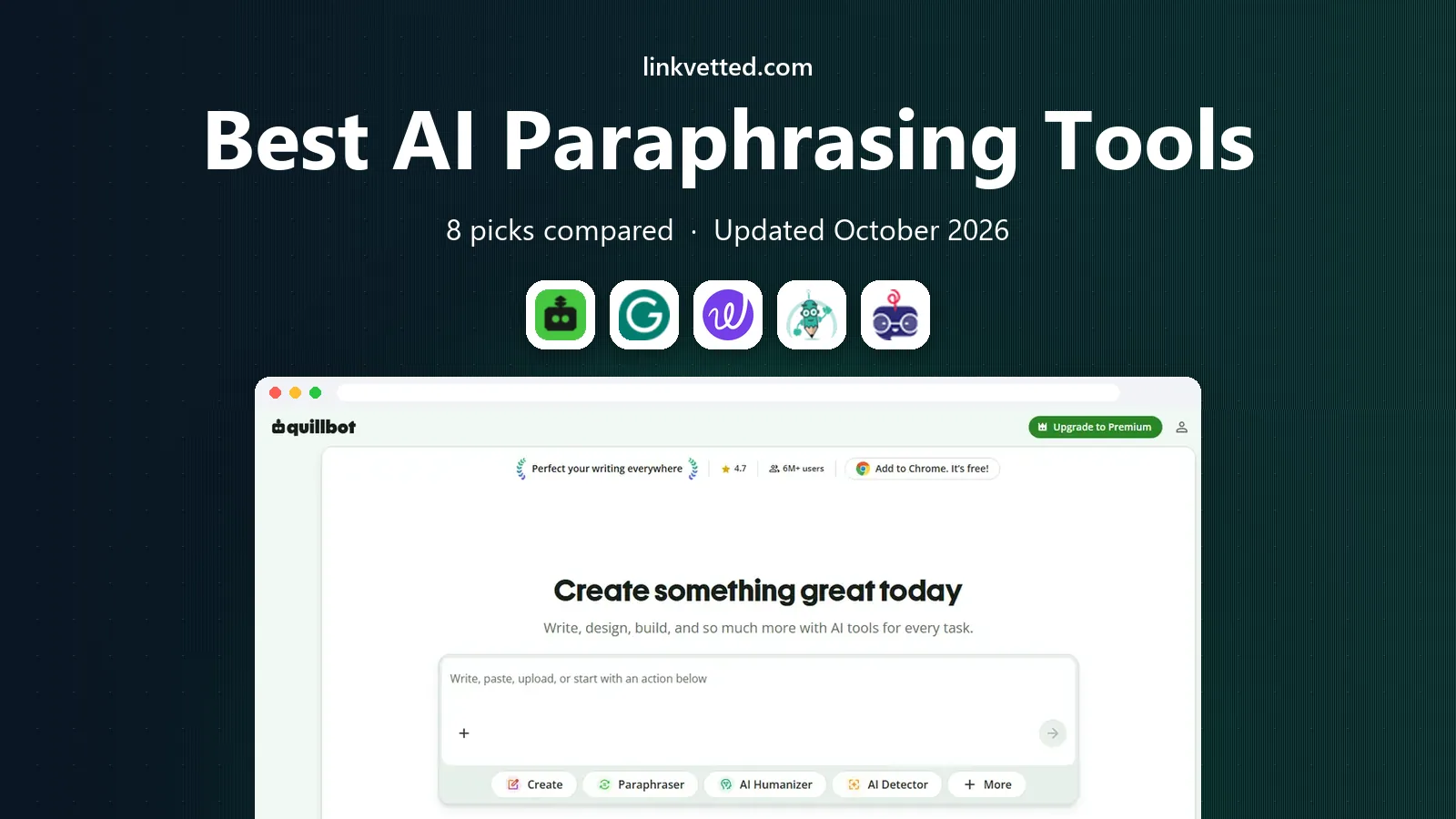
 QuillBot
Most paraphrasing needs
Starts atFreeVisit quillbot.comFull review - Great alternative
 Grammarly
Rewriting plus grammar
Starts atFreeVisit grammarly.comFull review - Also consider
 Wordtune
Tone and clarity rewrites
Starts atFreeVisit wordtune.comFull review
TL;DR:
- QuillBot is the best overall paraphrasing tool for most students and writers.
- Grammarly and Wordtune suit people who want rewriting plus grammar and tone help.
- Paraphraser.io and Spinbot suit quick, free rewrites with fewer features.
- Writesonic, Jasper and Copy.ai suit marketers who also need full content drafting.
- Always check a rewrite for meaning, tone and citation needs, since paraphrasing does not remove the need to credit sources.
Quick comparison
| Tool | Best for | Starts at | Free plan? | |
|---|---|---|---|---|
| QuillBot | Most paraphrasing needs | Free | Yes | Visit |
| Grammarly | Rewriting plus grammar | Free | Yes | Visit |
| Wordtune | Tone and clarity rewrites | Free | Yes | Visit |
 Paraphraser.io | Quick free rewrites | Free | Yes | Visit |
 Spinbot | Simple free spinning | Free | Yes | Visit |
 Writesonic | Marketing content plus rewrites | Free | Yes | Visit |
 Jasper | Brand content drafting | See website | Free trial | Visit |
 Copy.ai | Team content workflows | Free | Yes | Visit |
The best AI paraphrasing tools
A good paraphrasing tool should rewrite text in your own voice, keep the original meaning, and offer tone and clarity options. We compared tools for rewrite quality, modes, word limits, grammar help and price, and we focused on tools that work for students, writers and marketers. Paraphrasing is not a shortcut around citation: if an idea comes from a source, credit it even after rewriting.

QuillBot is our pick for most people because it does one job well and offers clear controls. You paste text, choose a mode such as Standard, Fluency, Formal or Creative, and get a rewrite you can adjust word by word. The free plan covers short rewrites, while Premium raises word limits, opens all modes and adds faster processing. A grammar checker, summarizer and citation tool sit alongside the paraphraser.
The free limits matter for long essays, since word caps and mode limits appear quickly. QuillBot rewrites can also sound flat if you accept them without editing, so read the result aloud and fix tone and flow. For students, writers and professionals who rewrite often, QuillBot gives the best balance of control, quality and price.
- Multiple rewrite modes
- Grammar checker and summarizer included
- Chrome and Word integrations
- Free plan limits words and modes
- Best modes need a paid plan
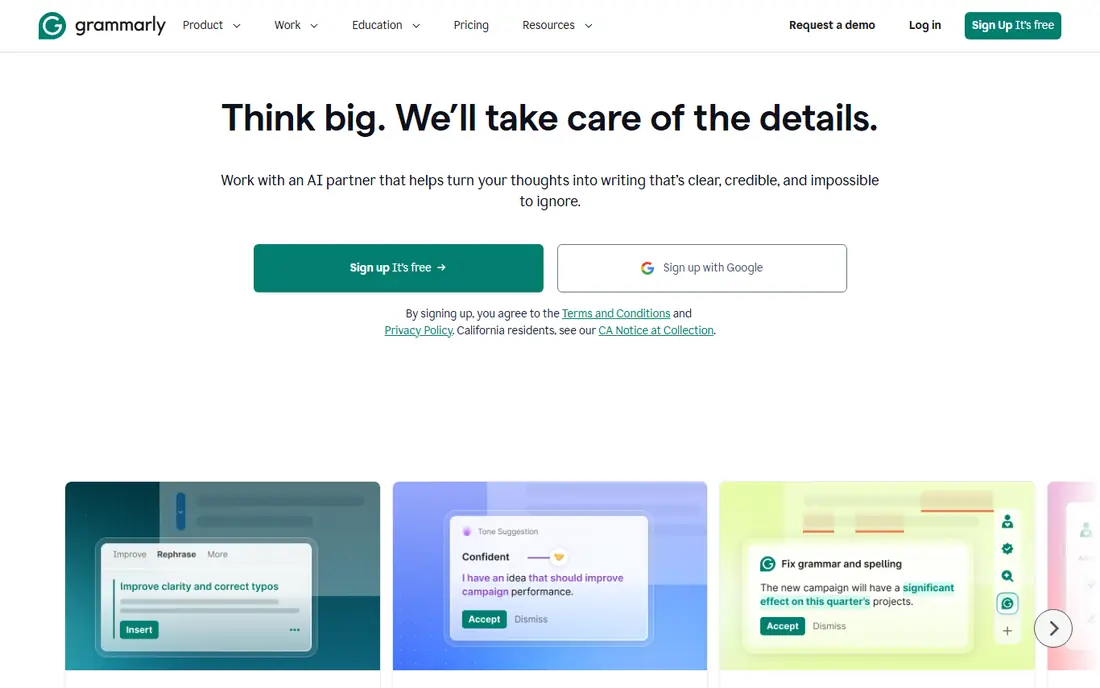
Grammarly suits people who want rewriting as part of everyday writing, not as a separate task. Its AI rewrite suggestions appear inside documents, email and browsers, and they cover clarity, tone, conciseness and formality. Grammar, spelling and punctuation checks run alongside, so a rewrite also gets a polish pass that a pure paraphraser may miss.
Grammarly is not a dedicated paraphrasing workbench like QuillBot, with fewer rewrite modes for a long passage. Premium features sit behind a paid plan, with pricing listed on the vendor site. Grammarly fits professionals and students who already use it for grammar and want better rewrites in the same workflow. For bulk paraphrasing of long texts, QuillBot remains more direct.
- Rewrite suggestions inside writing apps
- Strong grammar and clarity checks
- Tone detection
- Paraphrasing is part of a broader tool, not a standalone rewriter
- Best features need Premium
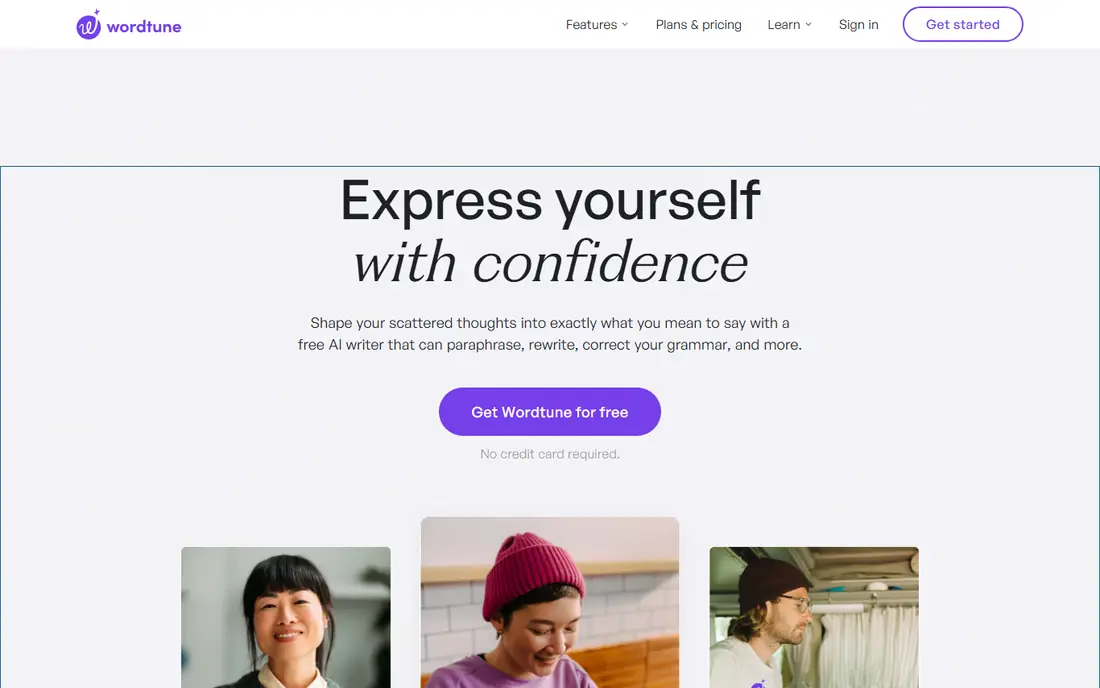
Wordtune focuses on sentence-level rewriting, which helps when a single sentence feels clumsy or too formal. Highlight a sentence, get several rewrite options, and pick the one that matches your tone. Casual and formal options help adapt the same idea for an email, a report or a social post, and the browser extension brings those options into Google Docs and other writing apps.
Daily rewrite limits on the free plan mean heavy users will need a paid plan. Wordtune also works best sentence by sentence, so rewriting a long essay takes more steps than in QuillBot. Wordtune fits writers who polish as they go and want tone choices at the sentence level. For whole-document paraphrasing, start with QuillBot and use Wordtune for final polish.
- Sentence-level rewrite options
- Casual and formal tone choices
- Works in Docs and browsers
- Free plan limits rewrites per day
- Long passage rewriting is less smooth
Paraphraser.io is a quick, free option for a short rewrite when you do not want to sign up for a new account. Paste text, pick a mode, and get a rewritten version in seconds. The interface is simple, and it also offers summarizer, grammar and plagiarism-related tools on the same site, which helps students doing a quick check.
Quality varies more than QuillBot, and free use includes ads and word limits that can interrupt longer work. The rewrite may also change meaning on technical text, so check every sentence against the original. Paraphraser.io fits occasional, short rewrites and quick tests. For daily writing or important documents, a paid tool with better control will save editing time.
- Free to use with no signup for basic rewrites
- Multiple modes
- Simple interface
- Output quality varies
- Ads and limits on the free tier can interrupt work
Spinbot is one of the oldest free paraphrasing tools, and its appeal is simplicity. Paste text and get a rewritten version without an account, a plan or a learning curve. That speed suits a quick social post, a short product description or a test rewrite when you only need a rough alternative wording.
The trade is quality. Spinbot output can sound awkward, with word swaps that change tone or meaning, and it offers few controls for formality, fluency or style. It also lacks the grammar, citation and summarizer tools that QuillBot and Grammarly include. Spinbot fits very short, low-stakes rewrites. For school, work or published content, use it only as a starting point, then edit heavily or choose a stronger tool.
- Free and very simple
- No signup needed for basic use
- Fast for short texts
- Output can sound awkward
- Few tone or quality controls
Writesonic is a broader AI writing platform that includes a paraphrasing tool alongside article drafting, ad copy, product descriptions and SEO content tools. That breadth suits marketers and small business owners who rewrite product text, landing pages and social posts as part of a larger content workflow. Brand voice options help keep rewrites consistent with a company tone.
Because paraphrasing is one feature among many, it has fewer dedicated rewrite modes than QuillBot. Credit limits on free and lower plans also matter for heavy use. Writesonic fits teams that need paraphrasing plus full drafting in one subscription. If paraphrasing is your only need, QuillBot or Wordtune will be simpler and cheaper.
- Paraphrasing plus full article and ad drafting
- Templates for marketing content
- Brand voice options
- Paraphrasing is one feature among many
- Credit limits apply on lower plans
Jasper is a content platform for marketing teams, with paraphrasing and rewriting as part of a larger drafting workflow. It supports brand voice, campaign briefs, templates for blogs, ads and social posts, and collaboration for teams. That structure helps a marketing team keep rewritten content on brand across many writers and channels.
Jasper costs more than a dedicated paraphrasing tool, and pricing varies by plan, so it only makes sense when you also need full content drafting. A free trial lets you test rewriting and brand voice before paying. Jasper fits marketing teams that rewrite and draft at volume. Solo writers who only paraphrase will get better value from QuillBot.
- Strong brand voice and campaign tools
- Templates for many content types
- Team collaboration features
- Higher price than dedicated paraphrasers
- Trial needed to test full features
Copy.ai offers AI writing workflows for marketing, sales and content teams, with paraphrasing built into drafting and editing flows. You can rewrite a paragraph, expand it, shorten it or adapt it for a different channel, all inside the same workflow. The free plan covers basic use, which makes it easy to test before paying for a team plan.
Dedicated paraphrasing controls are less detailed than QuillBot, with fewer modes for a long passage. Copy.ai fits teams that already use it for content workflows and want rewriting inside that system. For a student or writer whose main job is paraphrasing, QuillBot remains the clearer pick, with Copy.ai as a broader alternative.
- Free plan for basic use
- Workflows for marketing and sales content
- Paraphrasing inside larger drafts
- Paraphrasing controls are less detailed than QuillBot
- Best features need a paid plan
How we picked these
We compared official feature pages, free plans, word limits and rewrite modes for paraphrasing tools available in October 2026. We required a working paraphrasing or rewriting feature, not just a general chatbot. We favored tools with multiple modes, grammar or tone help, and a free or trial route. Where pricing varies by plan or credits, we list See website rather than a single number. We left out tools that only spun text with no quality controls and no clear owner.
How to paraphrase well, with or without AI
Read the original, close it, and write the idea in your own words first, then use the tool to polish, not to replace thinking. That order keeps meaning intact and avoids a rewrite that sounds correct but says something different. Check names, numbers, technical terms and negations carefully, since AI rewrites can flip a meaning with one word change.
Credit sources even after a good rewrite. Paraphrasing changes wording, not authorship of the idea, so cite the source in school, work and published writing. Keep a note of the original passage and your rewrite together, so you can check them later. A paraphrasing tool is best as an editor for clarity and tone. Your understanding of the idea is what makes the rewrite honest and useful.
FAQ
What is the best free paraphrasing tool?
QuillBot is the best free paraphrasing tool for most people, with multiple modes and a usable free plan for short texts. Grammarly and Wordtune also offer free plans for rewriting plus grammar and tone help. Paraphraser.io and Spinbot are free for quick, short rewrites, but their quality varies more.
What is the best AI paraphrasing tool overall?
QuillBot is the best overall pick for dedicated paraphrasing, thanks to its modes, word controls and supporting tools. Grammarly is best if you want rewriting plus grammar in one workflow, and Wordtune is best for sentence-level tone changes. The right tool depends on whether you rewrite whole documents or polish sentences.
Can AI paraphrasing tools avoid plagiarism?
No tool guarantees that on its own. A rewrite can still be too close to the original, and an idea still needs a citation even after paraphrasing. Use the tool to change wording and structure, then check the result against the original, add a citation where needed, and run a plagiarism check for school or published work if your institution requires it.
What is the best paraphrasing tool for students?
QuillBot suits students best, with modes for formal and fluent writing, a summarizer and a citation tool. Grammarly also helps students with grammar and clarity in the same workflow. Check your school academic integrity rules before using any AI tool, since rules on AI assistance vary by course and institution.
How do I choose between QuillBot and Wordtune?
Choose QuillBot for whole passages, multiple modes and longer rewrites. Choose Wordtune for sentence-level polish and tone choices while you write. Many writers use both: QuillBot for the first rewrite, then Wordtune or Grammarly for final sentence polish and grammar checks.
Is paraphrasing the same as summarizing?
No. Paraphrasing rewrites a passage at a similar length in different words, while summarizing shortens it to the main ideas. QuillBot and several tools on this list offer both, so pick the mode that matches your goal. For a report, summarize the source, then paraphrase only the passages you need to quote in detail, with citations.