Best AI Patent Drafting Services in 2026: 8 Tools Compared
Compare the best ai patent drafting services and best ai patent drafting software on drafting quality, review controls, pricing and fit for firms and inventors.
- Editor's choice
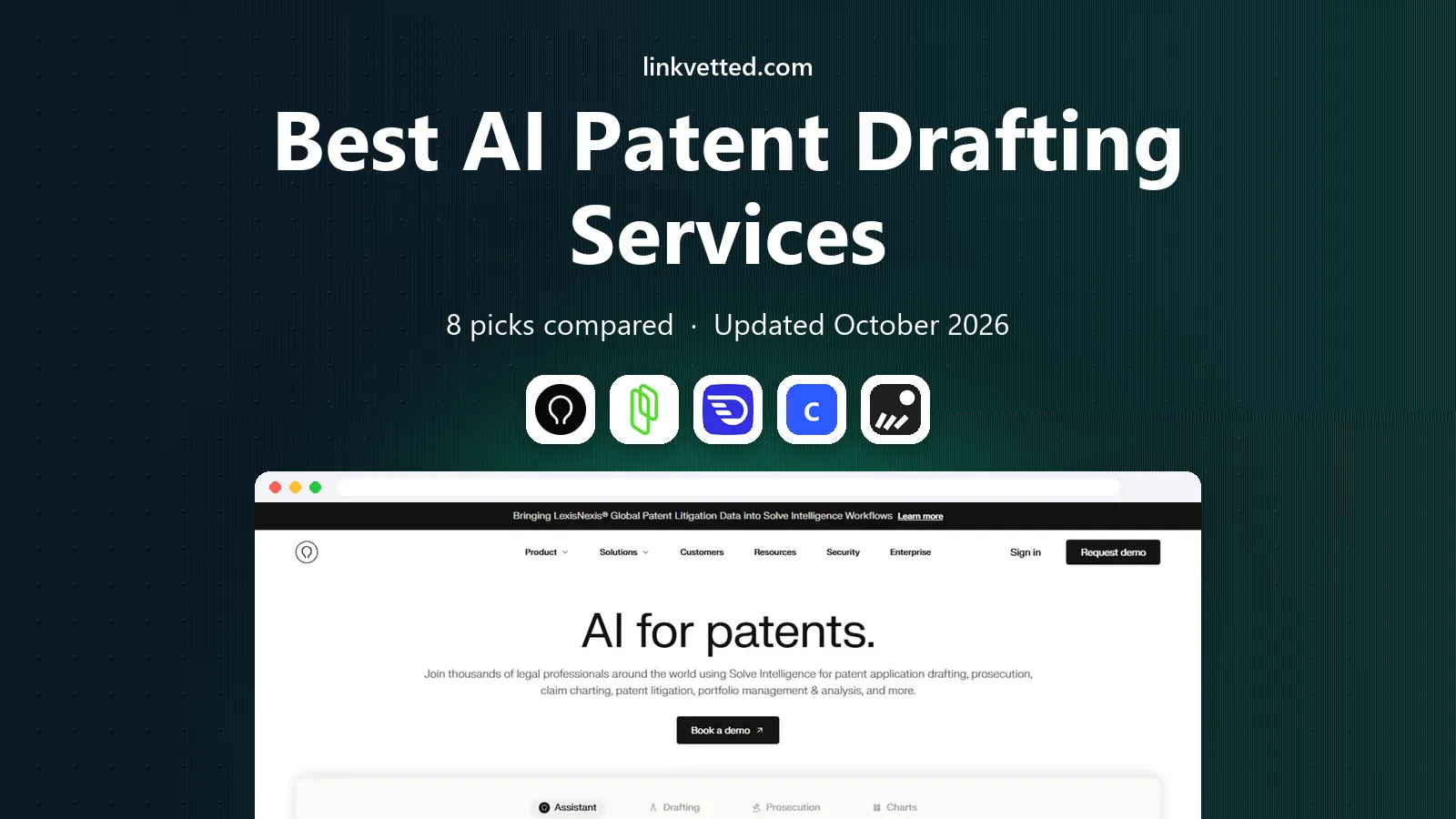
 Solve Intelligence
Large firms and multi-jurisdiction work
Starts atSee websiteVisit solveintelligence.comFull review - Great alternative
 Patlytics
Firms needing drafting plus analytics
Starts atSee websiteVisit patlytics.comFull review - Also consider
 DeepIP
Drafting inside Microsoft Word
Starts atSee websiteVisit deepip.aiFull review
TL;DR:
- Full platforms such as Solve Intelligence and Patlytics suit firms, while Word-based tools such as DeepIP suit attorneys who draft in Microsoft Word.
- Most firm-grade tools use sales-led pricing with no public rate card, so budget by quote and trial, not by a headline price.
- ClaimMaster and PatentPending.ai publish clearer entry prices, which helps small firms and solo inventors compare costs.
- Every tool here still needs human review before filing, because claim scope and disclosure quality decide whether a patent survives examination.
- Confidentiality terms matter as much as drafting speed: ask whether your disclosures are used for model training before you upload anything.
Quick comparison
| Tool | Best for | Starts at | Free plan? | |
|---|---|---|---|---|
| Solve Intelligence | Large firms and multi-jurisdiction work | See website | No | Visit |
| Patlytics | Firms needing drafting plus analytics | See website | No | Visit |
| DeepIP | Drafting inside Microsoft Word | See website | No | Visit |
 ClaimMaster | Proofreading and formalities | See website | Free trial | Visit |
 PatentPending.ai | Inventors preparing a first draft | $599 per application | No | Visit |
 Lightbringer | Founders managing a patent portfolio | See website | Free trial | Visit |
 Rowan Patents | Collaborative drafting and filing | See website | No | Visit |
 IP.com | Drafting with prior-art context | See website | No | Visit |
The best AI patent drafting services
AI patent drafting tools promise faster first drafts, but they differ sharply in workflow, review controls and price. The right pick depends on whether you are a firm, an in-house team, or an inventor filing for the first time.

Solve Intelligence, from Thomson Reuters, is built for firms that draft at volume across US and European practice. It combines drafting assistance with search and analysis tools, so attorneys can move from prior art to claims to specification without switching systems. For a firm standardising on one platform, that breadth is the main draw.
The downside is access. Pricing is quote-based, and the platform assumes a team, a docketing workflow and training time. Solo inventors and very small firms will find it hard to justify. If you run a patent practice with several attorneys, request a demo with your own recent application and judge the output on claim clarity, not speed alone.
- Full drafting platform from Thomson Reuters
- Strong prior-art and claim support
- Built for firm workflows
- Sales-led pricing with no public rate
- Likely too heavy and costly for a single filing
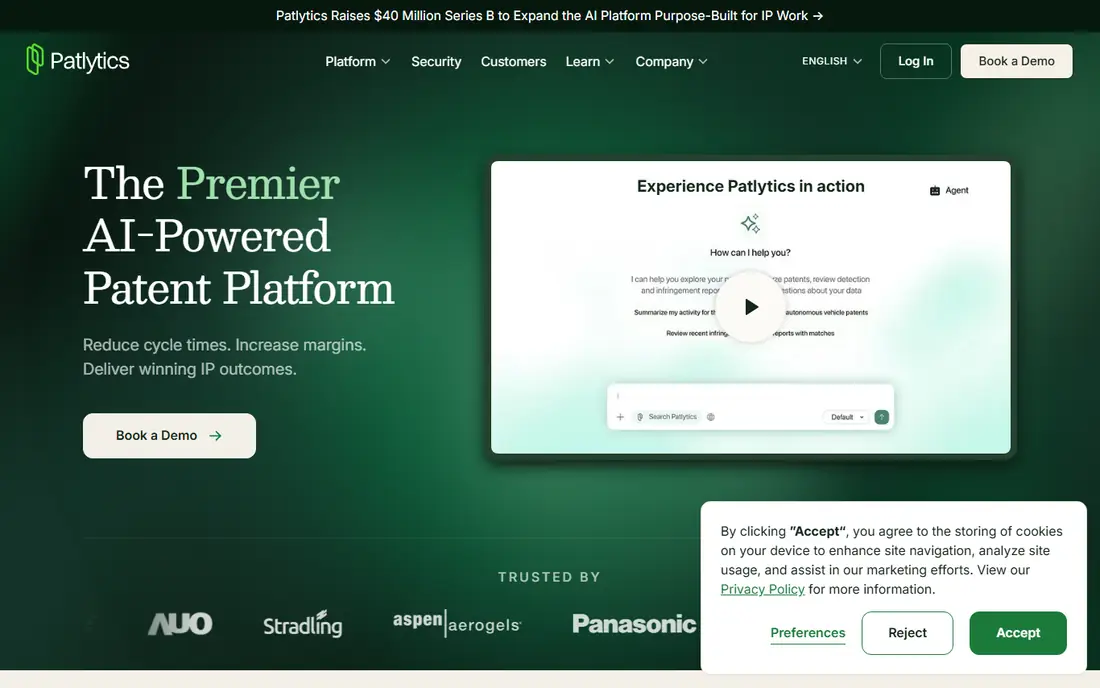
Patlytics pairs drafting tools with analytics on patents, portfolios and litigation risk. That combination suits in-house teams who need to decide what to file, not just how to draft it. Attorneys can check related patents, assess claim scope and track a portfolio from the same workspace.
The catch is price transparency. Like other full platforms, Patlytics sells by quote, so you cannot compare it on a rate card. It also bundles more than a pure drafting buyer may want. If your main need is a faster specification draft, ask the vendor to price drafting alone, and compare that quote against a Word-based tool before signing.
- Drafting plus portfolio and enforcement analytics
- Modern interface
- Built for in-house and firm teams
- No public pricing
- Analytics features may be more than a drafting-only buyer needs
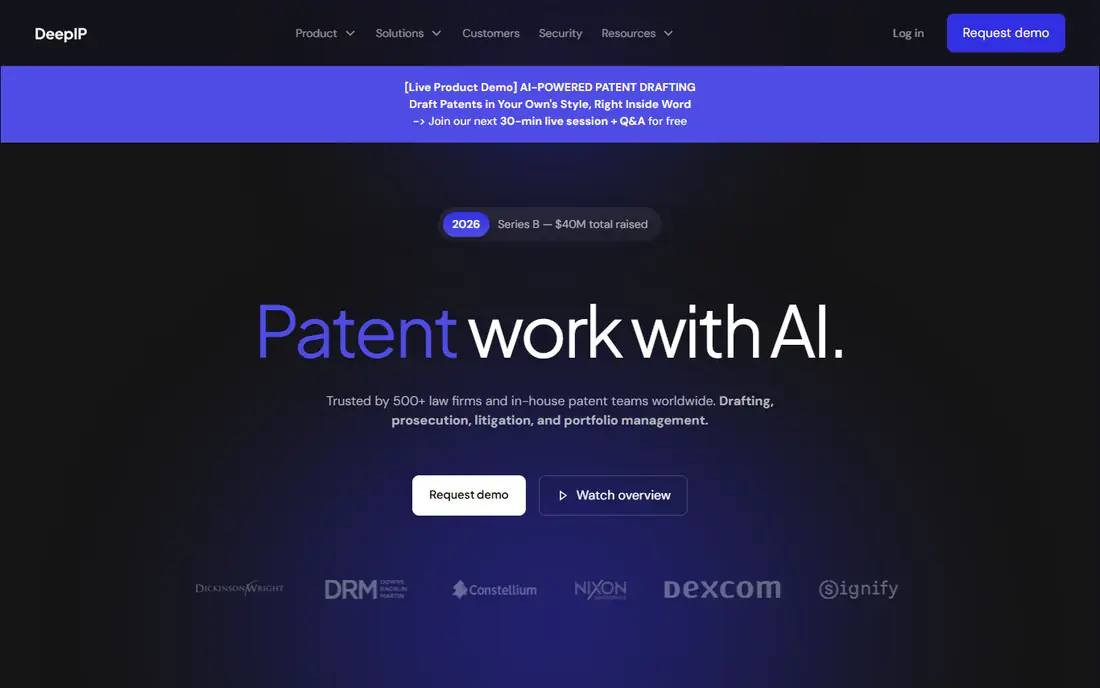
DeepIP takes a different approach: it stays inside Microsoft Word instead of asking attorneys to learn a new editor. That matters, because most patent drafting already happens in Word, with tracked changes, comments and firm templates. DeepIP helps generate sections, check consistency between claims and description, and tidy formatting.
The trade-off is scope. It is a drafting copilot, not a search, docketing or portfolio system, so firms still need those tools elsewhere. Pricing is per seat and typically annual, which suits a committed team but not a one-off filer. If your team drafts in Word all day, this is the least disruptive way to add AI help.
- Works inside Word, where most attorneys already draft
- Claim-to-specification consistency checks
- Supports many technology areas
- Per-seat pricing with annual commitments reported
- Drafting only, not a full portfolio tool
ClaimMaster is the practical pick for teams that already draft well but lose time to errors. It checks claim numbering, antecedent basis, part references and formalities, and flags inconsistencies that can draw objections from an examiner. Used before filing, it can save a costly office action later.
It is not a full drafting replacement. If you need a first draft from an invention disclosure, pair it with a drafting tool or a human drafter, and use ClaimMaster as the final check. The published tiers and free trial make it easier to test than quote-only platforms, which is a plus for small firms.
- Catches errors, numbering problems and formalities issues before filing
- Word add-in
- Published tiers and trial
- Focused on checking and proofreading, not full specification drafting
- Pricing varies by tier
PatentPending.ai is aimed at inventors who want structure without hiring a firm for a full draft. The self-serve plan walks you through an eight-stage workflow, produces an editable Word draft, and includes quality-control findings and filing tutorials. That structure helps first-time filers who would otherwise stare at a blank page.
The honest limit is that a draft is not a filed patent strategy. Claim scope, prior art and disclosure decisions still need care, and the attorney-review plan exists for that reason. Government fees are separate, and the plan terms govern extra attorney work. For a provisional filing where budget is tight, this is a clear and transparent starting point.
- Clear per-application pricing
- Structured eight-stage workflow
- Attorney-review upgrade available
- Self-serve draft still needs your review
- Government filing fees are separate
Lightbringer frames patent work as a business decision, not just a legal document. Founders and R and D teams can track ideas, compare them against competitor filings, and decide which inventions deserve a filing budget. That portfolio view is useful for startups that file selectively and need to justify each application.
The platform tier is free to start, with a trial, but patent and portfolio tiers move to paid and quote-based pricing. It is not a direct substitute for a firm-grade drafting platform if you draft complex applications daily. For a startup managing a small portfolio, though, it gives structure that a folder of Word files cannot.
- Portfolio view for founders and R and D teams
- AI help spotting high-value inventions
- Free platform tier listed
- Higher tiers are quote-based
- Less suited to a firm drafting at high volume
Rowan Patents offers a shared workspace where attorneys, agents and inventors can draft, comment and prepare filings together. Claim trees, figure handling and version control help teams avoid the email-and-attachment mess that slows many filings. For firms that collaborate closely with inventors, that shared view is a real benefit.
Pricing is not published, so you need a quote to compare it fairly. Rowan also lacks the wider research ecosystem of the largest legal publishers, though many firms pair it with a separate search tool. Ask for a trial on a live matter and judge how cleanly it handles your figures and claim amendments.
- Collaborative drafting workspace
- Claim charts and figure tools
- Filing support for US practice
- Pricing is quote-based
- Smaller ecosystem than Thomson Reuters or LexisNexis tools
IP.com has spent years in patent search and innovation analysis, and its AI drafting tools sit alongside that prior-art work. That context helps drafters see what is already known before they write claims, which can reduce overly broad or already-disclosed language. For teams that value novelty checking early, that pairing is useful.
The downside is that IP.com is a broad platform, and drafting buyers may find the sales process and pricing less straightforward than a focused tool. Request a clear drafting-only quote and a demo that starts from your invention disclosure, not a polished sample, so you can see how it handles real, messy input.
- Long history in patent search and analysis
- AI drafting tied to prior-art context
- Useful for novelty checks
- Interface and pricing are less transparent than newer rivals
- Drafting is one part of a wider platform
How we picked these
We compared vendor feature pages, pricing pages and independent 2026 comparisons of AI patent drafting tools, focusing on tools that exist and work today for firms, in-house teams or inventors. We favoured tools with clear drafting, review or portfolio functions and honest human-review controls, and we marked pricing as See website where the vendor sells by quote rather than publishing a rate. We did not claim hands-on testing, and we treated third-party price estimates as estimates, not vendor prices.
What to check before you buy
Test with your own disclosure
Vendor demos use clean sample inventions. Upload a real, redacted disclosure from your practice area and read the draft for claim support, consistency and missing technical detail. A tool that shines on software may struggle on biotech, and the reverse is also true.
Check confidentiality in writing
Ask for a data-processing agreement that states retention periods and whether client disclosures are used for model training. If a vendor cannot give that in writing, do not upload sensitive inventions. This check matters more than a small speed gain.
Price the whole filing, not the draft
Add attorney review time, formalities checking, filing fees and office-action responses to the tool price. A cheap draft that needs heavy rework can cost more than a pricier tool with stronger review controls. Budget for at least one full human review pass on every application.
FAQ
What is the best AI patent drafting software for a small firm?
For a small firm, DeepIP suits Word-based drafters, ClaimMaster suits teams that need a strong final check, and PatentPending.ai suits inventors or firms handling a first provisional draft. Larger firms with volume and multi-jurisdiction work should shortlist Solve Intelligence and Patlytics and compare quotes.
Does AI patent drafting replace a patent attorney?
No. AI tools can speed a first draft and catch consistency errors, but claim scope, disclosure strategy and responses to examiners still need human judgment. Every application should pass a qualified attorney or agent review before filing.
How much does AI patent drafting software cost?
Costs vary widely. PatentPending.ai lists 599 dollars per application for self-serve drafting, while firm platforms such as Solve Intelligence, Patlytics and DeepIP sell by quote, often per seat per year. ClaimMaster and Lightbringer publish entry tiers and trials, but higher tiers are quote-based.
Is my invention disclosure safe with AI drafting tools?
It depends on the vendor terms. Ask for written terms on data retention, training use and data residency before uploading anything confidential. Tools built for firms usually offer stronger controls than general-purpose chat tools, which should not be used for unpublished inventions.
Can AI tools draft claims as well as specifications?
Most tools help with both, but claim drafting is the riskiest part. Check that claims are fully supported by the description, use consistent terms, and cover the technical boundary you actually want to protect. A fast claim draft that is too narrow or too vague can weaken the whole patent.