Best AI Lip Sync Tools in 2026: 7 Tools Compared
Looking for the best ai lip sync tools? We compare 7 lip sync tools for dubbing, avatars and video, from HeyGen and Sync to D-ID and Synthesia.

- Editor's choice
 HeyGen
All-around avatar and dubbing
Starts at$29 per monthVisit heygen.comFull review - Great alternative
 Sync
Developer API lip sync
Starts at$5 per monthVisit sync.soFull review - Also consider
 D-ID
Low-cost avatar video
Starts at$4.70 per monthVisit d-id.comFull review
TL;DR:
- HeyGen is our pick for most creators, because it combines avatar video, multilingual dubbing and lip sync in one polished product.
- Sync suits developers who want an API for lip sync, with per-second pricing and no need for a full video studio.
- D-ID is strong for talking photos and avatars, with lower entry prices for short clips and experiments.
- Synthesia and Rask AI suit business and translation work, where consistent presenters and many languages matter more than social clips.
- Captions and Magic Hour suit creators who work mainly with real footage, where lip sync must match an existing person on camera.
Quick comparison
| Tool | Best for | Starts at | Free plan? | |
|---|---|---|---|---|
| HeyGen | All-around avatar and dubbing | $29 per month | Yes | Visit |
| Sync | Developer API lip sync | $5 per month | Yes | Visit |
| D-ID | Low-cost avatar video | $4.70 per month | Free trial | Visit |
 Synthesia | Corporate training video | $18 per month | Yes | Visit |
 Rask AI | Multilingual dubbing at volume | $39 per month | Yes | Visit |
 Captions | Mobile social dubbing | $24.99 per month | Yes | Visit |
 Magic Hour | Real footage lip sync | $10 per month | Yes | Visit |
The best ai lip sync tools
Lip sync tools fall into two groups, and the distinction matters. Some tools sync new audio to an existing video of a real person, which is dubbing. Others animate a photo or an avatar to match audio, which is avatar video. Pick the group first, then compare price and quality inside it.
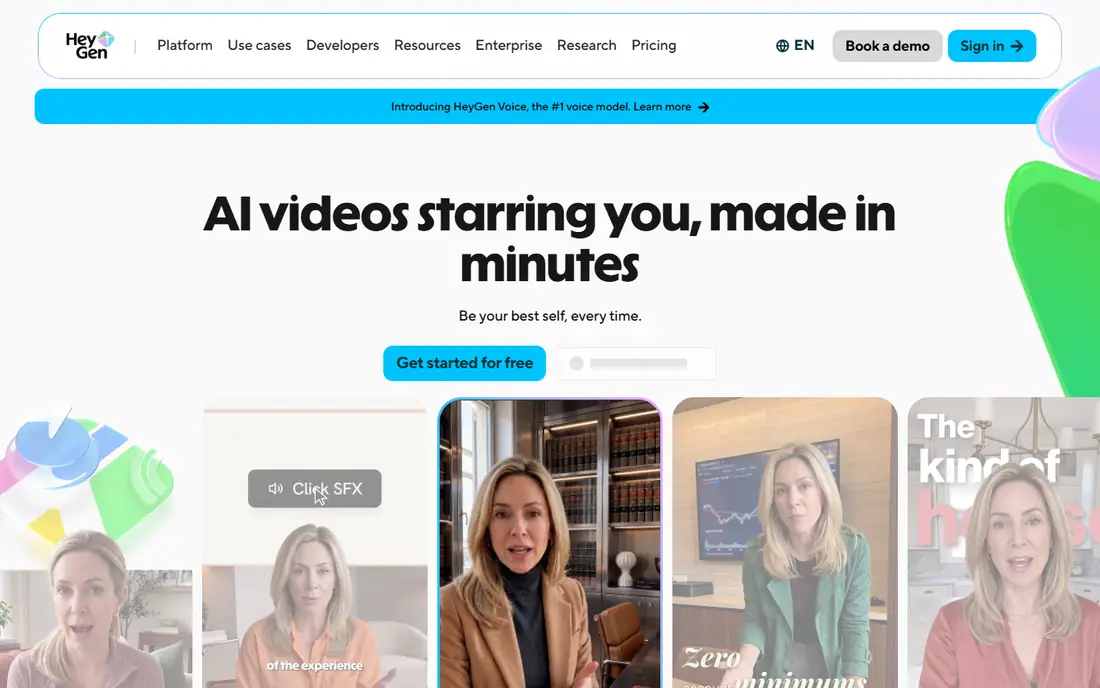
HeyGen is the most complete choice for a creator or a small team that wants one tool for several video jobs. You can create an avatar presenter from a script, dub an existing video into another language with matched lip movement, or translate a training video without re-shooting it. Recent pricing lists Creator at $29 per month, with a free plan that allows a few short videos per month.
The limit is credits. A monthly credit allowance sounds generous until you count finished minutes, especially at higher quality settings, so check how many minutes your plan really covers. For short marketing clips, explainers and translated versions of existing videos, HeyGen is a strong default. For heavy, daily dubbing volume, compare its per-minute cost with an API tool like Sync before you commit to a year.
- Wide language support for dubbing
- Realistic avatars
- Templates and editing tools included
- Credits limit monthly output
- Best quality costs more per minute
- Free plan videos are watermarked
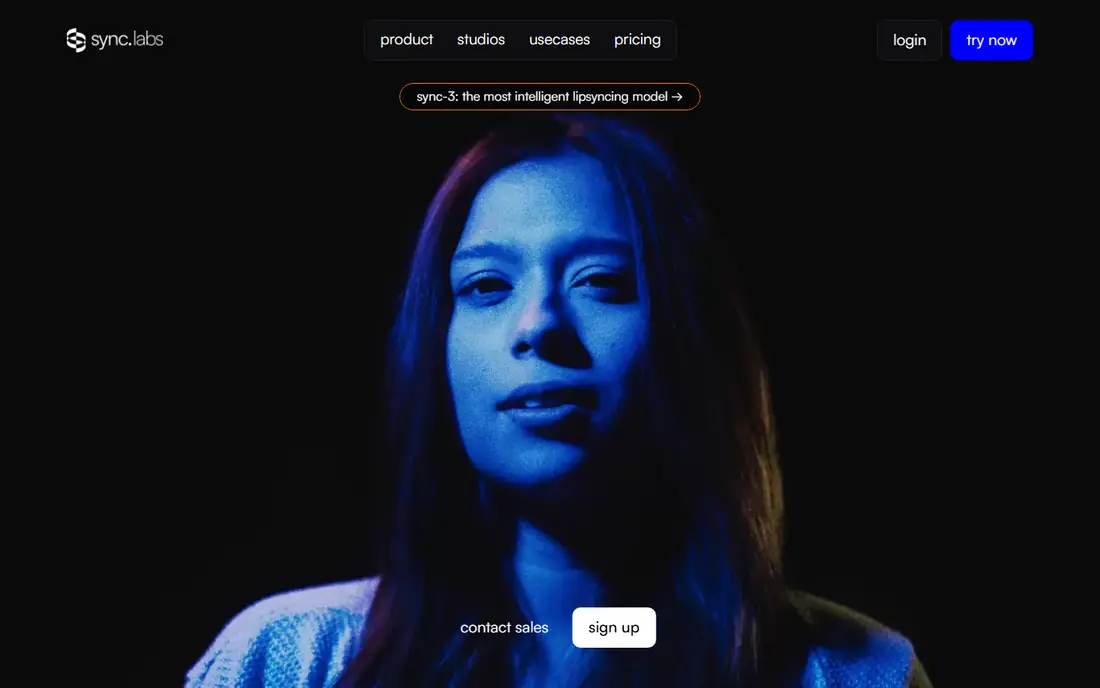
Sync, formerly Sync Labs, is built for developers who want to add lip sync to their own product or pipeline. You send an existing video and a new audio track through an API, and you receive a version where the mouth movement matches the new audio. Recent listings put the entry plan at $5 per month plus about $0.05 per second, which makes small tests cheap and large jobs easy to estimate.
The catch is that Sync is not a creator studio. If you want templates, avatars and a timeline editor, HeyGen or Captions will feel more complete. If you are building a dubbing feature, localising many videos, or automating a workflow, Sync gives you control without paying for studio features you will not use. Test it on a close-up speaking shot first, since that is where lip sync errors are easiest to see.
- API-first design for developers
- Per-second pricing
- Strong lip sync quality on existing video
- Needs technical skill to use well
- No full video studio for non-developers
- Costs rise with long videos

D-ID is the cheapest way to try avatar video seriously. Recent pricing lists Lite at $4.70 per month when billed annually, with about 10 minutes per month, and a 14-day trial for new users. That makes it a good test bed for a presenter video, a support avatar, or a short explainer, without committing to a larger subscription.
The limit is minutes. Ten minutes a month is enough for a few short videos, but not for a course or a weekly series, and higher tiers are needed for volume. D-ID also offers conversational avatars through its API, which suits customer support or training demos. If you need many minutes, compare the cost per finished minute across D-ID, HeyGen and Synthesia, rather than comparing headline monthly prices alone.
- Very low entry price
- Real-time conversational avatars
- API access for developers
- Free option is a trial, not a lasting free plan
- Monthly minutes are limited on Lite
- Avatar style can feel formal
Synthesia is built for business video, especially training, onboarding and internal updates. You write a script, pick a stock avatar, and generate a presenter video without a camera, a studio or a shoot day. Recent pricing lists Starter at $18 per month when billed annually, with a basic free plan for a short test. Dubbing lets teams update a video in another language without re-recording.
The trade is tone. Synthesia presenters look professional and consistent, which is right for training, but less right for a casual social clip where a real person on camera would feel warmer. Minutes are also limited on the entry plan, so a team that makes weekly training videos should price the plan that covers its real monthly output. For regulated or large teams, the control and consistency are worth that cost.
- Consistent stock avatars for training
- Dubbing across many languages
- Governance and team features
- Monthly minutes are limited on Starter
- Avatar style is corporate rather than casual
- Higher tiers needed for volume
Rask AI is a dubbing tool first, which makes it different from avatar studios. You upload a video, choose target languages, and receive translated audio with lip sync, so the same lesson, talk or marketing video can reach viewers who do not speak the original language. Recent listings put Creator at $39 per month, with lip sync on a higher tier, so check the plan that includes the feature you actually need.
The catch is review. Machine translation and voice cloning have improved, but they still need a human check for tone, names and technical terms, especially in education or business content. For a creator with a growing international audience, Rask AI can open a new market without a full re-shoot. For a single video in one extra language, a simpler tool or a freelance translator may be cheaper.
- Dubbing in many languages
- Useful for creators and educators with an audience abroad
- Voice cloning options
- Lip sync sits on a higher tier in recent listings
- Entry plan may not cover a full dubbing workflow
- Review time still needed
Captions is a mobile creator app that includes an AI Lipdub feature for dubbing social clips, alongside captions, editing and other creator tools. Recent listings put Max at $24.99 per month. For a solo creator who shoots, edits and posts from a phone, that all-in-one mobile workflow is the appeal. You can dub a short clip, add captions and publish without moving to a desktop studio.
The trade is price and scope. At $24.99 per month, it is not a casual purchase, and a desktop team that already edits in another tool may not need the full bundle. Dubbing also works best on clear, front-facing speech, so test it on your typical shot type before you rely on it for a client video. For short-form creators, though, the speed from phone to published clip is hard to match.
- Built for mobile creators and social clips
- AI Lipdub feature for dubbing
- Captions and editing tools included
- Monthly price is high for casual use
- Mobile-first workflow may not suit desktop teams
- Dubbing quality varies by shot
Magic Hour stands out for lip sync on real footage, rather than on avatars alone. You can take a clip of a real person speaking, add a new voiceover or a translated track, and receive video where the mouth matches the new audio. Recent listings put the entry paid plan at $10 per month when billed annually, with a free tier that includes credits.
The benefit is realism for existing footage, which is useful for re-voicing a scene, fixing a line, or localising a video without a re-shoot. The limit is the source material. Poor lighting, a turned head or fast movement will hurt any lip sync tool, and Magic Hour is no exception. Test it on your hardest shot, not your easiest one, and check how credits are spent per minute before you plan a large project.
- Lip sync for real recorded footage
- Free tier with credits
- Face swap and video tools in one platform
- Credit system needs careful tracking
- Quality depends on the source footage
- Less suited to long avatar training
How we picked these
We compared official pricing pages, feature pages and recent comparisons for tools that still offer a dedicated lip sync feature in October 2026, and we kept tools that cover dubbing, avatar video and API use. We favoured a mix of creator studios and developer tools, and we noted where lip sync sits on a higher tier, since that detail changes the real cost. We did not claim hands-on testing, and we used vendor and recent listings for prices, with a note to re-check before buying an annual plan.
How to choose a lip sync tool
Start by naming your input. If you have an existing video of a real person, you need dubbing lip sync, and Sync, Rask AI, Captions or Magic Hour are the natural shortlist. If you have only a photo or a script, you need avatar video, and HeyGen, D-ID or Synthesia are the natural shortlist. Mixing those two jobs up is the most common reason a tool disappoints.
Next, test on a hard clip. Use a close-up, natural speech with pauses and varied sounds, and a shot where the speaker turns slightly. Watch the mouth on consonants and on pauses, and listen for whether the voice still sounds natural after translation or cloning. A tool that looks good on a slow, front-facing read may fail on a faster, more natural delivery.
Finally, price by finished minute, not by monthly headline. Add up credits or per-second charges for a typical video, multiply by how many videos you make each month, and include review time. A cheaper monthly plan that needs three re-renders per video can cost more in time than a pricier plan that gets it right first time. Also use these tools only with audio and faces you have the right to use, and label synthetic video clearly when it could mislead viewers.
FAQ
What is the best free AI lip sync tool?
There is no single free tool that covers every job well. HeyGen, Synthesia and Magic Hour all offer free tiers or trials, but they limit minutes, credits or quality, and free videos are often watermarked. Try two free tiers on the same clip and compare the mouth movement before you pay.
Is AI lip sync the same as dubbing?
Dubbing is the wider job of translating and re-voicing a video. Lip sync is the step that matches mouth movement to the new audio, so a dubbed video can have translated audio without good lip sync, and it will look off. The best tools do both, or pair well with a translation step.
Which lip sync tool is best for developers?
Sync is the strongest developer-first choice, because it is API-first and charges per second. D-ID and HeyGen also offer API access, but Sync is built around a pipeline rather than a studio, which suits teams that want to automate lip sync inside their own product.
Can lip sync tools animate a photo?
Yes. D-ID is built for talking photos and avatars, and HeyGen can also create avatar presenters. Photo animation works best with a clear, front-facing image and short audio, and results look more stylised than real footage dubbing.
How much does AI lip sync cost per minute?
It varies widely by tool, resolution and quality setting, from a few dollars per minute on a per-second API to higher effective costs on credit plans with limited minutes. Price a typical video on two tools before you choose, and include re-renders in the estimate.