Best AI Lip Sync Video Tools Comparison in 2026: 7 Products Compared
Compare the best ai lip sync video tools in 2026, from avatar platforms to browser editors, with pricing, credit limits, consent rules, and quality tips.
- Editor's choice
 HeyGen
Realistic avatars and translation
Starts atFreeVisit heygen.comFull review - Great alternative
 Synthesia
Business training videos
Starts atFreeVisit synthesia.ioFull review - Also consider
 D-ID
Photo-to-talking-video clips
Starts atSee websiteVisit d-id.comFull review
TL;DR:
- Lip sync quality depends on the source audio, the face angle, and the model used, so test the same clip in two tools before you commit.
- Avatar platforms suit scripted presenter videos, while browser editors suit quick dubbing and social clips.
- Credit and minute limits matter more than the headline price, because premium models can use credits far faster than basic models.
- Only create lip sync videos of real people with clear permission, and label AI-generated video when you publish it.
Quick comparison
| Tool | Best for | Starts at | Free plan? | |
|---|---|---|---|---|
| HeyGen | Realistic avatars and translation | Free | Yes | Visit |
| Synthesia | Business training videos | Free | Yes | Visit |
| D-ID | Photo-to-talking-video clips | See website | Yes | Visit |
 VEED | Browser dubbing and captions | Free | Yes | Visit |
 Kapwing | Team editing with lip sync tools | Free | Yes | Visit |
 Wondershare Virbo | Talking avatars for marketing | See website | Yes | Visit |
 Akool | Face swap and lip sync for ads | See website | Yes | Visit |
The best ai lip sync video tools comparison
Lip sync tools match mouth movement to new audio, translate a video into another language, or make a photo speak. The tools below cover each job, with different trade-offs on realism, cost, and control.
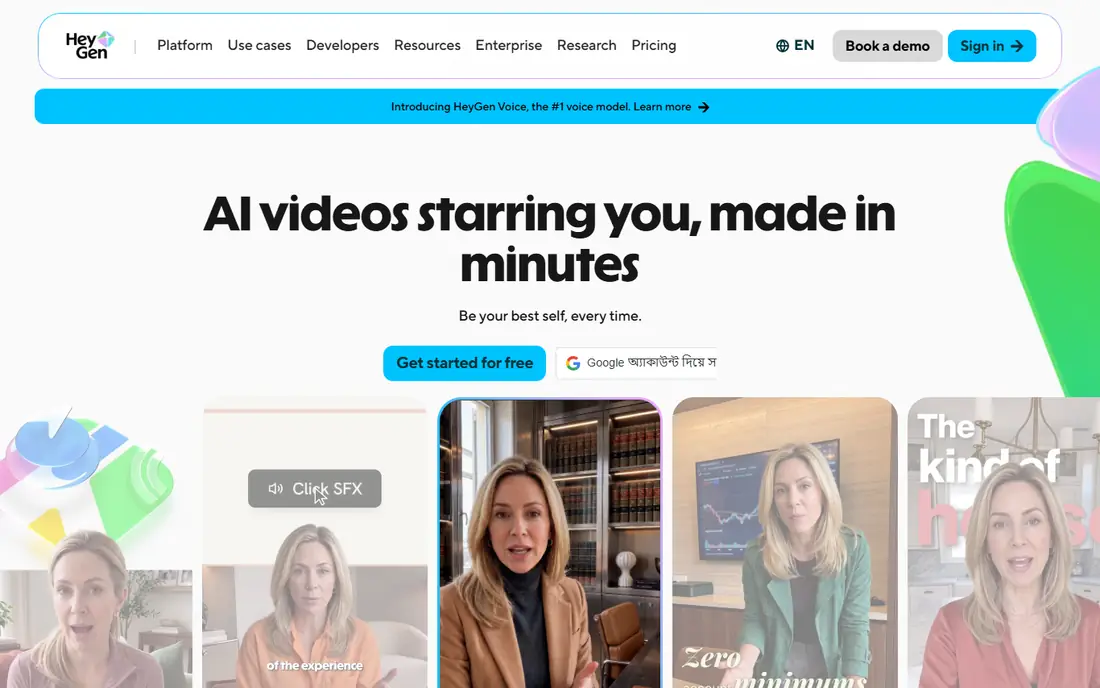
HeyGen is the strongest all-round pick when realism matters. You can create a talking avatar from a script, turn a photo into a speaking clip, or translate an existing video with lip sync that re-times mouth movement to the new audio. Creator at $29 per month adds watermark removal, 1080p export, and a larger credit pool. The credit system needs attention. Basic video may be generous, but premium avatar models can use about 20 credits per minute, so a Creator credit pool covers only a limited amount of premium output each month. Test a short clip in the free plan first, then budget by finished premium minutes, not by the headline plan name.
- Strong lip sync translation in many languages
- Custom avatars from your own footage
- 1080p export on Creator plan
- Premium avatar models use credits quickly
- Free plan exports carry a watermark

Synthesia suits teams that turn scripts into training, onboarding, and product videos. You pick an avatar, paste a script, choose a voice and language, and generate a presenter video without a camera or studio. Starter at $29 per month, or $18 per month billed annually, includes watermark removal, downloads, and AI dubbing, with a limited monthly minute allowance. The limit is the meter. Minutes are shared across video generation and dubbing, and unused minutes expire each month, so a busy month can force an upgrade. Synthesia is less playful than HeyGen, and its avatars feel more corporate, which is a strength for training and a weakness for social ads. Plan your monthly minutes before you subscribe.
- Large stock avatar library
- Script-to-video workflow for training
- Translation and dubbing tools
- Minutes are capped and do not roll over
- Advanced compliance features sit on Enterprise
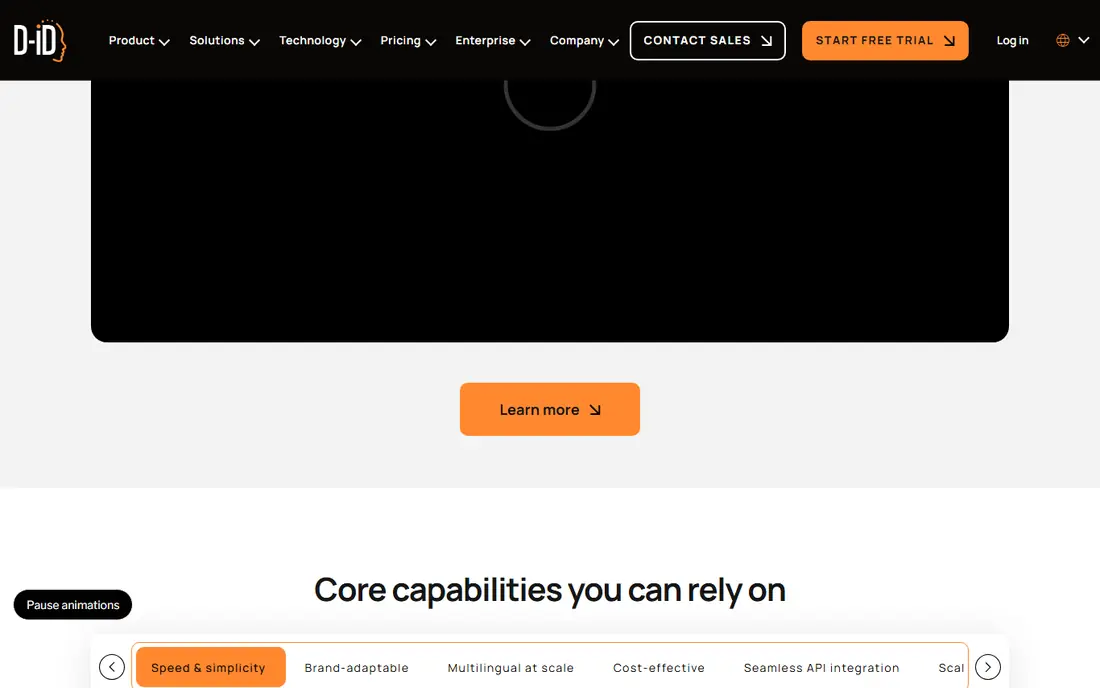
D-ID is best known for making a still image speak. Upload a portrait, add a script or audio file, and the tool animates the face and syncs the lips to the voice. That makes it useful for historical photos, product presenters, and short explainer clips where filming a person is not practical. Long or emotional performances are harder. A single photo has limited head movement and expression, so extended dialogue can feel flat compared with a full avatar platform. D-ID also offers an API for developers who want to embed talking video in an app. Use it for short, clear messages, and get consent before animating a real person's photo.
- Turns a single photo into a talking video
- API for apps and websites
- Voice and language options for dubbing
- Output can look stiff on long clips
- Pricing and credit limits need checking before a large project
VEED suits creators who already edit in a browser and want lip sync as part of a full workflow. You can cut a video, add subtitles, translate the audio, and generate an avatar or dubbed version without switching apps. Lite plans start around $12 per month billed annually, with higher tiers adding more AI minutes and features. VEED is not a specialist avatar studio, so its lip sync may not match HeyGen on a close-up presenter shot. The strength is convenience: captions, translation, and editing live in one timeline. If you need a quick dubbed social clip with clean captions, VEED is faster than moving files between tools. If you need a premium avatar, compare it side by side with HeyGen first.
- Browser editor with dubbing, translation, and captions
- AI avatars and voice tools
- Watermark-free 1080p on paid plans
- Free exports carry a watermark
- Lip sync quality depends on the clip and voice used
Kapwing works well for small teams that edit together in a browser. You can trim by transcript, remove silences, add captions, and dub a clip into another language, all while teammates comment on the same project. Pro at $16 per member per month billed annually removes the watermark and raises export quality. Kapwing will not beat a dedicated avatar platform on realism, and its free plan limits video length and quality. The value is workflow: a team can cut, caption, dub, and publish from one workspace. For a marketing team that needs many localized clips, that shared timeline saves more time than a slightly better lip sync model in a separate app.
- Browser timeline for team editing
- Dubbing in many languages
- Captions, Smart Cut, and transcript trimming
- Free exports are watermarked and capped at 720p
- Lip sync is one feature among many, not the core focus
Virbo, from Wondershare, targets marketers who need talking avatar videos for ads, product pages, and social posts. Templates, stock avatars, and script tools let you produce a presenter clip quickly, and the workflow will feel familiar if you already use Filmora. Voice and language options support localized versions of the same ad. The style is marketing-first. Corporate training teams may prefer Synthesia for compliance and review tools, while Virbo suits short, direct promos. Pricing is credit-based, so check how many credits a finished minute uses on the avatar and resolution you plan to use. Test one ad end to end before you buy a larger credit pack.
- Large avatar and template library for marketing videos
- Script-to-video workflow
- Voice and language options
- Credit-based pricing needs careful budgeting
- Output style suits marketing more than training
Akool combines several face tools that advertisers use for product demos, localized ads, and virtual presenters. You can swap a face in a clip, animate a photo, or sync lips to new audio, then export for social or web use. The API suits teams that need to generate many variants for testing. The risks are higher here than with a scripted avatar, because face tools can be misused to impersonate real people. Only use photos and video of people who have given clear permission, and check Akool terms and content policies before you publish. For legitimate ad work with consented talent, Akool offers breadth in one place. For sensitive or political content, do not use it.
- Face swap, talking photo, and lip sync tools in one platform
- API for larger workflows
- Ad and e-commerce use cases
- Quality varies by source photo and lighting
- Consent and misuse controls need careful review
How we picked these
We checked official product pages, pricing pages, and feature lists for each tool, along with app store listings and public reviews for lip sync quality and credit limits. We favored tools that are available in October 2026, offer a free trial or free plan, and clearly support lip sync rather than only text-to-speech or silent video generation. Tools that could not be verified, that had stopped operating, or that focused mainly on non-consensual face use were left out.
How to get a believable lip sync result
Start with clean audio. A clear recording with steady volume and little background noise gives every model a better chance, while a muffled phone recording will show errors in mouth shape and timing. Record in a quiet room, keep the mic close, and avoid talking over music in the source clip. Next, match the face to the job. A front-facing, well-lit face with a neutral background syncs better than a side profile, a moving camera shot, or a face partly hidden by hair or hands. Short sentences also help, because long, fast passages expose timing slips. If a clip looks off, try a shorter sentence, a slower voice, or a different avatar before you blame the whole tool. Finally, check consent, labeling, and platform rules. Get written permission for any real person you animate, label AI-generated video where the platform or audience expects it, and avoid creating misleading clips of public figures. A tool that can sync lips can also create a false impression, so the ethical check is part of the workflow, not an afterthought.
FAQ
What is the best AI lip sync tool for beginners?
HeyGen is the easiest strong starting point, because the free plan lets you test avatars, photo-to-video, and translation in one place. VEED is a good alternative if you already edit in a browser and want dubbing plus captions in the same timeline.
Can AI lip sync translate my video into another language?
Yes, several tools in this list offer translation with lip sync, including HeyGen, Synthesia, and VEED. Quality varies by language, voice, and face angle, so review the translated clip fully before you publish it, especially for names and technical terms.
How much does AI lip sync cost per video?
It depends on the model and length. Basic plans may include a set number of minutes or credits, while premium avatars can use credits much faster. Budget by finished minutes on the exact model you plan to use, and check whether unused credits roll over.
Is it legal to make a lip sync video of someone else?
Only with permission in most cases, especially for commercial use. Do not animate a real person without clear consent, and do not create misleading videos of public figures. Check the tool terms, platform rules, and local law before you publish.
Why does lip sync sometimes look wrong?
Common causes are poor audio, a side-angle face, fast speech, low resolution, and a model that was not trained for that language or voice. Improve the audio, use a front-facing clip, shorten sentences, and test the same clip in a second tool before you settle on a workflow.