Best AI Image to Video Tools in 2026: 8 Tools Compared
Compare the best AI image to video tools for animating photos and artwork in February 2026, with pricing, motion quality and free plans included for creators
- Editor's choice
 Runway
Professional image animation
Starts at$12 per monthVisit runwayml.comFull review - Great alternative
 Kling
Longer animated clips
Starts at$6.99 per monthVisit klingai.comFull review - Also consider
 Pika
Fast social animation
Starts at$8 per monthVisit pika.artFull review
TL;DR:
- Image to video tools animate a starting photo or artwork, so the quality of your source image matters as much as the model.
- Runway, Kling and Veo 3 lead on motion quality, while Pika and PixVerse offer faster, cheaper options for social clips.
- Most tools produce five to ten second clips, so plan stories as a series of short shots.
- Check commercial use terms and likeness rules before animating photos of real people for ads or client work.
Quick comparison
| Tool | Best for | Starts at | Free plan? | |
|---|---|---|---|---|
| Runway | Professional image animation | $12 per month | Yes | Visit |
| Kling | Longer animated clips | $6.99 per month | Yes | Visit |
| Pika | Fast social animation | $8 per month | Yes | Visit |
 Luma Dream Machine | Cinematic camera moves | $9.99 per month | Yes | Visit |
 Hailuo | Affordable animation | $9.99 per month | Yes | Visit |
 Google Veo 3 | Realistic motion with audio | $19.99 per month | Free trial | Visit |
 Adobe Firefly | Brand-safe animation | $9.99 per month | Yes | Visit |
 PixVerse | Quick effects and styles | See website | Yes | Visit |
The best AI image to video tools
Image to video tools take a photo, illustration or product shot and add motion, camera movement or a simple action. We compared official pricing, clip length, motion controls and editing features for tools that accept an image input and return video in 2026, with a focus on usable output for creators and small teams.
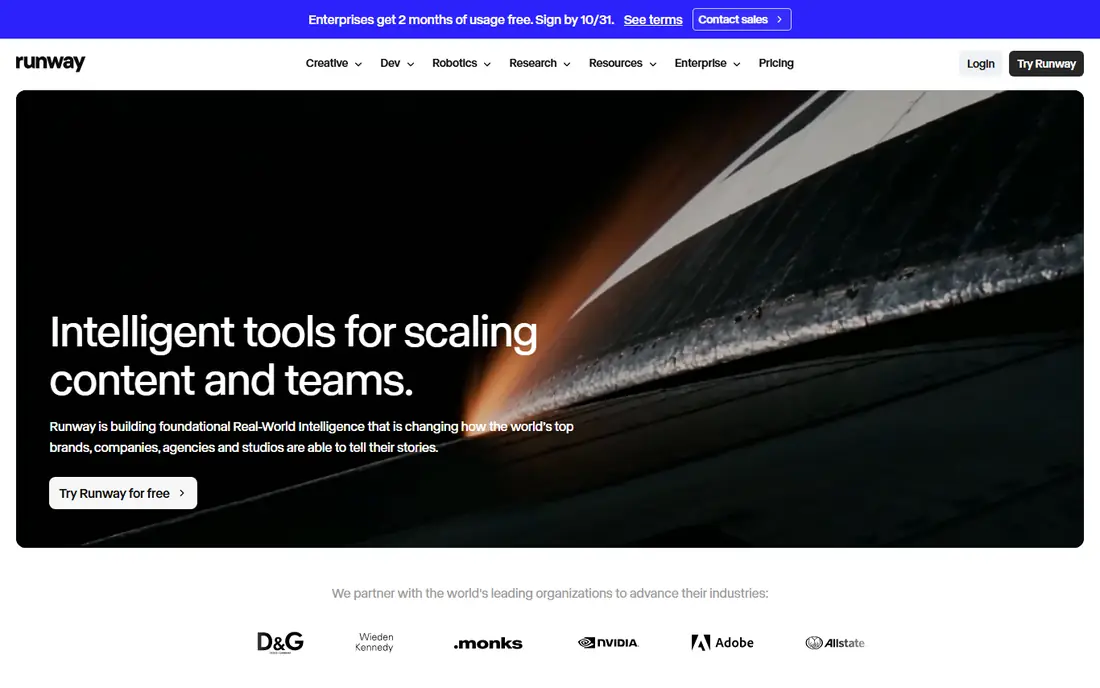
Runway is our pick for creators who want control over how an image moves. Its Gen-4 models animate a starting image with camera moves, subject motion and style controls, and the platform adds editing tools for inpainting and upscaling. Standard pricing is $12 per month billed annually, with 625 credits and a free tier with limited one-time credits.
Credit use is the main limit. High-quality generations cost more, so a Standard plan covers a modest number of finished clips per month. For careful projects where each shot matters, that trade is worth it. For bulk social output, use a cheaper tool for drafts and Runway for final shots that need polish.
- Strong motion quality
- Camera controls
- Editing and upscaling tools
- Credits run out fast on high-quality clips
- Advanced tools take learning
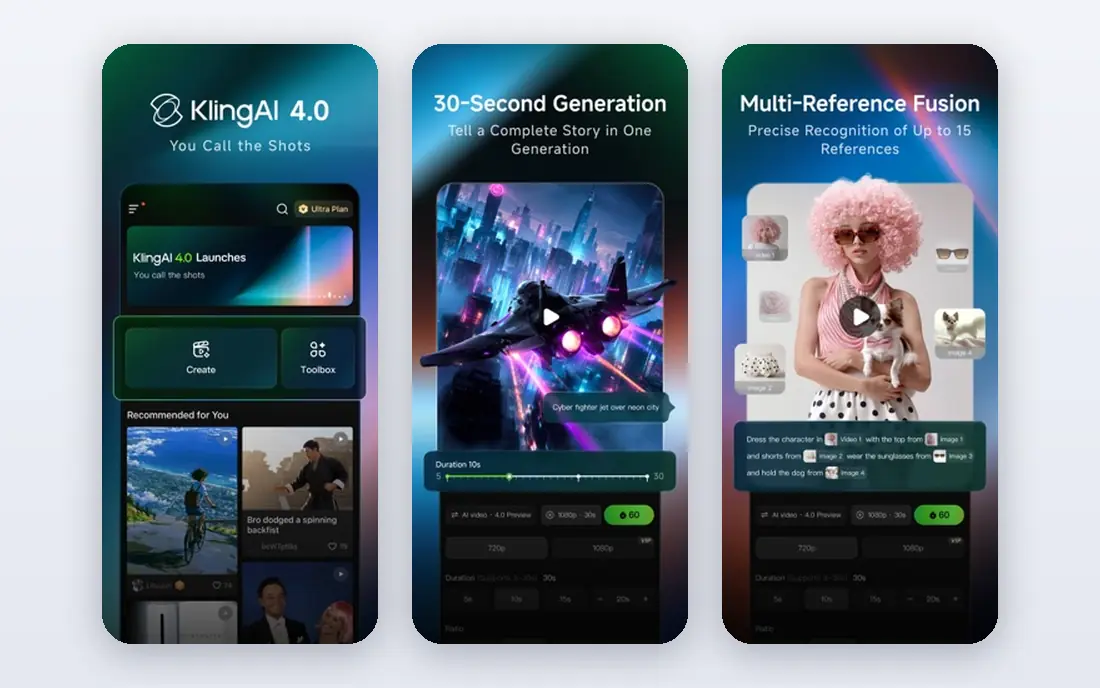
Kling is a strong value choice for image to video work. It animates photos and artwork into clips longer than many rivals, with Standard pricing from $6.99 per month and free credits for new users. Character motion, facial expression and expressive styles are particular strengths, which suits social stories and short character clips.
Results vary with the source image and prompt. A clear, well-lit photo with one main subject animates better than a busy scene with several people. Plan to generate a few variations and pick the best. For creators who post often and can iterate, Kling offers excellent output per dollar.
- Low entry price
- Longer clips
- Good character and face motion
- Quality varies by prompt and image
- Support can feel uneven
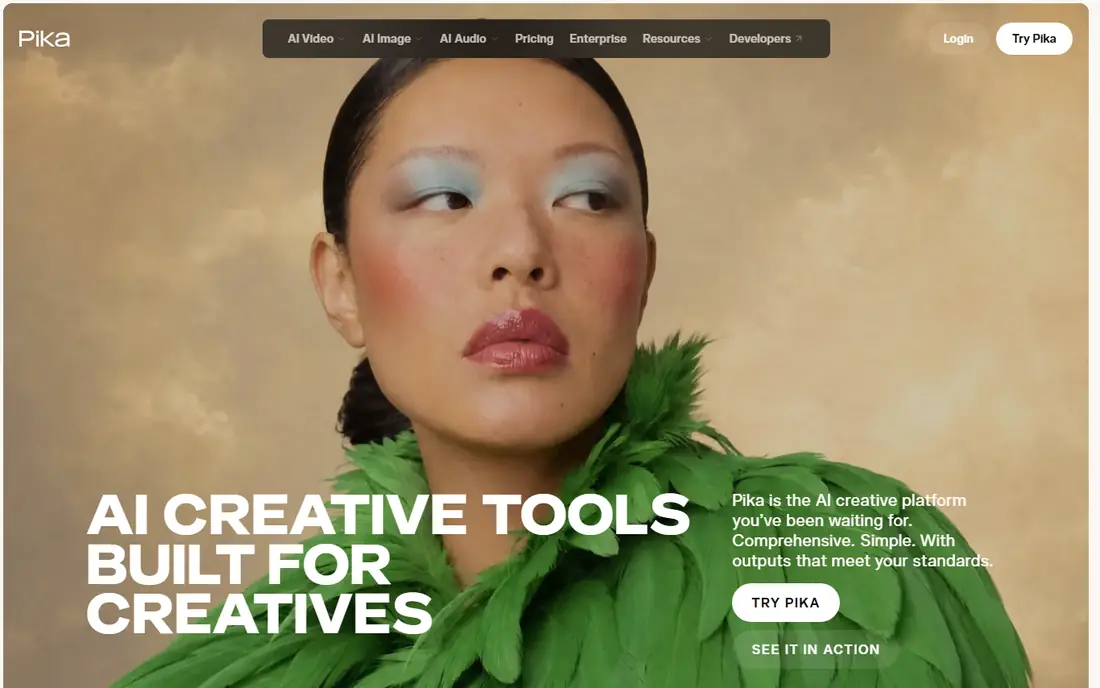
Pika is the fast, fun option for animating images for social feeds. Upload a photo, describe the motion, and get a short clip quickly, with effects and transitions that suit memes, teasers and playful posts. Standard pricing starts at $8 per month, with a free tier for basic tests.
Realism is lower than Runway or Veo 3, and faces or hands can distort on complex motion. Clips also stay short. That is fine for social content where speed and charm matter more than perfect realism. For product or brand work that must look polished, a higher-end tool is a better fit.
- Fast generation
- Fun effects
- Easy to learn
- Short clips
- Realism lags behind top models
- Credit limits on lower plans
Luma Dream Machine turns a still image into a clip with camera movement that feels closer to a real shoot than a simple zoom. You can direct pans, orbits and tracking moves, and the resulting clips often have a film-like look that suits product shots, travel photos and artwork. Lite pricing starts at $9.99 per month, with a free tier for tests.
Audio is limited compared with Veo 3, so you will usually add music or sound in an editor. Credits also limit monthly output on lower plans. For visual-led projects where camera work sells the shot, Luma is a strong pick. For dialogue or sound-led clips, choose a tool with native audio.
- Strong camera controls
- Pleasing cinematic look
- Image input support
- Audio support is limited
- Credits limit heavy use
Hailuo offers affordable image to video generation with 1080p output and Standard pricing at $9.99 per month, plus free credits for new users. Cost per finished clip is low, which helps creators who need many variations for ads or social testing. Visual styles can be distinctive, which helps a product shot stand out in a feed.
Motion control is less precise than Runway or Veo 3, so complex actions may need several attempts. Support and documentation in English can also feel thinner. If you value volume and price over precise control, Hailuo is a practical choice, especially for social and ad testing.
- Low cost per clip
- 1080p output
- Distinctive styles
- Motion control is less precise
- English support can feel thinner
Veo 3 animates an image with realistic motion and synced audio, including ambient sound and dialogue where the scene calls for it. That combination saves a separate audio step and makes short clips feel more complete. Access comes through Google AI Pro at $19.99 per month and related plans, with API pricing for heavier use.
Clips remain short, typically around eight seconds, and cost per clip runs higher than budget tools. For a hero product shot, a short ad or a story moment where realism and sound matter, Veo 3 is a strong choice. For bulk social animation, pair it with a cheaper tool for volume.
- Native audio
- Strong realism
- Image to video plus text to video
- Short clips
- Higher cost per clip
- Access varies by plan
Adobe Firefly Video is the safest pick for client work where rights matter. Adobe states that Firefly models are trained on licensed and public domain content, which gives brands a clearer commercial use story than tools with vaguer disclosures. Firefly Standard starts at $9.99 per month, with credits for image and video work.
Clips are short, around five seconds on standard settings, and creative range is narrower than open models. Integration with Adobe apps is a plus if you edit in Premiere Pro or Express. For marketing teams animating product shots or brand artwork, Firefly offers defensible terms with good quality, even if it is not the most experimental tool here.
- Commercial use terms suited to client work
- Adobe app integration
- Simple controls
- Clips are short
- Creative range is narrower
- Credit system takes learning
PixVerse is built for speed and fun. Templates and effects turn a photo into a short animated clip quickly, which suits social creators who want a trending style without manual prompting. A free tier lets you test effects, and paid plans add credits and higher quality options.
Quality varies by effect, and some styles look better than others, so test the exact effect you plan to use. Commercial terms also need checking for client work, since PixVerse is more social-led than brand-led. For quick, playful animation, PixVerse is easy and fast. For polished brand work, a pro tool such as Runway or Firefly is a better fit.
- Fast effects and templates
- Fun styles for social
- Free tier
- Quality varies by effect
- Commercial terms need checking
- Less control than pro tools
How we picked these
We compared official pricing pages and feature lists for tools that accept an image and return video in 2026. We favoured tools that are live for US users, that publish pricing or credit terms, and that cover different needs from professional animation to fast social effects. We left out tools that only generate video from text without an image input path, and tools that only animate faces without broader image support.
How to get better image to video results
Start with a strong source image. A clear subject, good light and a simple background animate far better than a busy, low-resolution photo. Crop to the subject, remove clutter if you can, and use a high-resolution original rather than a compressed social download.
Write a motion prompt with one main action. Describe the subject, the movement, the camera move and the mood in a short sentence, and avoid asking for several actions at once. Generate two or three variations, pick the best, and trim or loop in a normal editor. Finally, check likeness and rights before animating photos of real people, especially for ads, and keep human review in place for client work.
One action per clip
A clip that asks a subject to walk, turn, smile and wave at once usually fails. Pick one clear action, such as walking toward the camera or turning to face the light, and let the model do that well. Save complex stories for a series of short clips edited together.
Edit, do not chase perfection
No single generation is usually perfect. Pick the best take, trim the weakest frames, add music or sound, and move on. Chasing a flawless clip wastes credits and time that editing would save.
FAQ
What is the best AI image to video tool?
Runway offers the best mix of motion quality and editing control for most creators, while Veo 3 leads on realism with audio. Kling and Hailuo offer better value for volume, and Adobe Firefly is best for brand-safe client work. Test two tools with the same image before you commit.
How long are AI image to video clips?
Most tools produce five to ten seconds per generation, though Kling supports longer clips on higher tiers. Longer videos are made by stitching several clips together in an editor. Plan stories in short shots rather than expecting one long take.
Can I animate any photo?
Most tools accept common photo formats, but results depend on image quality, subject clarity and content policy. Photos of real people may face likeness and consent rules, especially for commercial use. Check the tool policy and get permission where needed.
Do image to video tools include audio?
Some do and some do not. Veo 3 generates audio with video, while Runway, Luma and Pika rely more on separate audio or editing steps. If sound matters, choose a tool with native audio or budget time for music and sound design.
Are AI image to video tools free?
Most tools in this guide offer a free tier with limited credits, which is enough for testing. Regular use needs a paid plan, since credits determine how many clips you can make per month. Start free, count usable clips, then choose a plan that matches real volume.
Can I use animated images for commercial work?
Many paid plans allow commercial use, but terms differ by tool and plan. Adobe Firefly offers the clearest brand-safe terms in this guide. Check the current terms for the plan you buy, and avoid animating real people without permission for ads or client work.