Best AI Document Processing Tools in 2026: 8 Platforms Compared
We compared the best ai document processing tools on accuracy, review workflows, integrations, and pricing to help teams extract data with less manual work.
- Editor's choice
 Rossum
High volume invoice automation
Starts atSee websiteVisit rossum.aiFull review - Great alternative
 Nanonets
Custom extraction for smaller teams
Starts at$100 per monthVisit nanonets.comFull review - Also consider
 ABBYY Vantage
Regulated enterprise documents
Starts atSee websiteVisit abbyy.comFull review
TL;DR:
- The best rated ai document processing platforms differ by use: packaged tools suit finance teams, while APIs suit developers building custom apps.
- Pricing is often per page or per run, so a team should test with its own documents before signing an annual plan.
- A good review screen matters as much as extraction accuracy, because staff still need to check exceptions quickly.
- Security and retention controls matter most for invoices, contracts, and other sensitive documents.
Quick comparison
| Tool | Best for | Starts at | Free plan? | |
|---|---|---|---|---|
| Rossum | High volume invoice automation | See website | Free trial | Visit |
| Nanonets | Custom extraction for smaller teams | $100 per month | Yes | Visit |
| ABBYY Vantage | Regulated enterprise documents | See website | No | Visit |
 Docsumo | Mid market finance teams | See website | Free trial | Visit |
 Veryfi | Receipt and invoice APIs | $500 per month | Yes | Visit |
 Hyperscience | High accuracy enterprise processing | See website | No | Visit |
 UiPath Document Understanding | Automation teams using UiPath | See website | Free trial | Visit |
 Google Document AI | Developers on Google Cloud | See website | Yes | Visit |
The best AI document processing tools
We chose tools that read scanned and digital documents, extract fields such as totals and dates, and send clean data to accounting or business systems. Each one fits a different volume and team type.

Rossum is a strong pick for accounts payable teams that process many invoices each month and need a reliable review screen. It reads invoices, purchase orders, and other transactional documents without requiring a template for every supplier. Staff can check exceptions, approve items, and send validated data to an ERP without retyping fields.
The main barrier is cost. Published comparisons place the starter plan near 18,000 dollars per year, which puts Rossum out of reach for a small bookkeeping firm. Larger teams that can spread that cost across high volume will get more value from its workflows than from a cheaper API alone.
- Strong validation and approval workflows
- Good API for ERP integration
- Trained on many invoice variants
- Entry pricing is enterprise level
- One year minimum on some plans
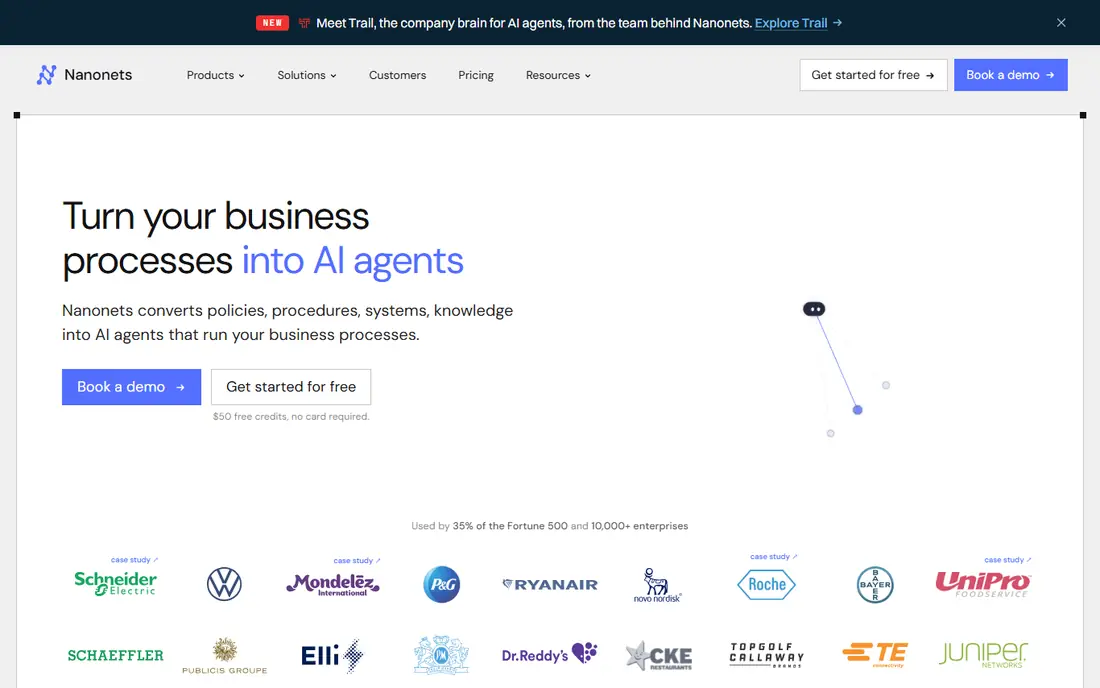
Nanonets suits teams that have unusual document layouts and want to train a model on their own examples. It can extract data from invoices, forms, and other documents, then run workflow steps to validate or route the results. Developers like the API, while operations teams like the review interface for checking low confidence fields.
Pricing is based on workflow blocks, so cost depends on how many steps each document passes through. Start with a small set of documents, count the runs, and project a monthly total before scaling. For teams that need custom extraction without an enterprise contract, Nanonets is a practical middle option.
- Custom model training
- Flexible API and workflows
- Low cost start with credits
- Per run pricing needs tracking
- Custom models need labeled examples

ABBYY Vantage is built for enterprises that process many document types under strict audit and compliance rules. It combines OCR, classification, and extraction with tools for training models on specific forms. Banks, insurers, and large shared service centers often choose it when accuracy and audit trails matter more than a low entry price.
Smaller teams may find ABBYY heavy and expensive. It makes most sense when documents vary widely, volumes are high, and the team needs deployment control. Ask for a pilot on your hardest document type, not only on clean invoices, before committing.
- Broad document type coverage
- Strong enterprise controls
- Long history in document capture
- Quote based pricing
- Implementation can take longer than simpler tools
Docsumo bundles extraction with a review workflow, so a finance team only touches exceptions instead of every document. It handles invoices, bank statements, and other common finance documents, and it can send extracted data to accounting systems. That combination helps mid market teams that want automation without building their own app.
Pricing should be checked on the vendor site, because plans differ by page volume and features. Run a trial with a mix of clean and messy documents, and measure how many pass without human review. That straight through rate is the best predictor of time saved.
- Built in review workflow
- Good for invoices and bank statements
- API plus dashboard
- Pricing varies by plan and page volume
- Some advanced features need higher tiers
Veryfi is a good choice for developers building receipt or invoice capture into an app. Its API returns extracted fields in real time, and its mobile SDK helps users capture clean images. Expense apps, bookkeeping tools, and fintech products use it to avoid building OCR from scratch.
The catch is that Veryfi is an API, not a complete finance workflow. A team without developers will need another tool for approvals and accounting sync. The free tier, up to 100 documents per month in published comparisons, is useful for testing, while the paid minimum suits products with steady volume.
- Real time API
- Strong mobile capture SDK
- Free tier for testing
- API first, so teams must build the app around it
- Paid minimum is high for tiny teams
Hyperscience targets enterprises where a single extraction error can cause a payment or compliance problem. It emphasizes accuracy, audit trails, and human review for uncertain fields, rather than speed alone. That approach fits insurance claims, loan documents, and other complex forms where layout and handwriting vary.
It is not a low cost tool for a small team. Expect a sales led process and a custom quote. Teams should test it on their most complex documents and compare error rates with a cheaper tool, because the premium only pays off when accuracy gains are clear.
- Focus on accuracy and human in the loop review
- Strong for complex documents
- Enterprise security
- Quote based pricing
- Longer sales and setup cycle
UiPath Document Understanding makes sense for teams that already run UiPath robots for approvals, data entry, and reporting. Documents can feed directly into those robots, so extraction is one step in a larger process rather than a separate task. That end to end view helps operations teams that process forms, claims, and invoices at scale.
Teams that do not use UiPath should look at a standalone tool first. UiPath licensing and setup add complexity if document processing is the only need. For existing UiPath customers, though, it is often the fastest path to automation.
- Fits inside UiPath automation workflows
- Good for end to end processes
- Strong enterprise support
- Best value only for teams already using UiPath
- Licensing can be complex
Google Document AI suits engineering teams that want managed parsers without running their own models. Prebuilt processors handle invoices, receipts, and other common types, while custom processors can be trained for specific forms. Pricing is usage based, with a free tier for testing, so small projects can start cheaply.
The trade off is product work. Google provides the extraction engine, but the team must build the upload, review, and approval interface. That is ideal for a product team building document features into its own app, and less ideal for a finance team that wants a ready made dashboard.
- Managed prebuilt parsers for invoices and receipts
- Pay per page pricing
- Strong Google Cloud integration
- Developers must build the review screen
- Pricing varies by parser type
How we picked these
We compared official feature pages, pricing pages, and public comparisons of document processing tools in 2026. We favored tools that are currently available, support common business documents, and offer a trial, free tier, or published pricing. We excluded tools that only offered basic OCR with no field extraction or workflow.
How to choose and test a tool
Start with a sample of 100 real documents, including scanned pages, low quality images, and unusual layouts. Measure field accuracy for the fields that matter, such as total, date, and vendor name, not only overall accuracy claims. Also measure how long review takes, because a tool that extracts well but has a slow review screen can still waste time.
Next, check integrations with the systems that will receive the data. An invoice tool should connect to the accounting or ERP system the team already uses, or offer a clean API. Check data retention, security certifications, and whether the vendor trains models on customer documents. For sensitive documents, those controls matter as much as price. Finally, project cost at three times current volume, because per page pricing can rise fast as automation succeeds.
Questions to ask vendors
Ask what happens when a field is uncertain, and how staff can correct it without reprocessing the whole document. Ask how the tool handles multi page statements, handwritten notes, and duplicate invoices. Ask whether pricing counts pages, documents, or workflow runs, since those models produce very different bills.
FAQ
What are the best rated ai document processing platforms for finance teams?
For finance teams, Rossum and Docsumo are strong packaged options, while Nanonets suits teams that need custom models. Veryfi and Google Document AI suit developers building capture into an app. The best rated choice depends on volume, document variety, and whether the team wants a dashboard or an API.
How much does AI document processing cost?
Costs vary from free tiers for testing to per page pricing near one cent to 30 cents per page, and enterprise plans that cost thousands per month. Rossum starter pricing has been reported near 18,000 dollars per year, while Nanonets starts near 100 dollars per month. Always test with real documents and project cost at higher volumes.
Do I need templates for modern document tools?
No, most modern tools use AI to understand layout without a template for every supplier. Template free systems handle new vendors better, though accuracy still improves with training examples for unusual forms. Teams with a small, stable set of forms may still benefit from a template based tool for speed.
Can AI document tools handle handwritten documents?
Some tools handle printed handwriting and structured handwriting better than freeform notes, but accuracy varies. Test handwritten samples early, and keep a human review step for fields where an error would cause a payment or compliance issue. Do not rely on any tool for handwritten legal or medical documents without a review workflow.
How accurate are these tools?
Published accuracy claims vary by document type and quality, and most vendors do not publish field level figures for every use case. The safest approach is to run your own pilot and measure accuracy on your own documents. A tool that scores well on clean invoices may perform worse on scanned, multi page statements.