Best Accounts Payable Automation Software in 2026: 8 Tools Compared
Compare the best accounts payable automation software in 2026, with pricing, approvals, payments, and integrations for small and midsize finance teams.
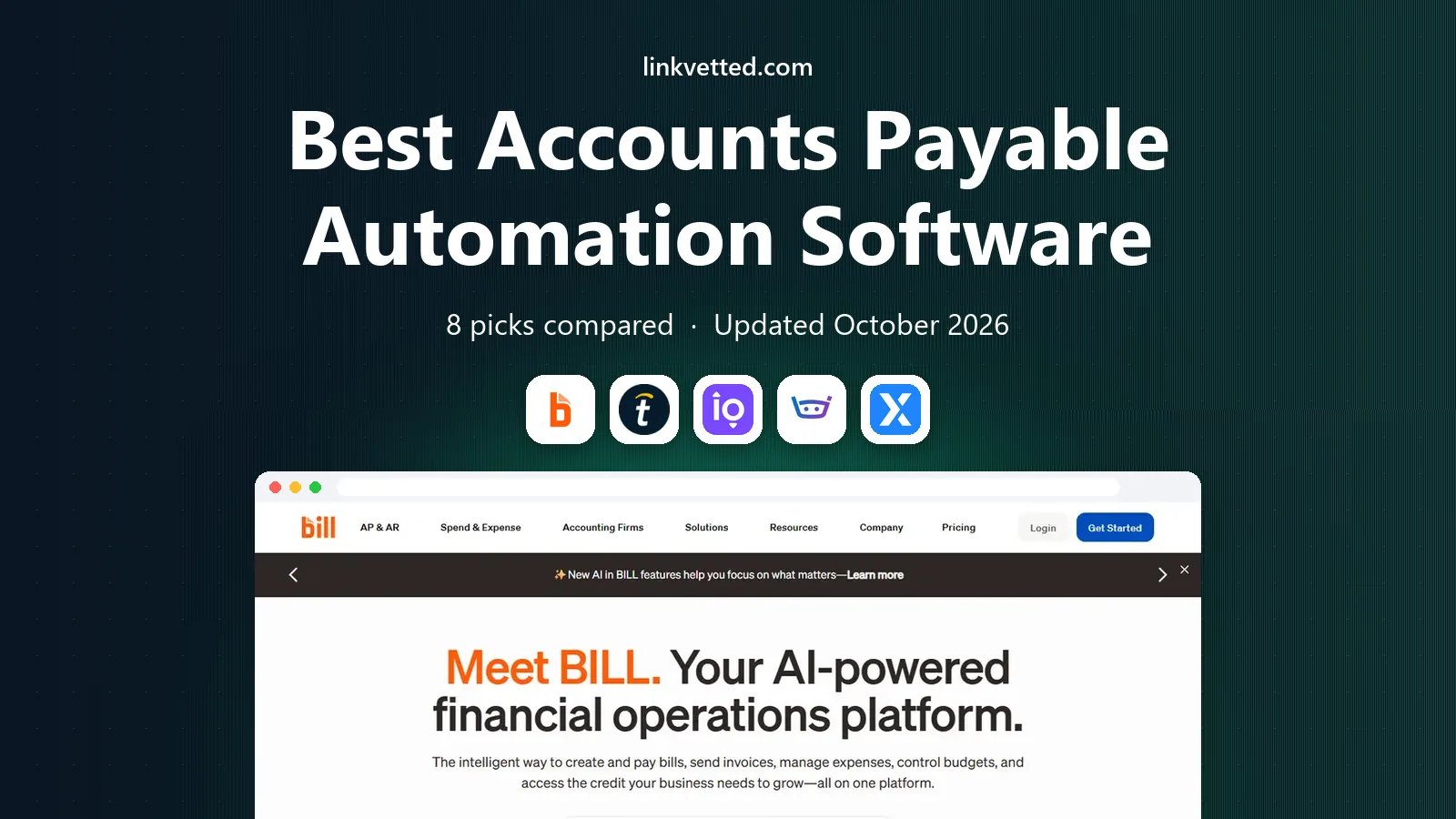
- Editor's choice
 BILL
Small businesses and accounting firms
Starts at$49 per monthVisit bill.comFull review - Great alternative
 Tipalti
Global supplier payments
Starts at$99 per monthVisit tipalti.comFull review - Also consider
 Melio
Simple vendor bill pay
Starts atFreeVisit melio.comFull review
TL;DR:
- BILL and Ramp give small teams a clear starting point, with BILL built around accountants and Ramp built around a free core plan.
- Tipalti and AvidXchange fit larger, more complex payables work, especially when payments cross borders or sit inside industry-specific systems.
- Melio is the most approachable option for a small business that mainly needs to pay vendors without a long setup.
- Price comparisons should include per-transaction fees, not just the monthly plan, because ACH, check, wire, and card costs change the total quickly.
- The best accounts payable automation platform for your team is the one your accounting system, approvers, and vendors can all use without extra manual steps.
Quick comparison
| Tool | Best for | Starts at | Free plan? | |
|---|---|---|---|---|
| BILL | Small businesses and accounting firms | $49 per month | Free trial | Visit |
| Tipalti | Global supplier payments | $99 per month | No | Visit |
| Melio | Simple vendor bill pay | Free | Yes | Visit |
 Stampli | Approval control on top of an ERP | See website | No | Visit |
 AvidXchange | Mid-market industry workflows | See website | No | Visit |
 Ramp | Free core bill pay with cards | Free | Yes | Visit |
 Airbase | Spend control plus payables | See website | No | Visit |
 MineralTree | Midsize invoice-to-pay control | See website | No | Visit |
The best accounts payable automation software
These tools cover the full path from invoice capture to approval and payment, and we compared them on features, pricing transparency, accounting links, and fit for different team sizes.

BILL suits a small business that wants one place to receive bills, route them for approval, and pay them without retyping data into accounting software. Invoices can arrive by email or upload, and the system keeps the bill, approval history, and payment in the same record. That structure helps at month end, when the question is usually who approved what and when it was paid.
The accounting link is the main reason many firms pick BILL first. Two-way sync with QuickBooks and Xero reduces duplicate entry, and the accountant console helps firms manage payables for several clients from one login. Vendors in the BILL network can also receive payments without a fresh onboarding step each time, which saves time for repeat suppliers.
The trade-off is cost at scale. Each approver can add to the monthly bill, and payment fees still apply for ACH, checks, and international transfers. BILL works best when the team is small enough that per-user pricing stays reasonable and the time saved on data entry is worth the monthly fee.
- Strong QuickBooks and Xero sync
- Approval workflows by amount and role
- ACH, card, check, and international payment options
- Per-user pricing adds up with many approvers
- Transaction fees apply to several payment types
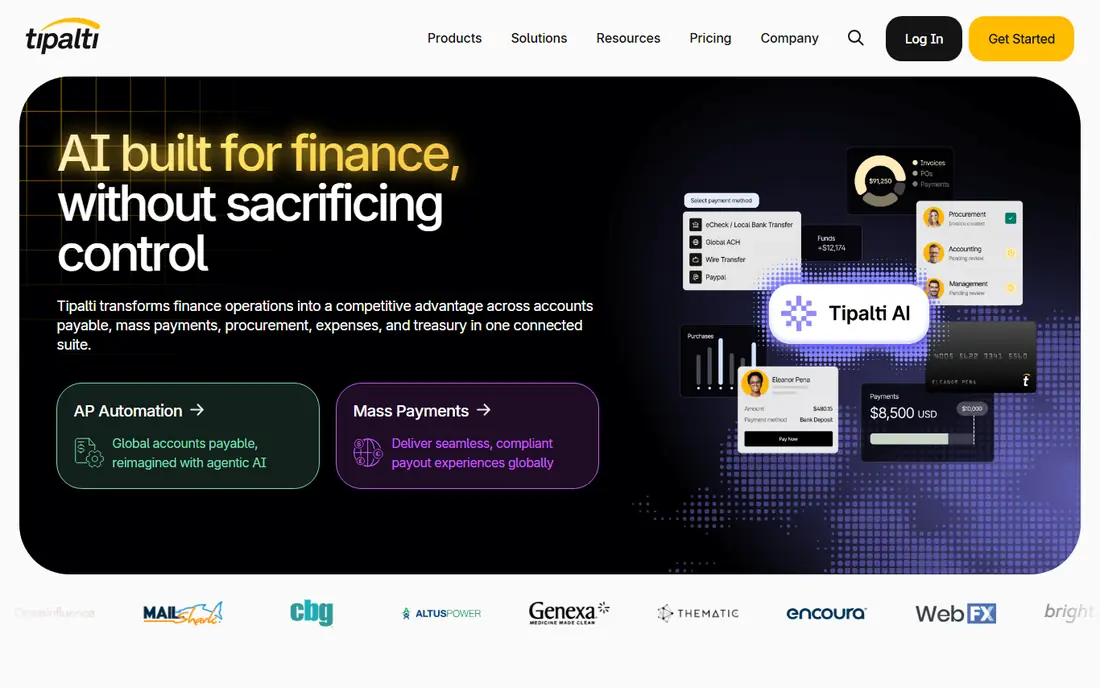
Tipalti fits companies that pay many suppliers in many countries and need tax forms, supplier onboarding, and payment controls in one system. Suppliers can submit their own details through a portal, which reduces back-and-forth emails and lowers the risk of paying from outdated bank details. The platform also handles invoice capture, approval, and payment in a single workflow.
Unlimited users is a real advantage for finance teams with many occasional approvers. Other tools charge per approver, so a wide approval chain can become expensive, while Tipalti charges a platform fee plus transaction pricing. That model suits a company with complex approvals but a stable invoice volume.
The catch is that the headline price is only part of the bill. Per-invoice and per-payment transaction fees are quoted based on volume, entities, and payment methods, so a buyer should ask for a full estimate before signing. A small business with only domestic vendors will likely find a simpler tool faster and cheaper to run.
- Unlimited users on the entry plan
- Supplier self-onboarding portal
- Broad global payment coverage
- Transaction pricing is quoted separately
- Setup can be heavy for a small domestic team
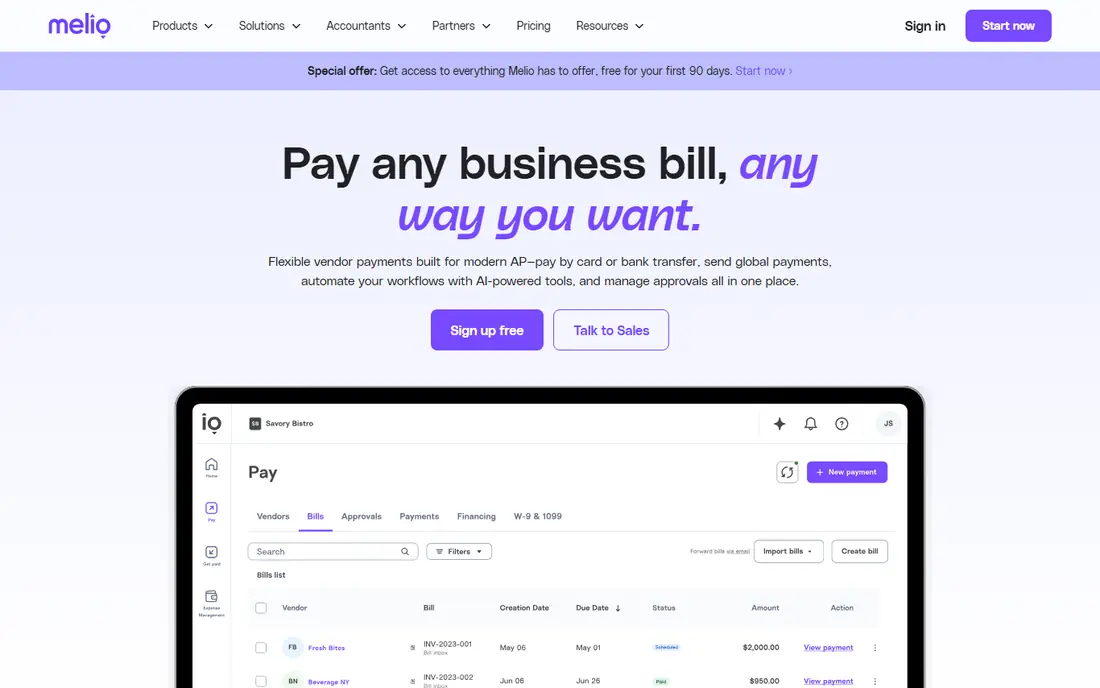
Melio is a good first step for a small business moving away from paper checks and manual bank payments. Bills can be captured, approved, scheduled, and paid from one dashboard, and vendors can be paid by ACH, card, check, or wire even when the vendor prefers a different method. That flexibility matters for teams with a mix of long-term suppliers and one-off contractors.
The free Go plan covers a small number of ACH payments each month, which is enough for a very small operation to test the workflow. Paid plans add more free ACH payments, batch payments, custom approval workflows, and accounting sync. Contractor tools for W-9 collection also help at tax time, since the details are collected before payment rather than chased in January.
Melio is less suited to a finance team that needs deep purchase order matching or multi-entity controls. It is a bill pay tool first, and larger teams may outgrow it as approval rules and reporting needs grow. For a straightforward payables job, though, the low entry cost is hard to beat.
- Free Go plan for basic bill pay
- Flexible payment methods
- QuickBooks Online and Xero sync on paid plans
- Advanced approval controls sit on paid tiers
- Card payment fees add up
Stampli is built for teams that already rely on an ERP and want stronger approval control without replacing that system. Each invoice keeps its own thread of questions, comments, and approvals, so the context stays with the document instead of getting lost in email. That design helps when an approver needs to ask why a price changed or which department should carry the cost.
The platform captures invoices, codes them, routes them for approval, and syncs the result back to the ERP for payment. Because it sits on top of existing accounting systems, finance teams keep their chart of accounts and reporting structure while adding a clearer approval trail. It also supports payment handling for teams that want the full invoice-to-pay path in one place.
- Invoice capture with built-in communication on each invoice
- Approval routing that adapts to ERP data
- Broad ERP integration options
- Pricing is not published
- Implementation scope varies by ERP
AvidXchange targets mid-market companies that process a high volume of invoices, often in real estate, construction, homeowners associations, healthcare, or hospitality. Its supplier network means many vendors are already enrolled with payment details on file, which cuts onboarding work at the start of a rollout. The platform covers invoice capture, approval, payment, and reconciliation in one workflow.
Industry connectors are the other reason to shortlist it. Generic AP tools often lack links to the accounting systems used in property management or construction, while AvidXchange has built connectors for those niches. For a company in one of those sectors, that fit can matter more than a lower monthly price elsewhere.
The downside is cost and complexity for smaller buyers. Pricing is quote-based, and setup, migration, and training are quoted separately. A small business with a few hundred invoices a month will likely find the platform more than it needs, while a mid-market team with thousands of invoices may find the supplier network and vertical fit worth the effort.
- Large pre-enrolled supplier payment network
- Connectors for property, construction, and HOA systems
- Full invoice-to-payment coverage
- Quote-only pricing
- Setup can be costly and slow for small teams
Ramp Bill Pay stands out because its free tier covers more of the core AP job than most rivals. Invoice capture with line-item extraction, approval routing, mobile approvals, and accounting sync are included without a software fee. For a startup or small team on QuickBooks Online or Xero, that combination is a strong reason to start here and upgrade only when volume or controls demand it.
The broader Ramp platform is also part of the appeal. Corporate cards, expense management, and bill pay sit in one system, so spend data does not have to be stitched together from separate tools. Vendor onboarding, tax document collection, and payment by ACH, check, card, or wire are part of the same workflow, which keeps the audit trail in one place.
Ramp Plus, at $15 per user per month plus a platform fee, adds deeper approval routing, three-way matching, batch payments, and NetSuite or Intacct sync. Buyers should also check payment fees, since standard ACH and check fees apply when paying from an external bank, while paying from Ramp Checking can waive eligible transaction fees. That detail changes the total cost for teams that prefer to keep their existing bank.
- Free tier includes bill pay, cards, and expenses
- AI invoice capture
- QuickBooks Online and Xero sync on the free tier
- Advanced AP controls sit on Ramp Plus
- Transaction fees apply unless paying from Ramp Checking
Airbase suits a midsize company that wants payables, procurement, and employee spend under one set of controls. Invoices, purchase requests, cards, and reimbursements flow through the same approval rules, so a manager sees committed spend and actual invoices in the same view. That link helps finance teams catch budget overruns before payment rather than after.
The platform also covers vendor payments, bill approvals, and accounting sync, with support for NetSuite, QuickBooks, Xero, and Sage Intacct in its integration set. For a company that already struggles with separate tools for cards, expenses, and invoices, bringing those workflows together can reduce duplicate approvals and close the books faster.
Airbase is not a simple self-serve purchase. Pricing is custom, and the full platform is aimed at companies with enough spend volume to justify a broader spend management rollout. A team that only needs invoice approval and payment may find a narrower tool cheaper and faster to adopt, while a growing finance team may value the combined controls.
- Combines AP, procurement, cards, and expenses
- Approval workflows tied to budgets
- Accounting and ERP integrations
- Pricing is custom and not published
- Broader scope can be more than a small AP team needs
MineralTree fits midsize companies that want a focused invoice-to-pay system without moving to a full enterprise suite. Invoices are captured, coded, routed for approval, and paid through ACH, virtual card, or other business payment methods, with the result synced back to the ERP. The dashboard gives finance managers a live view of invoices in process, approvals pending, and payments scheduled.
The platform integrates with QuickBooks, NetSuite, Sage Intacct, and Microsoft Dynamics GP, which covers the accounting systems most midsize teams already use. Approval rules can reflect department, amount, and vendor, so invoices do not sit in a shared inbox waiting for someone to notice them. Payment automation also helps teams capture early payment discounts when suppliers offer them.
- Invoice capture with OCR
- Approval routing and payment automation
- Two-way sync with major ERPs
- Pricing is quote-based
- Less suited to very small teams
How we picked these
We compared official feature pages, pricing pages, app store listings, privacy policies, and public reviews for each tool, with a focus on invoice capture, approval workflows, payment methods, and accounting integrations. We gave extra weight to tools that publish clear pricing or explain where fees sit, because AP costs often hide in transaction charges. We also looked for a mix of simple bill pay tools and fuller invoice-to-pay platforms, so small businesses and midsize finance teams can both find a realistic option.
What to check before you pay
Match the tool to your invoice volume
Start with a realistic monthly invoice count, including seasonal peaks. A free or low-cost plan may handle 50 invoices a month with ease and strain at 500, when approval routing, duplicate detection, and reporting become more important. Ask each vendor how pricing changes as volume grows, and whether approvers count as paid seats.
Check the full payment cost
Monthly plan prices rarely tell the whole story. ACH, check, wire, card, and international fees vary by vendor, and some tools waive certain fees only when you pay from their own account. Add a typical month of payments to the plan price to get a fair comparison, and ask about implementation, migration, and training fees.
Test the accounting sync
The best accounts payable automation tools should post approved invoices and payments back to your accounting system without manual re-entry. Run a test with a real vendor, a split-coded invoice, and a rejected approval to see how errors surface. If your team uses NetSuite, Sage Intacct, or a vertical ERP, confirm that connector is included in your tier, not sold as a separate add-on.
Protect approvals and audit trails
Look for role-based approvals, amount thresholds, duplicate invoice flags, and a complete history of who approved what. Those controls matter for audits and for catching errors before money leaves the bank. Also check how vendors store bank details and tax forms, and whether suppliers can update their own information through a secure portal.
FAQ
What is the best accounts payable automation software for a small business?
For most small businesses, BILL, Melio, or Ramp are the strongest starting points. BILL fits teams that work closely with accountants, Melio fits teams that want simple bill pay, and Ramp fits teams that want a free core plan plus cards and expenses. The right pick depends on your accounting system, invoice volume, and how many approvers you need.
What are the best accounts payable automation tools for global payments?
Tipalti is the clearest pick for global supplier payments, thanks to its supplier portal, tax handling, and broad payment coverage. BILL and Ramp also support international wires, but Tipalti is built for companies with many entities and cross-border vendors. Ask for transaction pricing by country and payment method before you compare headline plan prices.
Which accounts payable automation platform is best for midsize companies?
Stampli, AvidXchange, Airbase, and MineralTree all fit midsize teams, but for different reasons. Stampli works well on top of an existing ERP, AvidXchange fits industry-specific systems, Airbase adds spend control, and MineralTree offers focused invoice-to-pay automation. Shortlist two options and test them with your own approval rules and ERP.
Do I need a separate tool if I already use QuickBooks or Xero?
Not always, but a dedicated AP tool adds approval workflows, invoice capture, and payment automation that basic accounting bill entry does not provide. If your team handles a handful of bills a month, your accounting software may be enough. Once approvals, duplicate checks, and vendor onboarding take real staff time, a dedicated tool usually pays for itself.
How much does accounts payable automation software cost?
Costs range from free for basic plans from Melio and Ramp to quote-based pricing for mid-market platforms. Published starting prices in this guide run from free to $199 per month on some plans, but transaction fees, per-user charges, and implementation costs can change the total. Always request a quote based on your invoice count, approver count, and payment mix.