Best Accounts Payable Process Automation Tools in 2026: 8 Tools Compared
Compare the best accounts payable process automation tools in 2026, with invoice capture, approvals, PO matching, payments, and ERP links for finance teams.
- Editor's choice
 BILL
Small and mid-size businesses that want structured AP and AR
Starts atFrom $49 per user per monthVisit bill.comFull review - Great alternative
 Ramp Bill Pay
Card-led teams that want AP without a software fee
Starts atFreeVisit ramp.comFull review - Also consider
 Tipalti
Companies paying many vendors or contractors globally
Starts atFrom $99 per monthVisit tipalti.comFull review
TL;DR:
- Invoice capture quality decides daily value, since poor extraction creates the manual work automation should remove.
- Approval routing and PO matching matter more than payment speed alone for mid-size and larger teams.
- Free tiers suit small teams, but quote-based tools suit high invoice volume and complex approvals.
- ERP sync depth varies, so confirm two-way sync with QuickBooks, Xero, NetSuite, or Sage Intacct before buying.
Quick comparison
| Tool | Best for | Starts at | Free plan? | |
|---|---|---|---|---|
| BILL | Small and mid-size businesses that want structured AP and AR | From $49 per user per month | Free trial | Visit |
| Ramp Bill Pay | Card-led teams that want AP without a software fee | Free | Yes | Visit |
| Tipalti | Companies paying many vendors or contractors globally | From $99 per month | No | Visit |
 Stampli | Mid-market AP teams with high invoice volume and many approvers | See website | No | Visit |
 Melio | Very small businesses that want simple vendor payments | Free | Yes | Visit |
 AvidXchange | Mid-market companies digitizing paper-heavy AP | See website | No | Visit |
 Corpay One | Mid-market finance teams on major ERPs that want AP plus payments | See website | No | Visit |
 Zip | Companies that want purchasing controls before invoices arrive | See website | No | Visit |
The best accounts payable process automation tools
We compared AP automation tools used by small businesses through mid-market finance teams, focusing on capture, coding, approvals, PO matching, payments, and accounting links. Prices are taken from vendor and comparison pages checked in October 2026, and quote-based tools are marked as such. This is general information only and is not financial or tax advice.
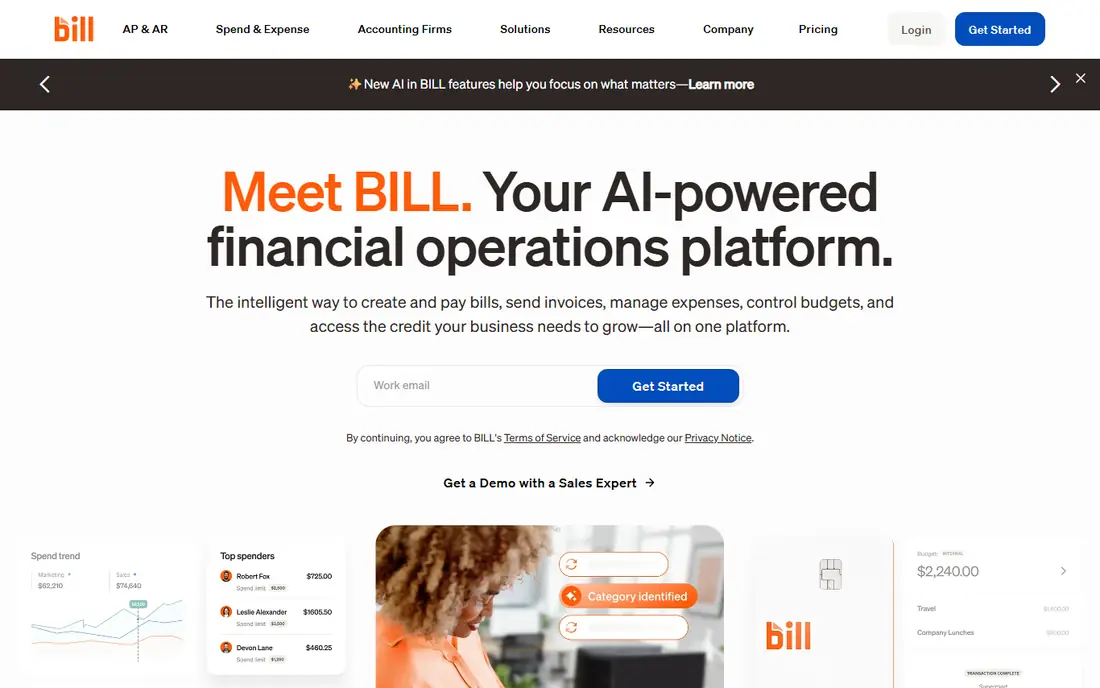
BILL is the established SMB standard for accounts payable, with invoice capture, coding, multi-step approvals, and payments that sync to QuickBooks and Xero. Its approval controls suit teams that need separation of duties and a clear audit trail, not just fast bill pay.
Starting pricing is around 49 dollars per user per month for Essentials, with Team and Corporate tiers higher. There is no free tier for AP itself, so small teams with very low volume should compare it against free options before committing to per-user pricing.
- Mature approvals and controls
- QuickBooks and Xero sync
- Mobile approvals
- AP plus AR in one platform
- No free tier for AP
- Per-user pricing adds up as teams grow

Ramp Bill Pay stands out on value, since its free tier includes bill pay, corporate cards, and expenses, with paid Plus plans from 15 dollars per user per month. AI coding, receipt matching, and policy checks reduce manual work for teams that already route spend through cards.
The model suits card-led spend best. Teams that mainly process invoices without cards should still test it, but they should check approval depth and ERP sync for their setup. Receipt auto-matching can occasionally pair the wrong documents, so review matches during onboarding.
- Free AP tier with bill pay, cards, and expenses
- AI coding and receipt matching
- Strong value for startups
- Card-led model suits spend teams best
- Some policies need training and adjustment
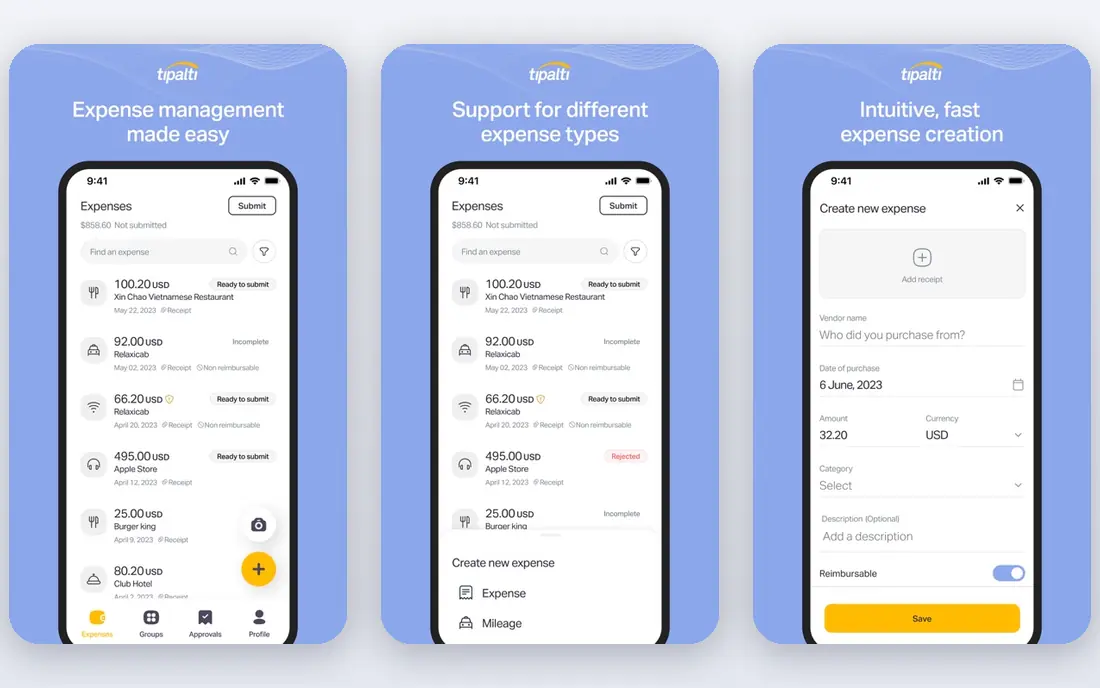
Tipalti is built for global payables, with mass payments, tax automation, and compliance features that domestic tools often lack. It handles vendor onboarding, W-9 collection, TIN validation, and 1099 reporting, which matters at year-end for companies with many contractors.
Starting pricing is around 99 dollars per month for US plans with unlimited users, plus transaction fees. That structure suits high-volume global payers, but domestic-only teams with simple needs may find it more than necessary. Confirm fee details for your payment mix.
- Global payments in many currencies
- Tax form collection and 1099 reporting
- PO matching and duplicate detection
- No free tier
- Transaction fees apply on top of the platform fee
Stampli focuses on collaborative AP work, where invoices move between finance, approvers, and vendors with comments and history in one place. Its Billy AI learns from previous coding to pre-fill invoices, suggest coding and routing, and flag duplicates.
Pricing is quote-based and flat monthly by invoice volume, with unlimited users on paid plans. That suits high-volume teams, but it makes budgeting harder without a sales conversation. AI still needs manual help on edge cases, especially multiple invoices in one PDF.
- Collaborative invoice workflows
- AI coding that learns from past invoices
- Unlimited users on paid plans
- Quote-based pricing
- No free plan
- AI still needs help on edge cases
Melio suits very small businesses that pay a handful of vendors and want simple bill pay without a complex platform. It lets you pay by ACH even when a vendor only accepts checks, since Melio handles the check on your behalf, which removes a common small business headache.
The trade-off is depth. Approval workflows, PO matching, and enterprise controls are lighter than mid-market tools. Paid tiers start around 25 dollars per month for Core, so growing teams should check when they will need to step up to a fuller AP platform.
- Simple bill pay by ACH or check
- Pay vendors even if they only accept checks
- Low-cost start
- AP depth is lighter than BILL or Stampli
- Paid tiers add cost as volume grows
AvidXchange suits mid-market companies still handling large amounts of paper invoices. It digitizes invoices, routes approvals, and automates payments, with a focus on teams moving away from manual, paper-based processes.
Pricing is quote-based with no public pricing, and implementation is a project rather than a quick signup. That suits companies ready for a structured rollout, but it is overkill for a small team with low invoice volume. Ask for a timeline and total cost before committing.
- Paper invoice digitization
- Approval workflows
- Payment automation for mid-market finance teams
- Quote-based pricing
- Implementation project rather than self-serve signup
Corpay One
Best for: Mid-market finance teams on major ERPs that want AP plus payments
Corpay One, formerly Corpay, targets mid-market finance teams that run major ERPs and want AP automation tied to payments and controls. Its ERP links and payment options suit teams that need more than a standalone bill pay tool.
The main drawback is pricing transparency, since no current public pricing is published. Confirm your ERP version, approval needs, and payment fees in a quote, and compare it against BILL and Stampli at your invoice volume.
- AP automation with ERP links
- Bill pay and payment controls
- Spend and expense options in the wider Corpay range
- No current public pricing
- Feature fit depends on your ERP
Zip focuses upstream of AP, with intake, approvals, and purchasing controls that catch spend before it becomes an invoice. That helps companies where uncontrolled purchasing creates AP problems later, since approvals happen at request time rather than invoice time.
Pricing is quote-based, and Zip is best paired with an AP or ERP system rather than used as a standalone AP replacement for every team. If your main pain is invoice processing itself, a dedicated AP tool may fit better. If intake is the pain, Zip is worth a closer look.
- Intake and approval controls upstream of AP
- Purchasing workflows
- Spend visibility before commitments
- Quote-based pricing
- Not a pure AP tool on its own for some teams
How we picked these
We compared official feature pages, pricing pages, and public reviews for each tool, and we checked that each product exists, works today, and truly fits the topic. Where a vendor quotes rather than publishes a price, we say so instead of guessing a number.
We also weighed fit for different team sizes, since the best choice for a solo operator is rarely the best choice for a larger team. That is why the list mixes well-known leaders with smaller options that suit narrower needs, and why each write-up names an honest weakness as well as a strength.
How to choose AP automation software
Start with your invoice volume and approval complexity. A team processing 50 invoices a month needs a different tool from a team processing 2,000 invoices across many approvers and locations. Volume, approver count, and PO use should drive the shortlist.
Test capture on your real invoices
Send the vendor a sample of your worst invoices, including multi-page PDFs, scanned copies, and foreign-language invoices if you receive them. Check how often fields, coding, and vendor matches are correct without manual fixes.
Check approvals and audit trails
Ask how approvals route by amount, department, and vendor, how duplicates are flagged, and how the audit trail looks for auditors. A clean approval history saves time at month-end and during audits.
Confirm payment and ERP details
Check payment methods, fees, and timing, plus whether ERP sync is two-way. Also ask about global payments and tax forms if you pay vendors abroad, since those features vary widely and can add fees.
Before you pay, run a short trial with your real work, not a demo dataset. Check setup time, support response, and the total monthly cost at your real user or volume level. A tool that passes that test is far more likely to still suit you in six months than a tool chosen from a feature list alone.
FAQ
What is accounts payable automation?
Accounts payable automation replaces manual invoice handling with automated capture, coding, approval routing, and payment. It reduces errors, speeds up processing, and gives finance teams clearer cash flow visibility.
How much does AP automation cost?
Costs range from free tiers for small teams to quote-based enterprise pricing. BILL starts around 49 dollars per user per month, Ramp offers a free tier with paid plans from 15 dollars per user per month, and Tipalti starts around 99 dollars per month plus transaction fees.
Which AP tool is best for small businesses?
Ramp suits card-led small teams that want free AP plus spend management, while Melio suits very small businesses that mainly need bill pay. BILL is a step up when structured approvals and accounting sync matter more.
Which AP tool is best for global payments?
Tipalti is built for global vendor and contractor payments, with many currencies, tax form collection, and compliance features. If most vendors are domestic, a simpler domestic tool may cost less.
Do AP tools integrate with QuickBooks and NetSuite?
Yes, most leading tools sync with QuickBooks Online and Xero, and mid-market tools add NetSuite and Sage Intacct. Confirm two-way sync, not just export, and test how coding and payment status flow back to the ledger.