Best Beautiful AI Alternatives in 2026: 8 Tools Compared
Looking for beautiful ai alternatives? We compared 8 presentation tools, including beautiful.ai alternatives, on AI generation, templates, and pricing.
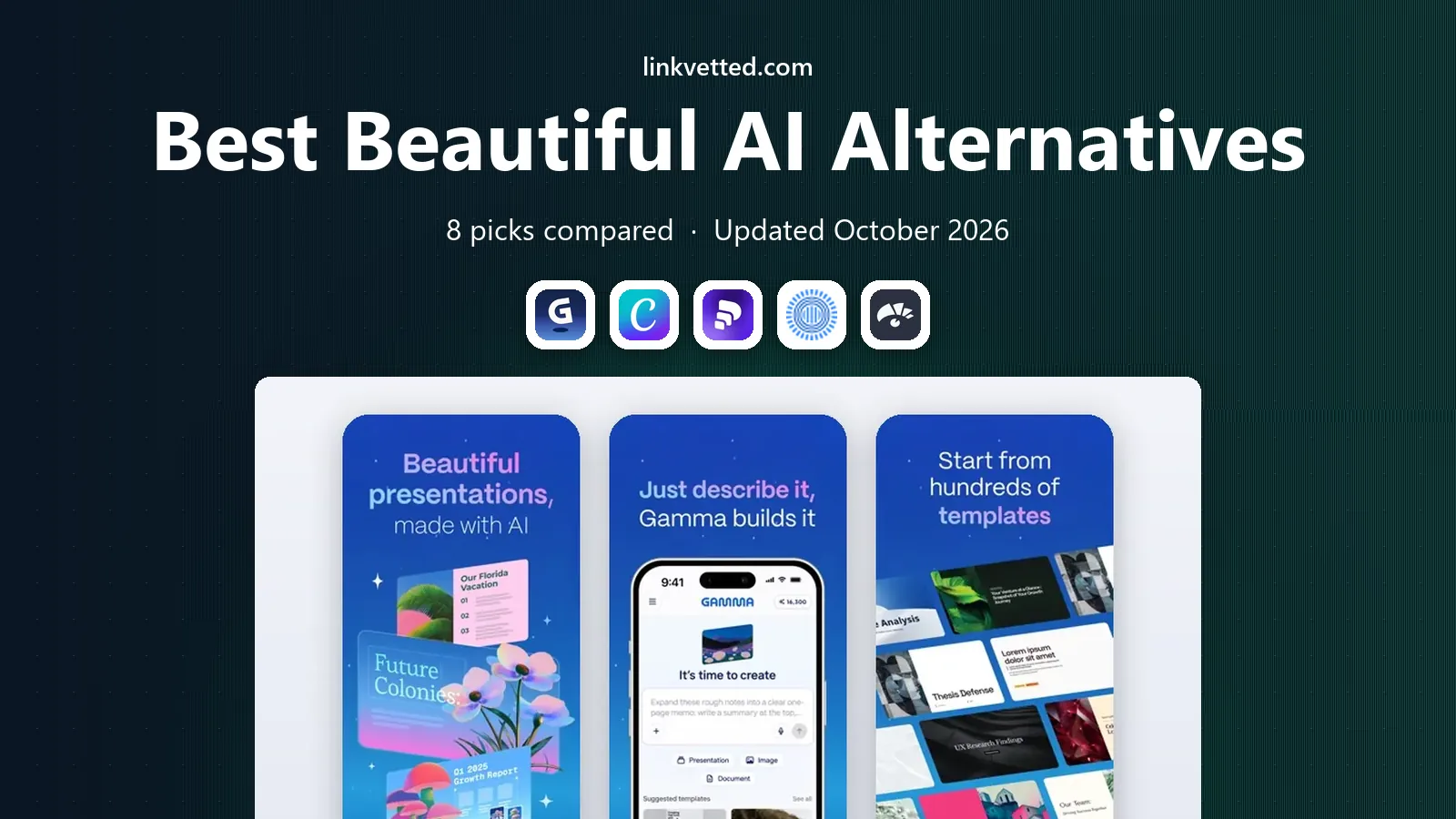
- Editor's choice
 Gamma
AI first deck generation
Starts atFreeVisit gamma.appFull review - Great alternative
 Canva
All round design and decks
Starts atFreeVisit canva.comFull review - Also consider
 Pitch
Collaborative team decks
Starts atFreeVisit pitch.comFull review
TL;DR:
- Gamma is the fastest AI first route from an outline to a presentable deck, with a free tier for trying it.
- Canva suits people who also need social graphics, documents, and brand assets in one place.
- Pitch and Google Slides suit teams that collaborate live and share decks by link.
- Prezi and Visme suit presenters who need a non linear flow or data heavy visuals.
- Plus AI and PowerPoint suit teams that must deliver a real editable PowerPoint file.
Quick comparison
| Tool | Best for | Starts at | Free plan? | |
|---|---|---|---|---|
| Gamma | AI first deck generation | Free | Yes | Visit |
| Canva | All round design and decks | Free | Yes | Visit |
| Pitch | Collaborative team decks | Free | Yes | Visit |
 Prezi | Non linear presentations | Free | Yes | Visit |
 Visme | Data heavy decks and reports | Free | Yes | Visit |
 Plus AI | AI inside PowerPoint and Slides | See website | Free trial | Visit |
 Google Slides | Simple team collaboration | Free | Yes | Visit |
 Microsoft PowerPoint | Full design control | See website | No | Visit |
The best Beautiful AI alternatives
Beautiful.ai is known for Smart Slides that rebalance a layout automatically when you add content. That design discipline is useful, but it is not the only way to make a good deck. The tools below cover AI generation, templates, collaboration, and native file delivery. We compared official pricing pages and feature pages, including options that work as beautiful.ai alternatives.
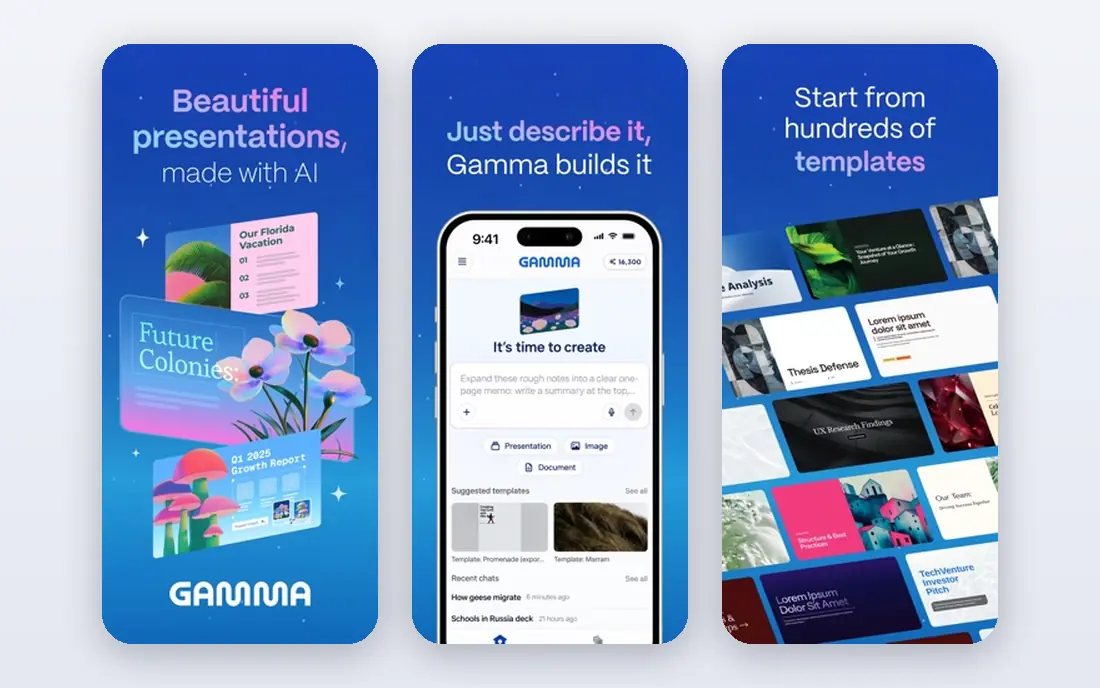
Gamma is our pick for most people starting from a blank page. Type an outline or a prompt, and it produces a structured deck with a consistent theme, without manual layout work. Sharing by link and building docs and web pages in the same workspace adds flexibility.
The catch is export. Free users get a limited credit allowance, and clean PowerPoint export requires a paid plan. If your final deliverable must be a PowerPoint file, check the paid tier before building a large deck here.
- Fast prompt to deck generation
- Polished default themes
- Web native sharing with docs and pages
- Free credits are limited
- PPTX export sits on paid plans
- Credit limits can interrupt heavy use
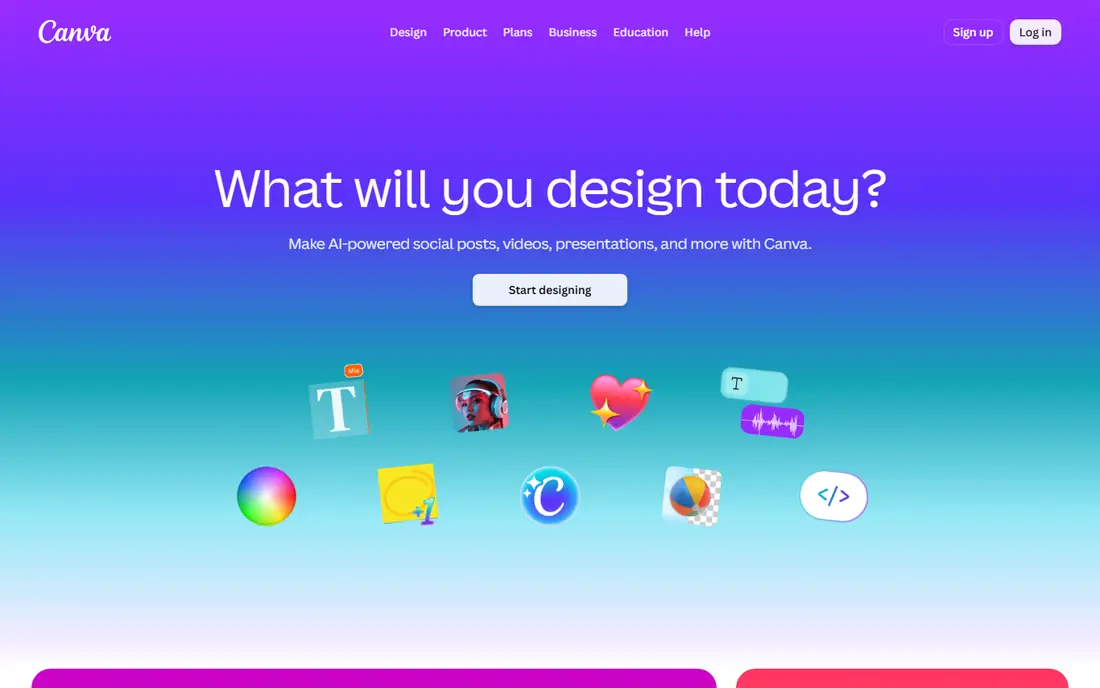
Canva suits people who already design in Canva or need more than slides. A deck, a social post, a one pager, and a brand kit can live in one account, which saves switching tools. Templates cover almost every business case, and the free plan covers occasional deck work well.
AI generation is a feature here, not the whole product. Drafts may need more editing than a Gamma deck, and AI allowances reset on a meter. For most occasional presenters, the breadth and free export make Canva hard to beat.
- Huge template and asset library
- Free plan is genuinely usable
- PPTX export works even on free
- AI drafts can be less structured than Gamma
- AI usage limits vary by plan
- Premium elements need a paid plan
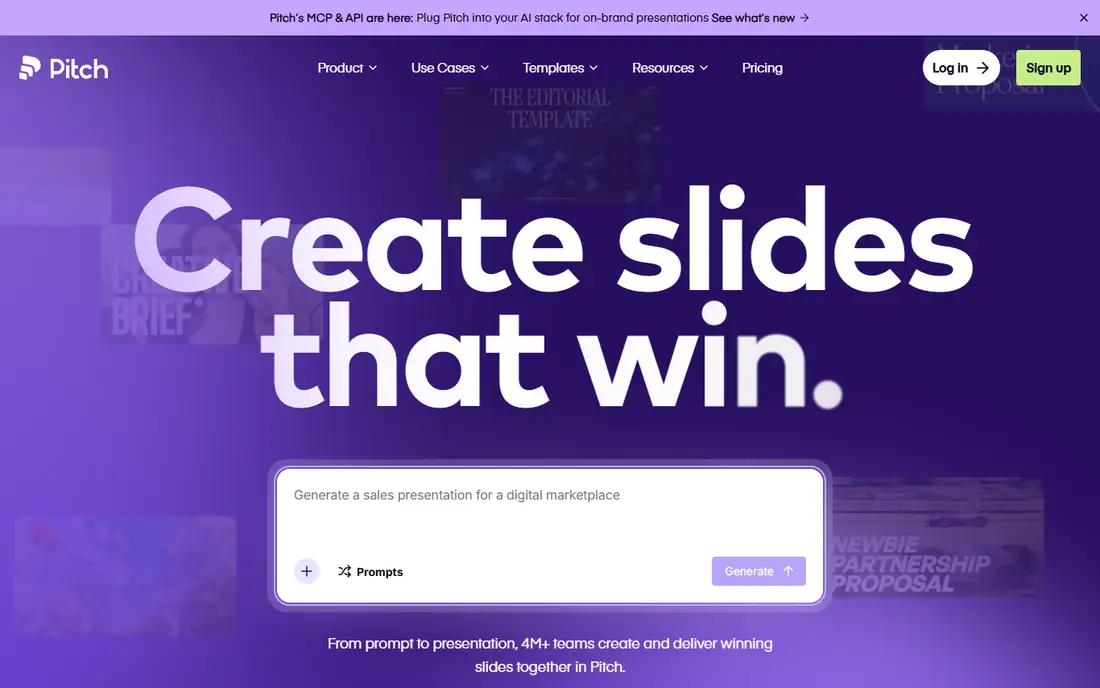
Pitch is built for teams that build decks together and share them by link. The free plan allows unlimited presentations, which is generous for small teams, and collaboration feels closer to a shared document than a file passed by email. Sales and startup templates help founders move fast.
AI help is present but less autonomous than dedicated generators, so expect to write and structure more yourself. If your team values collaboration and link sharing over one click generation, Pitch is a strong fit.
- Free plan with unlimited presentations
- Real time team collaboration
- Templates for sales and startup decks
- AI generation is weaker than Gamma
- Free exports carry branding
- Paid plans are priced in euros on some pages
Prezi suits presenters who talk through a topic rather than clicking slide by slide. You zoom into sections of a canvas, which can make relationships between ideas clearer and keep an audience oriented. Video presentation tools also help remote presenters appear alongside their content.
That style is not for every meeting. Audiences expecting a standard slide deck may find the movement distracting, and building a good Prezi takes more planning than a linear deck. Use it when the story benefits from a map, not just a sequence.
- Zooming, non linear canvas for storytelling
- Distinctive presentation style
- Video presentation features
- Non standard format can confuse audiences used to slides
- Learning curve for the canvas model
- Some exports are limited
Visme fits decks that carry data. Charts, infographics, tables, and interactive elements are core features, not add ons, which helps for reports, proposals, and training decks. Templates for business documents mean a deck can become a report without rebuilding it.
The free plan is useful for trying the tool, but downloads and premium features need a paid plan. Simpler presenters may also find the range of options more than they need. For data heavy work, that depth is the point.
- Charts, infographics, and dashboards built in
- Strong template library for reports
- Brand kit on paid plans
- Free plan limits downloads and features
- Interface has more options than simpler deck tools
- AI generation is less central
Plus AI is the practical pick for teams that cannot leave PowerPoint or Google Slides. It generates and edits slides inside the tool your company already uses, so there is no export step and no reformatting. Existing templates and brand slides stay usable.
The trade off is that you pay for an add on, and the free option is a trial rather than a lasting plan. If your deliverable must be an editable client file in the original format, Plus AI removes a common frustration with web only generators.
- AI generation inside Google Slides and PowerPoint
- Delivers native editable files
- Keeps existing templates and workflows
- No permanent free plan, only a trial
- Best features sit on higher tiers
- Quality depends on your prompt and outline
Google Slides remains the simplest team option. It is free, it works in a browser, and several people can edit and comment at once without version confusion. For internal decks, class work, and quick collaboration, that simplicity wins.
Design polish is limited without add ons or templates, and AI help in Slides requires an eligible paid plan. If you need strong design automation, Gamma or Canva will do more. If you need a reliable shared deck fast, Slides is hard to fault.
- Free for individuals
- Simple real time collaboration
- Easy sharing and commenting
- Works in any browser
- Design tools are basic compared with Canva or Gamma
- AI features require a paid Workspace plan
- Template range is smaller
PowerPoint is still the standard for business decks that must be shared as files. It offers the finest control over layout, animation, and master slides, and almost every recipient can open a PowerPoint file without conversion. Offline desktop use also matters for travel and secure environments.
That control requires effort. Without templates or AI help, a good deck takes design skill and time. Pricing also varies by Microsoft 365 plan, so check whether your existing licence already covers what you need before adding an AI tool on top.
- Deepest design and animation control
- Universal file format for business
- Offline desktop app plus web version
- No permanent free plan for desktop use
- AI Copilot features need an eligible plan
- Design work is manual without templates
How we picked these
We compared official pricing and feature pages for presentation tools that cover Beautiful.ai use cases: AI generation, automatic design, templates, collaboration, and file export. We kept only currently available tools with a distinct strength, and we used See website where pricing varies by plan or region. We did not claim hands on testing.
How to choose a deck tool without rebuilding twice
Start with the final deliverable. If the deck must be a PowerPoint file, choose PowerPoint, Plus AI, or a generator with paid PPTX export, and test export early. If a shared link is fine, Gamma, Pitch, and Google Slides give you more flexibility.
Next, check who edits the deck. A solo presenter can use almost any tool. A team needs shared editing, comments, and version control, which favours Pitch, Slides, and Canva. Brand control matters too: if every deck must match strict brand rules, check template locking and brand kits before committing.
Finally, try a real deck, not a demo. Build ten slides from your own outline, export or share it the way your audience will receive it, and check fonts, charts, and branding. That one test reveals export problems that feature lists hide.
FAQ
What is the best beautiful.ai alternative for AI generation?
Gamma is the strongest AI first alternative, with fast prompt to deck generation and polished themes. Canva is a good second choice if you also need broader design tools, while Plus AI suits teams that must stay inside PowerPoint or Google Slides.
Is there a free beautiful.ai alternative?
Yes, Gamma, Canva, Pitch, Prezi, Visme, and Google Slides all offer free plans, though limits differ. Beautiful.ai itself offers a trial rather than a permanent free plan, so free alternatives are a real advantage for occasional users.
Which alternative exports to PowerPoint best?
PowerPoint itself and Plus AI deliver native editable files with no export step. Canva also offers PPTX export on its free plan, while Gamma and Pitch offer cleaner export on paid plans. Test export with your own deck before committing.
Can teams collaborate on these tools?
Pitch, Google Slides, and Canva offer strong real time collaboration, and Gamma supports shared workspaces. PowerPoint also supports collaboration through Microsoft 365, though desktop and web experiences differ.
Do I need AI to make a good deck?
No, templates and good structure often matter more than AI generation. AI helps with a first draft and layout, but clear messaging, simple slides, and a strong story still decide whether a deck works.