Best Ayoa Alternatives in 2026: 9 Mind Mapping Tools Compared
Looking for ayoa alternatives? We compare 9 mind mapping tools for brainstorming, planning and tasks, covering free plans, collaboration and price in 2026.
- Editor's choice
 MindMeister
Team brainstorming
Starts atSee websiteVisit mindmeister.comFull review - Great alternative
 XMind
Structured personal maps
Starts at$5.99 per monthVisit xmind.appFull review - Also consider
 Miro
Whiteboard workshops
Starts at$8 per user per monthVisit miro.comFull review
TL;DR:
- MindMeister is the best direct Ayoa replacement for team brainstorming in a browser, with live collaboration and presentation options.
- XMind suits personal, structured maps with many diagram types and a polished presentation mode.
- Miro and Lucidspark suit workshops where a mind map is one part of a larger whiteboard session.
- Coggle and SimpleMind are the simplest, lowest-cost routes to a clean map without a heavy subscription.
- If your map must become tasks, ClickUp and MindMeister integrations beat a pure mapping tool, so check task handover before you buy.
Quick comparison
| Tool | Best for | Starts at | Free plan? | |
|---|---|---|---|---|
| MindMeister | Team brainstorming | See website | Yes | Visit |
| XMind | Structured personal maps | $5.99 per month | Yes | Visit |
| Miro | Whiteboard workshops | $8 per user per month | Yes | Visit |
 Coggle | Simple browser maps | $5 per user per month | Yes | Visit |
 MindNode | Apple-only mapping | See website | Yes | Visit |
 Lucidspark | Team brainstorming boards | $7.95 per month | Yes | Visit |
 Whimsical | Polished diagrams | $10 per user per month | Yes | Visit |
 SimpleMind | Offline personal maps | $29.99 one-time | Yes | Visit |
 ClickUp | Maps that become tasks | $7 per user per month | Yes | Visit |
The best Ayoa alternatives
Ayoa combines mind maps with task boards and whiteboards, so a good alternative depends on which part you use most. The tools below range from pure mind mappers to whiteboards and work platforms that include maps. We compared official pricing pages, free plan limits and collaboration features, with a focus on how many maps you get free, how sharing works, and whether a map can turn into trackable work.
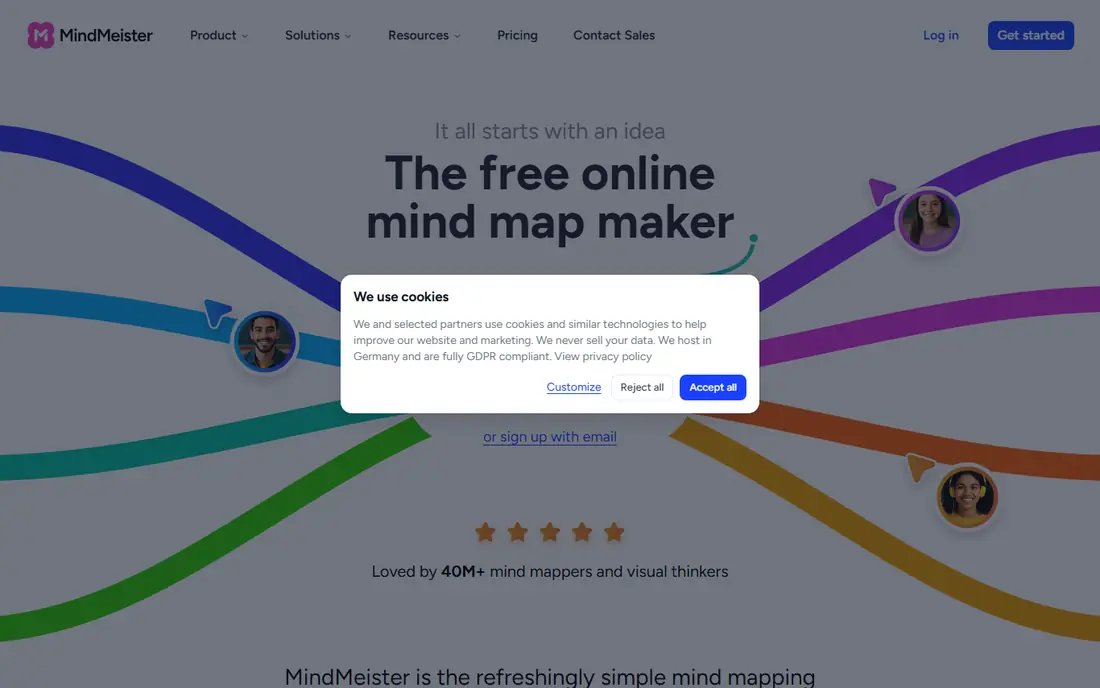
MindMeister is the closest browser-based replacement for Ayoa team mapping. Several people can edit the same map live, add comments and present from the map without exporting slides first. That flow suits planning meetings, course design and product brainstorming where the map is a shared working document, not a solo sketch.
The free plan limits you to three maps, which is enough to test collaboration but not to run a team library. Paid plans add unlimited maps, file exports, version history and integrations, including MeisterTask for task follow-up. If live team mapping is your main Ayoa use, MindMeister is our first pick.
- Real-time collaboration in a browser
- Presentation mode
- MeisterTask integration for turning ideas into tasks
- Free plan caps maps at three
- Richer exports and history need paid plans
- No desktop app focus
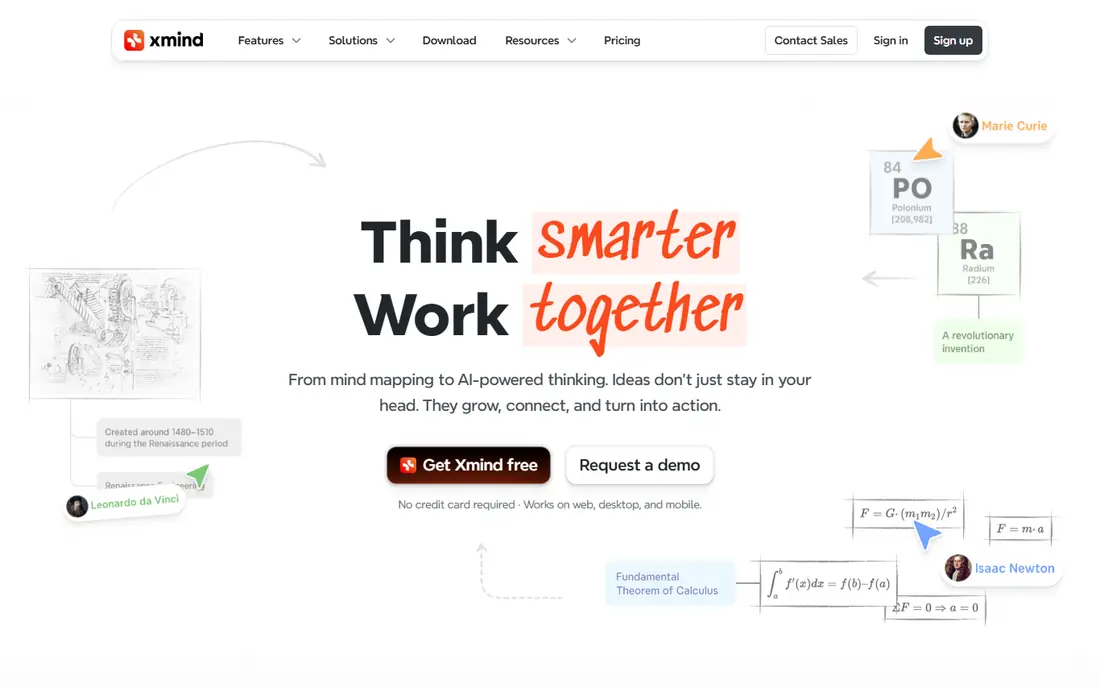
XMind is built for a single thinker who wants structure. You can switch between mind map, logic chart, fishbone, timeline and org chart views, apply clean themes, and turn a map into a presentation with its pitch mode. That range helps for study notes, book outlines, project plans and business diagrams that need to look finished.
Team editing is not its strength, and the free plan limits exports and AI use. XMind is best when the map is yours to shape and present, rather than a live team canvas. Students, writers and solo planners will get more from XMind than from a whiteboard tool, while teams should look at MindMeister or Miro.
- Many map structures including fishbone and org charts
- Polished themes and presentation mode
- Apps for desktop and mobile
- Collaboration is lighter than MindMeister
- Free export is limited
- AI features use credits
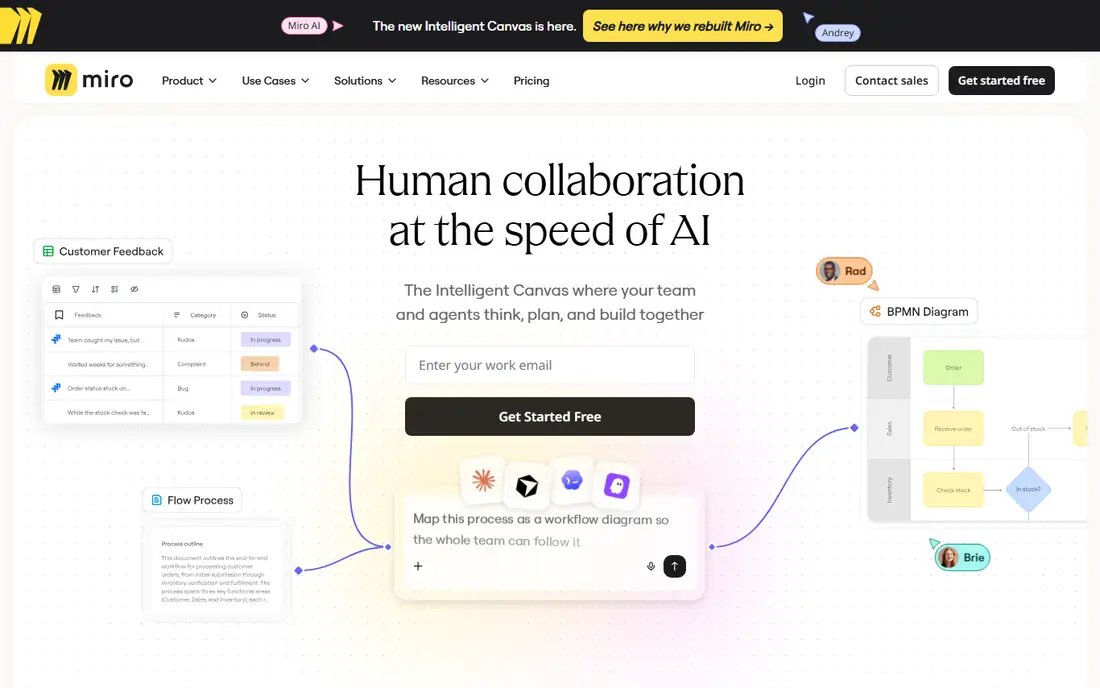
Miro is a whiteboard first and a mind mapper second, which is a strength for workshops. A mind map can sit beside sticky notes, timelines, diagrams and voting tools, so a planning session does not need to jump between apps. Templates for retrospectives, design sprints and brainstorming speed up the start.
That breadth is also the drawback for pure mapping. The canvas can feel large and busy for a simple personal map, and the free plan caps editable boards, so a team library needs a paid plan. Use Miro when mapping is part of a workshop. Use XMind or MindMeister when the map itself is the deliverable.
- Huge shared canvas for maps, notes and diagrams
- Strong workshop templates
- Real-time collaboration at scale
- Mind mapping is one feature among many
- Free plan caps editable boards at three
- Can feel large for a simple map
Coggle is the simplest tool here that still feels good. You open a browser, start branching, and share a link for live collaboration, with no app install and no steep learning curve. Public diagrams are unlimited on the free plan, which suits teachers, students and open project notes.
Private diagrams need a paid plan, and Coggle does not try to match XMind diagram range or Miro workshop depth. That focus is the point. If you want a fast, readable map for a meeting or a study session, Coggle does it with less friction than almost anything else here.
- Clean, flowing browser maps
- Unlimited public diagrams free
- Real-time collaboration
- No AI focus
- Private diagrams need a paid plan
- Fewer diagram types than XMind
MindNode is the best mapping experience if you live inside Apple devices. The design is calm, sync through iCloud is smooth, and sketching ideas on iPad with a pencil feels natural. Outlining, folding branches and focusing on one branch help when a large map gets hard to read.
The limit is platform. There is no Windows or Android version, so mixed-device teams cannot all use it, and collaboration is lighter than MindMeister. MindNode is a personal tool first. If your household or team is Apple-only, it is a pleasure to use. Otherwise, pick a browser tool everyone can open.
- Beautiful native Mac, iPhone and iPad experience
- Smooth iCloud sync
- Apple Pencil support on iPad
- Apple only, no Windows or Android
- Team features are lighter
- Advanced diagram types are limited
Lucidspark is the Lucid team's answer to team brainstorming, with a canvas for sticky notes, mind maps, grouping and voting. It fits workshops that need structure: gather ideas, group them, vote, then move the result into a plan or a Lucidchart diagram. That suite link is useful for teams already using Lucid tools.
As a pure mapper, Lucidspark can feel broader than needed, and its best collaboration features sit on paid plans. It is best for a team that runs facilitated sessions and wants the output to feed into other diagrams. Solo mappers will find Coggle or XMind simpler and cheaper.
- Brainstorming canvas with grouping and voting
- Part of the Lucid suite with Lucidchart
- Good for structured workshops
- Paid plans needed for richer collaboration
- Mind mapping is inside a broader canvas
- Learning curve for new users
Whimsical is the pick when the map must look good in a document or a spec. Its mind maps, flowcharts and wireframes share a clean style, and the canvas stays fast even as a diagram grows. Product teams use it to sketch user flows, feature ideas and docs structure in a form others can read at a glance.
Task management is not its core, so a map that must become tracked work needs an export or a separate tool. The entry price is also higher than simpler mappers. Use Whimsical when presentation quality and diagram variety matter, and use ClickUp below when task handover matters more.
- Clean, attractive mind maps and flowcharts
- Fast canvas
- Good for docs and product specs
- Higher entry price than Coggle
- Task features are limited
- Free plan limits board count
SimpleMind suits people who want a map tool that works offline, stays private and does not need a monthly fee. The free version covers basic mapping, and Pro is a one-time purchase rather than a subscription, which keeps long-term cost low. Apps run on Windows, Mac, iOS and Android, so a personal map can travel with you.
Collaboration is minimal, and the design is plain compared with MindNode or Whimsical. Sync across devices relies on your own cloud folder rather than a built-in service. SimpleMind is best for personal notes, study maps and private planning, not for live team sessions.
- Cross-platform apps for phone and computer
- One-time Pro purchase
- Works offline and keeps data local
- Collaboration is minimal
- Design is plain
- Sync across devices needs your own cloud folder
ClickUp is the Ayoa alternative for people whose main need is task follow-through. Its mind map view lets you brainstorm, then turn nodes into tasks with owners, dates and statuses, all inside the same workspace as docs and lists. That handover is exactly what a pure mapper lacks, and it suits project teams that plan visually then execute in lists.
The trade-off is scope. Mind mapping is one view in a large platform, and setup can feel heavy if you only want maps. The free plan covers core use, while paid plans add richer views and automation. Use ClickUp when the map is the start of work, not the end of it.
- Mind maps inside a full work platform
- Map nodes can become tasks
- Docs, goals and time tracking beside maps
- Mind mapping is one view among many
- Setup can feel heavy
- Best value only if you use the wider platform
How we picked these
We compared official pricing pages, free plan limits and feature pages for mind mapping tools that are live in 2026. We favoured tools with a free plan or trial, a clear collaboration model, and a real mapping focus rather than a single template inside a larger suite. We left out defunct mappers, tools with no published pricing, and diagram tools with no true mind map structure.
Buying guide: how to choose a mind map tool that stays useful
Start by naming the output. A solo study map needs structure and presentation, a team session needs live editing and voting, and a project plan needs task handover. That one choice narrows the list fast: XMind or MindNode for solo work, MindMeister or Miro for teams, ClickUp for task follow-through.
Then test the free plan with a real map, not a demo. Add branches, attach a file or image, share it with a colleague, and export it in the format you will actually use. Check the free map cap, export limits and mobile experience, because those limits decide whether the tool survives beyond week one. A map tool that exports cleanly and shares easily will stay in use. One that traps your ideas will not.
FAQ
What is the best Ayoa alternative for teams?
MindMeister is the best direct team replacement, with live browser collaboration and presentation mode. Miro and Lucidspark are better when mapping is part of a larger workshop with notes, voting and other diagrams.
Is there a good free mind mapping tool?
Yes, Coggle offers unlimited public diagrams free, MindMeister offers three free maps, and XMind and Miro offer free plans with limits. SimpleMind also offers a free version with a one-time Pro purchase for users who dislike subscriptions.
Can mind maps become tasks?
Yes, in ClickUp map nodes can become tasks, and MindMeister integrates with MeisterTask for task follow-up. Pure mappers such as XMind and Coggle need an export or a manual step to turn ideas into tracked work.
Does Ayoa alternative work on mobile?
Most tools here offer iOS and Android apps or a mobile browser version, including XMind, MindMeister, Miro, Coggle and ClickUp. MindNode is Apple only, so check platform support if your team mixes devices.
What is the difference between a mind map and a whiteboard?
A mind map has a central idea with branching nodes, which suits structured thinking and planning. A whiteboard is a free canvas for notes, diagrams and maps together, which suits open workshops. Miro and Lucidspark offer both, while XMind and Coggle focus on maps.
How do I move maps from Ayoa to a new tool?
Export from Ayoa in a supported format such as OPML, image or PDF where available, then import or rebuild in the new tool. Complex formatting rarely transfers perfectly, so keep the original export as a backup and rebuild the structure in the new tool for important maps.