Best Archbee Alternatives in 2026: 8 Tools Compared
Looking for archbee alternatives? We compare 8 documentation and knowledge base tools on editing, publishing, search, and price for your whole team today.
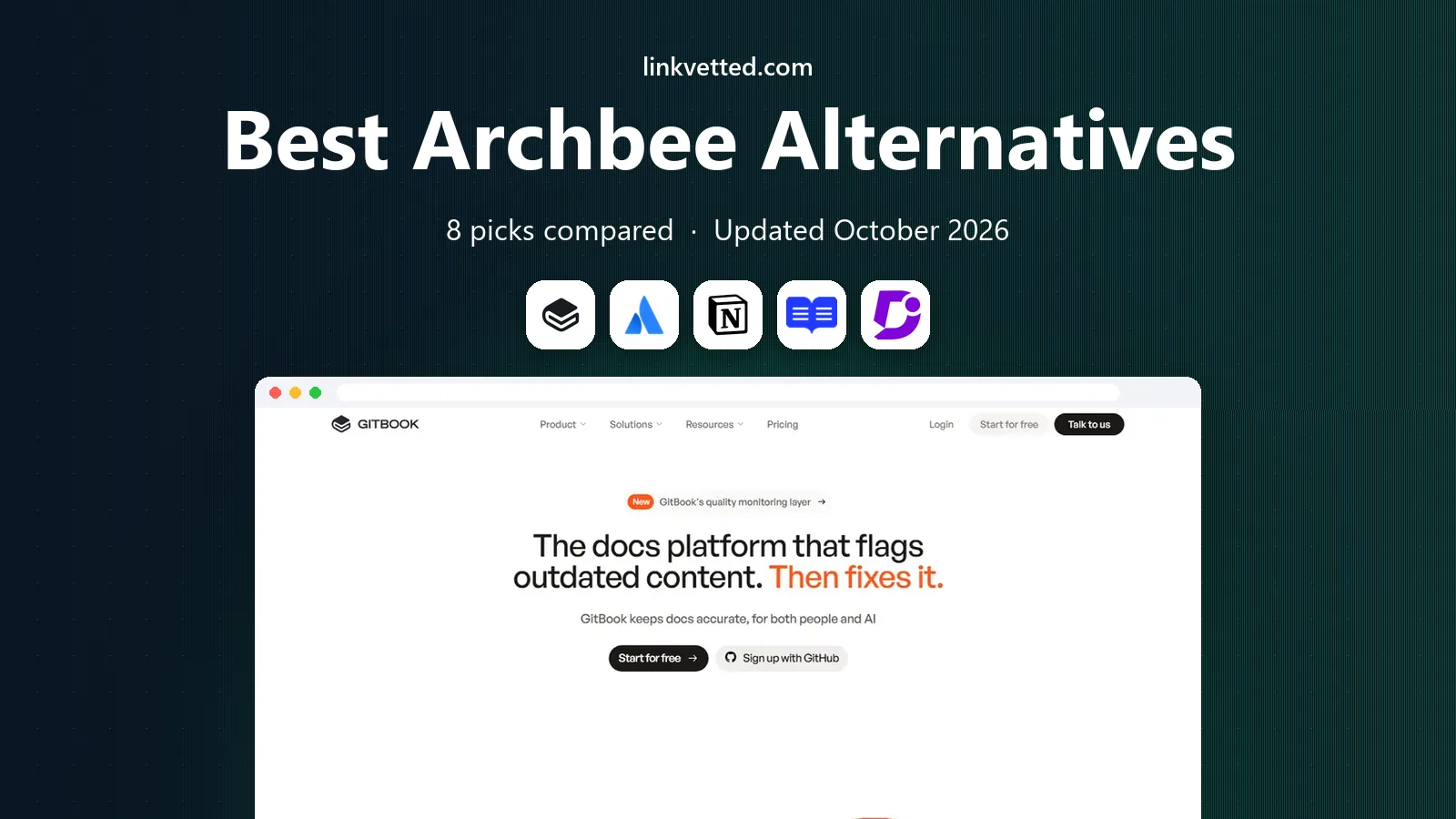
- Editor's choice
 GitBook
Polished product docs
Starts at$65 per site per monthVisit gitbook.comFull review - Great alternative
 Confluence
Internal wikis with Jira
Starts at$5.42 per user per monthVisit atlassian.comFull review - Also consider
 Notion
Flexible team wikis
Starts at$10 per user per monthVisit notion.comFull review
TL;DR:
- GitBook is the closest match for polished product docs with Git sync, starting at $65 per site per month for paid plans.
- Confluence and Notion suit internal knowledge best, especially when non developers must edit and maintain pages every day.
- ReadMe and Mintlify suit API led products that need interactive references, playgrounds, and versioned developer docs.
- Document360 suits larger support and knowledge teams that need approval workflows, while Docusaurus style open source tools suit engineering led teams.
- Price models differ sharply, with per site, per user, and quote based plans, so check how many sites and editors you will actually need.
Quick comparison
| Tool | Best for | Starts at | Free plan? | |
|---|---|---|---|---|
| GitBook | Polished product docs | $65 per site per month | Yes | Visit |
| Confluence | Internal wikis with Jira | $5.42 per user per month | Yes | Visit |
| Notion | Flexible team wikis | $10 per user per month | Yes | Visit |
 ReadMe | Interactive API docs | $250 per month | Yes | Visit |
 Document360 | Governed knowledge bases | See website | Free trial | Visit |
 Mintlify | Docs as code with polish | Free | Yes | Visit |
 Nuclino | Light team knowledge | Free | Yes | Visit |
 Slite | Verified team knowledge | $10 per user per month | Free trial | Visit |
The best Archbee alternatives
Archbee is known for visual documentation, internal knowledge bases, and team collaboration in one editor. The tools below cover that ground from different angles, from developer docs platforms to general wikis. We compared official pricing pages, feature pages, and public documentation for each one.

GitBook is our pick for most teams that want docs that look good on day one. Editors can write in a visual editor or sync content from Git, publish versioned docs, and add API references from OpenAPI files. The reader experience is clean, search is built in, and custom domains and branding help product docs feel like part of your site rather than an afterthought.
The pricing shape needs care. Paid plans start at $65 per site per month billed annually, plus per user fees, so a team with several documentation sites will pay more than the headline suggests. AI search and chat features also sit on higher tiers. If you only need one public docs site, GitBook is strong value, but count sites before you budget.
- Polished reader experience
- Git sync and OpenAPI support
- Visual editor plus Markdown workflows
- Paid plans charge per site plus per user
- AI features sit on higher tiers
- Separate help centre means a second bill

Confluence suits internal knowledge, project docs, and team wikis, especially where Jira already tracks work. Pages link to issues, meeting notes use templates, and databases and whiteboards extend pages beyond plain text. Non developers usually find it easier to maintain than a docs as code setup, which helps keep internal docs current.
The limit is external developer docs. Confluence is not designed for interactive API references, code samples with try it now features, or versioned public docs in the same way GitBook or ReadMe are. It also needs clear ownership, since a wiki without editors quickly becomes a pile of outdated pages. For internal use, though, it is a proven and affordable choice.
- Deep Jira integration
- Familiar editor for non developers
- Templates, databases, and whiteboards
- Not a true API reference tool
- Can feel heavy for public docs
- Structure can grow messy without ownership
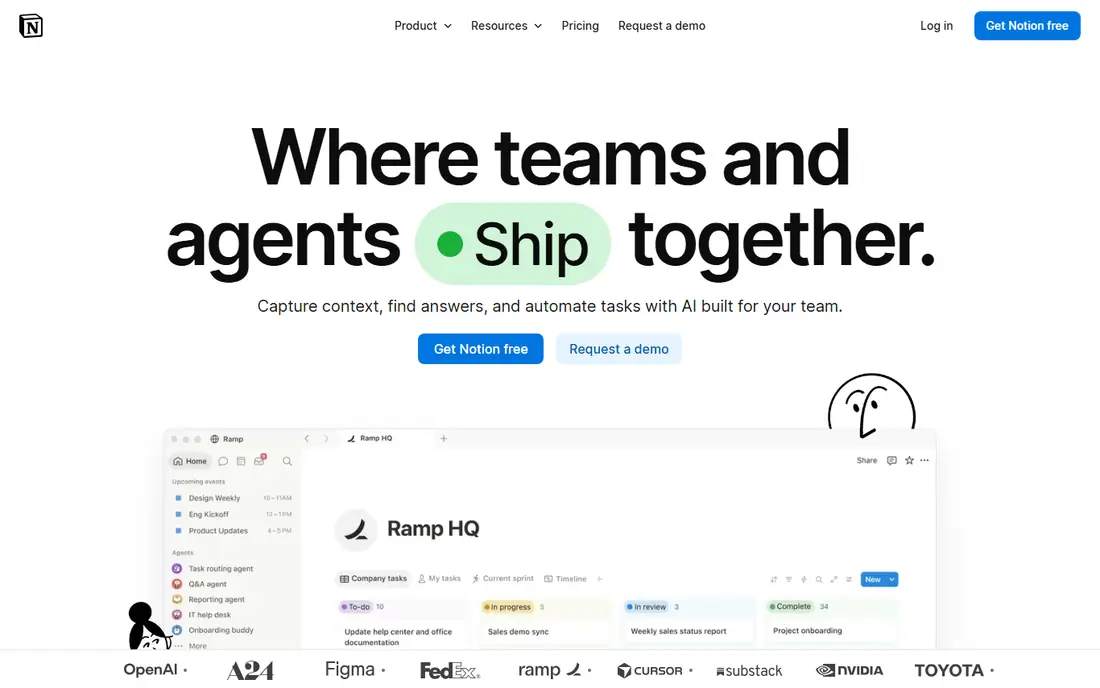
Notion works well when documentation lives next to tasks, notes, and project pages. Teams can build wikis from blocks, link related pages, filter databases, and use templates for recurring doc types. The Plus plan at $10 per user per month billed annually adds unlimited file uploads and longer version history, while the free plan covers personal and small team use.
For public product docs, Notion is less polished out of the box than GitBook, and API reference features are limited. It also suits internal knowledge more than customer facing help centres. If your team already plans, writes, and tracks work in Notion, keeping docs there reduces tool switching and makes maintenance more likely.
- Flexible blocks, databases, and templates
- Free plan for individuals
- Easy for non technical editors
- Not built for API references
- Public docs need extra setup
- Performance can slow on very large workspaces
ReadMe is built for API first products that need developers to succeed quickly. It combines guides, tutorials, and interactive API references, so readers can test endpoints from the docs page and see real responses. Versioning, changelogs, and metrics help teams track which docs developers use and where they get stuck.
The price reflects that focus. Paid Pro plans start at $250 per month billed annually, which is steep for a small team with simple docs, though a free Starter plan covers one project for basic use. If your docs are mainly internal notes or marketing pages, ReadMe will feel too specialised. If your API is the product, the interactive experience is hard to match.
- Interactive API explorer and try it now features
- Versioning and changelog tools
- Guides plus reference in one hub
- Paid plans start at $250 per month
- Less suited to general internal wikis
- API focus can be overkill for simple docs
Document360 suits support led and enterprise teams that need control over who writes, reviews, and publishes content. It supports categories, versioning, workflows, and analytics, plus a public help centre and a private internal base in the same account. That governance matters when docs affect support volume, compliance, or customer trust.
The main drawback is price transparency. Document360 moved to quote based pricing, so you need a sales conversation to get a firm figure, and AI search features may be quoted separately. Smaller teams may find GitBook or Notion faster and cheaper. Larger teams with review steps and multiple audiences will appreciate the structure, if they budget for it.
- Approval workflows and version control
- Separate internal and public knowledge bases
- AI search options
- Pricing is quote based
- Heavier than a simple wiki
- Setup takes planning for large content sets
Mintlify appeals to engineering led teams that keep docs in Git but want a modern reader experience. Writers edit MDX files, sync through Git, and publish docs with navigation, search, and API playgrounds. The Starter plan is free with a limited number of editors, which makes it easy to try with a real docs set before paying.
Paid Pro at $450 per month billed annually is a jump, and it is where fuller AI features and team controls sit. Teams without Git comfort may prefer GitBook visual editing instead. For a developer docs site where engineers already own content in a repo, Mintlify gives a clean result without building a custom docs site from scratch.
- Free Starter plan with Git sync
- Polished modern docs design
- API playground and MDX support
- Pro plan is $450 per month
- Docs as code workflow needs developer comfort
- AI assistant costs sit on paid tiers
Nuclino is a good pick for small teams that want a wiki without a steep learning curve. Its editor is fast, pages link visually in a graph view, and workspaces keep internal knowledge organised without heavy setup. The free plan covers basic use, and paid plans add more storage, version history, and controls for growing teams.
The trade off is depth. Nuclino does not match Document360 on approval workflows or ReadMe on API references, and its integration list is narrower than Notion or Confluence. If your docs are mainly internal guides, onboarding notes, and team knowledge, that simplicity is a strength. If you need public API docs or strict publishing controls, look higher on this list.
- Simple visual knowledge graph
- Fast editor
- Free plan for small teams
- Limited API docs features
- Fewer advanced governance controls
- Smaller integration set than Confluence or Notion
Slite focuses on keeping team knowledge trustworthy, with features that flag outdated docs and help owners verify content. Its editor is clean, search is central, and an AI assistant can draft and summarise notes. Starting at $10 per user per month, it sits in the same range as Notion Plus, with a stronger emphasis on verification than on flexible databases.
The limits are scope and free access. Slite offers a trial rather than a permanent free plan, and it is not designed as an API docs platform. Teams with a large number of occasional readers should check how seats are counted, since per user pricing can grow quickly. For a team whose main pain is stale internal docs, Slite addresses that problem directly.
- Knowledge verification features
- Clean editor
- AI assistant for finding and updating docs
- No permanent free plan, only a trial
- Less suited to public API docs
- Per user pricing adds up for large teams
How we picked these
We compared official pricing pages, feature pages, and public documentation for tools that cover Archbee core jobs: writing docs, organising knowledge, publishing for internal or external readers, and searching content. We kept general wikis, developer docs platforms, and governed knowledge bases, and we left out plain note apps without publishing or team controls. Where pricing is quote based, we wrote See website rather than guessing a figure.
What to check before you move your docs
A docs migration is easy to start and easy to stall, so test with one real section first.
Separate internal knowledge from public docs
Internal wikis and public product docs have different readers, permissions, and quality bars. A tool that excels at one may be weak at the other, so list both audiences before choosing. Many teams end up with a wiki for internal use plus a docs platform for customers, and that split is fine if each tool is maintained.
Check editing, review, and search in practice
Test how non developers edit, how reviewers approve changes, and how readers search. Check version history, permissions, and whether search covers code samples and API names. A beautiful reader means little if editors avoid the tool or readers cannot find the page they need.
Plan migration and ownership
Move one category of docs first, check links, images, and formatting, then assign owners for each section. Docs without owners go stale in any tool, so set review dates and a simple process for flagging outdated pages. That ownership step matters more than the platform choice itself.
FAQ
Is there a free Archbee alternative?
Yes. Notion and Nuclino offer free plans for small team use, GitBook offers a free tier, and Mintlify Starter is free with Git sync. Free plans usually limit users, sites, or advanced features, so check those limits against your team size. For a single small docs site, a free plan can be enough to start.
Which Archbee alternative is best for API documentation?
ReadMe and Mintlify are the strongest API choices here, with interactive references, playgrounds, and versioning. GitBook also handles OpenAPI docs well for mixed technical and non technical teams. Choose ReadMe for a developer hub centred on trying APIs, and Mintlify for a docs as code workflow with a modern design.
Can I migrate from Archbee to GitBook or Confluence?
Migration usually involves exporting content and rebuilding structure, since page models and permissions differ. Start with one section, check formatting and links, and test search before moving everything. Some tools offer import helpers, but plan time for manual cleanup, especially for embedded media and tables.
Is Confluence better than Notion for documentation?
Confluence suits larger teams already using Jira and needing structured internal wikis with templates and databases. Notion suits smaller, flexible teams that want docs next to tasks and notes in one workspace. Neither is ideal for interactive API docs, so choose based on internal workflow rather than public docs needs.
Which tool is best for a customer help centre?
Document360 is the strongest help centre choice here, with approval workflows, versioning, and public plus private bases. GitBook also works for public product docs, though its per site pricing needs care. If support deflection and search analytics matter most, test Document360 and GitBook with real support articles first.