5 Anthology Alternatives Worth Switching To in 2026
Compare 5 picks for Anthology alternatives, with prices, free plans and who each fits. Every profile names its biggest catch. Built for quick decisions.
- Editor's choice
 Microsoft Teams for Education
Communication and collaboration in schools
Starts atPricing on requestVisit microsoft.comFull review - Great alternative
 D2L Brightspace
AI, authoring and analytics in one system
Starts atPricing on requestVisit d2l.comFull review - Also considerOpen LMS
Configurable open-source learning on Moodle
Starts atPricing on requestVisit openlms.netFull review
Direct answer
If you need communication and collaboration in schools, Microsoft Teams for Education is the first tool to look at here. For a different need, D2L Brightspace covers AI, authoring and analytics in one product and Open LMS covers configurable open-source learning on Moodle. Prices, free plans and limits for all 5 tools follow. None of these vendors publish plan prices, so pricing is on request for every option.
TL;DR:
- Microsoft Teams for Education is the opening pick, best for communication and collaboration in schools.
- Microsoft Teams for Education, Canvas LMS and the 3 others all need a premium plan or a trial, since no free plan is listed.
- Pricing across the list, from Microsoft Teams for Education to Canvas LMS, is by quote only.
- Before buying D2L Brightspace, weigh this: feature breadth can feel complicated.
Last checked November 2026. Pricing on request: vendors did not publish plan prices when this guide was last checked (November 2026), so ask each vendor for a written quote.
Quick comparison
| Tool | Best for | Starts at | Free plan? | |
|---|---|---|---|---|
| Microsoft Teams for Education | Communication and collaboration in schools | Pricing on request | Not stated | Visit |
| D2L Brightspace | AI, authoring and analytics in one system | Pricing on request | Not stated | Visit |
| Open LMS | Configurable open-source learning on Moodle | Pricing on request | Not stated | Visit |
 Google Classroom | Schools already using Google tools | Pricing on request | Not stated | Visit |
 Canvas LMS | Approachable teaching and learning | Pricing on request | Not stated | Visit |
Every option for Anthology explained
LinkVetted put together this guide to Anthology for readers who want a clear shortlist without reading every vendor page. It compares 5 tools on starting price, free plans, who each one suits and where each one falls short.
Microsoft Teams for Education
Best for: Communication and collaboration in schools
Microsoft Teams for Education targets communication and collaboration in schools. Plenty of schools use it alongside a learning management system instead of as a direct replacement.
Downsides: Not a full course management system.
Pricing for Microsoft Teams for Education is not stated here, so ask the vendor for current figures. Free access: Not stated.
- Designed for teaching and collaboration
- Supports in-person and remote students
- Depends on Microsoft account setup
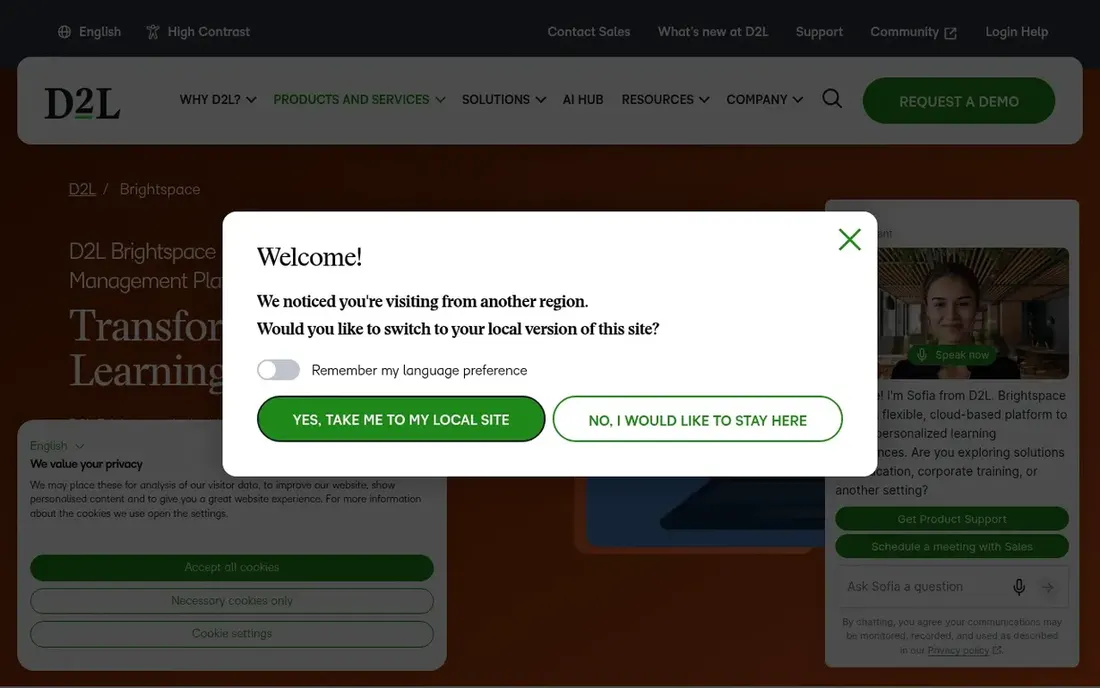
D2L Brightspace is designed for AI, authoring and analytics in one system. Its homepage flags D2L Lumi AI, Creator+ authoring and Performance+ analytics, suggesting a focus on course creation, insight and assisted workflows.
In daily use, a wide feature set can mean more configuration and training before teams feel comfortable. From a buyer's view, consider Brightspace when you want authoring and analytics built into the product and are prepared to invest in onboarding. No starting price is listed for D2L Brightspace here; confirm pricing on the vendor site. Free access: Not stated.
What to check first: May be more than small teams need.
- Performance+ analytics
- Creator+ authoring tools
- Feature breadth can feel complicated
Open LMS
Best for: Configurable open-source learning on Moodle
Open LMS targets configurable open-source learning on Moodle. Teams seeking a completely managed, out-of-the-box experience may prefer Canvas LMS or Brightspace.
Also, choose Open LMS when you want open-source adaptability with a clearer product direction and are ready to invest in configuration. No starting price is listed for Open LMS here; confirm pricing on the vendor site. Trial and free access: Not stated.
Limits to weigh: Customization needs planning.
- Completely configurable
- Built on Moodle
- Moodle heritage shapes the experience
Think of Google Classroom for schools already using Google tools. Google Classroom is described as a central hub for tools and resources meant to help educators handle classrooms and enrich learning experiences.
Where it is weaker: Fewer advanced LMS features.
For plenty of teachers it is the quickest route to organizing a digital classroom. This comparison lists no price for Google Classroom; ask the vendor. Free options: Not stated.
- Familiar Google ecosystem
- Straightforward classroom management
- Best value inside Google Workspace
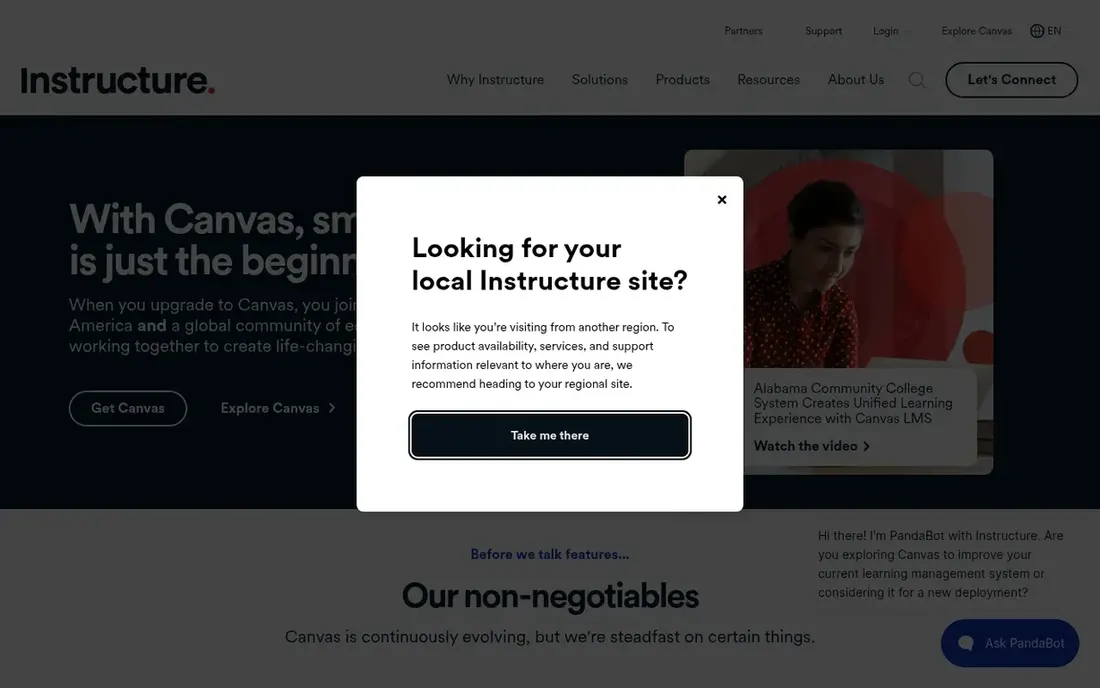
Canvas LMS was built for approachable teaching and learning. Choose Canvas when usability and a straightforward teaching experience are the deciding factors.
Trade-offs to know: Customization can need extras.
What works well: approachable interface. In daily use, since Canvas leans toward simplicity, organizations with complicated, highly tailored requirements may find they need integrations or extras to match niche workflows. Canvas LMS shows no starting price here, so confirm the cost on the vendor site. Trial and free access: Not stated.
- Solid focus on student learning
- Built to ease teaching
- Less suited to highly bespoke setups
How these tools were picked
Things to verify first
- Ask each vendor, from Microsoft Teams for Education to Canvas LMS, for a written quote; none of them publishes a starting price.
- Before choosing Microsoft Teams for Education, weigh its main limit: not a full course management system.
- Total up the real monthly cost of Open LMS, including add-ons, extra users and usage-based fees.
- Make sure Microsoft Teams for Education lets you export your data in a format another tool can read.
- Check the support hours and onboarding help Canvas LMS offers; smaller vendors vary a lot here.
FAQ
Does any tool for Anthology here have a free plan?
No tool in this list, Microsoft Teams for Education and Canvas LMS included, has a permanent free plan. Trials and quotes are the usual route, so plan a short evaluation period.
Can Microsoft Teams for Education replace a LMS?
Teams for Education centres on video conferencing, communication and collaboration for in-person and remote students. It is frequently used alongside a learning management system instead of as a complete replacement.
Do these tools publish their prices?
No. None of the tools, from Microsoft Teams for Education to Canvas LMS, shows a fixed starting price here, so budget time for quotes.
What is the best Anthology alternative for most institutions?
This list starts with Microsoft Teams for Education, which fits communication and collaboration in schools. For other needs, D2L Brightspace is aimed at AI, authoring and analytics in one product, and Open LMS at configurable open-source learning on Moodle. Check each tool's price and main limit first.
Is Microsoft Teams for Education the right pick for everyone comparing Anthology?
No single tool suits every team. Microsoft Teams for Education comes first because it fits communication and collaboration in schools, while D2L Brightspace suits AI, authoring and analytics in one platform and Open LMS suits customizable open-source learning on Moodle. Match the tool to your own size, budget and workflow before deciding.
How are the tools for Anthology ordered?
Microsoft Teams for Education sits first and Canvas LMS last because the order follows typical fit for Anthology, then price clarity and free access. It is a judgement call, so read each profile for fit and limits.
Sources
- https://www.microsoft.com/en-us/education/products/teams
- https://www.d2l.com/brightspace
- https://www.openlms.net
- https://classroom.google.com
- https://www.instructure.com/canvas