Best Alternatives to Proton Mail in 2026: 8 Secure Email Services
Searching for alternatives to proton mail? We compare 8 private email services, with encryption, current pricing, storage, and honest trade-offs in 2026.
- Editor's choice
 Tuta
Closest Proton Mail replacement
Starts atFreeVisit tuta.comFull review - Great alternative
 Fastmail
Everyday privacy with speed
Starts at$5 per monthVisit fastmail.comFull review - Also consider
 mailbox.org
Private all-in-one mailbox
Starts at1 euro per monthVisit mailbox.orgFull review
TL;DR:
- Tuta is the closest match to Proton Mail, with end-to-end encryption built in and servers in Germany.
- Fastmail is our pick for people who want privacy without giving up Gmail style speed and everyday usability.
- mailbox.org and Posteo are strong low cost European options, but their encryption takes more setup than Proton Mail.
- No single service wins on every point, since automatic encryption, standard email app support, and price pull in different directions.
- If you need a custom domain, check which plan includes it, since several services reserve domains for paid plans.
Quick comparison
| Tool | Best for | Starts at | Free plan? | |
|---|---|---|---|---|
| Tuta | Closest Proton Mail replacement | Free | Yes | Visit |
| Fastmail | Everyday privacy with speed | $5 per month | Free trial | Visit |
| mailbox.org | Private all-in-one mailbox | 1 euro per month | Free trial | Visit |
 Posteo | Cheap, simple private email | 1 euro per month | No | Visit |
 Mailfence | PGP control with a free tier | Free | Yes | Visit |
 StartMail | Unlimited aliases and PGP | $4.99 per month | Free trial | Visit |
 Zoho Mail | Email inside a business suite | $1 per user per month | Yes | Visit |
 Canary Mail | AI assisted email on Apple devices | Free | Yes | Visit |
The best alternatives to proton mail
Proton Mail sets a high bar with automatic encryption between Proton users and zero access storage. The services below offer different answers to the same question: how much privacy do you want, and how much convenience are you willing to trade for it?
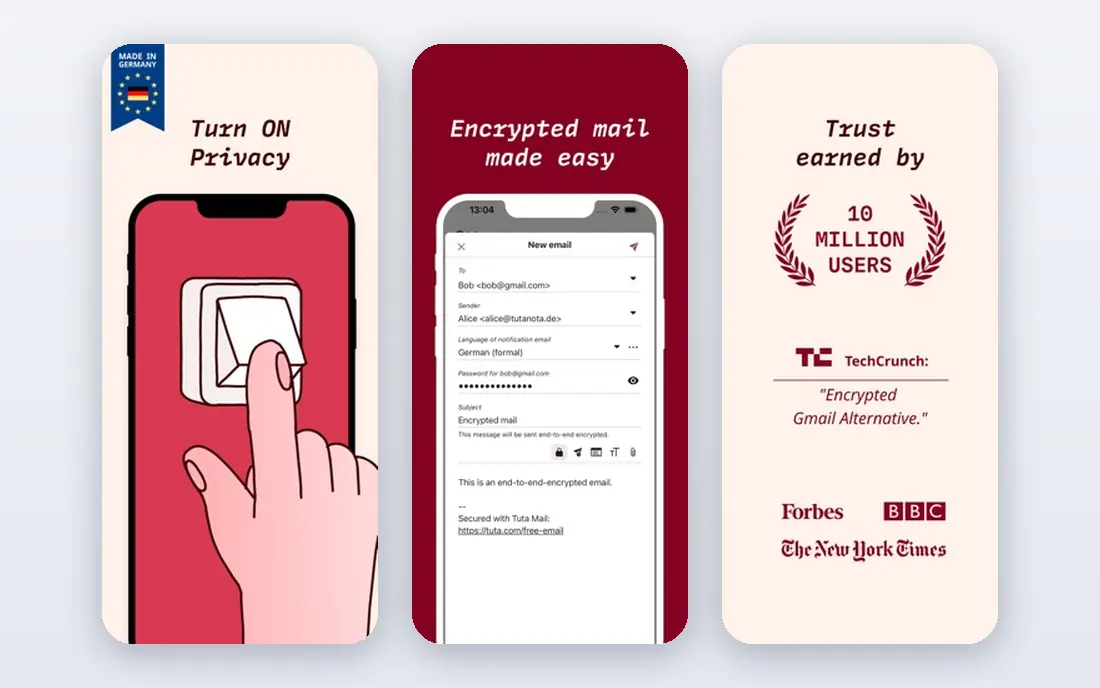
Tuta, formerly Tutanota, is the most direct Proton Mail alternative. Mail between Tuta users is end-to-end encrypted automatically, and Tuta says it encrypts more of the mailbox than Proton does, including subject lines, calendar entries, and contacts. Its clients are open source, and its servers sit in Germany under European privacy law.
The main trade-off is app lock-in. Tuta does not support IMAP and has said it will not build a bridge, so you can only read Tuta mail in Tuta apps. If you love a particular desktop email app, that is a real loss. The free plan covers personal use with 1 GB, and the paid Revolutionary plan starts at 3 euros per month billed yearly with 20 GB and custom domains.
- End-to-end encryption including subject lines
- Open source clients
- Post-quantum encryption
- No IMAP support, so you must use Tuta apps
- Free plan limited to 1 GB

Fastmail is our pick for people who want to leave big tech email without adopting a whole new way of working. It feels familiar, syncs fast over modern protocols, and offers strong search, calendar scheduling, and unlimited masked addresses that keep your real address out of signup forms. Custom domains are included on all plans, which is generous.
The honest catch is encryption. Fastmail does not offer end-to-end encryption, by design, so it cannot match Proton or Tuta on that point. What it does offer is a clear no tracking, no advertising business model, plus transparency reports. If your priority is a private, fast, everyday inbox rather than maximum encryption, Fastmail is hard to beat.
- Fast search and sync
- Custom domains on all plans
- Masked email addresses for signups
- No end-to-end encryption by design
- No free plan, only a 30-day trial
mailbox.org is a long running German provider that bundles mail, calendar, contacts, cloud storage, and office apps. Unlike Tuta, it works in any email app over IMAP or POP, and its Guard feature adds PGP and S/MIME encryption in webmail. That flexibility makes migration easy, since you can keep your favorite app.
The price is low, starting at 1 euro per month for the Light plan, with Standard at 3 euros per month billed yearly adding a custom domain and 20 GB. The downside is effort. End-to-end encryption here means setting up PGP, not automatic protection like Proton or Tuta. For users comfortable with that setup, it is a strong, affordable choice.
- Works in any email app over IMAP
- Mail, calendar, contacts, and office tools in one account
- Servers in Germany
- Encryption uses PGP you set up yourself
- No free plan
Posteo is one of the cheapest private email services available, at 1 euro per month with 4 GB of storage. It is based in Germany, stores mail encrypted, and works in any email app over IMAP. There is no advertising, no tracking, and no need to hand over much personal data to sign up. For people who want a simple, private mailbox at the lowest possible cost, it is compelling.
Posteo is deliberately plain. There is no free plan, though the first month is refundable, and end-to-end encryption through PGP is optional rather than automatic. You also get less hand holding than Fastmail or Proton. If you want low cost and solid privacy basics and you are happy with a straightforward inbox, Posteo delivers.
- Very low price
- Encrypted storage
- Works in any email app
- No advertising or tracking
- No free plan
- PGP encryption is optional and takes setup
- Smaller storage than some rivals
Mailfence, based in Belgium, gives users direct control over OpenPGP encryption, including key management in the browser. That control appeals to people who want to understand and manage their own encryption rather than trusting automatic systems alone. A free plan lets you test it without paying, and paid plans start at 2.50 euros per month.
The interface is functional rather than beautiful, and it will feel dated if you arrive from Gmail or Fastmail. IMAP access and larger storage require a paid plan, so power users should budget accordingly. Mailfence suits privacy minded users who value PGP control and a European base over polish.
- OpenPGP built in
- Free plan available
- Belgian jurisdiction with strong privacy law
- Interface feels dated next to Fastmail
- Paid plans needed for IMAP and larger storage
StartMail, based in the Netherlands, focuses on anonymous signup and alias control. You can create unlimited aliases, which helps you give a different address to each service and spot who shares your address. One-click PGP makes encryption far easier than manual key setup, and standard IMAP support means you can use it in any email app.
Pricing starts at $4.99 per month billed yearly, with a 7-day trial. That is more than Posteo or mailbox.org, and you do not get a drive, VPN, or password manager bundled in. StartMail is best for people whose main concern is email privacy and alias control, not a whole productivity suite.
- One-click PGP encryption
- Unlimited aliases
- Works in any email app over IMAP
- No free plan
- Higher price than Posteo or mailbox.org
- Smaller ecosystem than Proton
Zoho Mail is a practical pick for small businesses that already use, or plan to use, Zoho apps. The free plan covers a small team, and paid plans start at $1 per user per month, which undercuts most rivals. Admin controls, shared mailboxes, and integration with Zoho CRM and office tools make it a solid business inbox.
Be clear about what it is not. Zoho Mail is not end-to-end encrypted and is not marketed as a privacy first service in the Proton sense. Its strength is value and business integration, with ad free mail and standard security. If your goal is escaping surveillance advertising on a budget for a team, it works. If maximum encryption is the goal, Tuta or mailbox.org fit better.
- Very low entry price
- Free plan for small teams
- Integrates with Zoho CRM, Docs, and other apps
- Not end-to-end encrypted
- Privacy model is business software, not privacy first email
Canary Mail is an email app and service with a strong focus on Apple devices, plus AI features for drafting, summarizing, and managing mail faster. It offers PGP support and a free tier, with paid plans from about $20 per year. For Mac and iPhone users who want a modern, fast inbox with privacy features built in, it is an appealing change from Apple Mail or Gmail apps.
The limits are platform and scale. Canary shines most on Apple hardware, and its paid features matter for heavy users. It is also a smaller company than Proton or Zoho, so long term stability deserves a check before you move a decade of mail. Try the free tier first, and confirm import and export work for your archive.
- Strong Apple device experience
- AI drafting and summaries
- PGP and encryption options
- Best experience is on Mac and iOS
- Paid plan needed for full features
- Newer and smaller than rivals
How we picked these
We compared official pricing pages, encryption models, jurisdiction, app support, and storage for each service, and we favored services that are actively maintained and clearly state their privacy model. We did not claim hands-on testing. Our comparison rests on published documentation, pricing pages, and public reviews. We included both automatic encryption services and standard IMAP services on purpose, because many Proton Mail leavers care more about app freedom or price than about one specific encryption design.
How to choose the right private email service
A short checklist makes the decision easier than comparing feature tables all day.
Decide what privacy means to you
If you need automatic end-to-end encryption, shortlist Tuta and Mailfence first. If you mainly want to stop advertising and tracking while keeping a normal inbox, Fastmail, Posteo, and Zoho Mail are enough. Do not pay for encryption features you will never set up, and do not assume a service is end-to-end encrypted just because it markets itself as private.
Check app and domain support before you move
Confirm whether the service works in your preferred email app, whether it supports your custom domain, and how export works. Tuta requires its own apps, while mailbox.org, Posteo, StartMail, and Fastmail work over standard protocols. Moving years of mail is painful, so test import with a small folder first and keep your old account active during the switch.
Weigh price against storage and team size
A 1 euro plan looks cheap until you need more storage or a custom domain, and a $5 plan looks dear until it covers a domain, calendar, and masked addresses. Add up storage, domains, and users for your real household or team, and compare that total, not the headline price.
FAQ
What are the best Proton Mail alternatives?
Tuta is the closest overall replacement, Fastmail is the best everyday option, and mailbox.org and Posteo are the best low cost European options. The best choice depends on whether you rank automatic encryption, app freedom, or price first. Most people will be happy with one of those four.
Are there free alternatives to Proton Mail?
Yes. Tuta, Mailfence, Zoho Mail, and Canary Mail all offer free plans, though storage and features are limited. Free plans suit personal use and testing, but paid plans are usually needed for custom domains, larger storage, and full app support. Check the limits before moving important mail.
Is Tuta better than Proton Mail?
Tuta encrypts subject lines and calendar data that Proton does not encrypt end-to-end, and it is cheaper at the entry paid tier. Proton offers a larger ecosystem, including Drive, Calendar, and VPN, plus a bridge for desktop apps on paid plans. Neither is strictly better for everyone, and the right pick depends on whether you value ecosystem or encryption breadth more.
Can I use my own domain with these alternatives?
Yes, on most paid plans. Tuta, Fastmail, mailbox.org, and StartMail all support custom domains on paid tiers, and Zoho Mail supports domains for business plans. Free plans usually do not include custom domains, so budget for a paid plan if your own domain matters.
Do these services work in Apple Mail or Thunderbird?
Fastmail, mailbox.org, Posteo, StartMail, and Zoho Mail work over standard IMAP, so they work in Apple Mail, Thunderbird, and most other apps. Tuta does not support IMAP and requires its own apps. Check this point early, since it affects your daily workflow more than most feature differences.