Best Alternatives to ICloud Storage for 2026: Our 5 Vetted Picks
Shortlisting alternatives to icloud storage? 5 products compared on cost, free access and ideal buyer. Weak spots flagged for every entry. See which fits.
- Editor's choice
 Dropbox
Straightforward cross-device file syncing
Starts at$9.99 a monthVisit dropbox.comFull review - Great alternative
 Box
Content management and workflow automation
Starts atSee websiteVisit box.comFull review - Also consider
 Google Drive
Wide sharing and document tools
Starts atSee websiteVisit workspace.google.comFull review
Direct answer
If you need straightforward cross-device file syncing, Dropbox is the first tool to look at here. Listed starting prices: Dropbox from $9.99 a month and Sync.com from $4.50 per user per month. Box is the stronger choice for content management and workflow automation, while Google Drive suits wide sharing and document tools. The remaining 2 options are covered below with prices and limits.
TL;DR:
- Dropbox sits first on this list: straightforward cross-device file syncing.
- For Microsoft-centric personal storage, Microsoft OneDrive is worth a look.
- Before buying Dropbox, weigh this: collaboration extras sit behind premium levels.
- None of the 5 tools, from Dropbox to Microsoft OneDrive, has a free plan, so budget for a subscription or use a trial.
- Sync.com is the lowest-priced starter here at $4.50 per user per month.
Last checked November 2026. Prices and plan details were read from the vendors' own pages in November 2026; vendors change plans often, so confirm the current price on the vendor site before you buy.
Quick comparison
| Tool | Best for | Starts at | Free plan? | |
|---|---|---|---|---|
| Dropbox | Straightforward cross-device file syncing | $9.99 a month | Free trial | Visit |
| Box | Content management and workflow automation | See website | Not stated | Visit |
| Google Drive | Wide sharing and document tools | See website | Not stated | Visit |
 Sync.com | Privacy-focused secure collaboration | $4.50 per user per month | Free trial | Visit |
 Microsoft OneDrive | Microsoft-centric personal storage | See website | Not stated | Visit |
ICloud Storage, one by one
LinkVetted compared 5 tools for iCloud Storage. The goal is a practical shortlist: published prices, free plan facts, best-fit use cases and honest limits for every entry.
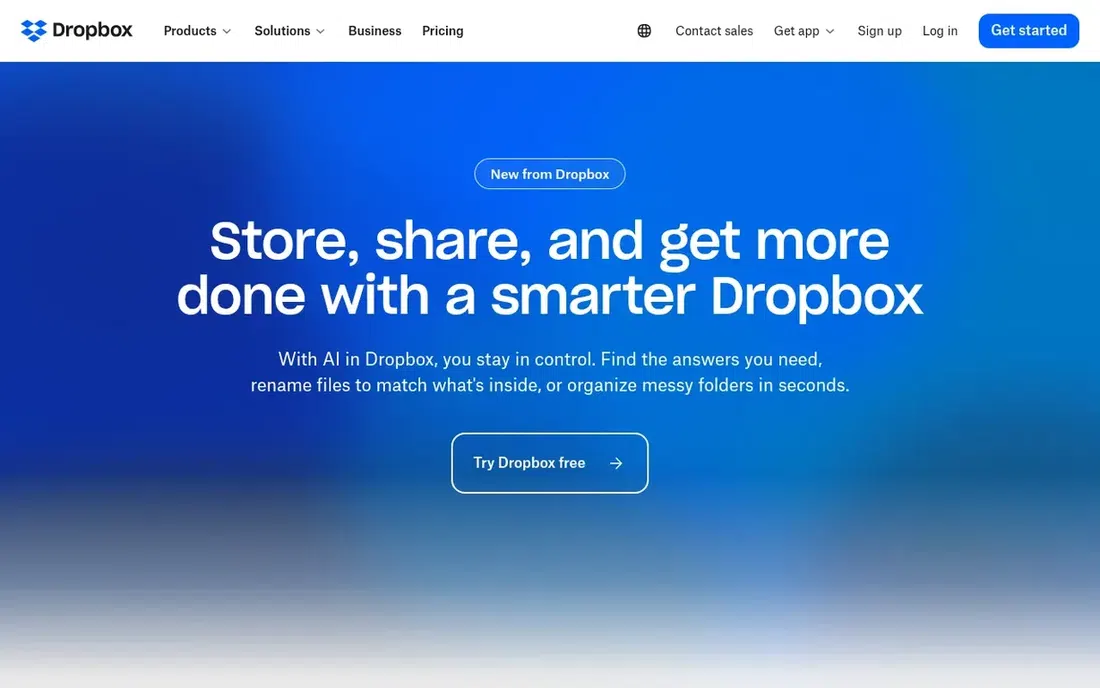
Dropbox is designed for straightforward cross-device file syncing. In practice, choose something else if you need storage bundled tightly with an office application you already use.
Watch-outs: Less tied to office suites.
Dropbox is most solid for straightforward syncing and sharing; those wanting deep document editing may prefer a suite-based service. Its additional collaboration and signing features are pitched at paying users. Dropbox pricing: $9.99 per month. Trial and free access: Free trial. Where it shines: Works from any device.
- Store, sync
- Clear
- Collaboration extras sit behind premium levels
Choose Box for content management and workflow automation. The emphasis is on governance and process around documents.
Trade-offs to know: Targeted at business content workflows.
Worth adding: for straightforward photo and file backup, a consumer-focused service is normally a better match. Box does not show a starting price in this comparison, so check the vendor site for current pricing. Free options: Not stated.
- Protection for sensitive data
- Internal and external collaboration
- Heavier than straightforward personal storage
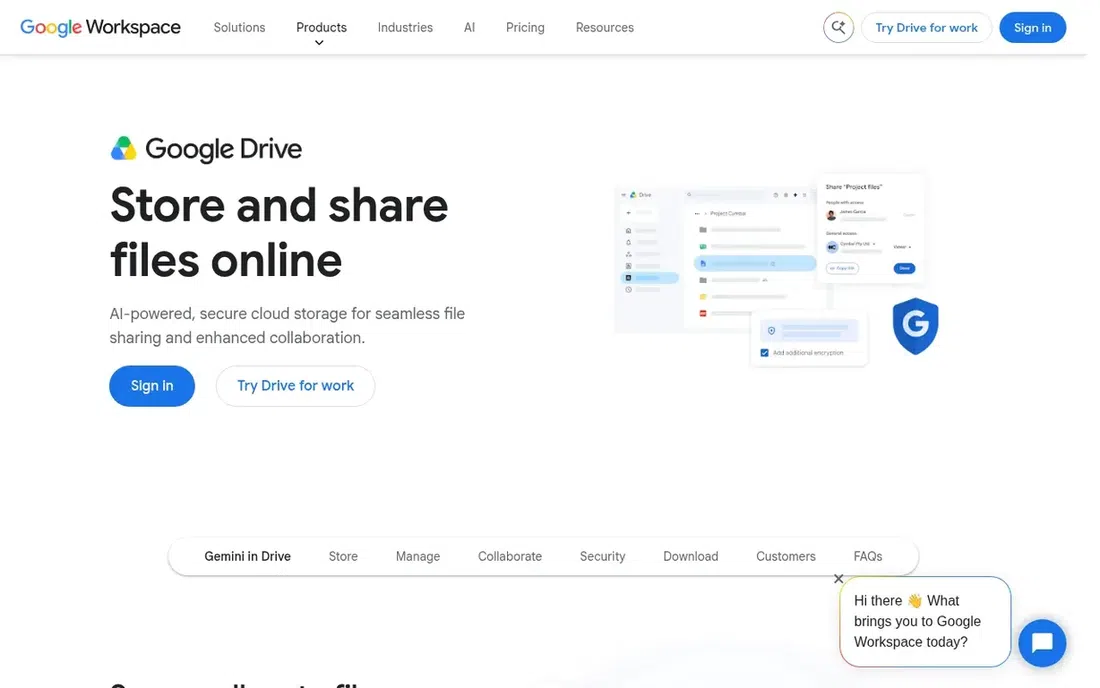
Google Drive is designed for wide sharing and document tools. Google Drive is a file sharing and cloud storage product from Google Workspace. It supplies personal, secure storage and makes it simple to share content with other users, which fits individuals, families and teams that collaborate frequently.
Limits to weigh: Interface can feel busy.
Its strengths lean toward sharing and collaboration instead of pure archival storage. In daily use, consider another choice if you prefer a single-purpose storage service without attached productivity apps. Pricing for Google Drive is not stated here, so ask the vendor for current figures. Free plan details: Not stated.
- Connects with Google Workspace
- Personal and secure storage
- Best features tie to a Google account
Sync.com works best for privacy-focused secure collaboration. The service keeps the focus on storage and collaboration instead of add-on apps. Sync.com offers secure cloud storage and collaboration that helps users stay secure and connected in the cloud.
What to check first: Less suited to heavy office workflows.
Sync.com is narrower than suite-based systems, so people who want document editing and mail tied to storage may have to look elsewhere. Its collaboration tools include sharing but not deep workflow automation. It is a decent match when security is the deciding factor and straightforward storage is enough. Starting cost for Sync.com: $4.50 per user per month. Free plan details: Free trial.
- Secure cloud storage
- Clear emphasis on staying connected
- Narrower app ecosystem
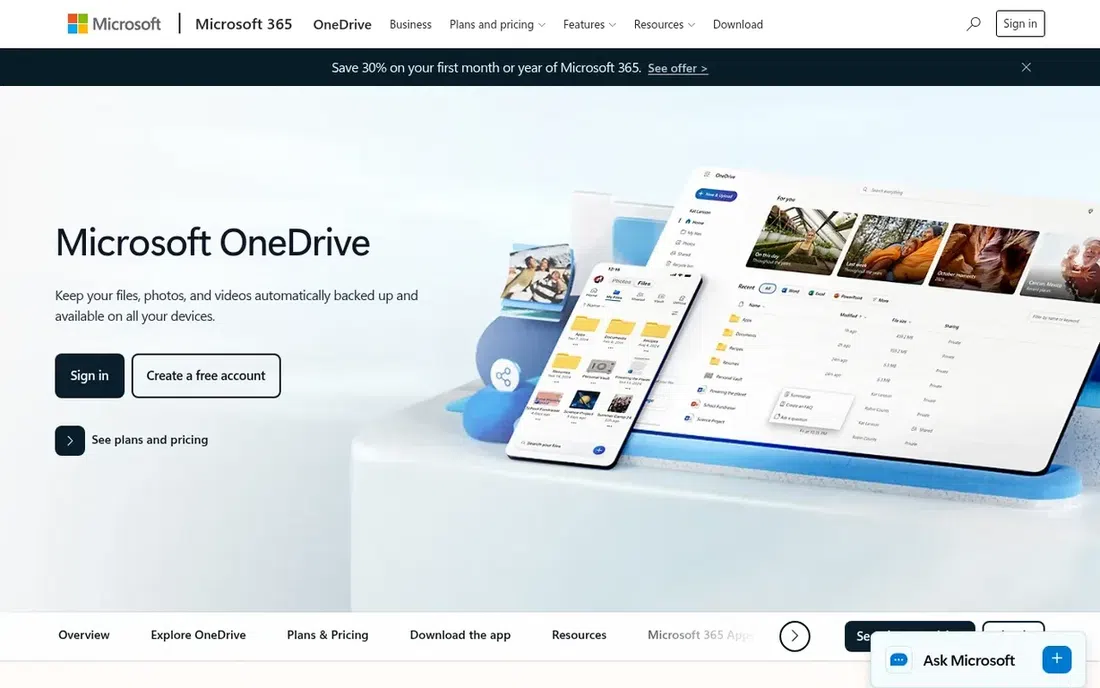
Microsoft OneDrive makes the most sense for Microsoft-centric personal storage. Microsoft OneDrive provides personal cloud storage with secure file and document sharing. Documents stay accessible and shareable without leaving that environment.
Drawbacks to consider: Best value inside the Microsoft ecosystem.
OneDrive makes most sense when Microsoft tools are already part of your day; outside that ecosystem its appeal narrows. Look elsewhere if you want storage that does not lean on an office suite. No starting price is listed for Microsoft OneDrive here; confirm pricing on the vendor site. As for free access: Not stated.
- Sharing with family and friends
- Secure file and document sharing
- Fewer reasons to switch if you avoid Microsoft apps
Selection criteria
We compared the tools on published pricing, free plan or trial availability, feature coverage for iCloud Storage, and the limits each vendor documents. Figures are shown as the vendors publish them. Billing terms, seat minimums and add-ons can change the real cost. Position on the page reflects fit for a typical buyer first, with price clarity and free access breaking ties. Treat it as a guide, not a ruling.
Questions to settle before buying
- Confirm the entry price on the vendor page. For Box, Google Drive and Microsoft OneDrive that means a quote rather than a fixed price.
- Take the trial from Dropbox and Sync.com and push a live task through it before you pay.
- Read the limits listed for Dropbox first: collaboration extras sit behind premium levels.
- Find out what support Sync.com includes on your plan, and whether onboarding help costs extra.
- Confirm you can export your data from Box, so leaving later does not mean losing records.
FAQ
What is the cheapest option for iCloud Storage in this list?
On published monthly entry prices, Sync.com is the lowest here at $4.50 per user per month. Entry price is only part of the cost, because seats, add-ons and billing terms can change the total. Prices, free plan details and limits for all 5 tools in this alternatives to ICloud storage roundup sit on the individual cards above.
Is Dropbox the right pick for everyone comparing iCloud Storage?
No single tool suits every team. Dropbox comes first because it fits simple cross-device file syncing, while Box suits content management and workflow automation and Google Drive suits broad sharing and document tools. Match the tool to your own size, budget and workflow before deciding.
Which alternative performs best for sharing files with family?
This list starts with Dropbox, which fits straightforward cross-device file syncing. For other needs, Box is aimed at content management and workflow automation, and Google Drive at wide sharing and document tools. Check each tool's price and main limit first.
Does any tool for iCloud Storage here have a free plan?
No tool in this list, Dropbox and Microsoft OneDrive included, has a permanent free plan. Dropbox, Sync.com offer a trial. Trials and quotes are the usual route, so plan a short evaluation period.
How are the tools for iCloud Storage ordered?
Dropbox sits first and Microsoft OneDrive last because the order follows typical fit for iCloud Storage, then price clarity and free access. It is a judgement call, so read each profile for fit and limits.
What is the best overall alternative to iCloud storage?
For most readers this guide would start with Dropbox, built for straightforward cross-device file syncing. Box is the alternative for content management and workflow automation, and Google Drive for wide sharing and document tools. The right answer depends on budget and workflow.
Sources
- https://www.dropbox.com
- https://www.box.com
- https://workspace.google.com/products/drive
- https://www.sync.com
- https://www.microsoft.com/en-us/microsoft-365/onedrive/online-cloud-storage