Best Alternatives to FTP in 2026: 8 Tools Compared
Compare the best alternatives to FTP for 2026, including secure file transfer, managed transfer, and cloud sharing, with pricing and security in detail.
- Editor's choice
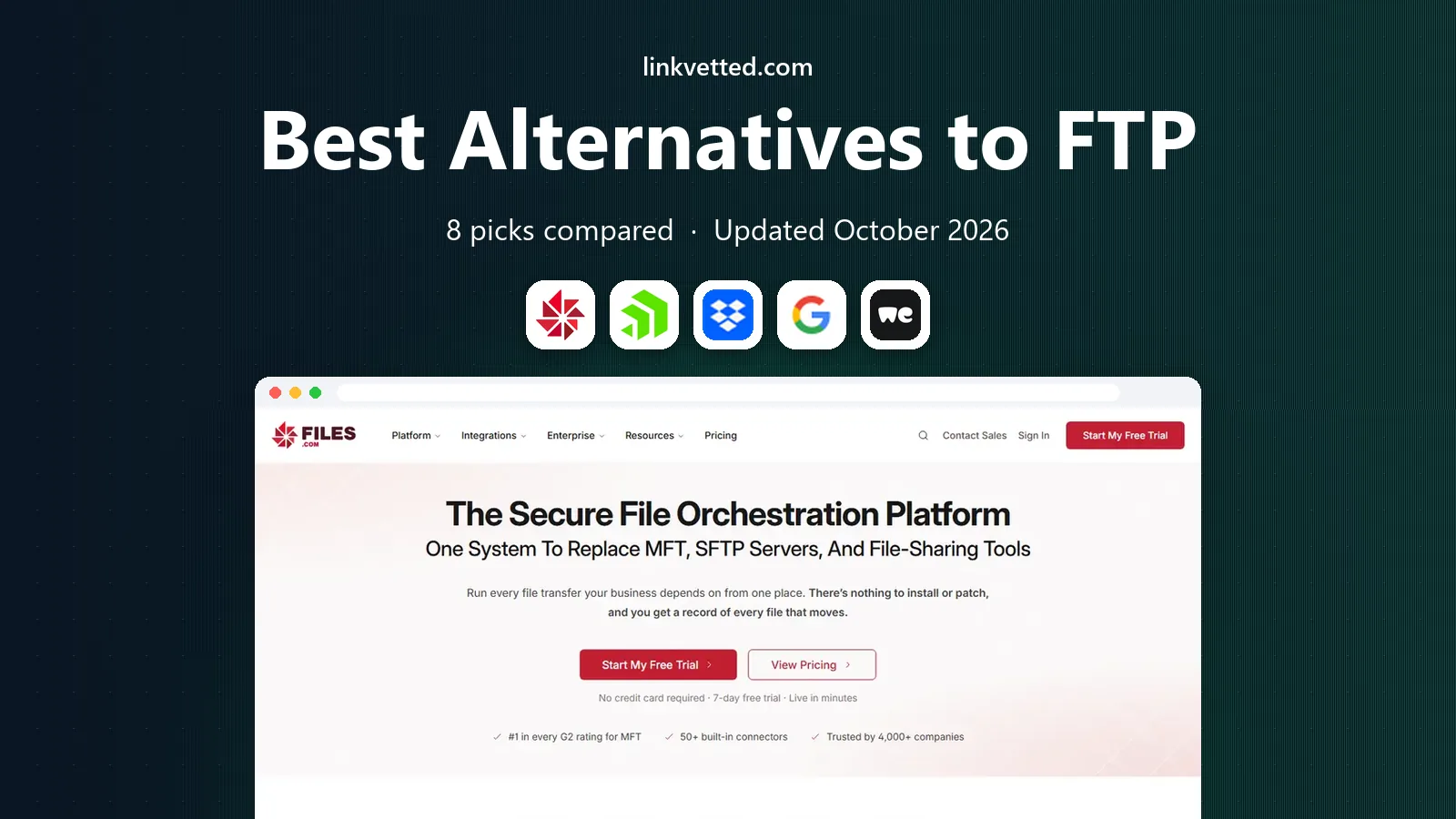
 Files.com
Managed file transfer
Starts at$199 per monthVisit files.comFull review - Great alternative
 ShareFile
Secure client file sharing
Starts at$16.50 per user per monthVisit sharefile.comFull review - Also consider
 Dropbox
Everyday sharing and sync
Starts atSee websiteVisit dropbox.comFull review
TL;DR:
- Plain FTP sends credentials and files without encryption, so it should not be used for sensitive data in 2026.
- SFTP and managed file transfer tools add encryption, authentication, and audit logs for business transfers.
- For simple sharing, WeTransfer, Dropbox, and Google Drive are easier than running a server.
- For partner and automated transfers, Files.com and ShareFile offer the controls and logs that auditors expect.
Quick comparison
| Tool | Best for | Starts at | Free plan? | |
|---|---|---|---|---|
| Files.com | Managed file transfer | $199 per month | Free trial | Visit |
| ShareFile | Secure client file sharing | $16.50 per user per month | Free trial | Visit |
| Dropbox | Everyday sharing and sync | See website | Yes | Visit |
 Google Drive | Sharing inside Google Workspace | See website | Yes | Visit |
 WeTransfer | Simple one off sends | See website | Yes | Visit |
 Box | Business file sharing and control | $15 per user per month | Free trial | Visit |
 Smash | Large free file sends | See website | Yes | Visit |
 MASV | Pay as you go large media transfer | See website | Yes | Visit |
The best alternatives to FTP
FTP, or File Transfer Protocol, was built before modern security expectations, and it sends usernames, passwords, and files in plain text. The tools below replace it with encrypted transfer, access control, and, where needed, automation and audit logs.

Files.com is the strongest direct replacement for business FTP use. It supports SFTP, FTPS, AS2, and HTTPS, connects to cloud storage including Amazon S3, Google Drive, SharePoint, Dropbox, and Box, and adds automation, user permissions, and full audit trails. Partners can keep using SFTP clients while your team manages files through a web interface, which eases migration from an old FTP server.
Price is the barrier for small users. The starter plan is flat priced per month with a set number of users, so a solo user sending occasional files will find it expensive. For a business with regular partner transfers, automation needs, and compliance requirements, Files.com gives the control and logs that plain FTP never offered.
- SFTP, FTPS, and HTTPS in one platform
- Automation and workflows
- Strong audit logs and compliance features
- Higher entry price than simple sharing tools
- Setup needs planning
- Flat pricing suits teams, not solo users
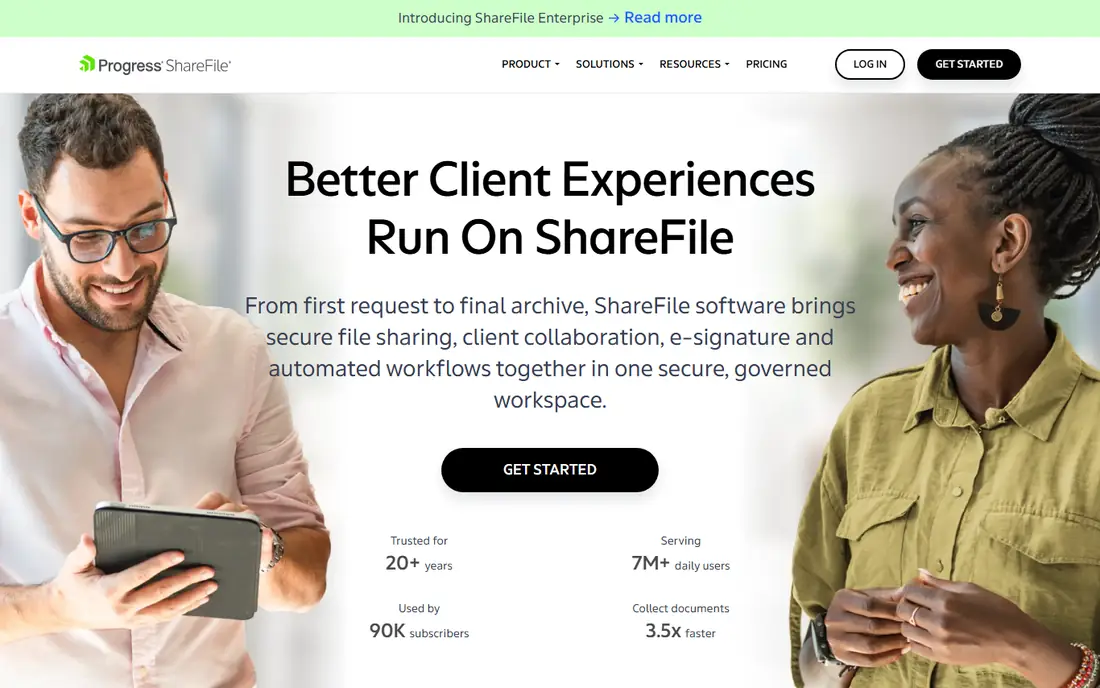
ShareFile, from Progress, suits firms that share files with clients, such as accounting, legal, and financial services firms. Clients get a branded portal, staff can request files with a link, and access can be controlled by folder and user. E signatures and workflow features on higher plans help firms that collect signed documents as well as files.
The three user minimum and per user pricing mean a solo user pays for more seats than needed, and ShareFile is not a full SFTP server replacement for automated partner transfers. If your main job is secure client sharing with portals and request links, ShareFile is a strong, well established choice. If you need heavy SFTP automation, pair it with or choose a managed transfer tool instead.
- Client portals and request links
- E signatures on higher plans
- Strong access controls
- Three user minimum
- SFTP support is limited
- Costs rise with users and add ons
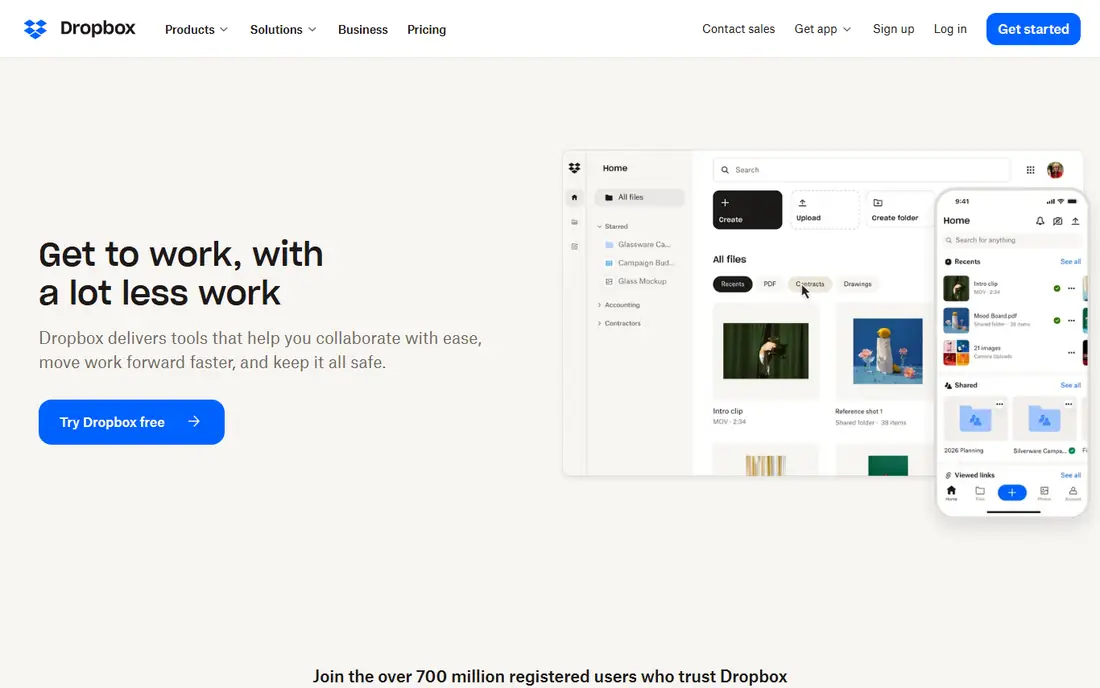
Dropbox is the easiest FTP alternative for everyday sharing. Files sync across devices, links can be shared with passwords and expiry dates, and recipients do not need an FTP client. For a small team that previously emailed files or ran a small FTP folder, Dropbox removes most friction while adding encryption in transit and at rest.
It is not a managed file transfer platform. Automated partner transfers, complex workflows, and deep audit reporting are thinner than on Files.com, and per user pricing adds up for large teams. If your need is simple, secure sharing and sync, Dropbox is a practical replacement. If you need automated, audited partner transfers, choose a specialist tool.
- Familiar sync and sharing
- Link controls and passwords
- Wide app support
- Not a managed transfer platform
- Audit depth is thinner than Files.com
- Costs are per user
Google Drive suits teams already using Google Workspace. Files can be shared with specific people or by link, edited together in Docs, Sheets, and Slides, and searched easily. The free tier includes 15 GB shared across Gmail, Drive, and Photos, which covers light sharing, and paid plans add storage and admin controls.
Drive is not built for automated SFTP partner transfers, and link permissions need care: a link set to anyone with the link can spread further than intended. Set expiry dates, check sharing settings, and use Workspace admin controls for sensitive data. For collaboration inside Google, Drive is a natural FTP replacement. For partner automation, use a managed transfer tool.
- 15 GB free storage shared with Google services
- Easy sharing and collaboration
- Strong search
- Not a managed transfer platform
- Link permissions need care
- Storage is shared across Google services
WeTransfer is the simplest tool here for a one off send. Upload files, add a recipient email or copy a link, and the recipient downloads them, with no FTP client or server setup. That simplicity suits designers, photographers, and small businesses sending large files to a client once, rather than managing an ongoing shared folder.
Free links expire after a few days, and there is no real file management, versioning, or partner automation. Paid plans raise transfer sizes, extend link life, and add branding and storage. If you send files occasionally and want the least friction, WeTransfer is a good FTP replacement. If you share files daily with the same partners, a sync or managed tool will serve you better.
- Very simple sending with no account needed on free
- Large transfers on paid plans
- Clean recipient experience
- Free links expire quickly
- No ongoing file management
- Storage and branding need paid plans
Box suits businesses that need file sharing with admin control, permissions, and compliance features. Content can be organized by department or client, shared with expiry dates and download controls, and integrated with Microsoft 365, Google Workspace, and many business apps. Higher plans add advanced security, retention, and governance features.
Per user pricing and tier limits mean a small team should check storage and feature needs before choosing a plan. Box also feels more enterprise than Dropbox or Drive, which can slow a very small team. For a business that needs controlled sharing across many staff and partners, Box is a strong, secure FTP alternative.
- Strong admin controls and permissions
- Good integrations
- Compliance features on higher plans
- Pricing rises with users
- Storage and advanced features need higher tiers
- Interface can feel enterprise heavy
Smash is useful when a file is large and the budget is zero. Free sends cover up to 2 GB, with larger transfers available on paid plans with no stated size cap, and the sending flow is simple. That makes Smash a good fallback when WeTransfer free limits are too small for a single send.
Free transfers queue behind paid users, so delivery can be slower at busy times, and free link expiry is limited. Smash does not offer ongoing folders, versioning, or partner automation. For a large one off send, it is a strong free FTP alternative. For regular sharing, choose a sync or managed tool.
- Free sends up to 2 GB with priority options
- No size limit on paid plans
- Simple link sharing
- Free transfers queue behind paid users
- Link expiry is limited on free
- No file management system
MASV suits media teams that send very large video and project files and do not want a monthly subscription. Pricing is pay as you go per GB, with a free monthly allowance, so a team that sends large files occasionally pays only for what it sends. Transfer speeds and reliability for large media are the main selling points, with portals for repeat clients.
Frequent senders can find pay per GB costs rising quickly, and MASV does not replace a sync folder for daily collaboration. It is also media focused, so general document sharing may be simpler elsewhere. If your FTP use was mainly sending large media files to clients, MASV is a flexible, subscription free alternative.
- Pay as you go per GB
- Fast large media transfers
- Free monthly allowance
- Pay per GB costs add up for frequent sends
- No ongoing sync folders
- Best for media, not general files
How we picked these
We compared official pricing pages, security documentation, and transfer features for tools that are active in 2026. We required encrypted transfer, access controls, and a working free or paid product, and we included simple sharing, business sharing, and managed transfer options. We excluded plain FTP servers and discontinued send services, since the point of this list is to move away from insecure FTP.
What to check before you switch
Start with sensitivity and volume. Sensitive client data needs encryption, access control, and audit logs, while a one off portfolio send needs only a simple link with a password and expiry date. Next, check how partners send and receive files: if partners use SFTP clients and automated scripts, you need a managed transfer tool, not only a sharing link.
Also set link rules before you migrate: passwords for sensitive links, expiry dates, download limits where available, and a clear process for revoking access. Test a transfer with a real partner, including large files and slow connections, before you turn off the old FTP server. Keep the old server read only for a short period, so no partner is cut off during the move.
FAQ
Why should I stop using FTP?
Plain FTP sends usernames, passwords, and files without encryption, so anyone on the network path can read them. SFTP, FTPS, and modern sharing tools encrypt transfer and add access controls, which FTP lacks.
What is the difference between FTP, SFTP, and FTPS?
FTP is the old plain text protocol. SFTP runs file transfer over SSH with encryption and authentication. FTPS adds TLS encryption to FTP. SFTP is the most common secure replacement for automated transfers.
What is the best FTP alternative for small businesses?
Dropbox or Google Drive suit most small businesses for everyday sharing, while WeTransfer suits one off sends. ShareFile suits client facing firms that need portals and request links.
What is managed file transfer?
Managed file transfer, or MFT, is a platform that automates, secures, and audits file transfers between systems and partners. Files.com is an example, with SFTP support, workflows, and audit logs in one place.
Can I still use an FTP client with these alternatives?
Yes, in some cases. Managed transfer tools like Files.com support SFTP clients, so partners can keep their existing tools. Simple sharing tools use web links instead of FTP clients.
How do I migrate from FTP to a secure alternative?
List every partner and automated job that uses FTP, set up the new tool with matching folders and permissions, test transfers with each partner, and keep the old server read only until all partners have moved.