Best AirDroid Business Alternatives in 2026: 9 Remote Device Tools Compared
Looking for airdroid business alternatives? We compare 9 MDM and remote access tools for Android fleets, from kiosk control to unattended support in 2026.

- Editor's choice
 Hexnode UEM
Full MDM with remote control
Starts atSee websiteVisit hexnode.comFull review - Great alternative
 Esper
Dedicated Android fleets
Starts atSee websiteVisit esper.ioFull review - Also consider
 Scalefusion
Affordable MDM plus remote cast
Starts at$2 per device per monthVisit scalefusion.comFull review
TL;DR:
- Hexnode and Scalefusion are the best full MDM replacements, with remote control plus policies, apps and kiosk modes.
- TeamViewer and Splashtop suit support teams that need fast unattended remote access across platforms.
- Esper is the best pick for dedicated Android fleets that need deployment pipelines and telemetry.
- AirDroid Business is Android-focused, so Apple-heavy fleets should pick a cross-platform tool instead.
Quick comparison
| Tool | Best for | Starts at | Free plan? | |
|---|---|---|---|---|
| Hexnode UEM | Full MDM with remote control | See website | Free trial | Visit |
| Esper | Dedicated Android fleets | See website | Free trial | Visit |
| Scalefusion | Affordable MDM plus remote cast | $2 per device per month | Free trial | Visit |
 Miradore | Simple cloud device management | See website | Free trial | Visit |
 TeamViewer | Cross-platform remote support | $24.90 per month | Free trial | Visit |
 Splashtop | Low-latency remote access | $5 per user per month | Free trial | Visit |
 AnyDesk | Lightweight fast remote access | $22.90 per month | Free trial | Visit |
 Zoho Assist | MSP and helpdesk remote support | See website | Yes | Visit |
 ManageEngine MDM Plus | Budget MDM with remote tools | $495 per year for 50 devices | Yes | Visit |
The best airdroid business alternatives
AirDroid Business combines Android device management with remote access, kiosk mode, file transfer and geofencing, from $12 per device per year. Teams look elsewhere for Apple coverage, deeper endpoint management, or faster cross-platform remote support. These nine tools cover those needs.
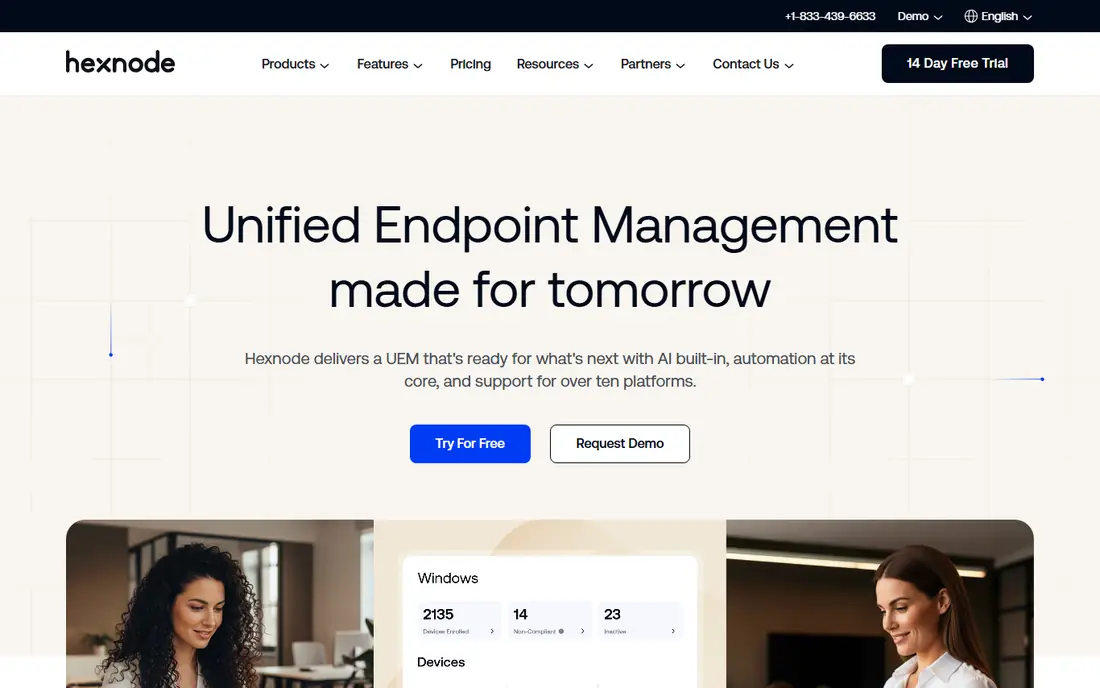
Hexnode is the broadest full replacement for AirDroid Business. It manages apps, policies, compliance and kiosk lockdown across many platforms, with remote view and control for support. That breadth suits mixed fleets where Android tablets sit alongside iPads and laptops.
The trade is tiering. Check that the plan you choose includes the remote control level you need, since some features sit higher up. For a mixed fleet that wants MDM plus remote support in one console, Hexnode is our first pick.
- Covers Android, iOS, macOS, Windows and more
- Remote view and control
- Kiosk and policy management
- Some remote features sit on higher tiers
- Console takes time to learn
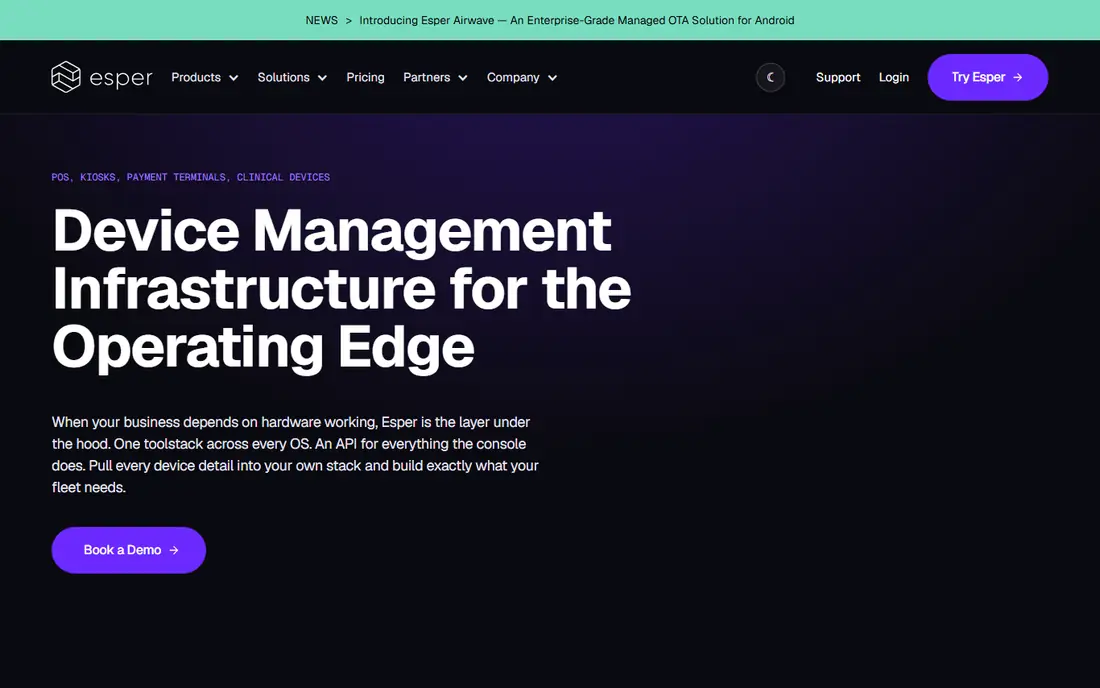
Esper is built for Android devices that run one job, such as point-of-sale terminals, kiosks and logistics handhelds. It offers app deployment pipelines, remote control, telemetry and policy management tuned for always-on devices.
It is less suited to a general office fleet with personal phones. For a dedicated Android operation, Esper gives more deployment control and better device insight than a general MDM.
- Built for dedicated Android devices
- Deployment pipelines
- Remote control and telemetry
- Android-first, so Apple coverage is thinner
- Better for dedicated fleets than BYOD
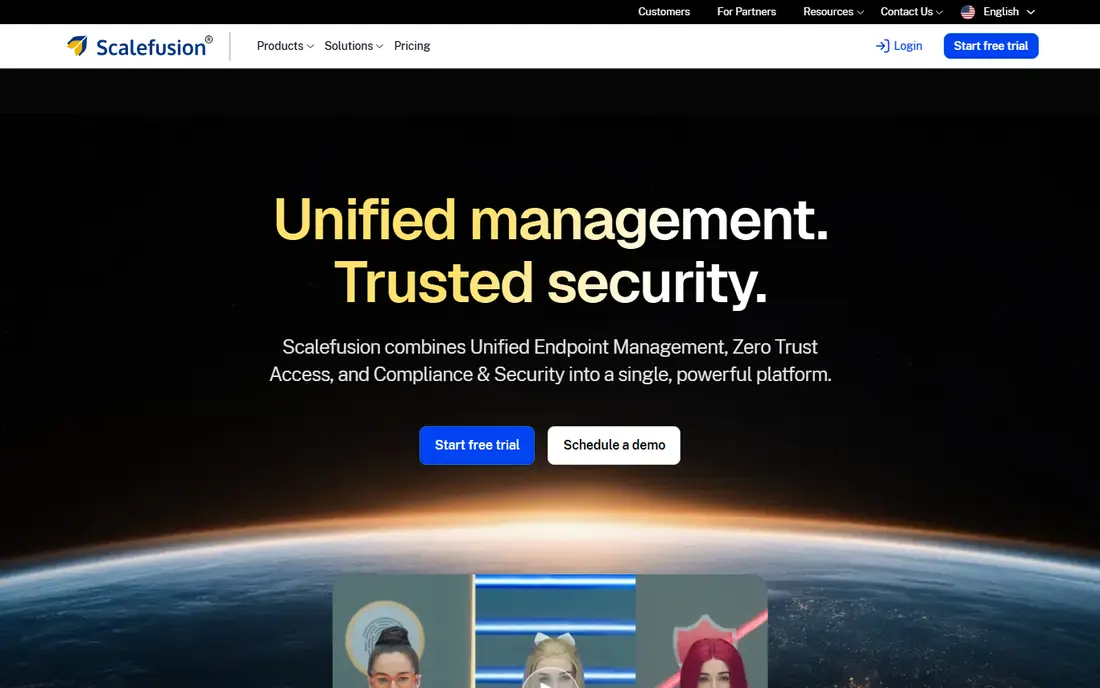
Scalefusion pairs affordable device management with remote cast, so support teams can see a device screen and guide the user. It covers kiosk lockdown, app management and policies across Android, iOS, Windows, macOS and ChromeOS, from $2 per device per month.
Remote control is less deep than a dedicated remote access tool, and some advanced features need higher tiers. For small and mid-size fleets that need MDM plus basic remote help at a low price, Scalefusion is excellent value.
- Low price
- Remote cast for support
- Strong kiosk modes
- Covers Android, iOS, Windows and macOS
- Advanced security features need higher tiers
- Remote control depth is below TeamViewer
Miradore, now part of GoTo, is the simple cloud MDM for small teams. Enrollment is straightforward, the console is uncluttered, and it covers the main platforms. It suits businesses that need to secure, track and manage devices without a dedicated MDM specialist.
Remote support is lighter than TeamViewer or Splashtop, and automation is thinner than Hexnode. For a small fleet that wants simple management, Miradore is a sensible, low-fuss pick.
- Simple cloud console
- Covers Android, iOS, macOS and Windows
- Easy enrollment
- Remote control depth is lighter
- Less automation than larger platforms
TeamViewer is the remote support standard. It offers unattended access, file transfer, multi-device sessions and AR-assisted support, across desktops and mobile devices. Remote Access starts at $24.90 per month, with higher plans for teams.
It is not a full MDM. Policy management, kiosk lockdown and app deployment are basic next to Hexnode or Scalefusion. For support teams whose main job is fixing devices remotely, TeamViewer is the most capable tool here.
- Unattended access across Windows, Mac, Linux and mobile
- File transfer
- Session recording and AR support
- Per-month pricing is higher than MDM tools
- Device management is basic compared with Hexnode
Splashtop is known for fast, low-latency remote sessions, which matters when you control a tablet or desktop all day. It offers unattended access, file transfer, session recording and compliance logging, with plans from $5 per user per month on annual billing.
It is a remote access tool first, not a full MDM, so policy and kiosk management are thinner. For support and remote work where session quality matters most, Splashtop is a strong, affordable choice.
- Low-latency sessions
- Session recording and compliance logging
- Good for schools and businesses
- Device management is lighter than MDM platforms
- Pricing varies by product line
AnyDesk is a lightweight remote access tool prized for speed and small install size. It handles file transfer, multi-monitor sessions and mobile access, with Solo plans from $22.90 per month. Small teams and freelancers like it for quick support sessions.
Unattended control on Android can need approval depending on device setup, which limits it for kiosks that nobody attends. It also lacks MDM policy management. For fast attended support, AnyDesk is a solid pick.
- Lightweight and fast
- File transfer
- Works across desktop and mobile
- Unattended Android control can need manual approval on some setups
- No full MDM features
Zoho Assist suits managed service providers and helpdesks that need remote troubleshooting with scheduling, chat and reports. It offers a free plan for basic use, with paid plans per technician for larger teams, and it integrates with other Zoho tools.
As with AnyDesk, unattended Android sessions can need approval on some devices, so check your fleet before relying on it for kiosks. For a helpdesk that wants an affordable, capable remote tool, Zoho Assist is good value.
- Free plan for basic use
- Unattended access
- Chat, scheduling and reports
- Zoho ecosystem integration
- Android unattended control can need approval
- Interface is less polished than TeamViewer
ManageEngine MDM Plus is the budget MDM option with remote tools included. It covers Android, iOS, macOS, Windows and ChromeOS, with remote view, app management, policies and kiosk modes. The free tier covers up to 25 devices, and the paid plan costs $495 per year for 50 devices.
The interface is less modern than Hexnode or Scalefusion, and remote control is not as deep as TeamViewer. For a budget-conscious team that wants MDM plus remote help, including an on-premises option, it is a proven choice.
- Free tier for up to 25 devices
- On-premises option
- Remote view, app and policy management
- Interface feels dated
- Remote control depth is below dedicated tools
How we picked these
We compared official feature pages, pricing pages and public reviews for each tool, and checked availability in October 2026. We favored tools that offer remote access or remote control plus device management, and we covered both full MDM platforms and dedicated remote access tools. Where pricing varies by product line, we used the entry figure and noted the variation.
What to check before you switch
Start with unattended access. Kiosks, signage players and field devices cannot approve a remote session, so test unattended control on your exact device models before committing. A tool that works attended may fail unattended.
Next, check security and consent. Remote access to employee devices raises privacy questions, so look for role-based access, session logging, consent prompts where appropriate, and audit trails. Agree a remote access policy with your team before rollout.
Finally, separate MDM from remote access in your budget. A full MDM with basic remote help may cost less than a dedicated remote tool plus a separate MDM, but a dedicated tool will support faster. Pick the combination that matches how often your team actually needs to take control of a device.
FAQ
What is the best AirDroid Business alternative?
Hexnode is the best full replacement, with MDM, remote control and broad platform coverage. For Android-only dedicated fleets, Esper is better. For pure remote support, TeamViewer or Splashtop are better than any MDM tool.
Can these tools manage iPhones and iPads too?
Hexnode, Scalefusion, Miradore and ManageEngine MDM Plus all manage Apple devices alongside Android. TeamViewer, Splashtop, AnyDesk and Zoho Assist support Apple devices for remote access, but they are not full Apple MDM tools. Esper is Android-first.
Do I need MDM, remote access, or both?
If you manage a fleet, you usually need both. MDM handles enrollment, policies, apps and kiosk lockdown, while remote access lets support fix problems without a site visit. Some tools bundle both, while others excel at one, so check your daily support pattern.
How much does an AirDroid Business alternative cost?
Entry prices here run from free tiers at Zoho Assist and ManageEngine to $2 per device per month at Scalefusion and $5 per user per month at Splashtop. TeamViewer starts at $24.90 per month and AnyDesk at $22.90 per month. Always confirm whether pricing is per device, per user or per technician.
Is remote access to company devices safe?
Yes, when it is set up properly. Use strong authentication, role-based access, session logging and, where appropriate, user consent prompts. Limit unattended access to devices that need it, such as kiosks, and review access logs regularly.