Switching From UFS Explorer? 5 Alternatives for 2026
Searching for UFS Explorer alternatives? Here are 5 options with prices and free plans. Price notes and drawbacks come with each one. Pick with confidence.
- Editor's choice
 Disk Drill
Mac-focused recovery with mobile support
Starts atSee websiteVisit cleverfiles.comFull review - Great alternative
 Stellar Data Recovery
Recovery with repair and erasure choices
Starts atSee websiteVisit stellarinfo.comFull review - Also consider
 R-Studio
Cross-platform disk and RAID recovery
Starts atSee websiteVisit r-studio.comFull review
Direct answer
Start with Disk Drill if you need Mac-focused recovery with mobile support. Listed starting prices: EaseUS Data Recovery Wizard from $19.90 a month. Stellar Data Recovery fits Recovery with repair and erasure choices; R-Studio fits cross-platform disk and RAID recovery. All 5 tools are compared below on price, free plan and limits.
TL;DR:
- The list opens with Disk Drill, aimed at Mac-focused recovery with mobile support.
- The cheapest monthly starting price in the list is $19.90 per month, offered by EaseUS Data Recovery Wizard.
- None of the 5 tools, from Disk Drill to Recuva, has a free plan, so budget for a subscription or use a trial.
- Check the limits for R-Studio before you commit: interface can feel technical.
Last checked November 2026. Prices and plan details were read from the vendors' own pages in November 2026; vendors change plans often, so confirm the current price on the vendor site before you buy.
Quick comparison
| Tool | Best for | Starts at | Free plan? | |
|---|---|---|---|---|
| Disk Drill | Mac-focused recovery with mobile support | See website | Not stated | Visit |
| Stellar Data Recovery | Recovery with repair and erasure choices | See website | Not stated | Visit |
| R-Studio | Cross-platform disk and RAID recovery | See website | Not stated | Visit |
| EaseUS Data Recovery Wizard | Recovery plus broader utility suite | $19.90 a month | Not stated | Visit |
 Recuva | Straightforward deleted file recovery | See website | Not stated | Visit |
The 5 tools in detail
LinkVetted compared 5 tools for UFS Explorer. The goal is a practical shortlist: published prices, free plan facts, best-fit use cases and honest limits for every entry.
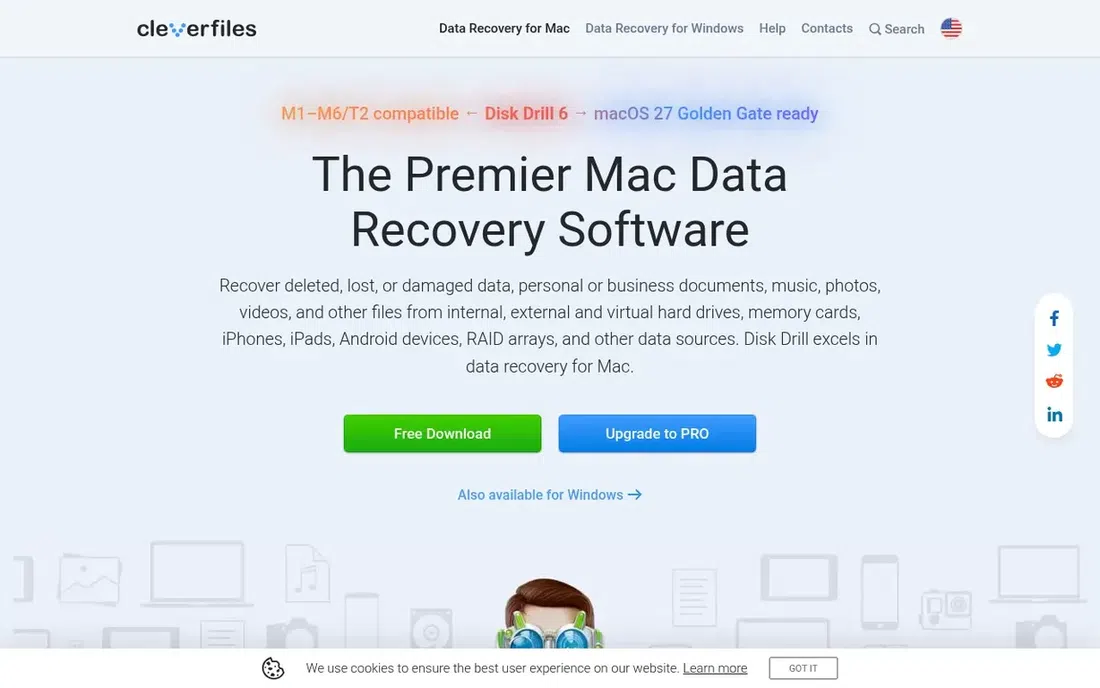
In short, Disk Drill is for Mac-focused recovery with mobile support. It fits Mac users who want a single tool for drive recovery and mobile device data.
Where it is weaker: Some features vary by product.
Pricing for Disk Drill is not stated here, so ask the vendor for current figures. Free access: Not stated.
- Deals with iOS and Android data
- Free scanning available
- Mac-first orientation
Stellar Data Recovery is built with Recovery with repair and erasure choices in mind. The in-lab service is a separate offering from the software, so expectations should be set accordingly.
Limits to weigh: Service scope varies by product.
Worth adding: pick Stellar when repair and secure erasure matter alongside recovery. Check the vendor site for Stellar Data Recovery pricing; none is listed in this comparison. Free plan details: Not stated.
- Long-standing data care vendor
- Repair and erase tools
- In-lab services are separate from software
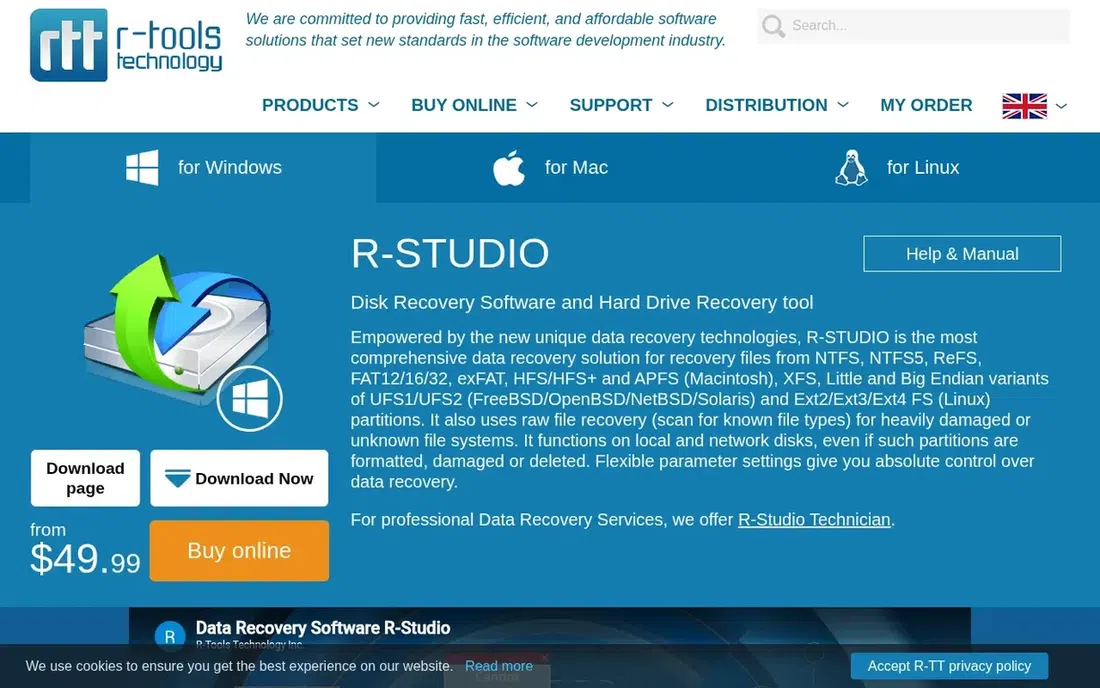
R-Studio is a good fit for cross-platform disk and RAID recovery. R-Studio from R-TT is a disk recovery tool made for Windows, Mac and Linux, with network and RAID support described on its site. Those comfortable with technical recovery concepts will get the most from it.
Limits to weigh: Advanced recovery may need learning.
What works well: Hard drive recovery focus.
Also, the tool leans toward advanced users, so beginners may find the interface dense compared to more straightforward undelete utilities. Beyond that, if you chiefly have to recover a handful of deleted files from one drive, a lighter choice may be simpler. Choose R-Studio when cross-platform and RAID scenarios are central to your needs. Pricing for R-Studio is not stated here, so ask the vendor for current figures. Free access: Not stated.
- Windows
- Mac and Linux support
- Interface can feel technical
EaseUS Data Recovery Wizard
Best for: Recovery plus broader utility suite
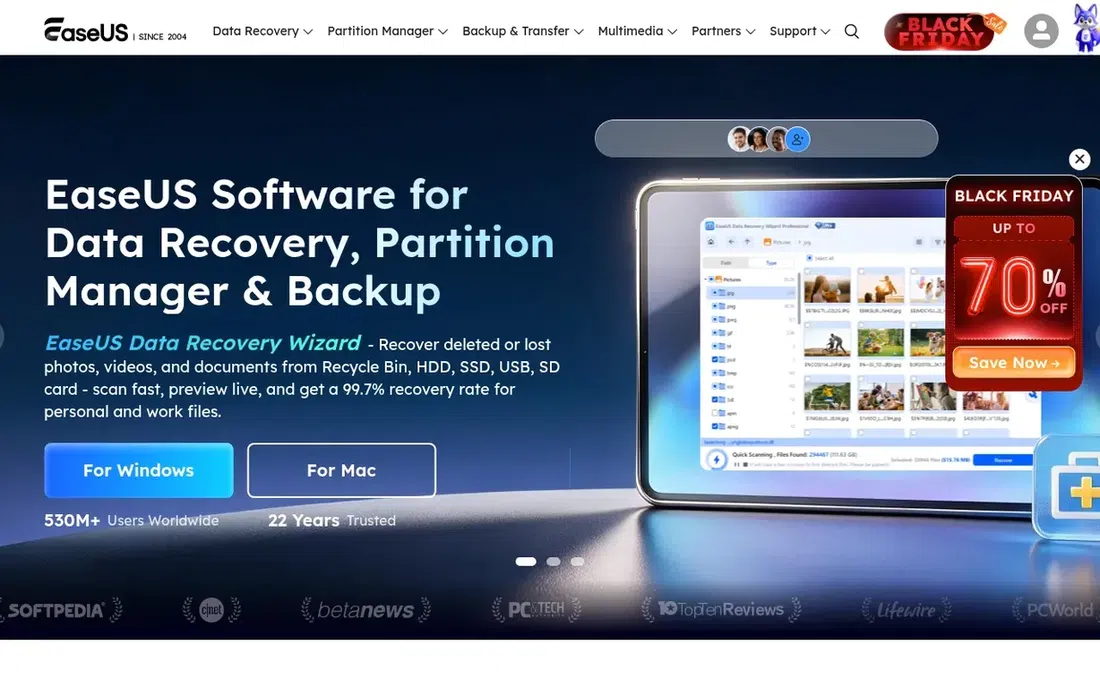
EaseUS Data Recovery Wizard is a good fit for Recovery plus broader utility suite. If you only need occasional file undelete, the surrounding product range may be more than necessary.
More specifically, EaseUS Data Recovery Wizard sits within a wider EaseUS lineup that bundles backup software, a partition manager, a data transfer tool and other utilities. Price to start with EaseUS Data Recovery Wizard: $19.90 per month. On free options: Not stated.
Trade-offs to know: Recovery is one of plenty of products.
- Recovery alongside backup tools
- Partition manager included
- Suite can be more than needed
Recuva was built for straightforward deleted file recovery. The narrow focus keeps the goal clear for everyday recovery situations.
In practice, choose Recuva for straightforward file recovery, and look to R-Studio or similar tools when your storage setup is more involved. Recuva does not show a starting price in this comparison, so check the vendor site for current pricing. Free access: Not stated.
The main drawbacks: Less suited to complicated storage setups.
- Straightforward recovery purpose
- From the makers of CCleaner
- Restricted to simpler recovery needs
How we built this list
We compared the tools on published pricing, free plan or trial availability, feature coverage for UFS Explorer, and the limits each vendor documents. Where a vendor does not publish a price, the entry says quote. Where a price depends on seats or billing term, the entry says so. We ordered the tools by general fit, then by how clearly pricing is shown, then by free access. A buyer with unusual needs may reorder them.
What to check before you buy
- Ask Disk Drill, Stellar Data Recovery, R-Studio and Recuva for a written quote, since no starting price is shown.
- Read the limits listed for Disk Drill first: Mac-first orientation.
- Check whether Recuva bills monthly or annually, and what cancelling early costs.
- Confirm you can export your data from Stellar Data Recovery, so leaving later does not mean losing records.
- Add up seats, add-ons and usage charges for Disk Drill before comparing it with cheaper entries.
FAQ
Can I try these tools before paying?
Not by default. None of the tools, from Disk Drill to Recuva, lists a free plan or a free trial here, so ask each vendor for a demo before committing.
What should I look for in an UFS Explorer alternative?
Start with system support and the storage types you have to recover, like internal drives, RAID arrays or mobile devices. Then check whether the tool supplies scanning and preview so you can judge results.
How are the tools for UFS Explorer ordered?
Disk Drill sits first and Recuva last because the order follows typical fit for UFS Explorer, then price clarity and free access. It is a judgement call, so read each profile for fit and limits.
What is the cheapest option for UFS Explorer in this list?
On published monthly entry prices, EaseUS Data Recovery Wizard is the lowest here at $19.90 per month. Entry price is only part of the cost, because seats, add-ons and billing terms can change the total. Each of the 5 options in this UFS Explorer alternatives guide has its own card above with the price, free plan and limits.
Does any tool for UFS Explorer here have a free plan?
No tool in this list, Disk Drill and Recuva included, has a permanent free plan. Trials and quotes are the usual route, so plan a short evaluation period.
Sources
- https://www.cleverfiles.com
- https://www.stellarinfo.com
- https://www.r-studio.com
- https://www.easeus.com
- https://www.ccleaner.com/recuva