5 Best Software for Remote Employee Onboarding for 2026, Vetted and Compared
Top software for remote employee onboarding, compared. 5 tools with published prices, free plans and limits. Verdicts stay brief and factual. See the full list.
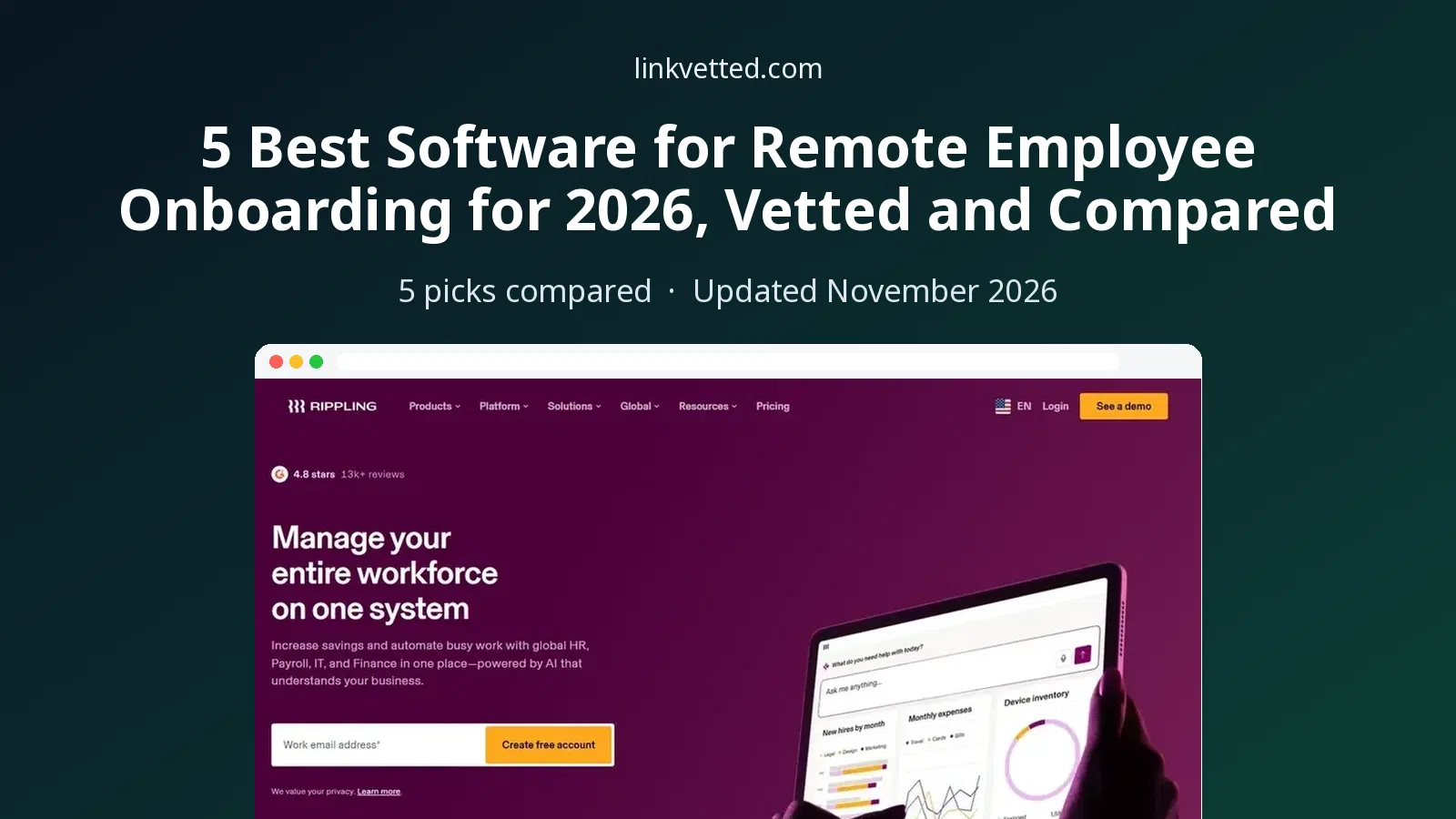
- Editor's choice
 Rippling
Unified HR, IT and Finance onboarding
Starts at$8 per employee per monthVisit rippling.comFull review - Great alternative
 Workday
Large enterprise HR and onboarding
Starts atSee websiteVisit workday.comFull review - Also consider
 BambooHR
Core HR with built-in onboarding
Starts at$10 per employee a monthVisit bamboohr.comFull review
Direct answer
Rippling is the first pick on this list for unified HR, IT and Finance onboarding. Listed starting prices: Rippling from $8 per employee per month, BambooHR from $10 per employee a month and WorkBright from $25 per record. If your case is different, Workday suits large enterprise HR and onboarding and BambooHR suits core HR with built-in onboarding. The full list of 5 tools follows, with prices and free plan facts.
TL;DR:
- Rippling sits first on this list: unified HR, IT and Finance onboarding.
- GoCo is the one to check for all-in-one HR with digital onboarding.
- Only GoCo offers a free plan among these 5 tools.
- The cheapest monthly starting price in the list is $8 per employee per month, offered by Rippling.
Last checked November 2026. Prices and plan details were read from the vendors' own pages in November 2026; vendors change plans often, so confirm the current price on the vendor site before you buy.
Quick comparison
| Tool | Best for | Starts at | Free plan? | |
|---|---|---|---|---|
| Rippling | Unified HR, IT and Finance onboarding | $8 per employee per month | Not stated | Visit |
| Workday | Large enterprise HR and onboarding | See website | Not stated | Visit |
| BambooHR | Core HR with built-in onboarding | $10 per employee a month | No | Visit |
| WorkBright | Form and compliance-heavy onboarding | $25 per record | Not stated | Visit |
 GoCo | All-in-one HR with digital onboarding | $11.40 a month | Yes | Visit |
Every option for software for remote employee onboarding explained
This LinkVetted guide covers 5 options for software for remote employee onboarding. Each profile lists a starting price, free plan details, strengths and drawbacks, so you can drop poor fits quickly.
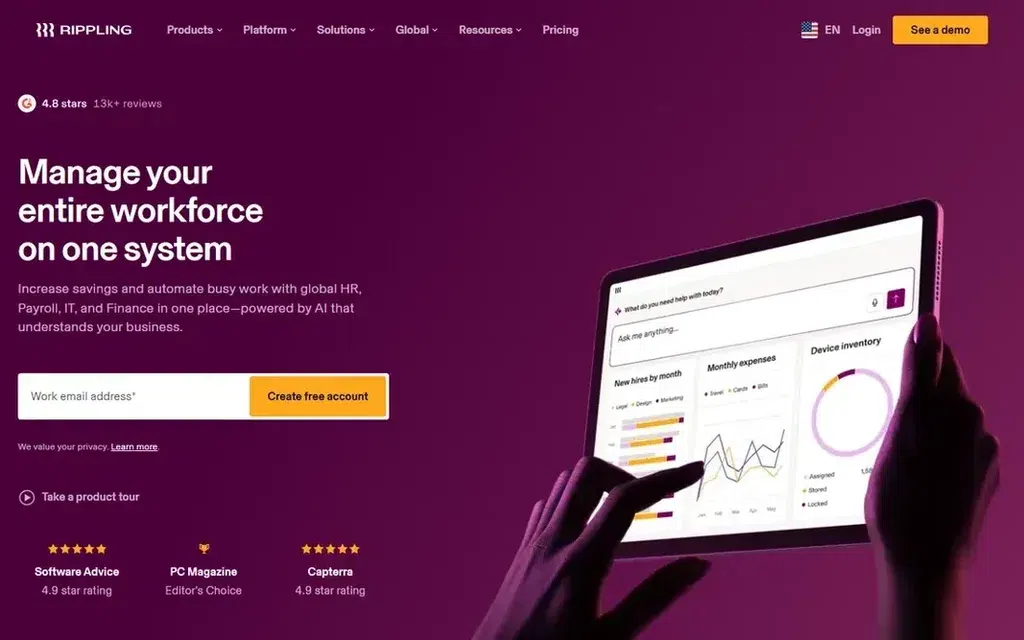
Think of Rippling for unified HR, IT and Finance onboarding. If your needs are restricted to forms and welcome workflows, a more straightforward dedicated product may be simpler to adopt. In daily use, the broad scope means implementation can take more planning than a focused onboarding tool, and smaller teams may not use much of the system.
Rippling describes itself as a workforce management system that merges HR, IT and Finance apps on a unified data platform. That combination is practical for remote onboarding, where a new hire needs payroll records, device setup and account access arranged together. Rippling starts at: $8 per employee per month. Free plan details: Not stated.
The main drawbacks: Breadth can mean a steeper setup.
- HR
- IT and Finance apps share one data product
- May be more than small teams need
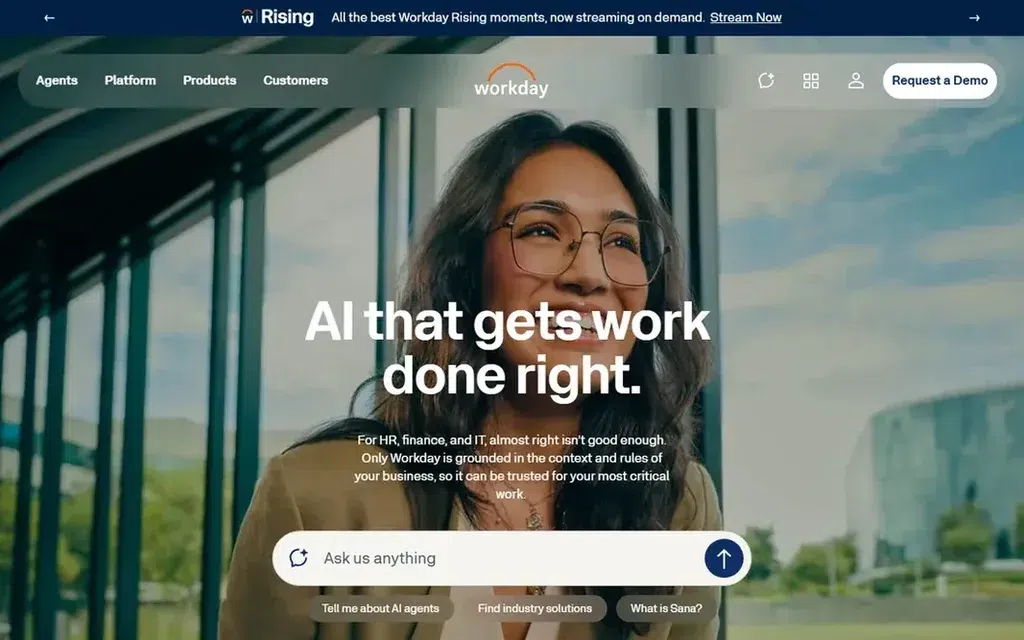
Workday was built for large enterprise HR and onboarding. Workday positions itself as an enterprise AI system for HR, Finance and IT, and its homepage flags Sana and agentic AI. Teams wanting fast, light onboarding should look at more straightforward choices before committing to an enterprise platform.
Where it is weaker: Configuration generally needs dedicated resources.
What works well: Positions AI as part of the workflow. In onboarding terms, it suits large organizations that want new-hire processes connected to wider HR, finance and IT systems under one enterprise product. It is targeted at firms with the structure to support a substantial implementation. Workday does not show a starting price in this comparison, so check the vendor site for current pricing. Free plan details: Not stated.
- Finance and IT
- Enterprise system for HR
- Enterprise focus may not fit small teams
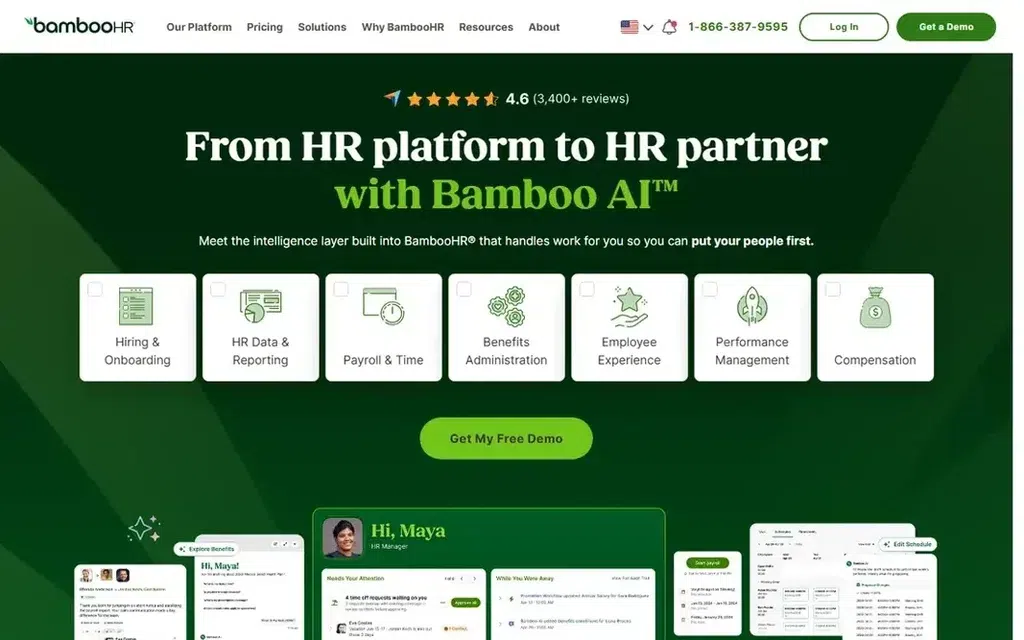
Think of BambooHR for core HR with built-in onboarding. It fits small and midsize companies that want onboarding as part of a broader HR product instead of a standalone product.
Beyond that, because BambooHR is a full HR suite, teams that only need onboarding flows may find more capability than they need, and highly customized journey design is not its central focus. Entry price for BambooHR: $10 per employee per month. No free plan comes with BambooHR.
Drawbacks to consider: Less specialized in journey personalization.
- Onboarding sits within a full HR suite
- Payroll and benefits included
- Wide suite may exceed straightforward onboarding needs
WorkBright
Best for: Form and compliance-heavy onboarding
WorkBright works best for form and compliance-heavy onboarding. It suits organizations with compliance-heavy hiring, for example teams managing numerous forms or distributed workers who require to submit documents digitally.
Downsides: Not a full HR or payroll suite.
The starting price for WorkBright: $25 per record. On free options: Not stated.
- Concentrates on I-9 and E-Verify
- Digital completion of hiring paperwork
- Narrow scope beyond compliance forms
For all-in-one HR with digital onboarding, GoCo is a natural candidate. GoCo's onboarding is part of a general HR suite, so teams needing elaborate, personalized journey design may want a specialist alongside it.
Worth adding: the appeal is consolidation: fewer tools and less manual re-entry across the employee lifecycle. More specifically, review how much onboarding customization you need before choosing, and confirm the payroll and benefits coverage matches your locations. GoCo starts at: $11.40 per month. You can start on GoCo without paying.
Downsides: Suited to teams wanting one consolidated system.
- Aims to cut manual tasks
- Benefits administration and payroll included
- Onboarding depth varies by configuration
How we built this list
Before you commit
- Confirm the entry price on the vendor page. For Workday that means a quote rather than a fixed price.
- Look at the free plan from GoCo closely: its caps decide whether it is usable for real work.
- Read the limits listed for Rippling first: breadth can mean a steeper setup.
- List the apps you already depend on and check that Workday supports each one on the plan you would buy.
- Check how data leaves Rippling: formats, limits and whether exports are available on every plan.
FAQ
Is Rippling the right pick for everyone comparing software for remote employee onboarding?
No single tool suits every team. Rippling comes first because it fits unified HR, IT and Finance onboarding, while Workday suits large enterprise HR and onboarding and BambooHR suits core HR with built-in onboarding. Match the tool to your own size, budget and workflow before deciding.
Do these tools publish their prices?
Not all of them. Workday publishes no starting price, so expect a quote request for it. The rest, Rippling included, show a starting price, though seats and billing terms still change the final cost.
Which options for software for remote employee onboarding have a free plan?
GoCo is the only tool in this list with a free plan. Free plans usually cap users, projects or features, so check the limits on the vendor page. For the full picture, the cards above cover all 5 entries of this software for remote employee onboarding list, including price, free plan and limits.
What is the cheapest option for software for remote employee onboarding in this list?
On published monthly entry prices, Rippling is the lowest here at $8 per employee per month. Entry price is only part of the cost, because seats, add-ons and billing terms can change the total. Prices, free plan details and limits for all 5 tools in this software for remote employee onboarding roundup sit on the individual cards above.
What should remote onboarding software manage first?
Start with the essentials: document collection, compliance forms, payroll setup and clear first-week communication. Once those are steady, look at journey personalization and cross-team task coordination.
Sources
- https://www.rippling.com
- https://www.workday.com
- https://www.bamboohr.com
- https://www.workbright.com
- https://www.goco.io
Related guides
- Best Client Onboarding Software for Remote Teams (2026): 5 Picks Checked on Vendor Pages
- Best Corporate LMS for Onboarding Remote Employees for 2026: Our 6 Vetted Picks
- Digital Customer Onboarding Software for Remote Teams in 2026: The 5 Best Options Side by Side
- Best Remote Employee Monitoring Software in 2026: 8 Tools Compared