6 Best Software for Employee Turnover Analysis for 2026, Vetted and Compared
Top software for employee turnover analysis in 2026: 6 contenders with entry costs and free tiers. Each tool gets a one-line verdict. Compare quickly.
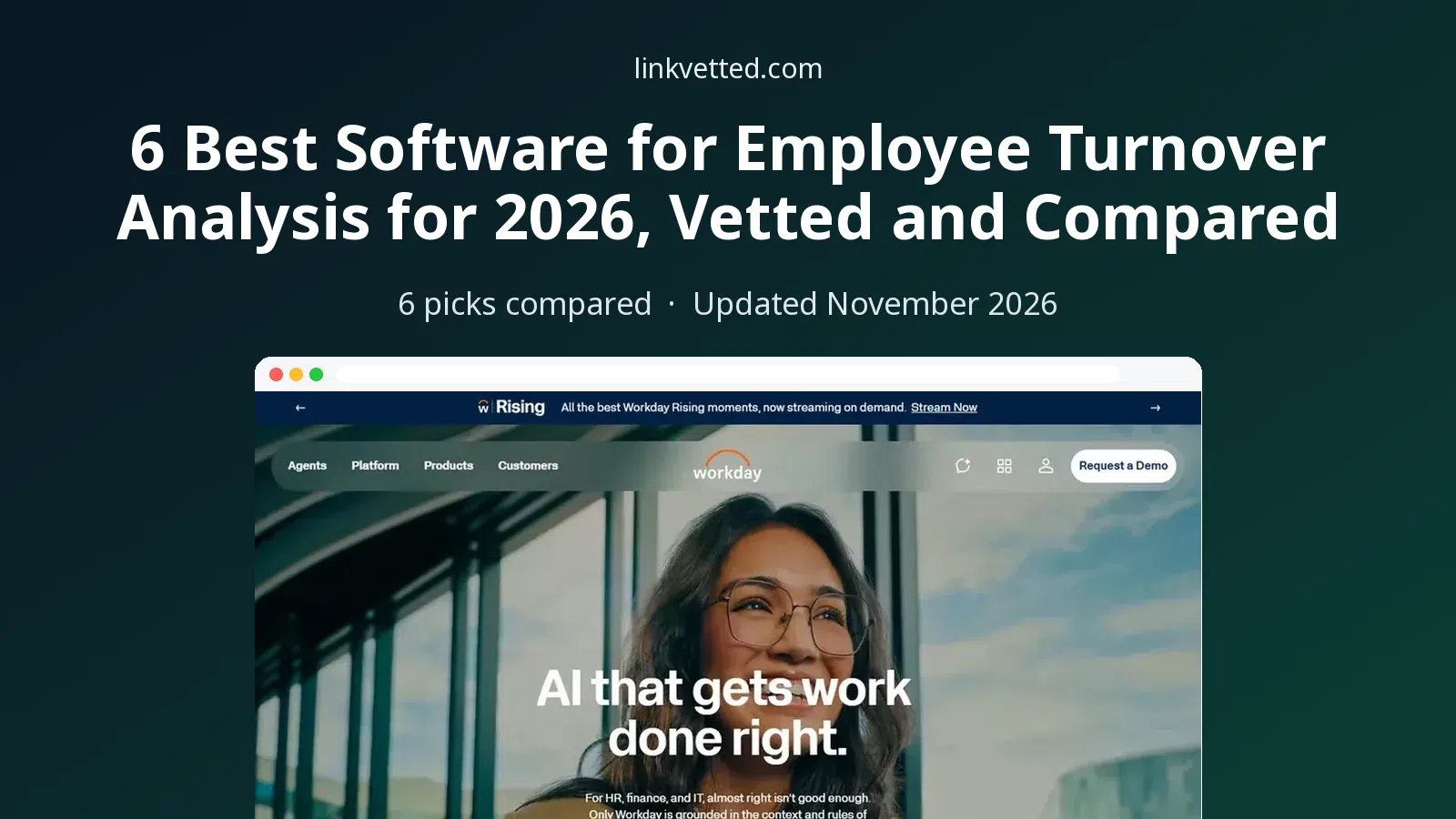
- Editor's choice
 Tableau
Custom turnover dashboards and visualization
Starts at$15 per user per monthVisit tableau.comFull review - Great alternative
 Culture Amp
Engagement and experience insights
Starts atSee websiteVisit cultureamp.comFull review - Also consider
 Workday HCM
Unified HR and turnover analytics
Starts atSee websiteVisit workday.comFull review
Direct answer
Our first pick is Tableau, best for custom turnover dashboards and visualization. Listed starting prices: Tableau from $15 per user per month. For a different need, Culture Amp covers engagement and experience insights and Workday HCM covers unified HR and turnover analytics. All 6 tools are compared below on price, free plan and limits.
TL;DR:
- The list opens with Tableau, aimed at custom turnover dashboards and visualization.
- The lowest published monthly entry price here is $15 per user per month, from Tableau.
- Only Tableau offers a free plan among these 6 tools.
- SAP SuccessFactors fits talent development and workforce processes.
- Before buying Visier People, weigh this: analytics-only scope needs separate HR systems.
Last checked November 2026. Prices and plan details were read from the vendors' own pages in November 2026; vendors change plans often, so confirm the current price on the vendor site before you buy.
Quick comparison
| Tool | Best for | Starts at | Free plan? | |
|---|---|---|---|---|
| Tableau | Custom turnover dashboards and visualization | $15 per user per month | Yes | Visit |
| Culture Amp | Engagement and experience insights | See website | Not stated | Visit |
| Workday HCM | Unified HR and turnover analytics | See website | Not stated | Visit |
| Visier People | Dedicated people analytics and workforce context | See website | Not stated | Visit |
 ADP Workforce Now | All-in-one HR and payroll analytics | See website | Not stated | Visit |
 SAP SuccessFactors | Talent development and workforce processes | See website | Not stated | Visit |
Tool-by-tool breakdown
This LinkVetted guide covers 6 options for software for employee turnover analysis. Each profile lists a starting price, free plan details, strengths and drawbacks, so you can drop poor fits quickly.
Tableau works best for custom turnover dashboards and visualization. Tableau is general-purpose, so it does not contain HR-specific turnover models or metrics from day one.
It also requires data preparation and some analysis skill. Choose Tableau when adaptability and custom visualization matter more than prebuilt HR analytics. Starting cost for Tableau: $15 per user per month. Tableau has a free plan.
What to check first: Not HR-specific from day one.
- Drag-and-drop visualization
- Links to almost any database
- Needs data preparation and analysis skills
Culture Amp is designed for engagement and experience insights. Culture Amp is an employee experience system with performance, development, and engagement tools.
What to check first: Not a full HR system of record.
From a buyer's view, the product fits organizations concentrated on understanding why employees stay or leave through feedback and performance signals. This comparison lists no price for Culture Amp; ask the vendor. Trial and free access: Not stated.
- Engagement and performance tools
- Employee experience product
- Turnover analysis is secondary to engagement
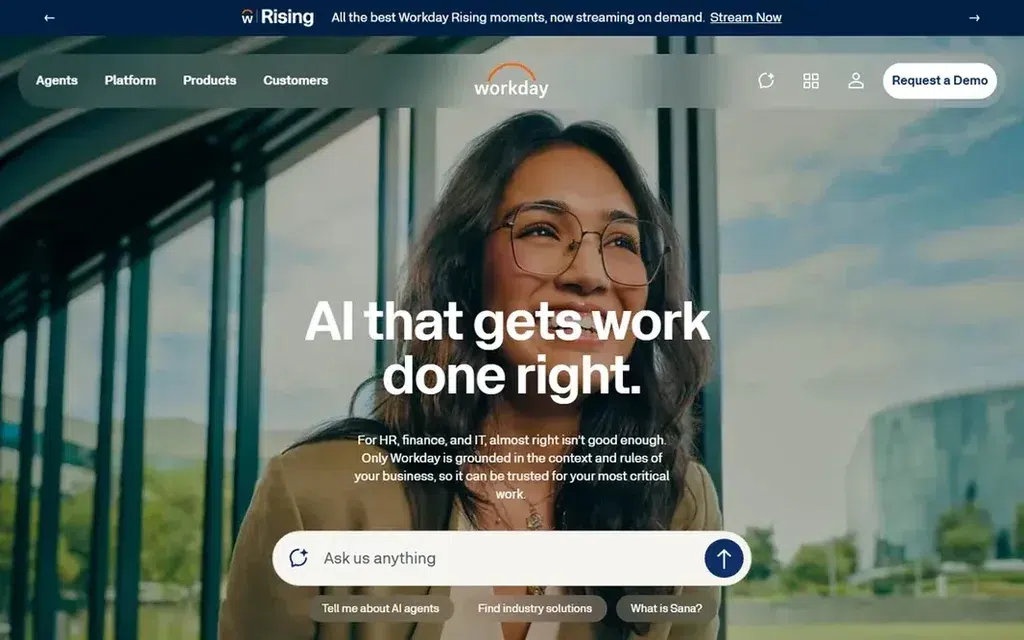
For unified HR and turnover analytics, Workday HCM is a natural candidate. The system is wide, so teams focused only on turnover analysis may find it heavier than a dedicated analytics tool.
For everyday use, smaller organizations without complex HR data needs may prefer a more straightforward choice. This comparison lists no price for Workday HCM; ask the vendor. Free access: Not stated.
What to check first: Wide suite may be more than needed for turnover alone.
- Merges core HR data with analytics
- Enterprise AI system for HR, finance, IT
- Implementation complexity for smaller teams
Visier People
Best for: Dedicated people analytics and workforce context
Visier People serves dedicated people analytics and workforce context. Visier People is a people analytics product positioned as a workforce context layer for enterprise AI governance and safety.
For everyday use, as an analytics layer, Visier People relies on data from existing HR systems instead of replacing them. Pricing for Visier People is not stated here, so ask the vendor for current figures. Free access: Not stated.
Where it falls short: Enterprise-oriented positioning.
- Addresses AI governance and safety
- Workforce context layer for enterprise AI
- Analytics-only scope needs separate HR systems
ADP Workforce Now is aimed squarely at all-in-one HR and payroll analytics. Pick ADP Workforce Now when payroll and HR data should inform turnover insight together.
Organizations without payroll needs may prefer a standalone analytics choice. The system is a practical choice for teams already centered on payroll workflows. ADP Workforce Now does not show a starting price in this comparison, so check the vendor site for current pricing. Free options: Not stated.
Points against: May suit payroll-centric organizations best.
- All-in-one payroll and HR system
- Expert support included
- Turnover analysis is part of a broader HR tool
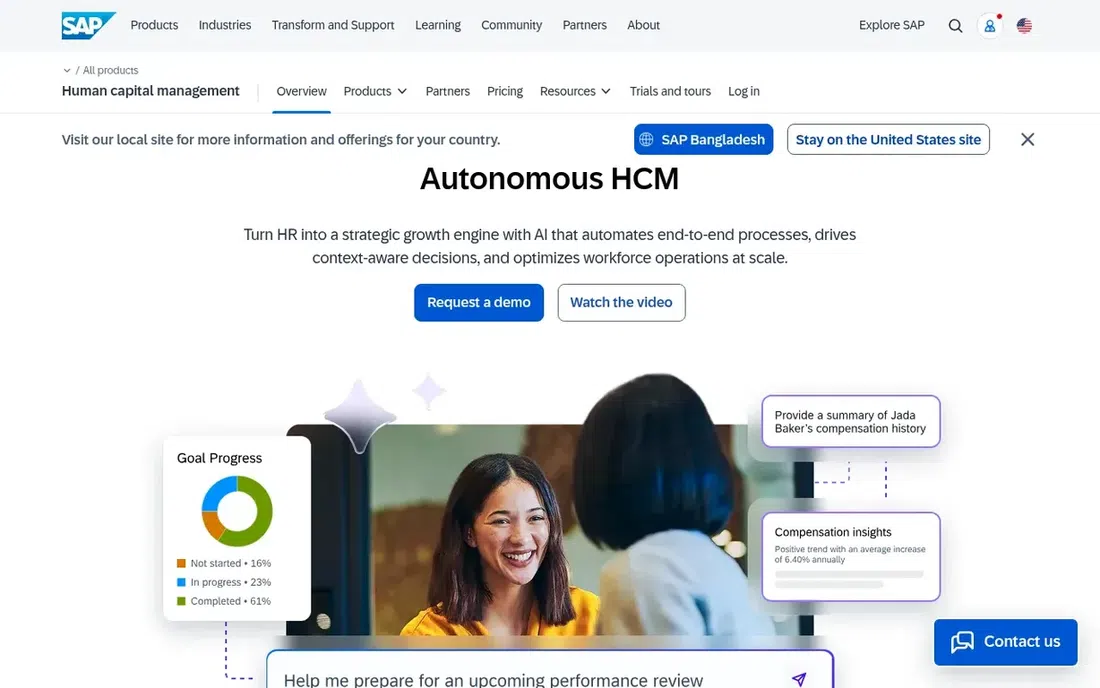
SAP SuccessFactors is a good fit for talent development and workforce processes. Consider a dedicated people analytics tool instead if turnover analysis is the sole priority.
Beyond that, since it is a full HCM suite, teams seeking only turnover reporting may find the scope bigger than necessary. SAP SuccessFactors is a human capital management suite that concentrates on automating HR processes and supporting talent development with AI. SAP SuccessFactors does not show a starting price in this comparison, so check the vendor site for current pricing. Free access: Not stated.
What to check first: Setup and configuration can be involved.
- Supports talent development
- Automatic and autonomous HR features
- Full suite scope may exceed turnover-only needs
What went into this list
LinkVetted looked at what each vendor publishes: pricing, plan limits, feature coverage for software for employee turnover analysis and stated drawbacks. No hands-on testing is claimed. Plan names, prices and limits change often. Treat the figures here as a starting point and verify them with the vendor. Tools are placed by general fit for software for employee turnover analysis, with price clarity and free access as tie-breakers. A different team can reasonably rank them differently.
What to confirm before you sign up
- Ask Culture Amp, Workday HCM, Visier People and others for a written quote, since no starting price is shown.
- Test the free plan from Tableau against your real workload before relying on it.
- Before choosing Tableau, weigh its main limit: needs data preparation and analysis skills.
- Ask Tableau whether prices are locked for the first term and what happens at renewal.
- Pick one real project and run it in Visier People first; a small pilot shows fit faster than a checklist.
FAQ
How are the tools for software for employee turnover analysis ordered?
The order follows typical fit for software for employee turnover analysis, with Tableau first and SAP SuccessFactors last, then price clarity and free access. It is editorial judgement, not a score, so another team could rank the tools differently.
Can I try these tools before paying?
Often, yes. Tableau has a free plan. Use your own data and a real task during the test, and check what the free tier or trial limits before you rely on it. Each of the 6 options in this software for employee turnover analysis guide has its own card above with the price, free plan and limits.
Which options for software for employee turnover analysis have a free plan?
Tableau is the only tool in this list with a free plan. Free plans usually cap users, projects or features, so check the limits on the vendor page. All 6 picks in this software for employee turnover analysis comparison list a starting price, free plan details and the main limits on their cards above.
What should I look for in employee turnover analysis software?
Look for tools that link to your HR data sources, supply turnover metrics and trends. Support the level of customization your team needs. Also check data privacy controls for sensitive employee information.
Is Tableau the right pick for everyone comparing software for employee turnover analysis?
No single tool suits every team. Tableau comes first because it fits custom turnover dashboards and visualization, while Culture Amp suits engagement and experience insights and Workday HCM suits unified HR and turnover analytics. Match the tool to your own size, budget and workflow before deciding.
Sources
- https://www.tableau.com
- https://www.cultureamp.com
- https://www.workday.com
- https://www.visier.com
- https://www.adp.com/what-we-offer/products/adp-workforce-now.aspx
- https://www.sap.com/products/hcm.html