Best Thumbmagic Alternatives for 2026 (5 Compared)
Need Thumbmagic alternatives? We compare 5 tools on cost, free access and who each suits. PicMonkey is the first pick for photo editing and graphic design.
- Editor's choice
 PicMonkey
Photo editing and graphic design
Starts atSee websiteVisit picmonkey.comFull review - Great alternative
 Snappa
Prompt-to-graphic for social media
Starts at$10 per monthVisit snappa.comFull review - Also consider
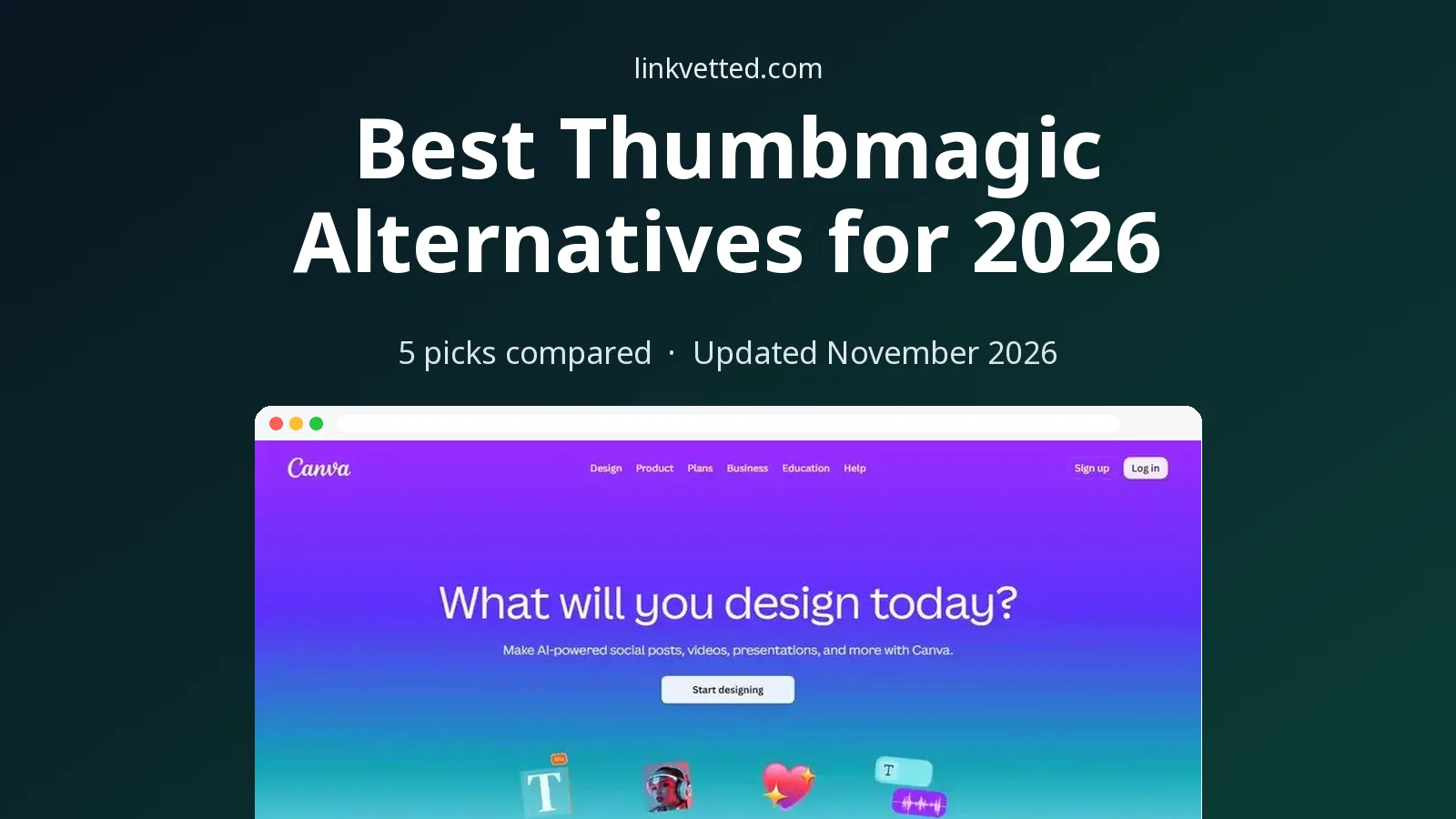
 Canva
All-in-one visual design suite
Starts atSee websiteVisit canva.comFull review
Direct answer
PicMonkey comes first here, mainly for photo editing and graphic design. Listed starting prices: Snappa from $10 per month and Piktochart from $10 per member per month. Look at Snappa for prompt-to-graphic for social media, and at Canva for all-in-one visual design suite. Prices, free plans and limits for all 5 tools follow.
TL;DR:
- PicMonkey takes the first slot, best suited to photo editing and graphic design.
- Snappa, VistaCreate, Piktochart: these are the 3 tools out of 5 that offer a free plan.
- Piktochart is the one to check for Infographics and data storytelling.
- Snappa has the lowest monthly starting price in this list: $10 per month.
Last checked November 2026. Prices and plan details were read from the vendors' own pages in November 2026; vendors change plans often, so confirm the current price on the vendor site before you buy.
Quick comparison
| Tool | Best for | Starts at | Free plan? | |
|---|---|---|---|---|
| PicMonkey | Photo editing and graphic design | See website | Free trial | Visit |
| Snappa | Prompt-to-graphic for social media | $10 per month | Yes | Visit |
| Canva | All-in-one visual design suite | See website | Not stated | Visit |
 VistaCreate | AI design for social and print | See website | Yes | Visit |
 Piktochart | Infographics and data storytelling | $10 per member per month | Yes | Visit |
Thumbmagic, one by one
LinkVetted put together this guide to Thumbmagic for readers who want a clear shortlist without reading every vendor page. It compares 5 tools on starting price, free plans, who each one suits and where each one falls short.
In short, PicMonkey is for photo editing and graphic design. Choose PicMonkey when photo editing is a core part of your design work.
Pricing for PicMonkey is not stated here, so ask the vendor for current figures. On free options: Free trial.
Points against: May be slower for pure graphic design.
- Templates for logos and social graphics
- Stock photos and video included
- Less focus on AI prompt design
Snappa makes the most sense for prompt-to-graphic for social media. Snappa is AI graphic design software that turns a single prompt into graphics for social media, ads, blogs, and more.
Points against: May not suit complex print projects.
It is targeted at users who want quick results with minimal effort, for example bloggers and social media managers who require eye-catching visuals without a steep learning curve. Entry price for Snappa: $10 per month. A free plan is available with Snappa.
- AI turns prompts into graphics
- Straightforward interface
- Restricted advanced design controls
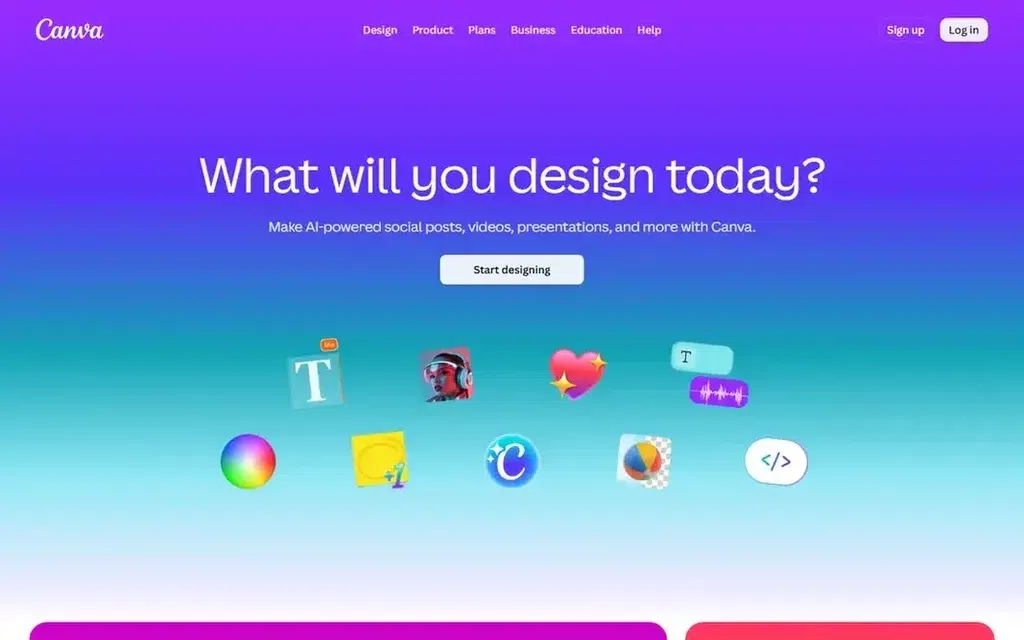
Canva is designed for all-in-one visual design suite. Canva is an online graphic design product that positions itself as a visual suite for everyone. It supports social media posts, presentations, posters, videos, logos, and more, making it a versatile choice for individuals and teams who require a single tool for diverse projects.
Trade-offs to know: Some advanced features need learning.
Its template library and drag-and-drop interface help users at any skill level begin rapidly. As for the details, if your work centers on infographics or in-depth photo retouching, consider a more focused alternative. Pricing for Canva is not stated here, so ask the vendor for current figures. Free access: Not stated.
- Broad range of design types
- Online and collaborative
- Can feel overwhelming for beginners
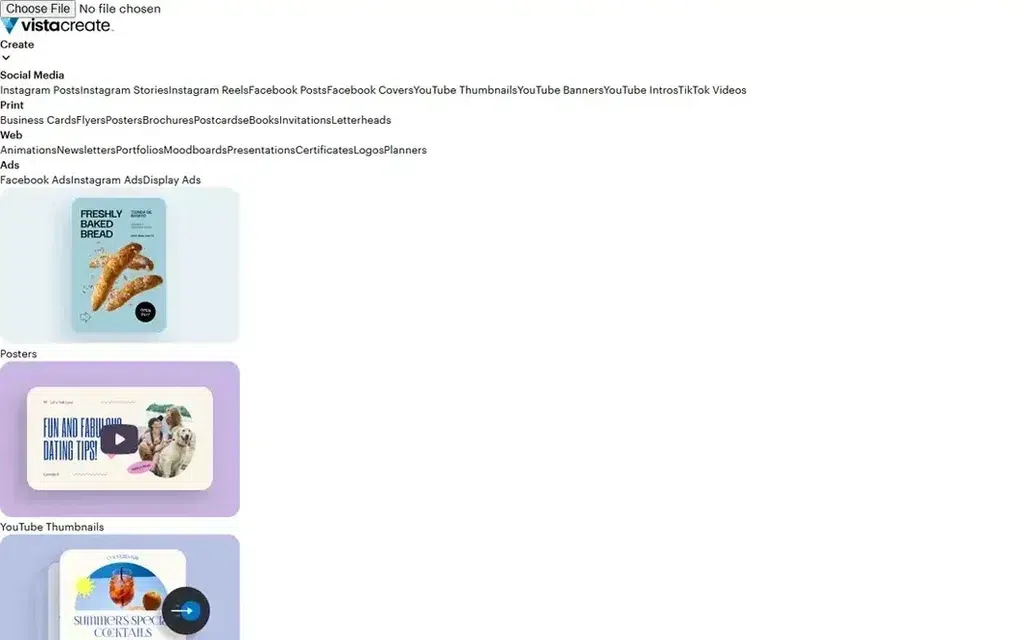
VistaCreate makes the most sense for AI design for social and print. Choose VistaCreate when your focus is social media and print design with AI assistance. Also, VistaCreate may not offer the same depth for infographics or data-heavy reports as specialized systems.
VistaCreate is an AI graphic design software for online and print, built to turn photos, ideas, or templates into professional designs. Beyond that, if your priority is storytelling with charts and data, Piktochart could be a better fit. VistaCreate shows no starting price here, so confirm the cost on the vendor site. VistaCreate has a free plan.
Trade-offs to know: Less suited for complicated data visuals.
- Templates for social media and print
- AI-assisted design features
- May need learning for advanced use
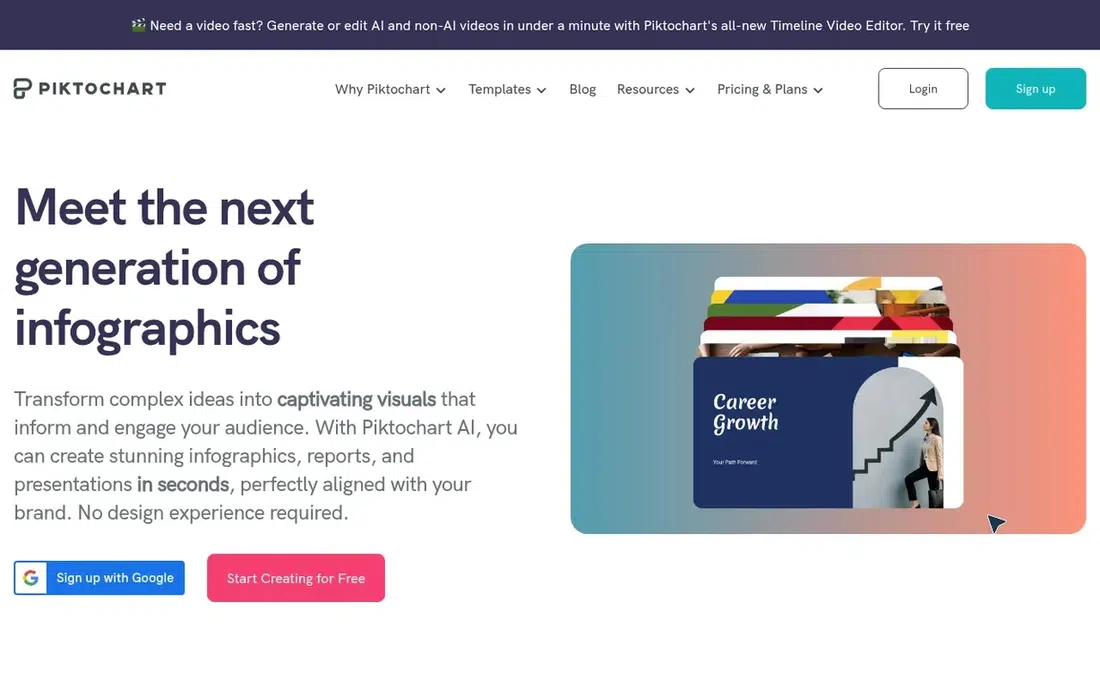
Piktochart is designed for Infographics and data storytelling. Its Pikto AI Studio supports designs, presentations, reports, ebooks, and videos, making it a capable choice for educators, analysts, and content creators who require to communicate information visually without design experience.
What to check first: May be overkill for straightforward social posts.
It is less concentrated on general graphic design than Canva or VistaCreate. Starting cost for Piktochart: $10 per member per month. A free plan is available with Piktochart.
- AI-powered design assistance
- Supports reports and presentations
- Less a strong match for general photo editing
How we chose
We compared the tools on published pricing, free plan or trial availability, feature coverage for Thumbmagic, and the limits each vendor documents. Plan names, prices and limits change often. Treat the figures here as a starting point and verify them with the vendor. Tools are placed by general fit for Thumbmagic, with price clarity and free access as tie-breakers. A different team can reasonably rank them differently.
Things to verify first
- Ask PicMonkey, Canva and VistaCreate for a written quote, since no starting price is shown.
- Check what the free option really includes: Snappa, VistaCreate and Piktochart offer a free plan, and usage caps differ.
- Take the trial from PicMonkey and push a live task through it before you pay.
- Read the limits listed for PicMonkey first: less focus on AI prompt design.
- Confirm you can export your data from Canva, so leaving later does not mean losing records.
- See whether Snappa offers onboarding or training, and whether it is included in the price.
FAQ
What is the cheapest option for Thumbmagic in this list?
On published monthly entry prices, Snappa is the lowest here at $10 per month. Entry price is only part of the cost, because seats, add-ons and billing terms can change the total. Prices, free plan details and limits for all 5 tools in this Thumbmagic alternatives roundup sit on the individual cards above.
How are the tools for Thumbmagic ordered?
The order follows typical fit for Thumbmagic, with PicMonkey first and Piktochart last, then price clarity and free access. It is editorial judgement, not a score, so another team could rank the tools differently.
Which tool is best for photo editing and design combined?
PicMonkey is the pick this page puts first, mainly for photo editing and graphic design. If your situation differs, Snappa suits prompt-to-graphic for social media, and Canva suits all-in-one visual design suite. Compare price and limits before you decide.
Can I try these tools before paying?
Often, yes. Snappa, VistaCreate and Piktochart have a free plan and PicMonkey offers a free trial. Use your own data and a real task during the test, and check what the free tier or trial limits before you rely on it.
Do these tools publish their prices?
Not all of them. PicMonkey, Canva and VistaCreate publish no starting price, so expect a quote request for those. The rest, Snappa included, show a starting price, though seats and billing terms still change the final cost.
Sources
- https://www.picmonkey.com
- https://snappa.com
- https://www.canva.com
- https://create.vista.com
- https://piktochart.com