The 6 Best Software Supply Chain Best Practices in 2026, Ranked
Searching for software supply chain best practices? Here are 6 options with prices and free plans. Compare costs and catches in one place. Facts only.
- Editor's choice
 Chainguard
Trusted open source images and libraries
Starts at$500 per monthVisit chainguard.devFull review - Great alternativeJFrog Artifactory
Managing artifacts across the full lifecycle
Starts at$50 a monthVisit jfrog.comFull review - Also consider
 Sonatype Nexus Repository
Central artifact and AI model management
Starts at$1,200 per yearVisit sonatype.comFull review
Direct answer
For trusted open source images and libraries, Chainguard is where this list starts. Listed starting prices: Chainguard from $500 per month, JFrog Artifactory from $50 a month and Sonatype Nexus Repository from $1,200 per year. Look at JFrog Artifactory for managing artifacts across the full lifecycle, and at Sonatype Nexus Repository for central artifact and AI model management. Prices, free plans and limits for all 6 tools follow.
TL;DR:
- Chainguard takes the first slot, best suited to trusted open source images and libraries.
- A fair warning about Sonatype Nexus Repository: governance setup takes effort.
- Anchore fits SBOM-driven composition analysis.
- Snyk has the lowest monthly starting price in this list: $25 per month.
Last checked November 2026. Prices and plan details were read from the vendors' own pages in November 2026; vendors change plans often, so confirm the current price on the vendor site before you buy.
Quick comparison
| Tool | Best for | Starts at | Free plan? | |
|---|---|---|---|---|
| Chainguard | Trusted open source images and libraries | $500 per month | Yes | Visit |
| JFrog Artifactory | Managing artifacts across the full lifecycle | $50 a month | Not stated | Visit |
| Sonatype Nexus Repository | Central artifact and AI model management | $1,200 per year | Yes | Visit |
 Snyk | Securing AI-written code and dependencies | $25 a month | Yes | Visit |
 Aqua Security | Runtime threat detection and policy | See website | Not stated | Visit |
 Anchore | SBOM-driven composition analysis | See website | Free trial | Visit |
The full software supply chain best practices list
LinkVetted compared 6 software supply chain best practices. The goal is a practical shortlist: published prices, free plan facts, best-fit use cases and honest limits for every entry.
Pick Chainguard if this describes you: trusted open source images and libraries. Chainguard describes itself as the trusted source for open source, supplying trusted open source artifacts for every layer of a modern software stack, including containers, language libraries and VM images. That makes it a practical building block for hardening what actually gets deployed.
Choose a different tool if your primary need is composition analysis or runtime threat detection instead of trusted base sources. Worth adding: teams still need their own policy, scanning and monitoring around those artifacts. The starting price for Chainguard: $500 per month. Chainguard offers a free plan.
Drawbacks to consider: Narrower than full products.
- Bundles language libraries
- Trusted open source artifacts
- Focus is on artifact sources
JFrog Artifactory
Best for: Managing artifacts across the full lifecycle
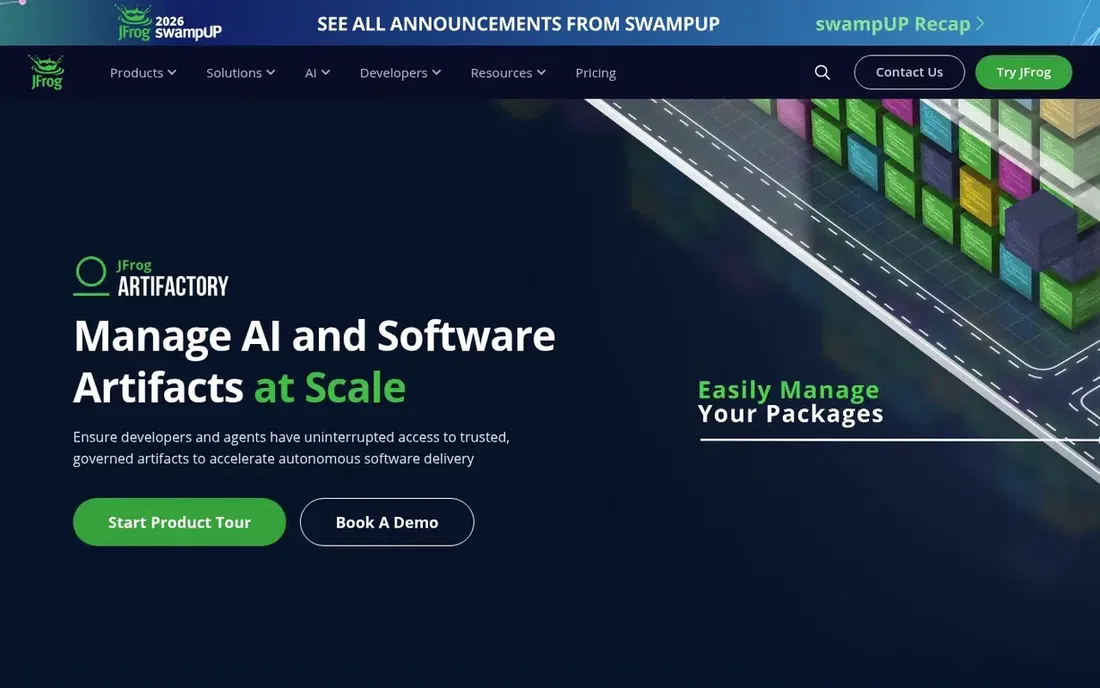
In short, JFrog Artifactory is for managing artifacts across the full lifecycle. Artifactory organizes and keeps artifacts but is not itself a vulnerability scanner or runtime defense tool. On top of that, JFrog Artifactory is described as a secure, scalable option for managing the full lifecycle of software artifacts, binaries, AI models, containers and packages.
What to check first: Needs setup and governance.
It acts as the central store where built outputs live and move through stages, which is a core piece of any supply chain practice. In practice, pick a lighter choice if you only manage a single package format and do not need lifecycle management across binaries and models. JFrog Artifactory starts at: $50 per month. Free access: Not stated.
- Universal artifact repository
- Handles containers and packages
- Not a code scanner itself
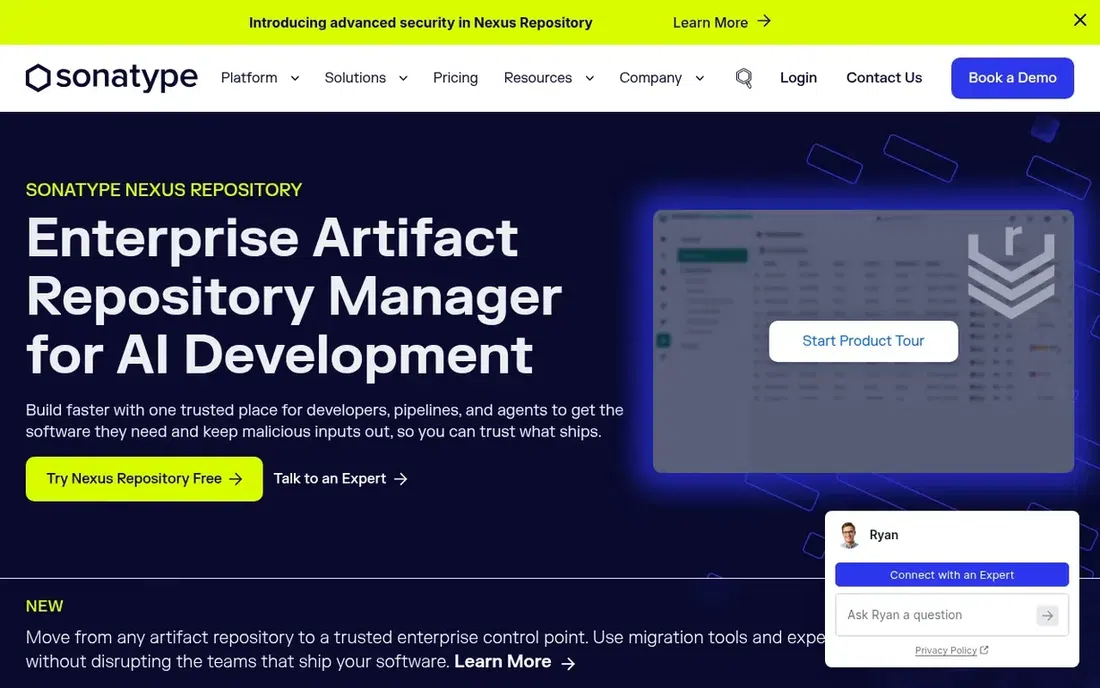
For central artifact and AI model management, Sonatype Nexus Repository is a natural candidate. Sonatype Nexus Repository lets teams centrally run software artifacts and AI models, positioning itself as an artifact repository for shipping code rapidly. More specifically, consider a different tool if your priority is source-level security instead of artifact storage and management.
Drawbacks to consider: Pairs with separate scanners.
You will still need composition analysis and runtime tools around it. Like other repositories, Nexus organizes and serves artifacts instead of scanning code or watching runtime behavior. Sonatype Nexus Repository cost at the entry level: $1,200 per year. Free access exists with Sonatype Nexus Repository.
- Supports AI models
- Central management of artifacts
- Governance setup takes effort
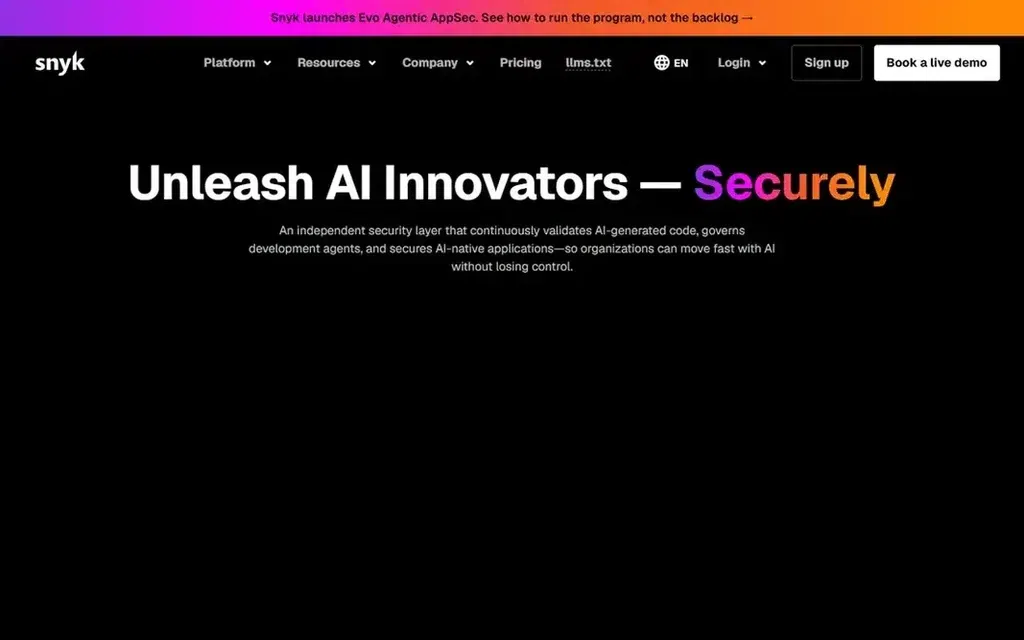
Snyk is built with Securing AI-written code and dependencies in mind. Snyk presents itself as an AI security system that secures the code AI writes, the agents it runs and the apps it builds. It does well as an early layer in a supply chain practice, catching issues in source and dependencies before artifacts are built and published.
The main drawbacks: Overlaps with other scanners.
Where Snyk stands out: Made for AI-building teams.
For everyday use, teams that require to store and govern binaries, or to detect threats in running workloads, will want to pair it with other tools. Since Snyk concentrates on code and application layers, it does not replace an artifact repository or runtime protection. On cost, Snyk starts like this: $25 per month. Snyk offers a free plan.
- Demo available for evaluation
- Includes code
- Needs pipeline integration work
Aqua Security serves Runtime threat detection and policy. Aqua Security watches code and running workloads, detects real threats and enforces policy at runtime, turning deep runtime context into control. That runtime layer is commonly the missing piece in a supply chain practice that otherwise stops at the artifact.
Honest limits: Complements build-time tools.
In daily use, Aqua Security centers on runtime visibility and enforcement. So it performs best alongside scanning and repository tools instead of replacing them. Policy tuning takes effort to avoid noise. Aqua Security shows no starting price here, so confirm the cost on the vendor site. Trial and free access: Not stated.
- Spots real runtime threats
- Watches code and workloads
- Runtime focus needs tuning
Anchore works best for SBOM-driven composition analysis. Anchore offers software supply chain options that automate vulnerability scanning, strengthen container security and support compliance with frameworks like NIST and FedRAMP. Its SBOM-powered software composition analysis suits teams that want visibility into what is inside their images and dependencies.
Limits to weigh: Not a runtime defense tool.
On top of that, Anchore leans on software bills of materials, so results rely on generating and maintaining them consistently. From a buyer's view, if you have to detect live threats in running workloads, pair it with a runtime tool instead of relying on it alone. Check the vendor site for Anchore pricing; none is listed in this comparison. Trial and free access: Free trial.
- Supports compliance frameworks
- Automates vulnerability scanning
- Needs SBOM discipline
How we chose
We compared the tools on published pricing, free plan or trial availability, feature coverage for software supply chain best practices, and the limits each vendor documents. Treat prices as a snapshot: vendors change plans often, so check the vendor site for the figure that applies today. Order on the page follows fit for the typical buyer first, then price transparency and free access. Your own requirements should decide the final pick.
What to confirm before you sign up
- Ask Aqua Security and Anchore for a written quote, since no starting price is shown.
- Look at free plan limits closely: Chainguard, Sonatype Nexus Repository and Snyk have one, and the caps decide whether it is usable for real work.
- Take the trial from Anchore and push a live task through it before you pay.
- Read the limits listed for Chainguard first: narrower than full platforms.
- The entry price of Aqua Security is only the starting point; model the full cost with seats and extras.
- Check how data leaves Anchore: formats, limits and whether exports are available on every plan.
FAQ
Can I try these tools before paying?
Often, yes. Chainguard, Sonatype Nexus Repository and Snyk have a free plan and Anchore offers a free trial. Use your own data and a real task during the test, and check what the free tier or trial limits before you rely on it.
How do trusted base images help?
Sourcing artifacts from a controlled origin, as Chainguard describes, cuts risk at the base image and library layer. That lowers the surface you must patch and track. It fits best combined with scanning and policy tools.
Is Chainguard the right pick for everyone comparing software supply chain best practices?
No single tool suits every team. Chainguard comes first because it fits trusted open source images and libraries, while JFrog Artifactory suits managing artifacts across the full lifecycle and Sonatype Nexus Repository suits central artifact and AI model management. Match the tool to your own size, budget and workflow before deciding.
Do I need both a repository and a scanner?
A repository like JFrog Artifactory or Sonatype Nexus Repository keeps and governs artifacts, whereas scanners for example Snyk or Anchore inspect what goes into them. From a buyer's view, some overlap exists, so map your gaps first.
Where does runtime security fit?
Runtime tools like Aqua Security watch running workloads and enforce policy after deployment. They complement build-time scanning since some risks only appear once software is live.
What is the cheapest option for software supply chain best practices in this list?
On published monthly entry prices, Snyk is the lowest here at $25 per month. Entry price is only part of the cost, because seats, add-ons and billing terms can change the total. Prices, free plan details and limits for all 6 tools in this software supply chain best practices roundup sit on the individual cards above.
Sources
- https://www.chainguard.dev
- https://jfrog.com/artifactory
- https://www.sonatype.com/products/sonatype-nexus-repository
- https://snyk.io
- https://www.aquasec.com
- https://anchore.com