6 Sitebulb Alternatives Worth Switching To in 2026
A practical look at Sitebulb alternatives for technical SEO crawls, comparing six tools on workflow, reporting and limits, based on vendor documentation.
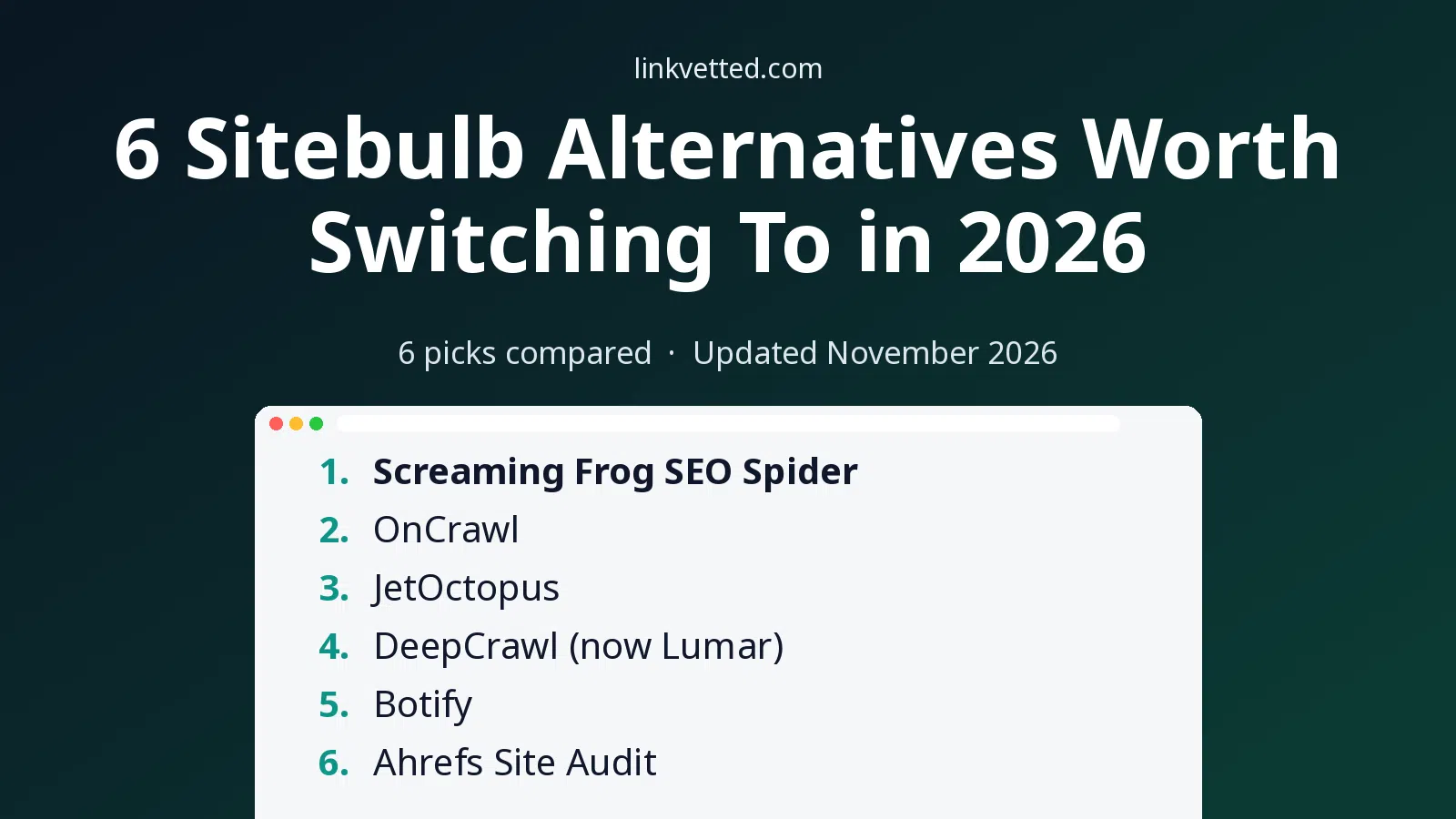
- Editor's choice
 Screaming Frog SEO Spider
Familiar desktop crawling for small teams
Starts atSee websiteVisit screamingfrog.co.ukFull review - Great alternativeOnCrawl
Cloud audits with prioritised issues
Starts atSee websiteVisit oncrawl.comFull review - Also considerJetOctopus
JavaScript-heavy sites and log analysis
Starts atSee websiteVisit jetoctopus.comFull review
Direct answer
My first pick is Screaming Frog SEO Spider, because it covers most technical crawl needs and has a long track record in the SEO community. If you want a cloud tool with a visual, prioritised audit, OnCrawl is the one I would look at next. For teams that need JavaScript rendering and log file analysis in one place, JetOctopus is the third name on my list. People look for Sitebulb alternatives because they want a different pricing model, a cloud workflow instead of a desktop app, or features Sitebulb does not cover well.
TL;DR:
- Sitebulb alternatives usually come up when a team wants cloud access, a different licence model, or a broader crawl feature set.
- Desktop crawlers and cloud crawlers solve different problems, so the right pick depends on how your team works.
- Crawl budget, JavaScript rendering and log file support are the three features that separate these tools most clearly.
- Most of these tools publish their feature lists and documentation, so you can check fit before you commit.
- A crawler only helps if someone reads the reports and turns them into fixes, so plan for that time.
Last checked November 2026. Plan prices are not quoted in this guide because they change often; see each vendor's own pricing page for current figures before you buy.
Quick comparison
| Tool | Best for | Starts at | Free plan? | |
|---|---|---|---|---|
| Screaming Frog SEO Spider | Familiar desktop crawling for small teams | See website | Free version | Visit |
| OnCrawl | Cloud audits with prioritised issues | See website | Not stated | Visit |
| JetOctopus | JavaScript-heavy sites and log analysis | See website | Not stated | Visit |
| DeepCrawl (now Lumar) | Enterprise teams with large site estates | See website | Not stated | Visit |
 Botify | Large sites needing crawl and log data | See website | Not stated | Visit |
 Ahrefs Site Audit | Teams already using Ahrefs | See website | Not stated | Visit |
The best Sitebulb alternatives compared
I put this comparison together from vendor documentation and public sources, not from hands-on testing. I have not run each tool against the same site, and I am not claiming benchmark results. What follows is a fit-based view: what each tool says it does, who it seems built for, and where the limits sit. You should confirm current features and plans on each vendor's site before you buy.
Screaming Frog SEO Spider
Best for: Familiar desktop crawling for small teams
Screaming Frog SEO Spider is a desktop crawler that many SEOs learn first. It crawls a site, lists URLs, status codes, titles, meta data, redirects and more, and exports the results. It fits small agencies and in-house teams that want a tool they can run locally and understand quickly. If you are moving away from Sitebulb and want something with a similar desktop feel, this is the obvious place to start.
For Sitebulb alternatives, the draw is familiarity and breadth. You can run a crawl, filter the results, and hand a spreadsheet to a developer. It also handles common technical checks like redirect chains and duplicate pages. The workflow is manual: you run the crawl, read the output, and decide what matters.
The limit is scale. Very large sites can strain a laptop, and the tool is not built around a shared cloud workspace. If your team needs several people reviewing the same crawl in a browser, look at the cloud options below instead.
- Long-established desktop crawler
- broad crawl and audit features
- free version for small sites
- Desktop-first, so very large crawls depend on your machine
- less of a cloud workflow
OnCrawl
Best for: Cloud audits with prioritised issues
OnCrawl is a cloud crawler that positions itself around technical SEO audits and prioritisation. Instead of handing you a raw list of URLs, it groups issues and ranks them so you can decide what to fix first. That suits teams that run regular crawls and want a repeatable process rather than a one-off export.
As a Sitebulb alternative, the appeal is the browser-based workflow. Several people can look at the same crawl without passing files around. It also fits teams that want scheduled crawls and trend data over time. You still need someone to interpret the reports and brief developers.
The main limit is fit. It is built with larger organisations in mind, so a solo consultant with a handful of small sites may find it more than they need. Check the current plan structure on the vendor site before deciding.
- Cloud-based crawl workflow
- prioritised issue reporting
- built for ongoing monitoring
- Aimed at larger teams
- plan details need checking on the vendor site
JetOctopus
Best for: JavaScript-heavy sites and log analysis
JetOctopus is a cloud-based crawler with a focus on JavaScript rendering and log file analysis. That combination matters for sites where content loads after the initial HTML, or where you want to see how search engine bots actually crawl the site. It is a reasonable Sitebulb alternative for technical teams working on modern JavaScript frameworks.
The workflow is built around recurring crawls. You set up a project, run crawls on a schedule, and compare results between runs to spot regressions. Log file analysis sits alongside the crawl data, which saves moving files between tools.
The limit is that it is a smaller name than the longest-running crawlers, so fewer people have written about it. If you need a large support community, weigh that. Otherwise, check the documentation to see whether the feature set matches your site.
- Cloud crawler with JavaScript rendering
- log file analysis
- crawl comparison over time
- Smaller community than the oldest crawlers
- feature depth varies by plan
DeepCrawl (now Lumar)
Best for: Enterprise teams with large site estates
DeepCrawl has been rebranded as Lumar, and the platform targets enterprise SEO and web teams. It crawls large sites, tracks technical issues, and reports on site health over time. For a team managing many domains or a very large site, that structure can be useful.
As a Sitebulb alternative, it makes most sense when you have outgrown desktop tools and need governance around crawls. You can schedule crawls, compare runs, and share reports with stakeholders who do not run crawls themselves.
The limit is scale in the other direction. A small agency with a few client sites will likely pay for capability it does not use. If your sites are modest, the desktop and mid-market tools on this list are a better match.
- Enterprise-focused crawl platform
- reporting for large sites
- positioned around site health monitoring
- Enterprise orientation
- may be more than a small site needs
Botify is a platform built around crawling, log file analysis and reporting for large websites. It is often used by sites with many URLs where crawl budget and bot behaviour matter. That makes it a Sitebulb alternative for teams that need more than a periodic audit.
The workflow links crawl data with log data so you can see what bots actually request versus what you expected. Reports are built for both technical and marketing readers, which helps when you need to explain priorities outside the SEO team.
The limit is setup and scope. It is built for large sites and enterprise workflows, so a small business site will not get much from it. Check whether your site size justifies the effort before you start.
- Combines crawl and log file data
- built for large sites
- reporting aimed at technical and marketing teams
- Enterprise workflow
- setup effort is higher than a desktop crawl
Ahrefs Site Audit is the crawler inside the Ahrefs platform. It checks a site for technical issues and shows them alongside backlink and keyword data. For teams already paying for Ahrefs, it is a practical Sitebulb alternative because the crawl sits next to the rest of the workflow.
The advantage is context. You can look at a crawl issue and then check the affected pages' backlinks or rankings without switching tools. Recrawls run on a schedule, so you can track whether fixes worked.
The limit is that it is part of a larger subscription. If you only want a crawler, you are paying for a lot you may not use. It is also less of a dedicated deep-crawl tool than the enterprise options above. Check the current plan details on the vendor site.
- Site audit inside a wider SEO toolkit
- crawl and backlink data in one place
- regular recrawls
- Tied to the wider Ahrefs subscription
- less of a dedicated deep crawler than the others
How I chose
I chose these tools by reading vendor documentation and public sources, then matching each one to a common reason people look for Sitebulb alternatives. The recurring reasons are cloud access, a different licence model, JavaScript rendering, log file analysis, and enterprise-scale reporting. I did not run hands-on tests, and I have not measured crawl speed or accuracy on any site. Everything here is based on what the vendors publish and what is publicly known about each tool.
I also weighed limits, because a tool that is too big for your site is as much of a problem as one that is too small. That is why the list moves from a desktop crawler at one end to enterprise platforms at the other. The right pick depends on site size, team size, and whether you need shared cloud access. Treat the "best_for" lines as a starting point, then check current features and plans on each vendor's site before you commit.
What to check before you buy
- Confirm whether the tool is desktop or cloud, because that changes how your team shares crawl results.
- Check whether JavaScript rendering is included, since many modern sites need it to see the real page content.
- Ask whether log file analysis is available if crawl budget or bot behaviour is a concern for your site.
- Look at how many sites and crawls your plan allows, especially if you manage client sites.
- Check the export formats, because your developers will want data they can work with.
- Read the vendor's own documentation on crawl limits and scheduling before you rely on it.
FAQ
Why do people look for Sitebulb alternatives?
Mostly for workflow and licensing reasons. Some teams want a cloud tool instead of a desktop app, others want JavaScript rendering or log file analysis in the same place, and some want a crawler bundled with a wider SEO toolkit. The right alternative depends on which of those matters most to you.
Is a free crawler enough instead of a paid one?
For small sites, a free version can cover basic checks like status codes, titles and redirects. The limits usually appear with site size, crawl depth, scheduling and export options. If you crawl client sites regularly or need shared reports, a paid plan is usually the practical choice.
Do I need JavaScript rendering in a crawler?
It depends on how your site is built. If key content or links only appear after scripts run, a crawler without rendering may miss them and report false issues. Check a sample of pages in the tool before you trust the audit, and confirm rendering support in the vendor documentation.
Can I use more than one crawler?
Yes, and some teams do. A desktop crawler for quick checks and a cloud tool for scheduled monitoring is a common split. The risk is duplicated effort, so decide which tool is the source of truth for each type of report before you add a second one.
What should I check before switching crawlers?
Compare the issues each tool reports on the same small site section, check export formats, and confirm how scheduling and user access work. Also check whether your current reports can be recreated, because losing historical crawl data can make it harder to show progress over time.
Sources
- https://www.screamingfrog.co.uk/seo-spider/
- https://www.oncrawl.com
- https://jetoctopus.com
- https://www.lumar.io
- https://www.botify.com
- https://ahrefs.com