Switching From Qodo? 5 Alternatives for 2026
Qodo alternatives: 5 tools compared on price, free plans and fit. Start with SonarQube if you need code quality and verification at scale. Costs up front.
- Editor's choice
 SonarQube
Code quality and verification at scale
Starts atSee websiteVisit sonarsource.comFull review - Great alternative
 DeepSource
Automatic AI code review
Starts at$24 per user per monthVisit deepsource.comFull review - Also consider
 Codacy
Central governance of code quality
Starts at$18 per dev a monthVisit codacy.comFull review
Direct answer
Our first pick is SonarQube, best for code quality and verification at scale. Listed starting prices: DeepSource from $24 per user per month, Codacy from $18 per dev a month and Snyk from $25 per month. If your case is different, DeepSource suits automatic AI code review and Codacy suits central governance of code quality. Prices, free plans and limits for all 5 tools follow.
TL;DR:
- Top of the list is SonarQube, which targets code quality and verification at scale.
- GitHub Copilot is the one to check for wide AI help across the whole workflow.
- Starting prices begin at $18 per dev per month with Codacy.
- Before buying Snyk, weigh this: not a general code completion tool.
Last checked November 2026. Prices and plan details were read from the vendors' own pages in November 2026; vendors change plans often, so confirm the current price on the vendor site before you buy.
Quick comparison
| Tool | Best for | Starts at | Free plan? | |
|---|---|---|---|---|
| SonarQube | Code quality and verification at scale | See website | Not stated | Visit |
| DeepSource | Automatic AI code review | $24 per user per month | Free trial | Visit |
| Codacy | Central governance of code quality | $18 per dev a month | Yes | Visit |
 Snyk | Securing AI-written code and agents | $25 per month | Yes | Visit |
 GitHub Copilot | Wide AI help across the entire workflow | See website | Not stated | Visit |
Every option for Qodo explained
LinkVetted compared 5 tools for Qodo. The goal is a practical shortlist: published prices, free plan facts, best-fit use cases and honest limits for every entry.
SonarQube was built for code quality and verification at scale. SonarQube from Sonar positions itself around code quality, security and verification, including compliant AI code reviews for modern AI workflows.
It checks code instead of writing it, so it complements instead of replaces an assistant. From a buyer's view, teams wanting light, fast setup may find a hosted review service simpler to adopt, whereas bigger organizations often prefer SonarQube's structured quality gates. No starting price is listed for SonarQube here; confirm pricing on the vendor site. On free options: Not stated.
Best features of SonarQube: Compliant AI code reviews.
Downsides: more about checking it; Less about writing code.
- Long-standing quality focus
- Verification for AI workflows
- Setup and tuning take effort
Think of DeepSource for automatic AI code review. It automates reviews to help ship to production quicker whereas catching security issues and improving code quality.
What to check first: not a full IDE assistant.
For everyday use, teams wanting a single tool for both generation and review may prefer a broader product, whereas review-focused teams will find the specialization handy. Beyond that, since it centers on review, it does not replace an editor assistant for writing code. Starting cost for DeepSource: $24 per user per month. Free plan details: Free trial.
- Catches security issues
- Automates review as code volume grows
- Value relies on review workflow fit
Codacy works best for central governance of code quality. Its strength is governance, so individuals or very small teams may not need that overhead.
Where it falls short: Governance focus may feel heavy for solo developers.
What you pay to start with Codacy: $18 per dev per month. You can start on Codacy without paying.
- AI coding policy governance
- Aims to avoid slowing teams
- Overlaps with other review tools
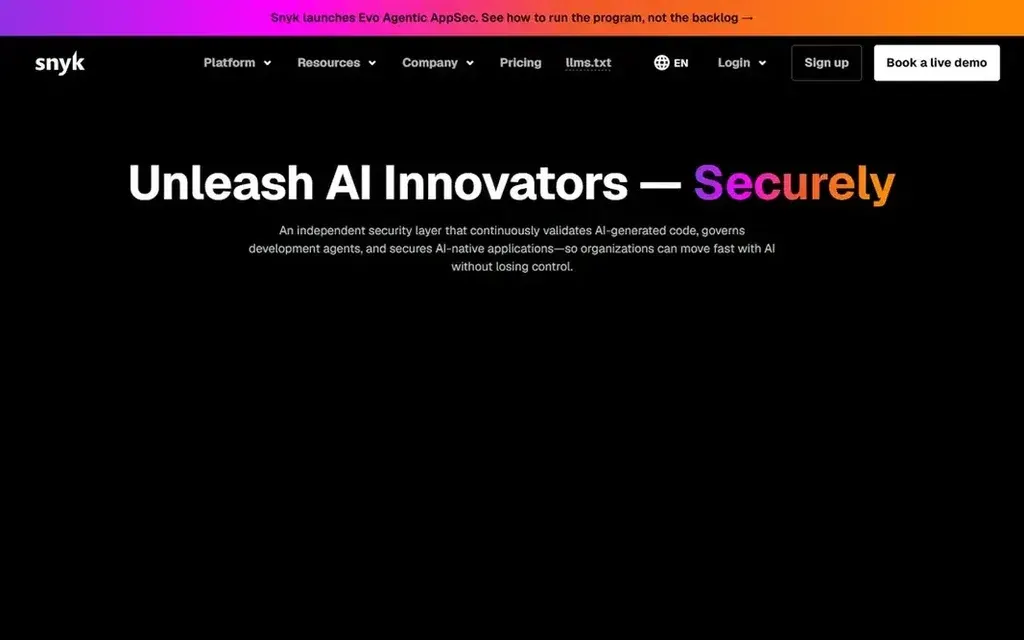
Where Snyk fits: Securing AI-written code and agents. Snyk is an AI security product built around a direct question: can you trust what you are shipping? It secures the code AI writes, the agents it runs and the apps it builds.
Points against: Security scope may exceed small teams' needs.
That makes it a fit for teams adopting AI generation rapidly and wanting a security layer over the output instead of more suggestions. In daily use, Snyk is not a coding assistant, so teams seeking autocomplete or chat-style help should choose a different tool. It makes most sense when security review of AI-generated code is the primary concern and you already have generation covered elsewhere. The starting price for Snyk: $25 per month. Snyk includes a free tier. Best features of Snyk: Security-first positioning.
- Focus on trust in what you ship
- Spans code
- Not a general code completion tool
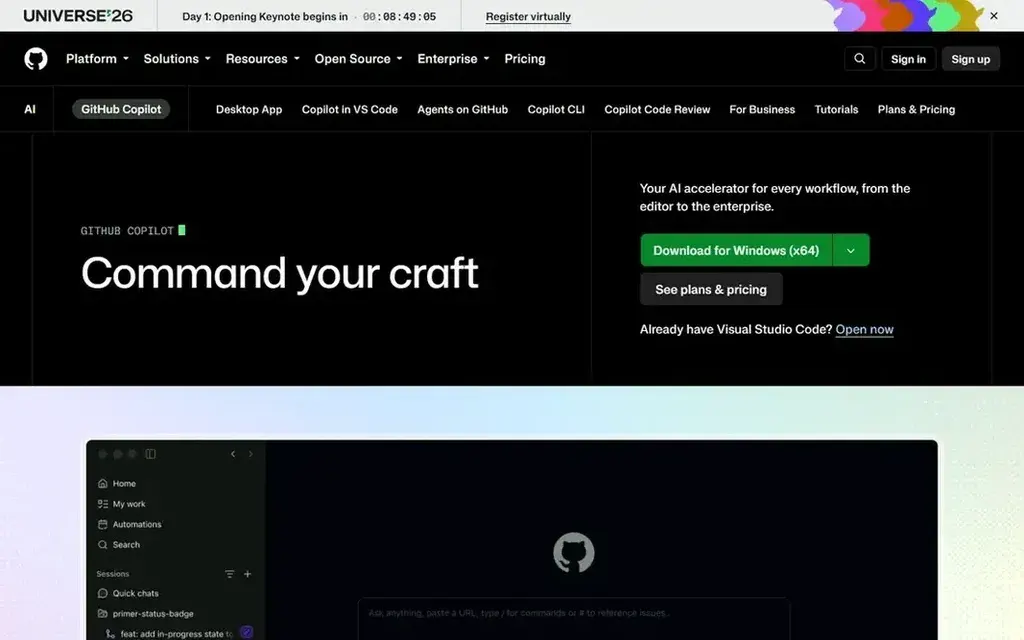
GitHub Copilot targets wide AI help across the entire workflow. If your work already lives on GitHub, the integration story is the primary draw.
GitHub Copilot is an AI coding agent that works across the editor, terminal, desktop and GitHub itself, following a task from an open issue through review and merge. Also, because Copilot spreads across many surfaces, teams wanting deep, policy-driven code review may still pair it with a dedicated system. GitHub Copilot shows no starting price here, so confirm the cost on the vendor site. Free plan details: Not stated.
Honest limits: Best value inside the GitHub ecosystem.
- Desktop and GitHub
- Includes issue to pull request review
- Breadth can mean less depth in review
How we built this list
Each tool was reviewed on what its vendor publishes: price, plan limits, core features and stated drawbacks. We did not run hands-on tests. Treat prices as a snapshot: vendors change plans often, so check the vendor site for the figure that applies today. The order reflects how well each tool fits the most common buying scenario for Qodo, then price clarity, then free plan access. It is a starting point, not a verdict.
What to confirm before you sign up
- Get a written quote from SonarQube and GitHub Copilot; the list shows no starting price for them.
- Look at free plan limits closely: Codacy and Snyk have one, and the caps decide whether it is usable for real work.
- Use real work to test the free trial from DeepSource, rather than a demo project.
- Before choosing SonarQube, weigh its main limit: setup and tuning take effort.
- Test the integrations you rely on with GitHub Copilot before committing; some connectors sit on upper tiers.
- Map your must-have features to a specific DeepSource plan before you compare prices.
FAQ
Do these tools replace manual code review?
They automate parts of review and quality checks, but most teams still keep human judgment for design and context.
Can I try these tools before paying?
Often, yes. Codacy and Snyk have a free plan and DeepSource offers a free trial. Use your own data and a real task during the test, and check what the free tier or trial limits before you rely on it.
Do these tools publish their prices?
Not all of them. SonarQube and GitHub Copilot publish no starting price, so expect a quote request for those. The rest, DeepSource included, show a starting price, though seats and billing terms still change the final cost.
What is the cheapest option for Qodo in this list?
On published monthly entry prices, Codacy is the lowest here at $18 per dev per month. Entry price is only part of the cost, because seats, add-ons and billing terms can change the total.
Which options for Qodo have a free plan?
Codacy and Snyk offer a free plan in this list. Free plans usually cap users, projects or features, so check the limits on the vendor page. One other tool offers a trial instead.
Sources
- https://www.sonarsource.com/products/sonarqube
- https://deepsource.com
- https://www.codacy.com
- https://snyk.io
- https://github.com/features/copilot