Switching From Onlive? 5 Alternatives for 2026
Onlive alternatives, compared. 5 tools with published prices, free plans and limits. Shadow is the first pick for full Windows PC in the cloud. Choose faster.
- Editor's choiceShadow
Full Windows PC in the cloud
Starts atSee websiteVisit shadow.techFull review - Great alternativeAWS AppStream 2.0
Pay-as-you-go application streaming
Starts atSee websiteVisit aws.amazon.comFull review - Also consider
 Citrix DaaS
Enterprise virtual apps and desktops
Starts atSee websiteVisit citrix.comFull review
Direct answer
Shadow is the first pick on this list for full Windows PC in the cloud. Listed starting prices: NVIDIA Omniverse from $1 per hour per GPU. If your case is different, AWS AppStream 2.0 suits pay-as-you-go application streaming and Citrix DaaS suits enterprise virtual apps and desktops. Prices, free plans and limits for all 5 tools follow.
TL;DR:
- The list opens with Shadow, aimed at full Windows PC in the cloud.
- Check the limits for Citrix DaaS before you commit: broad system may need dedicated IT administration.
- NVIDIA Omniverse fits industrial digital twins and simulation.
- Expect to ask for a quote from Shadow, AWS AppStream 2.0, Citrix DaaS and V2 Cloud; the other tools show a starting price.
Last checked November 2026. Prices and plan details were read from the vendors' own pages in November 2026; vendors change plans often, so confirm the current price on the vendor site before you buy.
Quick comparison
| Tool | Best for | Starts at | Free plan? | |
|---|---|---|---|---|
| Shadow | Full Windows PC in the cloud | See website | Not stated | Visit |
| AWS AppStream 2.0 | Pay-as-you-go application streaming | See website | Yes | Visit |
| Citrix DaaS | Enterprise virtual apps and desktops | See website | Not stated | Visit |
| V2 Cloud | Straightforward cloud desktops for teams | See website | Not stated | Visit |
 NVIDIA Omniverse | Industrial digital twins and simulation | $1 per hour per GPU | Yes | Visit |
Our 5 picks for Onlive
LinkVetted compared 5 tools for Onlive. The goal is a practical shortlist: published prices, free plan facts, best-fit use cases and honest limits for every entry.
Shadow
Best for: Full Windows PC in the cloud
For full Windows PC in the cloud, Shadow is a natural candidate. Shadow presents a full Windows PC in the cloud, giving users the power of a gaming PC on their devices.
Pick it when you need a full cloud Windows machine for individual use, and choose a DaaS or app streaming system when centralized management across plenty of users is required. Shadow shows no starting price here, so confirm the cost on the vendor site. Free plan details: Not stated.
Points against: Performance relies on network conditions.
- Creation and work
- Full Windows PC in the cloud
- Consumer-oriented positioning instead of enterprise VDI
AWS AppStream 2.0
Best for: Pay-as-you-go application streaming
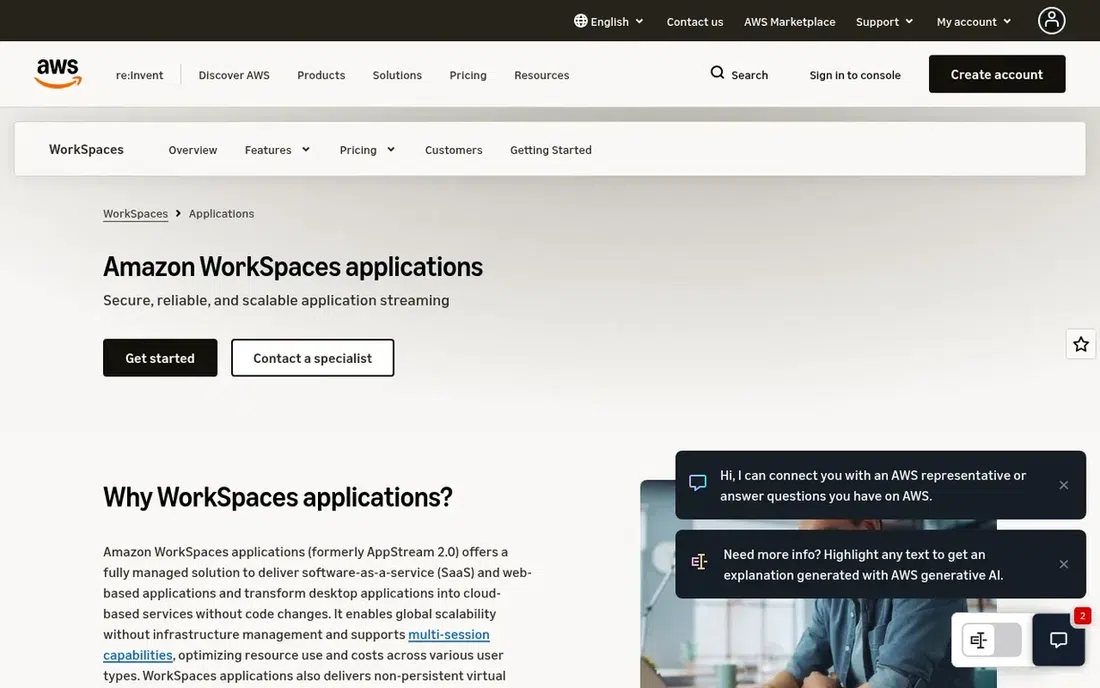
AWS AppStream 2.0 is built with pay-as-you-go application streaming in mind. The homepage notes that it streams Windows and Linux applications to any device without managing infrastructure and supports multi-session use. In daily use, pick it when streaming specific Windows or Linux apps from AWS matches your architecture, and consider a full desktop service if users need a complete personal desktop.
Adoption is smoothest for organizations comfortable with AWS account and service management. The product centers on application streaming instead of a general-purpose cloud PC. Pricing for AWS AppStream 2.0 is not stated here, so ask the vendor for current figures. You can start on AWS AppStream 2.0 without paying.
Points against: Application streaming focus instead of full desktop replacement.
- Pay-as-you-go pricing model
- No infrastructure management required
- Needs familiarity with AWS services
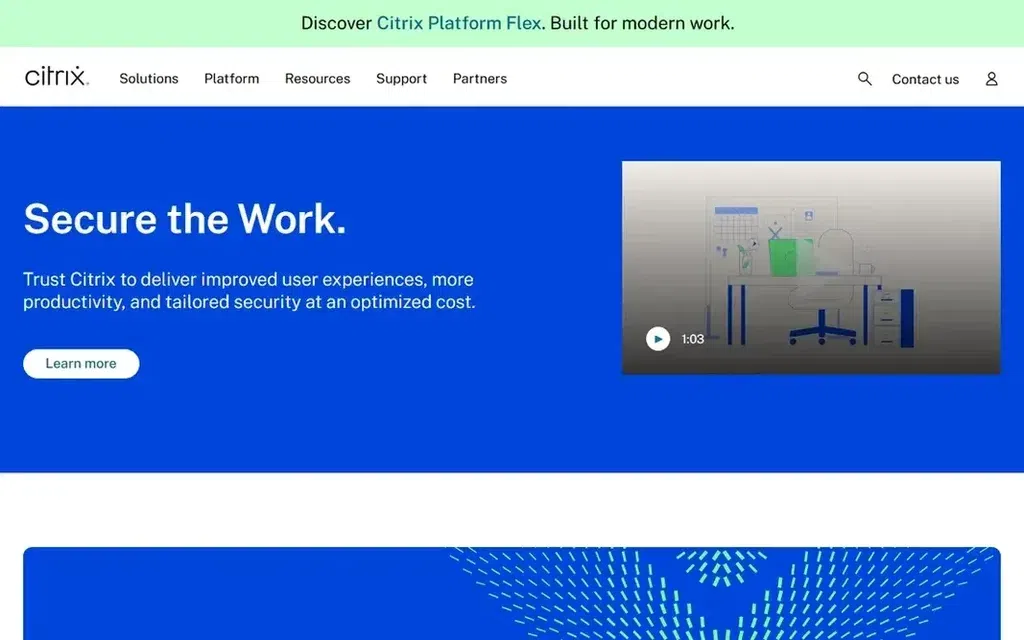
Choose Citrix DaaS for enterprise virtual apps and desktops. Citrix DaaS is a virtual apps and desktops service built to maximize adaptability for enterprises.
Where it is weaker: Setup complexity can be high for small teams.
Citrix DaaS shows no starting price here, so confirm the cost on the vendor site. Trial and free access: Not stated.
- Supports virtual apps and desktops at enterprise scale
- Focus on security posture and efficient workload management
- Wide product may need dedicated IT administration
V2 Cloud
Best for: Straightforward cloud desktops for teams
V2 Cloud is built with straightforward cloud desktops for teams in mind. Its homepage says your team opens a full Windows desktop in any browser, with apps and data staying in the cloud instead of on the device.
Drawbacks to consider: Smaller ecosystem than major cloud providers.
Support is backed by real humans you can call. Check the vendor site for V2 Cloud pricing; none is listed in this comparison. On free options: Not stated.
- Apps and data stay in the cloud
- Support backed by real humans
- May be less suited to complicated hybrid enterprise setups
Think of NVIDIA Omniverse for industrial digital twins and simulation. It suits teams creating simulated environments, digital twins or robotics applications that require a structured set of NVIDIA-provided components.
From a buyer's view, the product is specialized, so it is a poor match for users who just want a hosted Windows desktop or app streaming. On cost, NVIDIA Omniverse starts like this: $1 per hour per GPU. You can start on NVIDIA Omniverse without paying.
Trade-offs to know: Specialized for simulation and physical AI.
- Supports robotics simulation applications
- Collection of libraries and microservices
- Needs NVIDIA ecosystem alignment
How these tools were picked
For each of the 5 tools we noted price, free plan or trial, fit for Onlive and the main limit, using vendor pages and documentation. Treat prices as a snapshot: vendors change plans often, so check the vendor site for the figure that applies today. We ordered the tools by general fit, then by how clearly pricing is shown, then by free access. A buyer with unusual needs may reorder them.
What to confirm before you sign up
- Get a written quote from Shadow, AWS AppStream 2.0, Citrix DaaS and V2 Cloud; the list shows no starting price for them.
- Read the fine print on the free plans from AWS AppStream 2.0 and NVIDIA Omniverse; seat, project and feature caps differ.
- Before choosing Shadow, weigh its main limit: consumer-oriented positioning instead of enterprise VDI.
- Compare total cost, not headline price: for Citrix DaaS, add extra seats, add-ons and any usage-based charges.
- Ask the daily users to test AWS AppStream 2.0 on a live task before you roll it out to everyone.
FAQ
Which options for Onlive have a free plan?
AWS AppStream 2.0 and NVIDIA Omniverse offer a free plan in this list. Free plans usually cap users, projects or features, so check the limits on the vendor page.
Can I try these tools before paying?
Often, yes. AWS AppStream 2.0 and NVIDIA Omniverse have a free plan. Use your own data and a real task during the test, and check what the free tier or trial limits before you rely on it.
How are the tools for Onlive ordered?
Shadow sits first and NVIDIA Omniverse last because the order follows typical fit for Onlive, then price clarity and free access. It is a judgement call, so read each profile for fit and limits.
Is Shadow the right pick for everyone comparing Onlive?
No single tool suits every team. Shadow comes first because it fits full Windows PC in the cloud, while AWS AppStream 2.0 suits pay-as-you-go application streaming and Citrix DaaS suits enterprise virtual apps and desktops. Match the tool to your own size, budget and workflow before deciding.
Sources
- https://shadow.tech
- https://aws.amazon.com/appstream2
- https://www.citrix.com/products/citrix-daas
- https://v2cloud.com
- https://www.nvidia.com/en-us/omniverse