Top 6 VR Training Software for 2026 (Prices and Free Plans)
Shortlisting the best VR training software? 6 products compared on cost, free access and ideal buyer. Clear notes on pricing gaps and limits. Facts only.
- Editor's choiceOsso VR
Healthcare procedural training and onboarding
Starts atSee websiteVisit ossovr.comFull review - Great alternativeFundamentalVR
Immersive skills development across media
Starts atSee websiteVisit fundamentalvr.comFull review - Also considerStrivr
Frontline training with smart glasses
Starts atSee websiteVisit strivr.comFull review
Direct answer
Osso VR comes first here, mainly for healthcare procedural training and onboarding. Listed starting prices: VirtualSpeech from $45 a month. For a different need, FundamentalVR covers Immersive skills development across media and Strivr covers frontline training with smart glasses. The other 3 tools in the list cover narrower or pricier cases.
TL;DR:
- Top of the list is Osso VR, which targets healthcare procedural training and onboarding.
- A permanent free plan is missing from all 6 tools, Osso VR and Mursion included; plan for a trial or a premium start.
- Mursion suits Upskilling through immersive simulation.
- The main caution on Osso VR: restricted to healthcare context.
- Starting prices begin at $45 per month with VirtualSpeech.
Last checked November 2026. Prices and plan details were read from the vendors' own pages in November 2026; vendors change plans often, so confirm the current price on the vendor site before you buy.
Quick comparison
| Tool | Best for | Starts at | Free plan? | |
|---|---|---|---|---|
| Osso VR | Healthcare procedural training and onboarding | See website | Not stated | Visit |
| FundamentalVR | Immersive skills development across media | See website | Not stated | Visit |
| Strivr | Frontline training with smart glasses | See website | Not stated | Visit |
| Talespin | Engaging immersive enterprise learning | See website | Not stated | Visit |
 VirtualSpeech | Soft skills and presentation practice | $45 a month | Not stated | Visit |
| Mursion | Upskilling through immersive simulation | See website | Not stated | Visit |
VR Training Software, one by one
Choosing VR training software usually comes down to price, fit and limits. This LinkVetted guide sets 6 tools side by side on those three points, with the facts kept short and checkable.
Osso VR
Best for: Healthcare procedural training and onboarding
Osso VR makes the most sense for healthcare procedural training and onboarding. Buyers should confirm which procedures and devices are covered before rollout.
It is most solid where clinical procedure practice and onboarding scale are the core requirements. The healthcare focus means it is not a general-purpose corporate learning tool, so other industries should look elsewhere. Osso VR does not show a starting price in this comparison, so check the vendor site for current pricing. On free options: Not stated.
Limits to weigh: Restricted to healthcare context.
- Healthcare training focus
- Supports onboarding scale
- Procedural emphasis
FundamentalVR
Best for: Immersive skills development across media
For Immersive skills development across media, FundamentalVR is a natural candidate. It can appeal to teams building skills programs where adaptability in delivery medium matters. Look elsewhere if you want a ready-made library tied to one domain like nursing onboarding.
Where it is weaker: Fit relies on use case.
On top of that, since the stated scope is broad, buyers should confirm which specific modules, devices and authoring choices apply to their use case. It may require more internal planning than a narrowly focused product. Check the vendor site for FundamentalVR pricing; none is listed in this comparison. Free access: Not stated.
- Works across interactive media
- Knowledge acquisition focus
- Wide positioning
Strivr
Best for: Frontline training with smart glasses
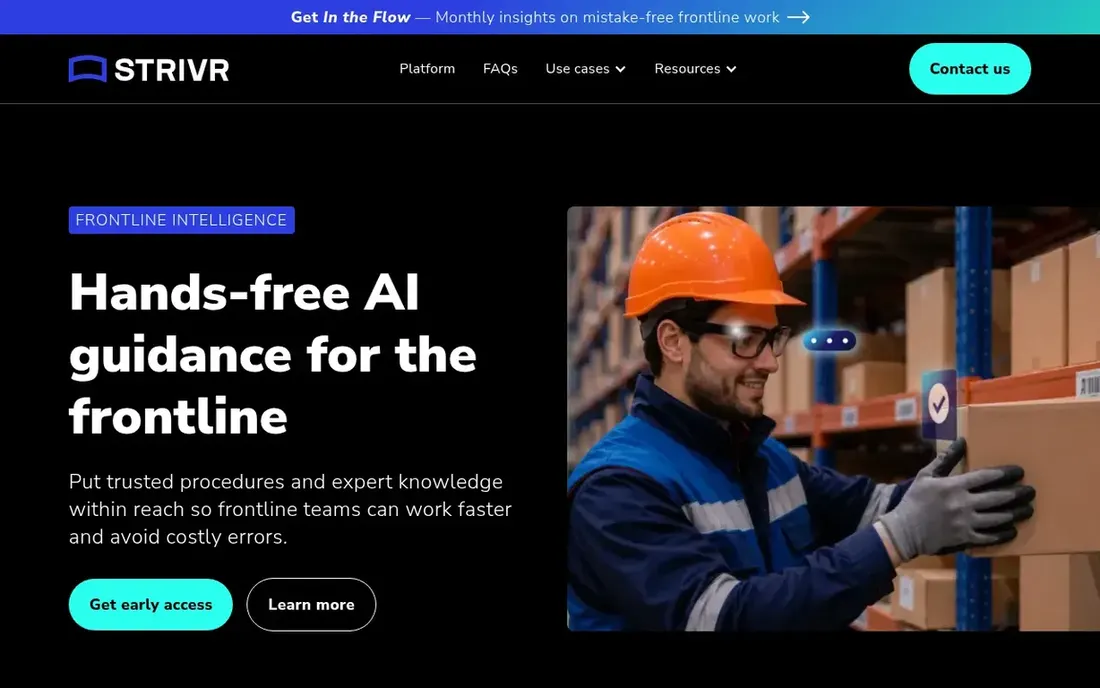
Choose Strivr for frontline training with smart glasses. Teams evaluating immersive training for practical, on-the-job tasks will find the focus on live assistance instead of classroom-style simulation. Also, since the offering centers on smart glasses and frontline assistance, organizations seeking wide soft skills libraries or academic courseware may find it less aligned.
It is also worth confirming device compatibility and content authoring choices before committing. From a buyer's view, consider other choices if your priority is presentation practice or clinical procedure training instead of frontline guidance. Check the vendor site for Strivr pricing; none is listed in this comparison. On free options: Not stated.
Where it falls short: Hardware-dependent deployment.
- Hands-free procedural guidance
- Aimed at frontline workflows
- Narrow fit outside frontline use
Talespin
Best for: Engaging immersive enterprise learning
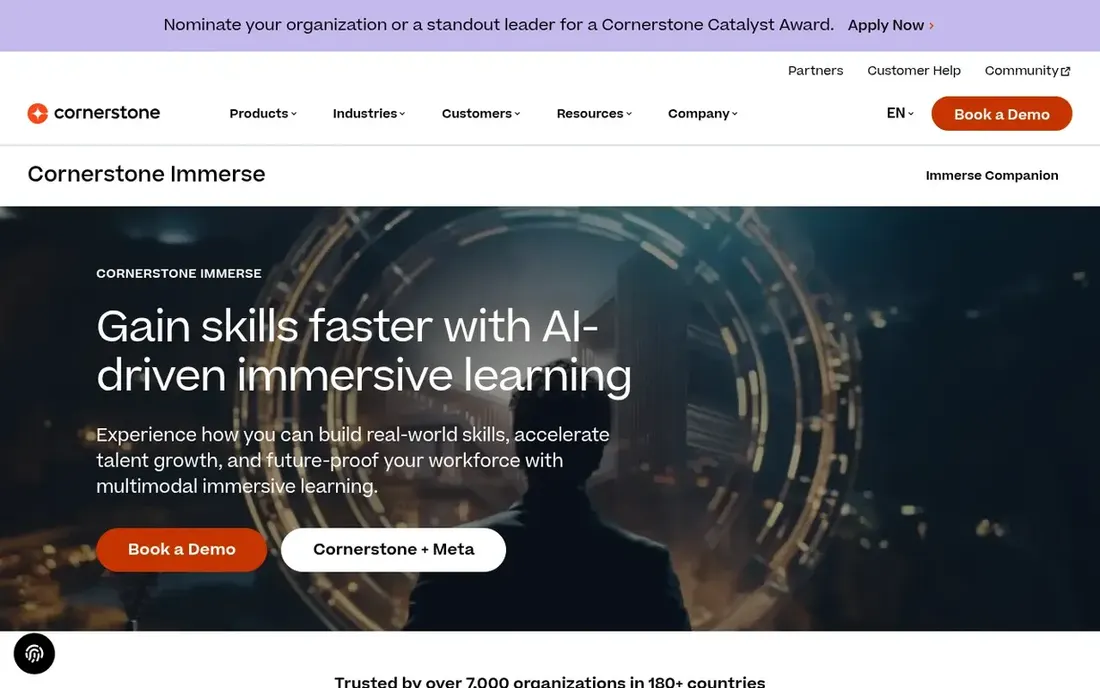
Talespin is designed for engaging immersive enterprise learning. Talespin presents itself as an immersive learning product and training option targeted at boosting engagement. Beyond that, pick something else if you need a tightly scoped tool for healthcare procedures or speech practice.
Downsides: Details vary by deployment.
In daily use, since the public description is high level, buyers should verify content libraries, device support and integration details straight with the vendor. It may be less specialized than niche systems for clinical or soft skills training. Talespin shows no starting price here, so confirm the cost on the vendor site. Free options: Not stated.
- Focus on learner engagement
- Training option framing
- Needs content planning
VirtualSpeech is built with soft skills and presentation practice in mind. VirtualSpeech provides AI roleplay and presentation practice for managers and students, with scored feedback in seconds, custom scenarios and a results report for every program.
Where it falls short: Not for procedural training.
Beyond that, confirm scenario customization and reporting fit your program before adopting it broadly. More specifically, teams needing practical technical practice should choose a different system. VirtualSpeech starts at: $45 per month. As for free access: Not stated.
- Scored feedback in seconds
- AI roleplay scenarios
- Soft skills focus only
Mursion
Best for: Upskilling through immersive simulation
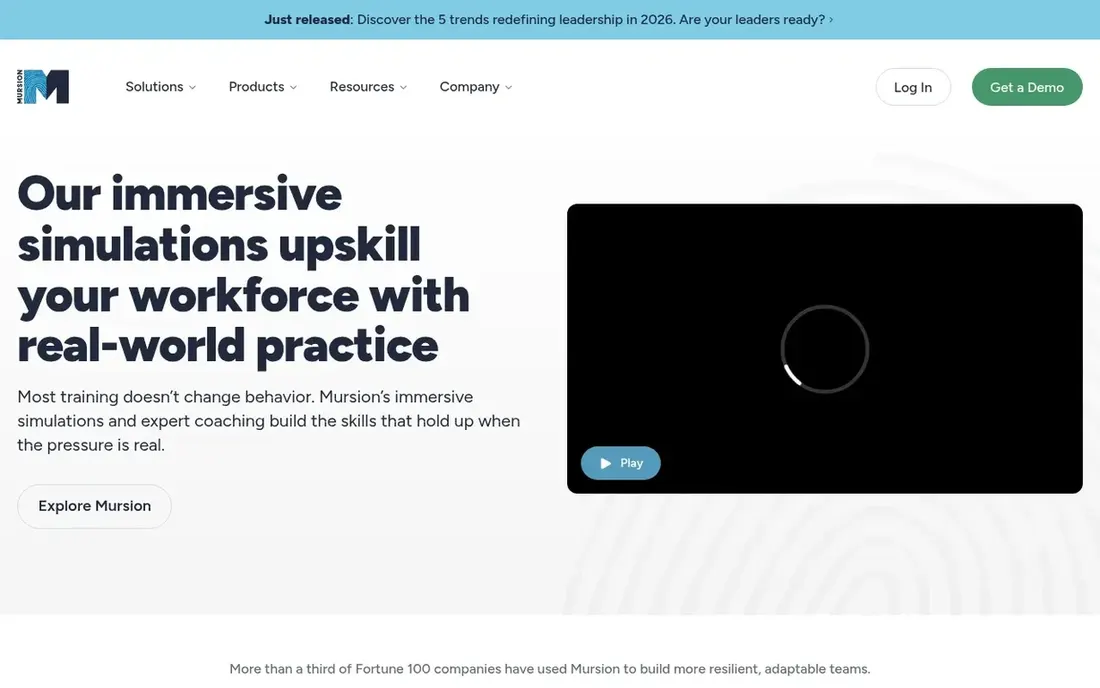
Where Mursion fits: Upskilling through immersive simulation. The emphasis on simulation makes it relevant for roles that rely on communication and judgment.
On top of that, the homepage summary does not detail specific scenario libraries or integrations, so confirm those during evaluation. No starting price is listed for Mursion here; confirm pricing on the vendor site. As for free access: Not stated.
Where it is weaker: General public feature detail.
- AI-powered simulation approach
- Upskilling focus
- Simulation scope varies
How the list was put together
We compared the tools on published pricing, free plan or trial availability, feature coverage for VR training software, and the limits each vendor documents. Figures are shown as the vendors publish them. Billing terms, seat minimums and add-ons can change the real cost. Order on the page follows fit for the typical buyer first, then price transparency and free access. Your own requirements should decide the final pick.
What to check before you buy
- Ask Osso VR, FundamentalVR, Strivr and others for a written quote, since no starting price is shown.
- Read the limits listed for Osso VR first: restricted to healthcare context.
- Check the support hours and onboarding help Strivr offers; smaller vendors vary a lot here.
- Look at the renewal terms for VirtualSpeech: auto-renewal, notice periods and price changes can matter more than the first-year price.
- Price FundamentalVR for your actual team size; headline prices rarely include add-ons or overage.
FAQ
Can I try these options before paying?
Not by default. None of the tools, from Osso VR to Mursion, lists a free plan or a free trial here, so ask each vendor for a demo before committing.
Is Osso VR the right pick for everyone comparing VR training software?
No single tool suits every team. Osso VR comes first because it fits healthcare procedural training and onboarding, while FundamentalVR suits Immersive skills development across media and Strivr suits frontline training with smart glasses. Match the tool to your own size, budget and workflow before deciding.
What is the cheapest option for VR training software in this list?
On published monthly entry prices, VirtualSpeech is the lowest here at $45 per month. Entry price is only part of the cost, because seats, add-ons and billing terms can change the total.
What should I look for in VR training software?
Start with the skills you have to build and the devices your teams can access. Confirm device support and content ownership straight with each vendor.
Does any tool for VR training software here have a free plan?
A permanent free plan is not offered by Osso VR, Mursion or the other tools here. Plan a short evaluation period instead.
Sources
- https://www.ossovr.com
- https://www.fundamentalvr.com
- https://www.strivr.com
- https://www.talespin.com
- https://www.virtualspeech.com
- https://www.mursion.com