Best UI Design Tools for Healthcare Apps (2026): 5 Picks Checked on Vendor Pages
Shortlisting the best UI design tools for healthcare apps? 5 products compared on cost, free access and ideal buyer. Real limits included. Easy to scan.
- Editor's choiceMarvel
All-in-one wireframe to prototype testing
Starts atSee websiteVisit marvelapp.comFull review - Great alternative
 Axure RP
Complicated flows with written specifications
Starts at$29 per user a monthVisit axure.comFull review - Also consider
 Sketch
Mac-based interface design teams
Starts at$12 per editor a monthVisit sketch.comFull review
Direct answer
If you need all-in-one wireframe to prototype testing, Marvel is the first tool to look at here. Listed starting prices: Axure RP from $29 per user a month, Sketch from $12 per editor a month and Figma from $3 per month. Axure RP is better for complicated flows with written specifications, and Sketch is better for Mac-based interface design teams. The full list of 5 tools follows, with prices and free plan facts.
TL;DR:
- Marvel takes the first slot, best suited to all-in-one wireframe to prototype testing.
- Only Marvel offers a free plan among these 5 tools.
- For quick low-fidelity wireframing, Balsamiq is worth a look.
- The lowest published monthly entry price here is $3 per month, from Figma.
- The main caution on Marvel: less depth than dedicated high-fidelity tools.
Last checked November 2026. Prices and plan details were read from the vendors' own pages in November 2026; vendors change plans often, so confirm the current price on the vendor site before you buy.
Quick comparison
| Tool | Best for | Starts at | Free plan? | |
|---|---|---|---|---|
| Marvel | All-in-one wireframe to prototype testing | See website | Yes | Visit |
| Axure RP | Complicated flows with written specifications | $29 per user a month | Not stated | Visit |
| Sketch | Mac-based interface design teams | $12 per editor a month | Free trial | Visit |
 Figma | Collaborative end-to-end product design | $3 per month | Not stated | Visit |
 Balsamiq | Quick low-fidelity wireframing | $16 per editor a month | Free trial | Visit |
The 5 tools in detail
If you are comparing UI design tools for healthcare apps, this page covers 5 tools in one place: what each is best for, what it costs to start, whether it has a free plan, and the main limit to know about.
Marvel
Best for: All-in-one wireframe to prototype testing
Think of Marvel for all-in-one wireframe to prototype testing. Marvel describes a collaborative design product that handles wireframing, prototyping, user testing, design and inspection in one place, with API integration available.
From a buyer's view, consider Marvel when speed across the entire early process matters more than maximum design precision. Breadth can come at the cost of depth, and teams building a large, highly in-depth design system may find dedicated design tools more capable for fine visual control. This comparison lists no price for Marvel; ask the vendor. Marvel includes a free tier.
Points against: Complicated design systems may outgrow it.
- Design inspection for handoff
- API integration available
- Less depth than dedicated high-fidelity tools
Axure RP makes the most sense for complicated flows with written specifications. Axure RP describes itself as an all-in-one software design tool for creating prototypes, specifications and diagrams.
Upsides: Documentation travels with the design.
Drawbacks to consider: Steeper ramp-up time. Choose something more straightforward when your team chiefly needs fast visual concepts instead of documented interaction logic. Axure RP pricing: $29 per user per month. As for free access: Not stated.
- Specifications and diagrams in one tool
- Prototypes
- Heavier than fast wireframing tools
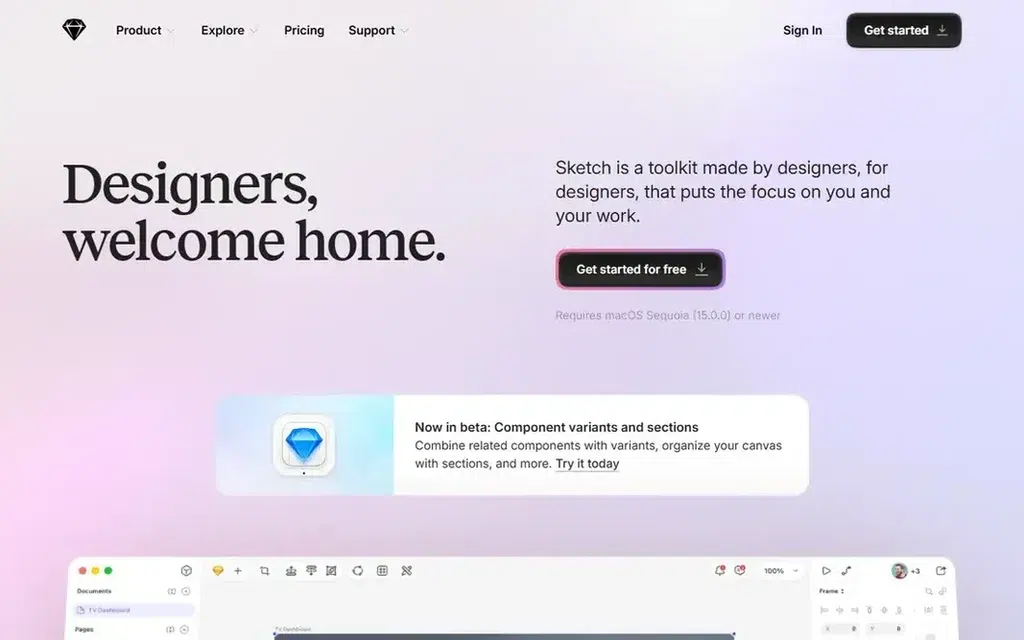
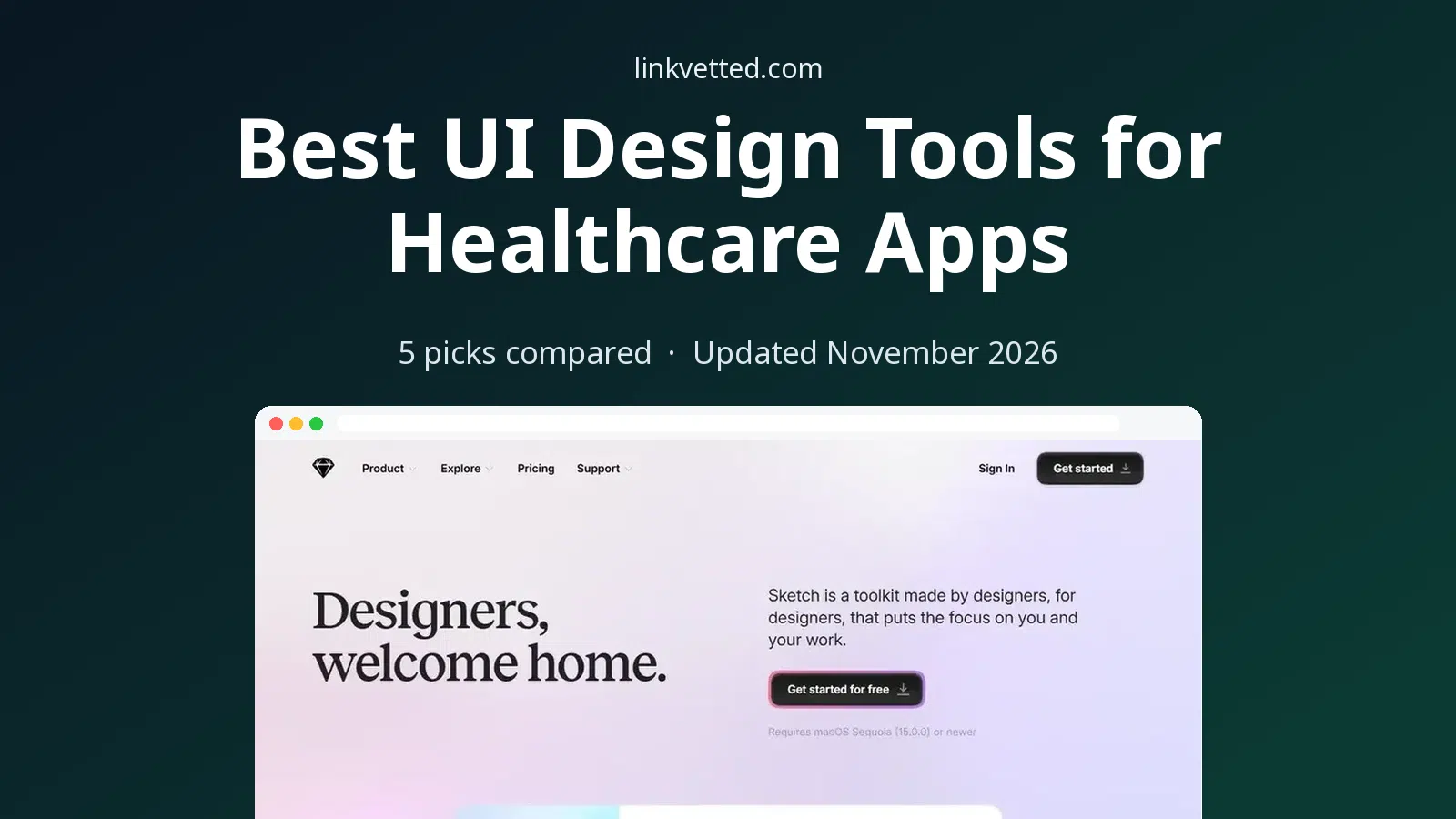
Sketch was built for Mac-based interface design teams. It suits healthcare design teams working on Apple hardware who want a focused interface design environment and a familiar layer-based approach for building screen libraries and reusable components.
Consider an alternative if your organization standardizes on Windows workstations or needs everyone editing in the same browser window. Starting cost for Sketch: $12 per editor per month. Free access: Free trial.
Downsides: Collaboration model differs from browser-first tools.
- Handoff support built in
- Designer-focused interface tool
- Mac-only workflow
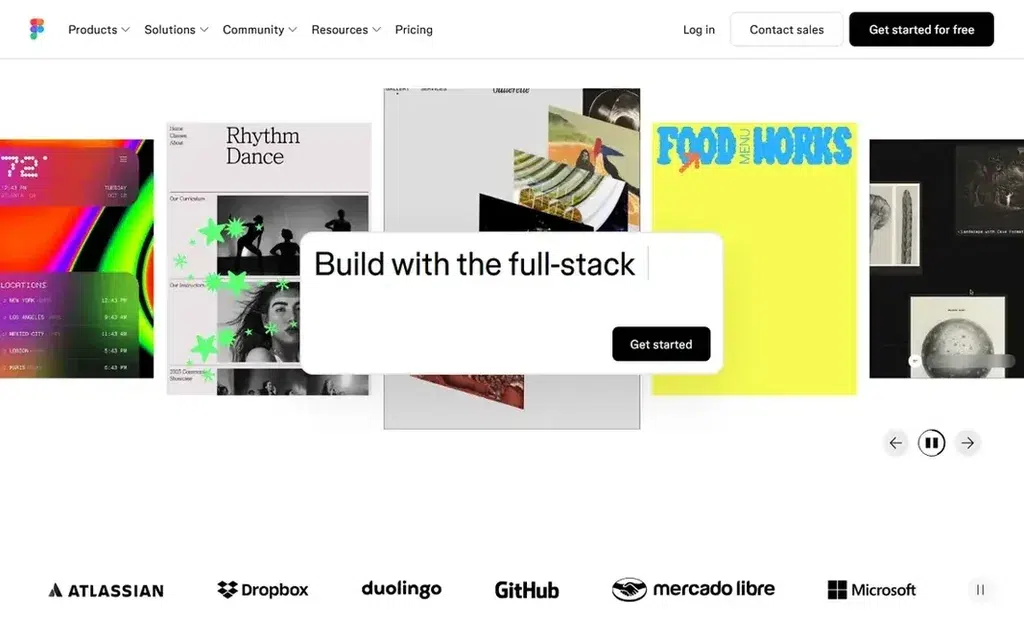
In short, Figma is for collaborative end-to-end product design. For healthcare apps, that shared space helps designers, clinicians and developers review patient-facing screens together and keep components consistent across a large interface library.
Where Figma stands out: Live collaboration across teams.
Since everything lives in one shared workspace, teams with strict internal hosting or offline requirements may have to plan around that model. What you pay to start with Figma: $3 per month. On free options: Not stated. Limits to weigh: Large shared files can become complicated to run.
- Design
- AI-assisted features on the canvas
- Browser-based work relies on a stable connection
Think of Balsamiq for quick low-fidelity wireframing. Balsamiq positions itself as quick, focused wireframing and prototyping, letting product, tech and business people sketch, test and refine an UI rapidly. As for the details, pick Balsamiq when the goal is rapid structural feedback, and pair it with a higher-fidelity tool for delivery.
Main advantages: Keeps early feedback concentrated on structure.
What to check first: Restricted for high-fidelity visual design. The intentionally rough wireframe style is not meant for refined, production-ready visuals, so teams will move to another tool for final interface design. For everyday use, in healthcare apps this is valuable early, when clinicians and product owners have to agree on screen structure and information order before visual design and compliance review begin. Balsamiq starts at: $16 per editor per month. Free plan details: Free trial.
- Fast to sketch and refine screens
- Deliberately straightforward wireframe style
- Not a full production design environment
Selection criteria
The comparison looks at four things: starting price, free access, how well the feature set matches UI design tools for healthcare apps, and the main limit of each tool. Figures are shown as the vendors publish them. Billing terms, seat minimums and add-ons can change the real cost. The sequence is a judgement call: typical use case first, then pricing transparency, then free access. Use the profiles to check fit.
What to check before you buy
- Confirm the entry price on the vendor page. For Marvel that means a quote rather than a fixed price.
- Test the free plan from Marvel against your real workload before relying on it.
- Use real work to test the free trial from Sketch and Balsamiq, rather than a demo project.
- Before choosing Marvel, weigh its main limit: less depth than dedicated high-fidelity tools.
- Test how quickly Marvel answers a pre-sales question; it hints at how support will feel later.
- Run a one or two week pilot of Balsamiq with the people who will use it every day.
FAQ
How are the tools for UI design tools for healthcare apps ordered?
The order follows typical fit for UI design tools for healthcare apps, with Marvel first and Balsamiq last, then price clarity and free access. It is editorial judgement, not a score, so another team could rank the tools differently.
Which options for UI design tools for healthcare apps have a free plan?
Marvel is the only tool in this list with a free plan. Free plans usually cap users, projects or features, so check the limits on the vendor page. Several others offer a trial instead. All 5 picks in this UI design tools for healthcare apps comparison list a starting price, free plan details and the main limits on their cards above.
Which UI design tool is best for healthcare apps with complicated clinical workflows?
Marvel comes first here and is built for all-in-one wireframe to prototype testing. Buyers with other needs may prefer Axure RP (for complicated flows with written specifications) or Sketch (for Mac-based interface design teams). Compare costs and limits first.
Do these tools publish their prices?
Not all of them. Marvel publishes no starting price, so expect a quote request for it. The rest, Axure RP included, show a starting price, though seats and billing terms still change the final cost. For the full picture, the cards above cover all 5 entries of this UI design tools for healthcare apps list, including price, free plan and limits.
Can I try these options before paying?
Often, yes. Marvel has a free plan and Sketch and Balsamiq offer a free trial. Use your own data and a real task during the test, and check what the free tier or trial limits before you rely on it. Prices, free plan details and limits for all 5 tools in this UI design tools for healthcare apps roundup sit on the individual cards above.
Sources
- https://marvelapp.com
- https://www.axure.com
- https://www.sketch.com
- https://www.figma.com
- https://balsamiq.com