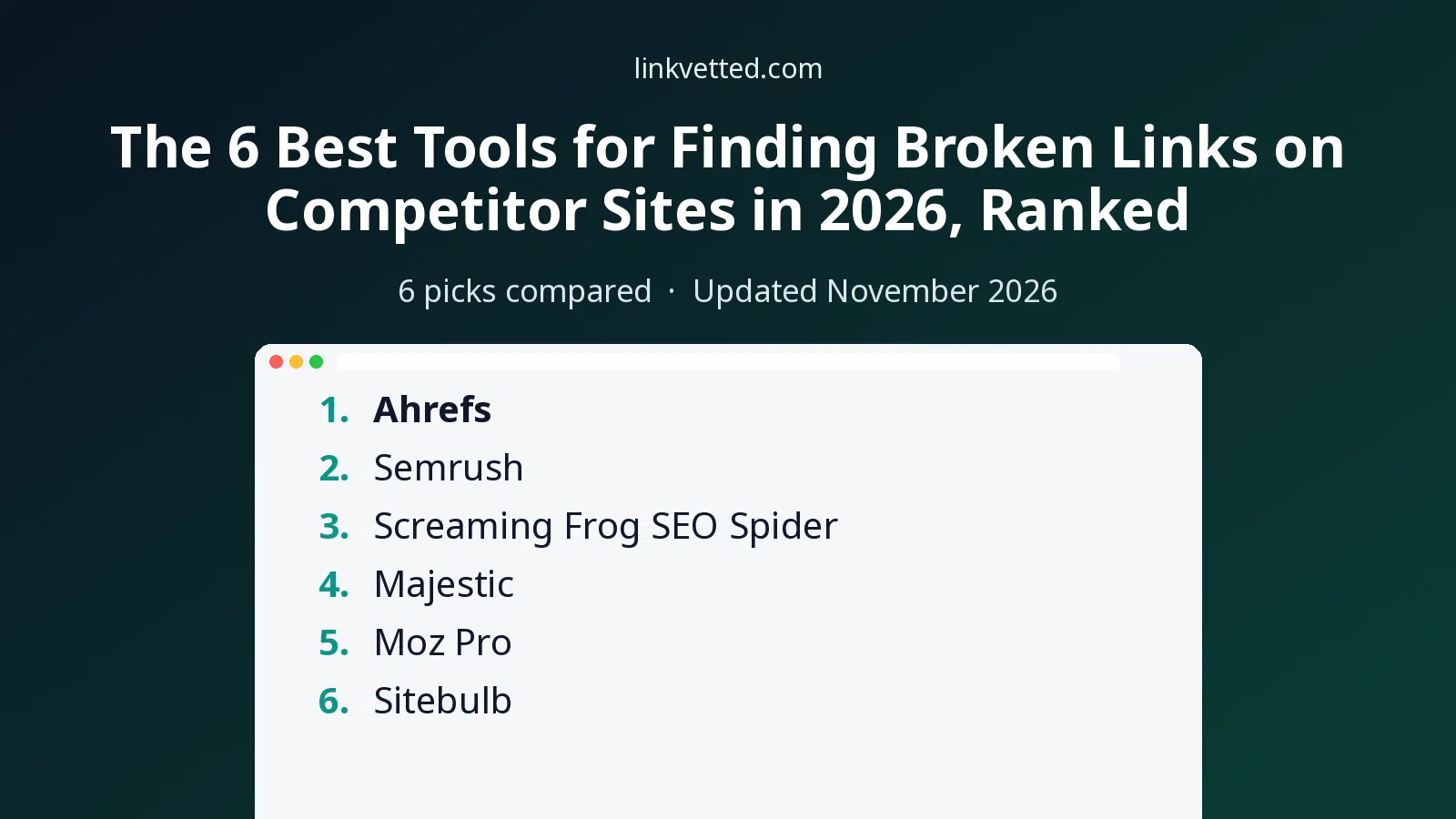
The 6 Best Tools for Finding Broken Links on Competitor Sites in 2026, Ranked
A practical guide to the best tools for finding broken links on competitor sites in 2026, compared from vendor documentation and public sources.
- Editor's choice
 Ahrefs
Broken backlink reports in one place
Starts atSee websiteVisit ahrefs.comFull review - Great alternative
 Semrush
Broken links inside an all-in-one SEO suite
Starts atSee websiteVisit semrush.comFull review - Also consider
 Screaming Frog SEO Spider
Controlled crawls of competitor sites
Starts atSee websiteVisit screamingfrog.co.ukFull review
Direct answer
My first pick is Ahrefs, because its Site Explorer and Broken Links report are built around exactly this job: you enter a competitor domain and get a list of broken backlinks pointing at it. If you want a free option, Screaming Frog's free tier crawls a competitor site and flags broken internal and outbound links. For teams that already pay for Semrush, its Site Audit and backlink tools cover the same ground without adding another subscription.
TL;DR:
- Broken link building starts with a crawl of the competitor's site and a check of the pages that link to it, so you usually need two kinds of data: on-site links and backlinks.
- Ahrefs and Semrush both expose broken backlinks directly, which saves you from exporting and cross-referencing lists by hand.
- Screaming Frog is the most flexible crawler here, and its free version is enough for smaller competitor sites.
- Majestic and Moz focus on backlink indexes, so they suit you if link data is the priority and you already use them.
- No tool guarantees that a broken link will be replaced with yours; the outreach and the replacement page still do the work.
Last checked November 2026. Plan prices are not quoted in this guide because they change often; see each vendor's own pricing page for current figures before you buy.
Quick comparison
| Tool | Best for | Starts at | Free plan? | |
|---|---|---|---|---|
| Ahrefs | Broken backlink reports in one place | See website | Not stated | Visit |
| Semrush | Broken links inside an all-in-one SEO suite | See website | Free plan | Visit |
| Screaming Frog SEO Spider | Controlled crawls of competitor sites | See website | Free plan | Visit |
 Majestic | Backlink data for link-focused audits | See website | Not stated | Visit |
 Moz Pro | Link research in a familiar interface | See website | Free trial | Visit |
 Sitebulb | Visual crawl reports for client work | See website | Free trial | Visit |
The best tools for finding broken links on competitor sites compared
I put this list together by reading vendor documentation and public sources for each tool, then matching what each one actually does against the broken link workflow. I did not run hands-on tests, so treat this as a starting point for your own trial. The workflow I had in mind is simple: crawl the competitor site for broken internal and outbound links, pull the backlinks pointing at the competitor, and find the ones that now return errors.
Ahrefs is a backlink and SEO data platform. For this task, its value is that you can open Site Explorer for a competitor domain, go to the Broken Links report, and see backlinks that point at pages returning an error. That is the core of broken link building: you find a link that is broken, then you look at the page it used to point to and decide whether you can offer something similar.
The workflow is short. Enter the competitor domain, open the backlinks section, filter to broken links, and export. You can also crawl the competitor's own site with Site Audit to catch broken internal and outbound links, which is useful when you want to pitch a replacement for a resource page. The export gives you the source URL, the anchor text and the target, which is what you need to write an outreach email.
The limit is cost and scope. If you only need a one-off crawl of a small site, a free crawler does the job. Skip Ahrefs if you are not going to use backlink data regularly, because the broken link report is only one part of what you pay for.
- Dedicated Broken Links report
- large backlink index
- Site Explorer history
- clear export options
- Full data needs a paid plan
- interface takes time to learn
Semrush is a broad SEO platform with a Site Audit crawler and a backlink analytics section. If your agency already uses Semrush for keyword and competitor research, you can run the broken link workflow without buying anything else. The Site Audit crawler reports broken internal and external links on a domain you add to a project.
For competitor work, you add the competitor domain as a project, run the audit, and read the broken links report. Backlink Analytics then shows the referring domains behind the competitor, and you can filter and export to find links worth chasing. The two reports live in different parts of the product, so expect some back and forth between them.
The main drawback is that the link tools are one part of a large suite, and the interface reflects that. If broken link research is your only task, a dedicated crawler or backlink tool may be simpler.
- Site Audit flags broken links
- Backlink Analytics covers referring domains
- one dashboard for several SEO tasks
- Link reports are spread across tools
- heavy interface for a single task
Screaming Frog SEO Spider is a desktop crawler that fetches pages and reports on links, redirects, titles and more. For broken link research, you point it at a competitor site and it lists every internal and outbound link that returns a 4xx or 5xx status. The response codes report is the one you want.
The workflow is direct: enter the competitor URL, start the crawl, open the response codes tab, and filter to client and server errors. You can export the list, then check each broken outbound link to see whether the target page is gone and whether a replacement on your site makes sense. Custom extraction lets you pull specific elements if you need more than the default reports.
The free version limits how many URLs you can crawl, so large competitor sites need the paid licence. It also does not hold a backlink index, so you still need another tool to find external pages linking to the competitor.
- Detailed crawl reports
- custom extraction
- free tier for small sites
- desktop app with no per-site project limits
- Free tier caps the number of URLs
- no built-in backlink index
Majestic is a backlink data provider. Its Site Explorer shows the links pointing at a domain, and you can filter and sort the results to find the ones you want. For broken link work, the backlink data tells you which external pages link to the competitor, and you can then check whether those target pages still resolve.
The practical use is in the outreach stage. Once a crawler has told you which competitor pages are broken, Majestic helps you find the pages that link to them, so you know who to contact. Its metrics also help you judge whether a linking page is worth the effort.
Majestic is narrower than the big SEO suites, and it does not crawl a competitor's site for you. If you need a single tool that does both crawling and backlink data, look elsewhere. If link data is the priority, it is a reasonable fit.
- Large link index
- trust and citation metrics
- good filtering and export
- Less useful for on-site crawls
- narrower than full SEO suites
Moz Pro combines a link index with a site crawler. Link Explorer shows the backlinks pointing at a competitor domain, and Site Crawl flags broken links on a site you add. Together they cover both halves of the broken link workflow, though you move between the two areas to get the full picture.
For competitor research, you check the competitor's backlinks in Link Explorer, then check the target pages for errors. Site Crawl handles the on-site side, listing broken internal and outbound links with their status codes. Exports are straightforward, which matters when you are building an outreach list.
The trade-off is index size and manual steps. Moz's link index is smaller than the largest competitors, and the broken link workflow is not a single report. It suits people who already like Moz's interface and want one subscription for several SEO tasks.
- Clear link explorer
- site crawl included
- approachable interface
- Smaller link index than some rivals
- broken link workflow needs manual steps
Sitebulb is a desktop crawler that produces visual reports. You crawl a competitor site and it groups issues, including broken links and redirect chains, into hints you can read quickly. That makes it useful when you want to show a client or a colleague what is broken without exporting raw data.
For broken link research, the crawl gives you the competitor's broken internal and outbound links with context. You can then decide which broken targets are worth pitching a replacement for. The reports are the selling point: they are easier to read than a raw spreadsheet.
The limit is that Sitebulb crawls sites but does not hold backlink data. You need a separate backlink tool to find external pages linking to the competitor. It also runs on your desktop, so very large crawls depend on your machine.
- Clear visual reports
- broken link and redirect reporting
- good for client-facing audits
- Crawl-focused, so no backlink index
- desktop app
How I chose
I compared these tools by reading their official documentation and public descriptions of their features, then checking how each one fits the broken link workflow: finding broken links on a competitor site, finding the backlinks that point at the competitor, and exporting a list you can act on. I did not run hands-on tests, so the notes here describe documented features rather than my own benchmark results. Where a vendor does not state something clearly, I have said so rather than guessing.
The second filter was fit and limits. A crawler and a backlink index do different jobs, and no single tool is best at both for every budget. I favoured tools that either expose broken backlinks directly or make the crawl-and-export step simple, and I noted where each one falls short so you can skip the ones that do not match your workflow. Price and plan details change, so I have pointed you to each vendor's site instead of quoting figures.
What to check before you buy
- Confirm the tool can filter backlinks by broken status, not just list all backlinks for a domain.
- Check whether the crawler reports both internal and outbound broken links, since the two lead to different outreach angles.
- Look at the export format: you want source URL, anchor text, target URL and status code in one file.
- Check crawl limits on the free or entry tier, because competitor sites can run to thousands of URLs.
- Confirm whether the tool runs in the browser or on your desktop, since desktop crawlers depend on your machine.
- Read the vendor's own documentation on link index size and update frequency, and decide whether that is enough for your market.
FAQ
What is broken link building?
Broken link building is the practice of finding pages that link to a dead page, then contacting the site owner to suggest a working replacement. On competitor sites, you look for links pointing at the competitor's pages that now return errors, and you offer your own page if it covers the same topic. It is outreach work, and a tool only helps you find the candidates.
Can I find broken links on a competitor site for free?
Yes, within limits. Screaming Frog's free tier crawls a site and reports broken links up to its URL cap, and Semrush offers a free plan with limited checks. Free options usually cap the number of URLs or reports, so they suit small sites or a one-off check rather than ongoing research across several competitors.
Do I need a backlink tool as well as a crawler?
Usually, yes. A crawler finds broken links on the competitor's own site. A backlink tool finds external pages that link to the competitor, which is where the outreach opportunities are. Some suites, such as Ahrefs and Semrush, combine both, which is why they are often the first pick for this task.
Is it okay to contact sites that link to a broken competitor page?
It is fine to send a short, honest email pointing out that a link is broken and suggesting a replacement. Do not pretend to be the competitor, do not spam the same list repeatedly, and do not promise rankings. Keep the message specific to the page and explain why your replacement is relevant.
Will finding broken links improve my rankings?
Not by itself. Finding broken links gives you outreach targets. Whether a link is replaced depends on the site owner, and links are one factor among many. Treat broken link building as a way to earn relevant links over time, not as a shortcut.
Sources
- https://ahrefs.com
- https://semrush.com
- https://www.screamingfrog.co.uk/seo-spider/
- https://majestic.com
- https://moz.com
- https://sitebulb.com