The 5 Best Storyboarding Software for Film Crews in 2026, Ranked
5 best storyboarding software for film crews, compared on pricing, free plans and best-fit use. Caveats come with every verdict. Current for November 2026.
- Editor's choice
 StudioBinder
Full production management with storyboards
Starts atSee websiteVisit studiobinder.comFull review - Great alternativePrevis Pro
Apple-based previsualization and shotlists
Starts at$9.99 per monthVisit previspro.comFull review - Also considerStoryboard Pro
Professional drawing-first storyboarding
Starts atSee websiteVisit toonboom.comFull review
Direct answer
If you need full production management with storyboards, StudioBinder is the first tool to look at here. Listed starting prices: Previs Pro from $9.99 per month and Boords from $39 a month. For a different need, Previs Pro covers Apple-based previsualization and shotlists and Storyboard Pro covers professional drawing-first storyboarding. All 5 tools are compared below on price, free plan and limits.
TL;DR:
- StudioBinder takes the first slot, best suited to full production management with storyboards.
- Free plans exist at 3 of 5 tools (Previs Pro, Boords, Celtx).
- Celtx is the one to check for Scriptwriting with pre-production support.
- The cheapest monthly starting price in the list is $9.99 per month, offered by Previs Pro.
- Storyboard Pro comes with a trade-off: may be more than straightforward projects need.
Last checked November 2026. Prices and plan details were read from the vendors' own pages in November 2026; vendors change plans often, so confirm the current price on the vendor site before you buy.
Quick comparison
| Tool | Best for | Starts at | Free plan? | |
|---|---|---|---|---|
| StudioBinder | Full production management with storyboards | See website | Not stated | Visit |
| Previs Pro | Apple-based previsualization and shotlists | $9.99 per month | Yes | Visit |
| Storyboard Pro | Professional drawing-first storyboarding | See website | Not stated | Visit |
 Boords | Collaborative storyboards and client sign-off | $39 a month | Yes | Visit |
 Celtx | Scriptwriting with pre-production support | See website | Yes | Visit |
Tool-by-tool breakdown
This LinkVetted guide covers 5 storyboarding software for film crews. Each profile lists a starting price, free plan details, strengths and drawbacks, so you can drop poor fits quickly.
StudioBinder is designed for full production management with storyboards. StudioBinder is web-based video, TV, and film production management software.
It spans professional script formatting, shot lists and storyboards, call sheets, shooting schedules, and script breakdown sheets. From a buyer's view, crews that chiefly need illustration or quick idea testing may prefer a focused tool, whereas StudioBinder fits end-to-end production coordination. This comparison lists no price for StudioBinder; ask the vendor. Free access: Not stated.
Honest limits: Wide suite may be more than needed.
- Shot lists, storyboards
- Web-based production management
- Storyboarding is one module among plenty
Previs Pro
Best for: Apple-based previsualization and shotlists
Previs Pro is aimed squarely at Apple-based previsualization and shotlists. The central limit is product: it is aimed at Apple devices, so Windows or Android-based crews may need a different choice.
Points against: Apple-only system.
It is also oriented toward previsualization instead of full production management, so bigger crews may combine it with other tools. Starting cost for Previs Pro: $9.99 per month. Free access exists with Previs Pro.
- Runs on Mac, iPhone, iPad
- Storyboards, shotlists, animatics
- May not suit Windows-based crews
Storyboard Pro
Best for: Professional drawing-first storyboarding
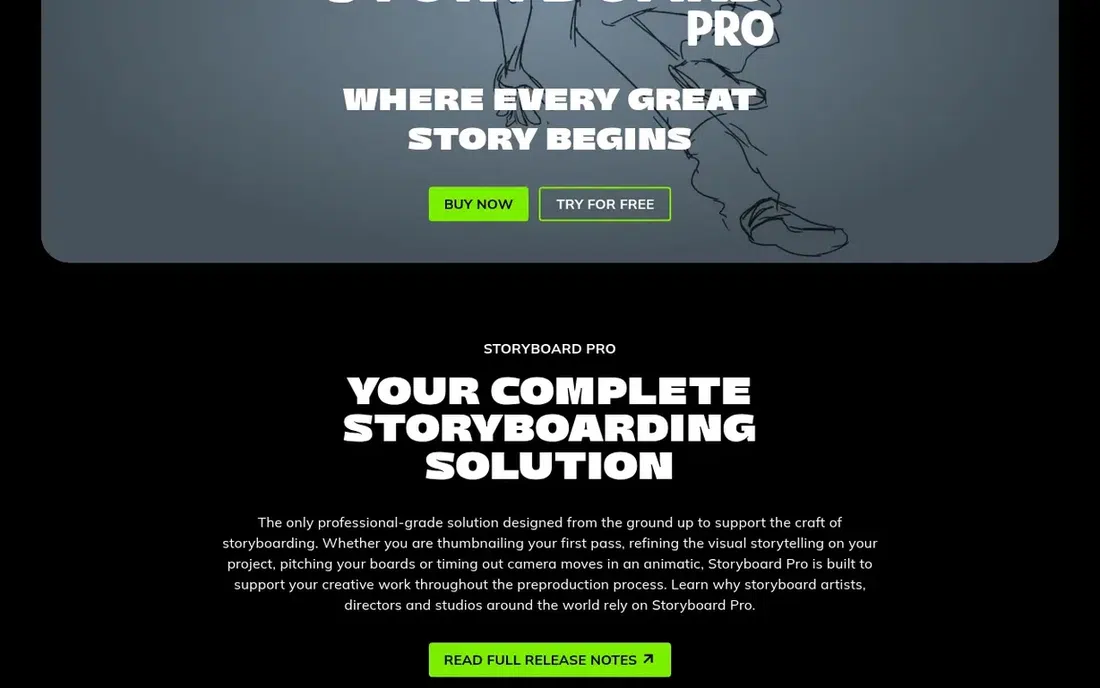
Storyboard Pro works best for professional drawing-first storyboarding. Storyboard Pro is described by its vendor as a professional-grade option designed from the ground up to support the craft of storyboarding. It is geared toward film crews and artists who want a dedicated drawing environment instead of a general production tool.
More specifically, teams that value visual detail and a storyboarding-specific workflow will find it suits that intent. Crews that chiefly need collaboration, client sign-off, or camera blocking may prefer a lighter or more planning-oriented tool instead. Check the vendor site for Storyboard Pro pricing; none is listed in this comparison. On free options: Not stated.
Points against: May be more than straightforward projects need.
- Designed for storyboarding craft
- Fits in-depth visual planning
- Drawing focus needs artistic comfort
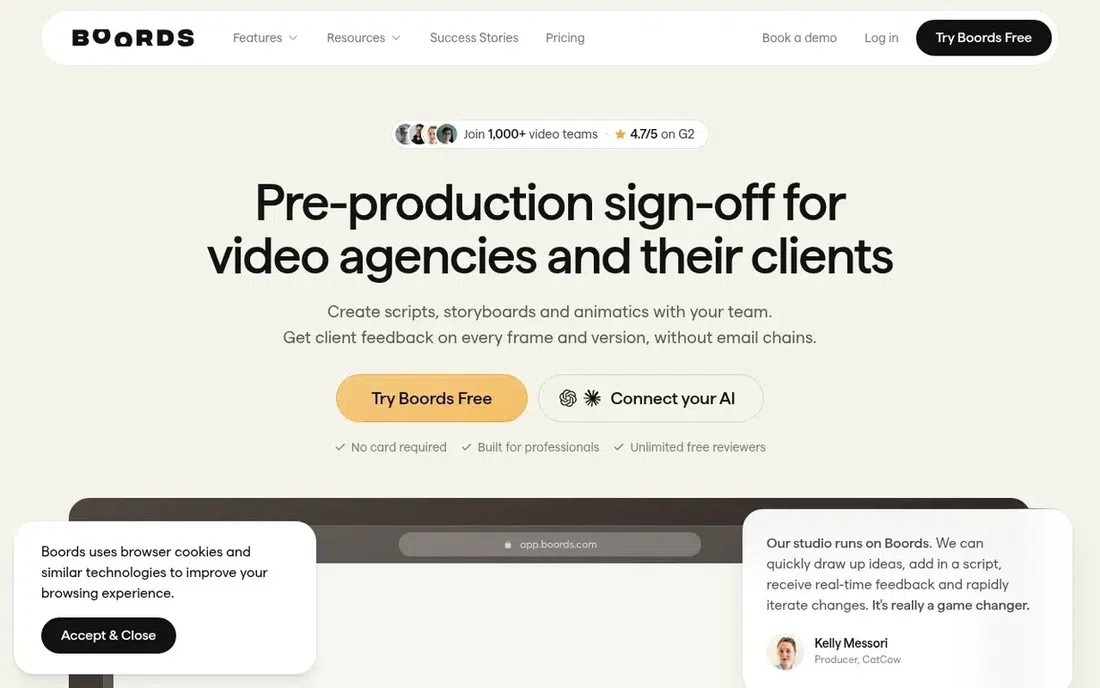
In short, Boords is for collaborative storyboards and client sign-off. If your priority is freehand drawing or camera blocking, a drawing-focused or blocking-focused tool may be a better fit, whereas Boords remains solid for team review.
Honest limits: Not a dedicated drawing engine.
It lets teams plan scripts, storyboards, and animatics together, then share work with clients, collect feedback, track versions, and get sign-off in one place. Boords is organized around collaboration and approval instead of deep illustration tools. Boords starts at: $39 per month. Boords offers a free plan.
What works well: animatic planning.
- Client feedback and version tracking
- Script, storyboard
- May suit agencies more than solo artists
Think of Celtx for Scriptwriting with pre-production support. For film crews, it can serve as a planning hub that comes with storyboarding alongside other pre-production work.
This comparison lists no price for Celtx; ask the vendor. Celtx has a free plan.
What to check first: May be more than storyboard-only users need.
- Screenwriting and pre-production in one
- Wide format support
- Storyboarding is one part of a bigger suite
How we chose
Pre-purchase checklist
- Ask StudioBinder, Storyboard Pro and Celtx for a written quote, since no starting price is shown.
- Look at free plan limits closely: Previs Pro, Boords and Celtx have one, and the caps decide whether it is usable for real work.
- Read the limits listed for StudioBinder first: wide suite may be more than needed.
- Work out what StudioBinder costs with your real seat count, add-ons and usage, not just the entry price.
- Check the integration list for Storyboard Pro against the tools you run today, and note which ones need a higher plan.
FAQ
How are the tools for storyboarding software for film crews ordered?
StudioBinder sits first and Celtx last because the order follows typical fit for storyboarding software for film crews, then price clarity and free access. It is a judgement call, so read each profile for fit and limits.
Which options for storyboarding software for film crews have a free plan?
On this list, Previs Pro, Boords and Celtx include a free plan. Caps on seats, usage or features are common, so test the free plan against your real workload.
Is StudioBinder the right pick for everyone comparing storyboarding software for film crews?
No single tool suits every team. StudioBinder comes first because it fits full production management with storyboards, while Previs Pro suits Apple-based previsualization and shotlists and Storyboard Pro suits professional drawing-first storyboarding. Match the tool to your own size, budget and workflow before deciding.
What is the best storyboarding software for film crews overall?
StudioBinder comes first here and is built for full production management with storyboards. Buyers with other needs may prefer Previs Pro (for Apple-based previsualization and shotlists) or Storyboard Pro (for professional drawing-first storyboarding). Compare costs and limits first.
Do these tools publish their prices?
Not all of them. StudioBinder, Storyboard Pro and Celtx publish no starting price, so expect a quote request for those. The rest, Previs Pro included, show a starting price, though seats and billing terms still change the final cost.
Sources
- https://www.studiobinder.com
- https://previspro.com
- https://www.toonboom.com/products/storyboard-pro
- https://boords.com
- https://www.celtx.com