Best Software for Backlog Refinement in 2026: Prices, Free Plans and 6 Picks
Need the best software for backlog refinement? We compare 6 tools on cost, free access and who each suits. Short, factual notes on every option. Easy to scan.
- Editor's choice
 Asana
Cross-functional teams planning shared work
Starts at$10.99 per user a monthVisit asana.comFull review - Great alternativeAzure Boards
Teams already using Microsoft tooling
Starts atSee websiteVisit azure.microsoft.comFull review - Also consider
 Jira
Agile teams grooming backlogs at scale
Starts atSee websiteVisit atlassian.comFull review
Direct answer
Asana leads the list, best for cross-functional teams planning shared work. Listed starting prices: Asana from $10.99 per user a month, ClickUp from $9 per user a month and Trello from $5 per user a month. Look at Azure Boards for teams already using Microsoft tooling, and at Jira for agile teams grooming backlogs at scale. Prices, free plans and limits for all 6 tools follow.
TL;DR:
- Asana is the opening pick, best for cross-functional teams planning shared work.
- 4 of 6 tools offer a free plan: Asana, ClickUp, Trello, Monday.com.
- Monday.com is the one to check for teams wanting an adaptable AI workspace.
- What to know about Jira first: configuration can feel heavy for small teams.
Last checked November 2026. Prices and plan details were read from the vendors' own pages in November 2026; vendors change plans often, so confirm the current price on the vendor site before you buy.
Quick comparison
| Tool | Best for | Starts at | Free plan? | |
|---|---|---|---|---|
| Asana | Cross-functional teams planning shared work | $10.99 per user a month | Yes | Visit |
| Azure Boards | Teams already using Microsoft tooling | See website | Not stated | Visit |
| Jira | Agile teams grooming backlogs at scale | See website | Not stated | Visit |
 ClickUp | Teams consolidating plenty of work tools | $9 per user a month | Yes | Visit |
 Trello | Straightforward board-based backlog capture | $5 per user a month | Yes | Visit |
 Monday.com | Teams wanting an adaptable AI workspace | $9 per seat a month | Yes | Visit |
6 options for software for backlog refinement in detail
LinkVetted compared 6 tools for software for backlog refinement. The goal is a practical shortlist: published prices, free plan facts, best-fit use cases and honest limits for every entry.
Asana is a good fit for cross-functional teams planning shared work. Asana is work management software for teams and AI agents, built to plan, automate and execute critical workflows together.
From a buyer's view, Asana is not designed around software backlog mechanics the way development-specific tools are, so estimation and sprint flow may feel less native. Price to start with Asana: $10.99 per user per month. You can start on Asana without paying.
Points against: Backlog-specific features are less deep.
- Work management for teams and AI agents
- Well suited to cross-team visibility
- Large workspaces need governance
Azure Boards
Best for: Teams already using Microsoft tooling
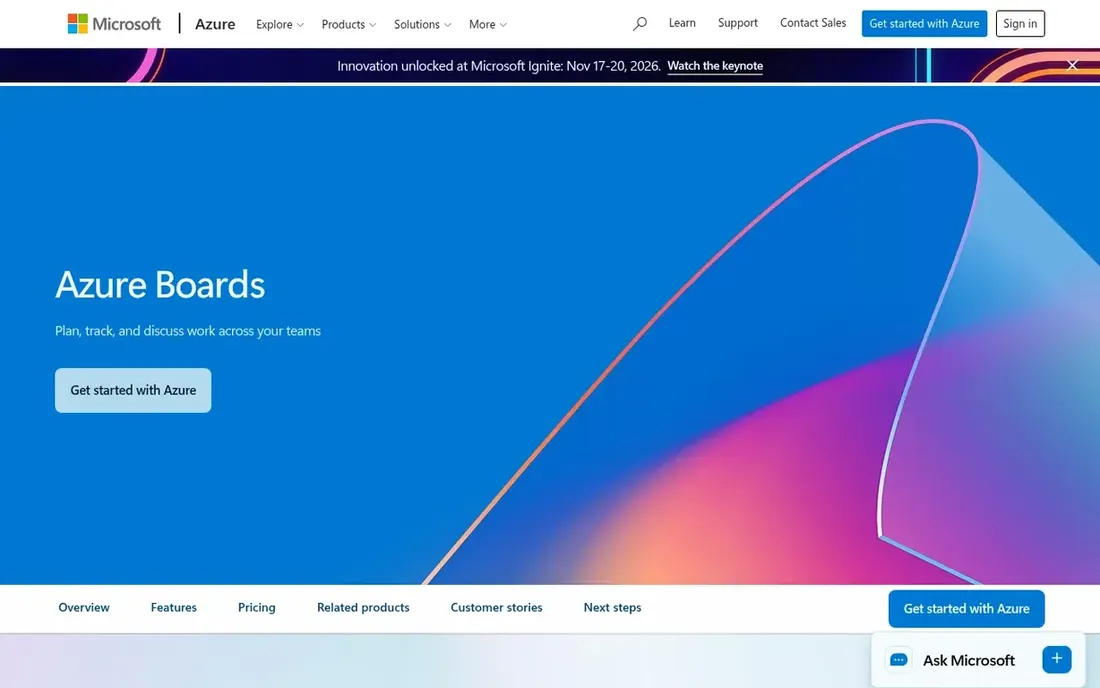
Azure Boards targets teams already using Microsoft tooling. Azure Boards is part of Microsoft Azure DevOps and tracks software projects with agile tools including scrum boards, Kanban boards and dashboards.
Downsides: Best value inside the Microsoft ecosystem.
This comparison lists no price for Azure Boards; ask the vendor. Free access: Not stated.
- Dashboards for tracking agile work
- Suits any agile methodology
- Setup assumes some Azure familiarity
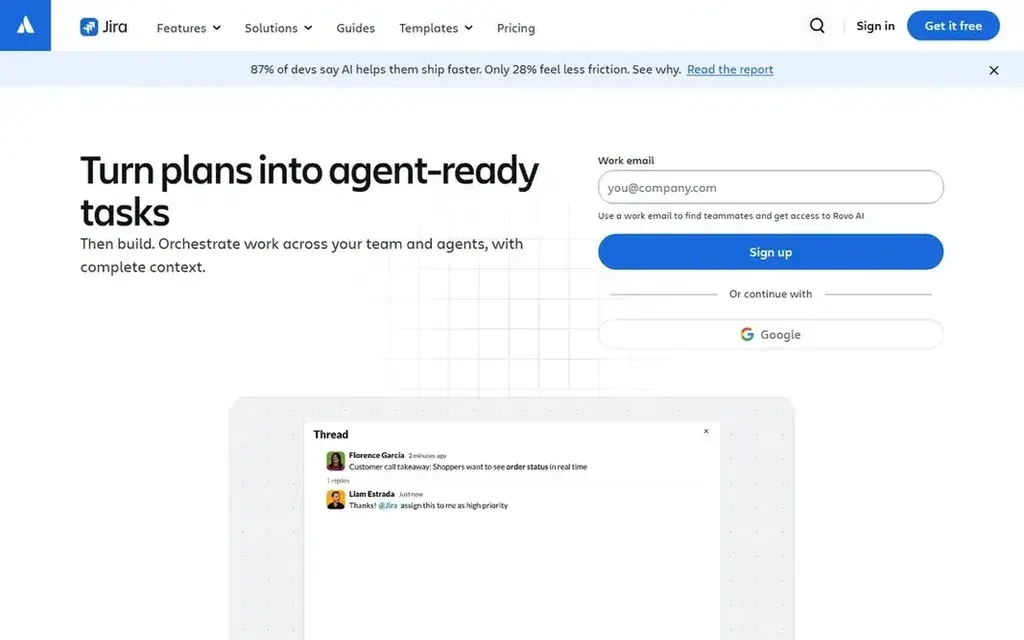
Jira is aimed squarely at agile teams grooming backlogs at scale. Jira is a project management platform from Atlassian that brings teams together to plan and track work, with AI agents that orchestrate projects at scale.
It scales well as more teams and projects are added. This comparison lists no price for Jira; ask the vendor. Trial and free access: Not stated.
Watch-outs: Configuration can feel heavy for small teams.
- Widely used across software teams
- Solid backlog and sprint planning support
- Interface takes time to learn
ClickUp makes the most sense for teams consolidating numerous work tools. For everyday use, the breadth of features can be a lot to absorb, and teams need clear conventions to keep a backlog tidy.
On top of that, ClickUp calls itself the everything app for work, combining tasks, docs, goals and chat with a mission to make the world more productive. In practice, a narrower tool may suit groups that prefer a small, predictable feature set. ClickUp starts at: $9 per user per month. A free plan is available with ClickUp.
The main drawbacks: Needs discipline to stay organized.
- Wide feature coverage
- Goals and chat in one app
- Feature breadth can overwhelm new users
Trello makes the most sense for straightforward board-based backlog capture. Trello is a visual tool for capturing, organizing and tackling to-dos from anywhere, built around boards, lists and cards with an Inbox and Planner.
Downsides: Backlog depth relies on board design.
It fits small teams or early-stage refinement where a straightforward board with a backlog list and prioritized cards is enough to keep work moving. Starting cost for Trello: $5 per user per month. You can start on Trello without paying.
- Does well on mobile
- Quick to learn and use
- Restricted for complicated agile reporting
Monday.com is built with teams wanting an adaptable AI workspace in mind. Monday.com presents itself as an AI workspace for people and agents, where teams execute, handle and operate work together. It adapts to plenty of kinds of work beyond software.
Beyond that, since the structure is adaptable, teams must design their own backlog conventions and keep them consistent. In daily use, if you want agile practices built in instead of configured, a development-focused tool may save effort. What you pay to start with Monday.com: $9 per seat per month. You can start on Monday.com without paying.
Honest limits: Adaptability can mean more setup.
- AI agents work alongside people
- Manages plenty of work types
- Backlog structure is user-defined
How we compared the tools
Selection started from tools commonly considered for software for backlog refinement, then narrowed to 6 that have clear pricing information or a clear quote process. Plan names, prices and limits change often. Treat the figures here as a starting point and verify them with the vendor. The ranking is editorial: typical fit first, then clear pricing, then free access. If your needs are unusual, read the profiles rather than relying on position.
Pre-purchase checklist
- Ask Azure Boards and Jira for a written quote, since no starting price is shown.
- Check what the free option really includes: Asana, ClickUp, Trello and Monday.com offer a free plan, and usage caps differ.
- Before choosing Asana, weigh its main limit: Backlog-specific features are less deep.
- Total up the real monthly cost of Azure Boards, including add-ons, extra users and usage-based fees.
- Make sure Monday.com lets you export your data in a format another tool can read.
FAQ
Which options for software for backlog refinement have a free plan?
On this list, Asana, ClickUp, Trello and Monday.com include a free plan. Caps on seats, usage or features are common, so test the free plan against your real workload.
Is Asana the right pick for everyone comparing software for backlog refinement?
No single tool suits every team. Asana comes first because it fits cross-functional teams planning shared work, while Azure Boards suits teams already using Microsoft tooling and Jira suits agile teams grooming backlogs at scale. Match the tool to your own size, budget and workflow before deciding.
Do these tools publish their prices?
Not all of them. Azure Boards and Jira publish no starting price, so expect a quote request for those. The rest, Asana included, show a starting price, though seats and billing terms still change the final cost.
What is the cheapest option for software for backlog refinement in this list?
On published monthly entry prices, Trello is the lowest here at $5 per user per month. Entry price is only part of the cost, because seats, add-ons and billing terms can change the total. Each of the 6 options in this software for Backlog Refinement guide has its own card above with the price, free plan and limits.
Can general work products handle a software backlog?
Tools like Asana, Monday.com and ClickUp can host a backlog with custom boards and views. They work best when engineering coordinates closely with other departments, though agile mechanics may need manual setup.
Sources
- https://asana.com
- https://azure.microsoft.com/en-us/products/devops/boards
- https://www.atlassian.com/software/jira
- https://clickup.com
- https://trello.com
- https://monday.com