Choosing Secure File Sharing Software for Accountants in 2026: 6 Options Compared
Need the best secure file sharing software for accountants? We compare 6 tools on cost, free access and who each suits. Real limits included. Facts only.
- Editor's choice
 Mimecast
Email and collaboration security
Starts atSee websiteVisit mimecast.comFull review - Great alternative
 Egnyte
Governing sensitive content at scale
Starts at$22 per user a monthVisit egnyte.comFull review - Also consider
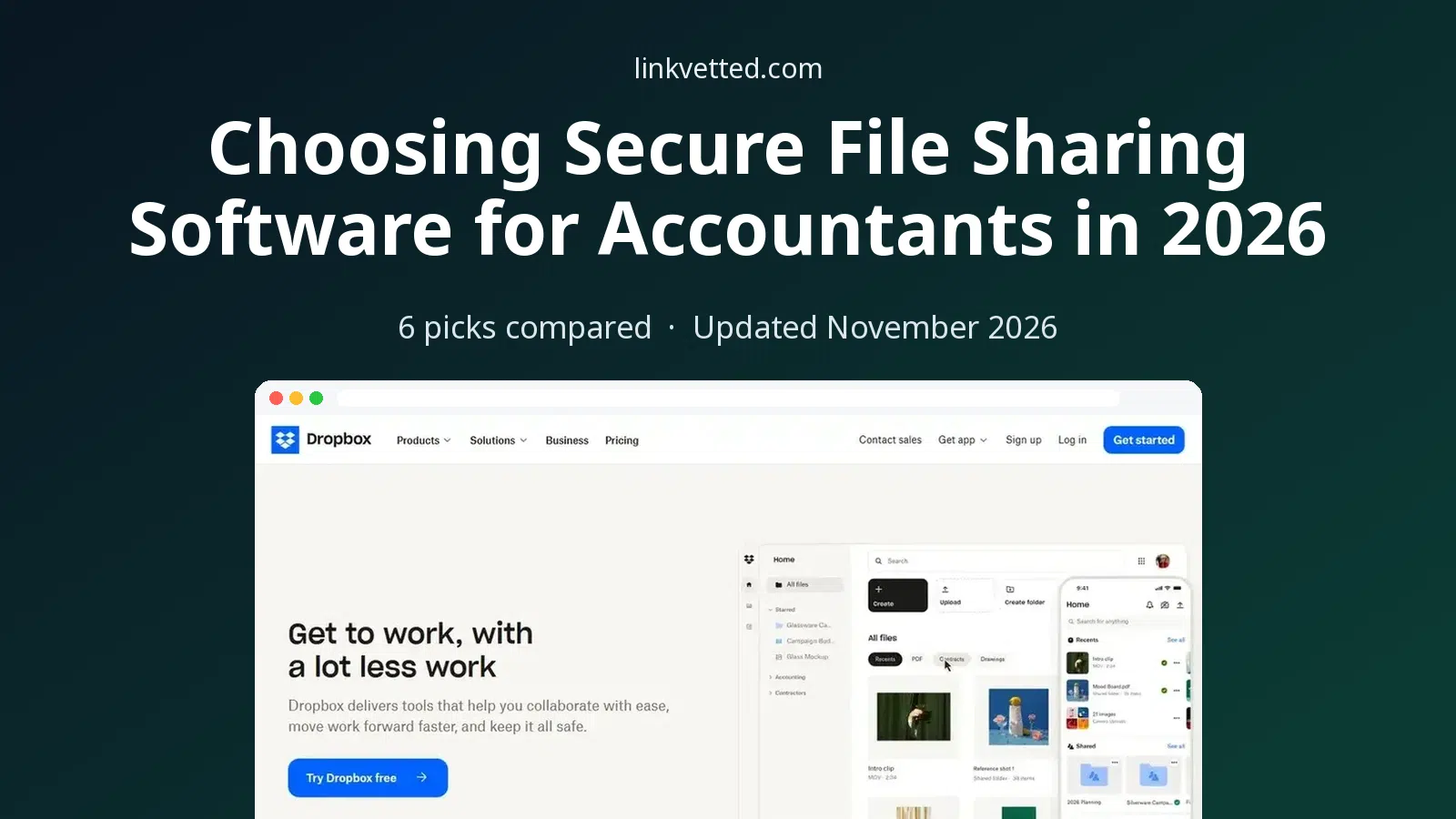
 Dropbox Business
Straightforward storage and sharing
Starts atSee websiteVisit dropbox.comFull review
Direct answer
This list puts Mimecast first for email and collaboration security. Listed starting prices: Egnyte from $22 per user a month and ShareFile from $16.50 per user a month. Egnyte fits governing sensitive content at scale; Dropbox Business fits straightforward storage and sharing. The full list of 6 tools follows, with prices and free plan facts.
TL;DR:
- Mimecast sits first on this list: email and collaboration security.
- ShareFile suits secure client document workflows.
- Before buying Dropbox Business, weigh this: security controls may be less specialized.
- Neither Mimecast nor ShareFile, nor any of the other 4 tools, has a permanent free plan; trials and quotes are the norm.
- For the cheapest start, look at ShareFile: $16.50 per user per month.
Last checked November 2026. Prices and plan details were read from the vendors' own pages in November 2026; vendors change plans often, so confirm the current price on the vendor site before you buy.
Quick comparison
| Tool | Best for | Starts at | Free plan? | |
|---|---|---|---|---|
| Mimecast | Email and collaboration security | See website | Not stated | Visit |
| Egnyte | Governing sensitive content at scale | $22 per user a month | Free trial | Visit |
| Dropbox Business | Straightforward storage and sharing | See website | Not stated | Visit |
| Microsoft OneDrive for Business | Microsoft-centric accounting teams | See website | Not stated | Visit |
 Box | Content management and workflow automation | See website | Not stated | Visit |
 ShareFile | Secure client document workflows | $16.50 per user a month | Free trial | Visit |
The 6 tools in detail
LinkVetted put together this guide to secure file sharing software for accountants for readers who want a clear shortlist without reading every vendor page. It compares 6 tools on starting price, free plans, who each one suits and where each one falls short.
Mimecast makes the most sense for email and collaboration security. For accountants, it is relevant as a security layer around the communication and collaboration channels used to exchange files.
Trade-offs to know: Security focus may overlap with other tools.
It suits businesses that want to protect sensitive data across email and collaboration tools. Pricing for Mimecast is not stated here, so ask the vendor for current figures. On free options: Not stated.
- Data protection and governance
- AI security capabilities
- Not a primary file sharing system
Egnyte is a good fit for governing sensitive content at scale. Egnyte is a content cloud product that helps firms govern sensitive content, collaborate on large files and offer context for AI tools on one secure system. Worth adding: pick Egnyte when content governance and collaboration on large files are central requirements for your practice.
Businesses with straightforward sharing needs might prefer a lighter tool. As for the details, Egnyte is aimed at bigger organizations, so small accounting practices may find it heavier than necessary. Egnyte pricing: $22 per user per month. Free plan details: Free trial.
Drawbacks to consider: May be more than small businesses need.
- Content cloud for sensitive files
- Governance features for content
- Targeted at bigger organizations

Pick Dropbox Business if this describes you: straightforward storage and sharing. More specifically, pick Dropbox Business when simplicity and wide sharing features matter more than deep workflow customization.
Where it falls short: Security controls may be less specialized.
In practice, businesses with heavy compliance requirements may need additional controls or a more workflow-focused tool. Pricing for Dropbox Business is not stated here, so ask the vendor for current figures. Free access: Not stated.
- Backup choices for files
- Comes with eSignature and document tracking
- Advanced governance needs may need extras
Microsoft OneDrive for Business
Best for: Microsoft-centric accounting teams
Microsoft OneDrive for Business is built with Microsoft-centric accounting teams in mind. Microsoft OneDrive for Business gives you secure file and document sharing with cloud storage. OneDrive for Business may offer less specialized workflow and governance features than dedicated secure sharing products.
Limits to weigh: Sharing controls may be entry-level compared with specialists.
Select OneDrive for Business when simplicity and Microsoft familiarity are the central considerations. For everyday use, businesses needing advanced client collaboration controls might pair it with other tools or choose a specialist. Check the vendor site for Microsoft OneDrive for Business pricing; none is listed in this comparison. Free access: Not stated.
- Secure file and document sharing
- Cloud storage for documents
- Best experience within Microsoft ecosystem
Where Box fits: content management and workflow automation. Teams that only need entry-level storage and sharing might find the product broader than required.
Pricing for Box is not stated here, so ask the vendor for current figures. Free options: Not stated.
Where it falls short: Full feature set may need configuration.
- Protection for sensitive data
- Workflow automation capabilities
- Can be complicated for small teams
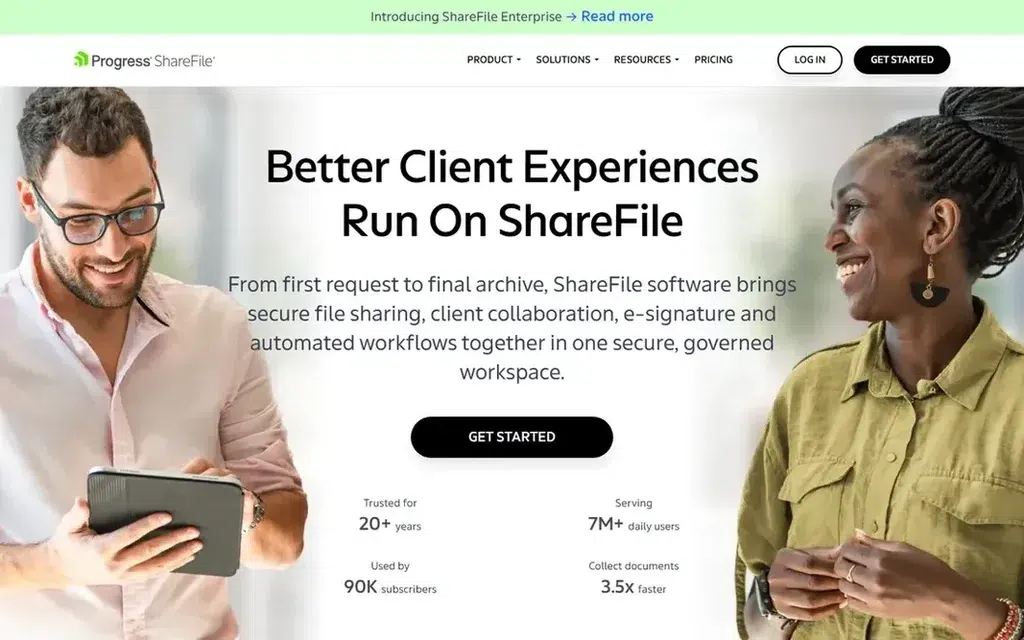
ShareFile is aimed squarely at secure client document workflows. Choose ShareFile when secure, repeatable client document workflows are the priority. The product centers on secure sharing and collaboration, which aligns with the confidentiality demands of tax, audit and bookkeeping work.
ShareFile is a secure document workflow and file sharing product made for confident collaboration without sacrificing security. In practice, since ShareFile is built around document workflows, smaller businesses with straightforward sharing needs may find it more structured than necessary. ShareFile starts at: $16.50 per user per month. Free plan details: Free trial.
Points against: Feature depth can need setup time.
- Aimed at sharing sensitive files
- Focus on secure document workflow
- May be more than small businesses need
How we chose
Each tool was reviewed on what its vendor publishes: price, plan limits, core features and stated drawbacks. We did not run hands-on tests. Plan names, prices and limits change often. Treat the figures here as a starting point and verify them with the vendor. Tools are placed by general fit for secure file sharing software for accountants, with price clarity and free access as tie-breakers. A different team can reasonably rank them differently.
A buyer's checklist
- Ask Mimecast, Dropbox Business, Microsoft OneDrive for Business and Box for a written quote, since no starting price is shown.
- Take the trial from Egnyte and ShareFile and push a live task through it before you pay.
- Read the limits listed for Mimecast first: not a primary file sharing product.
- Look at which plan of Microsoft OneDrive for Business unlocks the features you need; entry tiers are often cut down.
- Check whether Dropbox Business bills monthly or annually, and what cancelling early costs.
FAQ
Do these tools publish their prices?
Not all of them. Mimecast, Dropbox Business, Microsoft OneDrive for Business and Box publish no starting price, so expect a quote request for those. The rest, Egnyte included, show a starting price, though seats and billing terms still change the final cost.
What is the cheapest option for secure file sharing software for accountants in this list?
On published monthly entry prices, ShareFile is the lowest here at $16.50 per user per month. Entry price is only part of the cost, because seats, add-ons and billing terms can change the total. For the full picture, the cards above cover all 6 entries of this secure file sharing software for Accountants list, including price, free plan and limits.
How are the tools for secure file sharing software for accountants ordered?
The order follows typical fit for secure file sharing software for accountants, with Mimecast first and ShareFile last, then price clarity and free access. It is editorial judgement, not a score, so another team could rank the tools differently.
What should accountants look for in secure file sharing software?
Accountants should prioritize granular sharing permissions, audit trails and governance controls for sensitive client data. Beyond that, integration with existing email and productivity tools also matters for daily efficiency.
Is Mimecast the right pick for everyone comparing secure file sharing software for accountants?
No single tool suits every team. Mimecast comes first because it fits email and collaboration security, while Egnyte suits governing sensitive content at scale and Dropbox Business suits simple storage and sharing. Match the tool to your own size, budget and workflow before deciding.
Sources
- https://www.mimecast.com
- https://www.egnyte.com
- https://www.dropbox.com/business
- https://www.microsoft.com/en-us/microsoft-365/onedrive/online-cloud-storage
- https://www.box.com
- https://www.sharefile.com