Best Receipt Tracking Software for Freelancers for 2026: Our 5 Vetted Picks
Best receipt tracking software for freelancers: 5 contenders ranked by fit, with entry costs and free tiers. The catches are listed up front. No filler.
- Editor's choice
 Zoho Expense
Travel and expense visibility for freelancers
Starts atSee websiteVisit zoho.comFull review - Great alternative
 Ramp
Freelancers with corporate card spend
Starts at$15 per user a monthVisit ramp.comFull review - Also consider
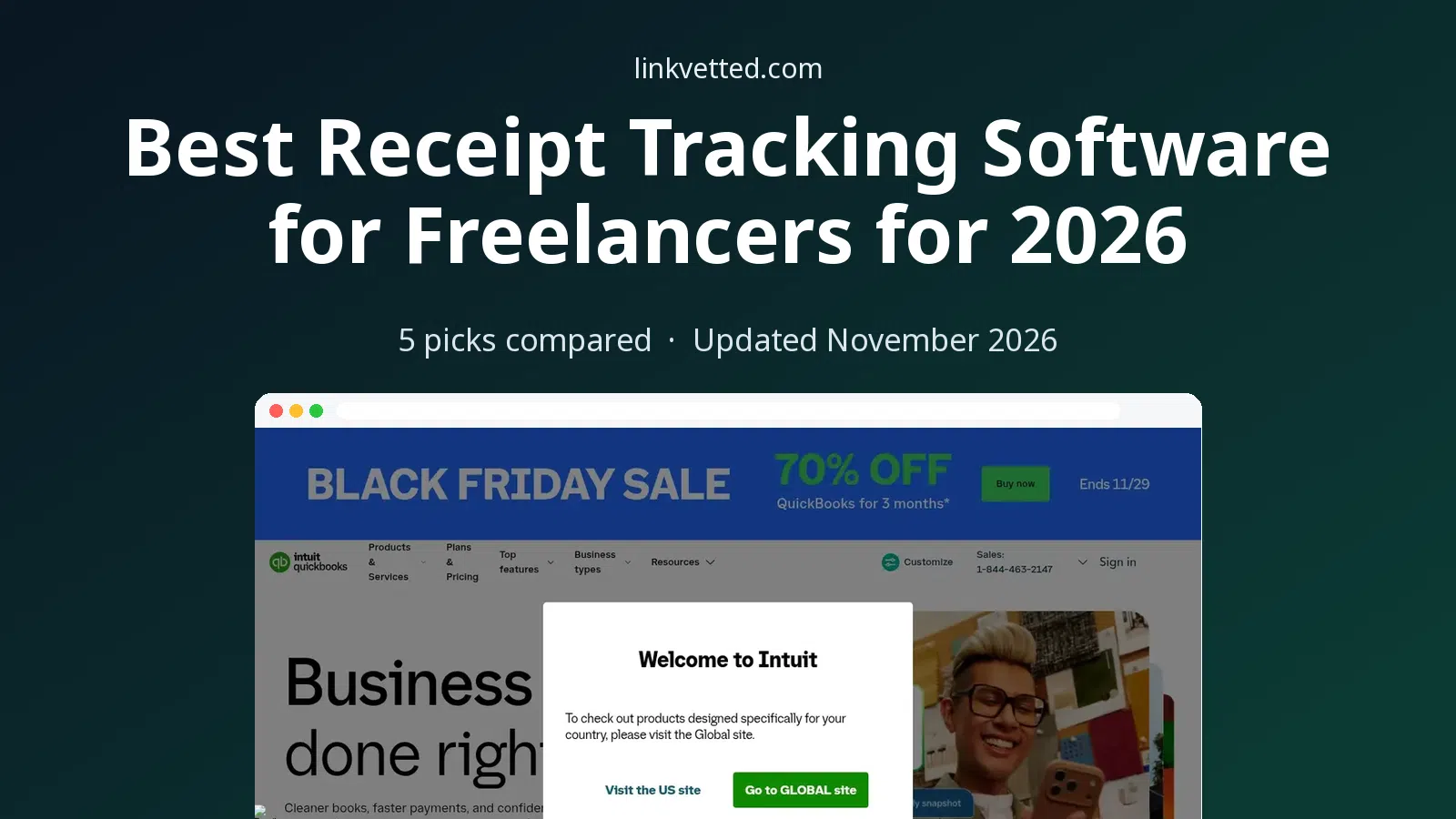
 QuickBooks Solopreneur
Freelancers already using QuickBooks
Starts at$11.40 a monthVisit quickbooks.intuit.comFull review
Direct answer
Start with Zoho Expense if you need travel and expense visibility for freelancers. Listed starting prices: Ramp from $15 per user a month, QuickBooks Solopreneur from $11.40 a month and Shoeboxed from $9 a month. Look at Ramp for freelancers with corporate card spend, and at QuickBooks Solopreneur for freelancers already using QuickBooks. The remaining 2 options are covered below with prices and limits.
TL;DR:
- Top of the list is Zoho Expense, which targets travel and expense visibility for freelancers.
- Only Ramp offers a free plan among these 5 tools.
- Shoeboxed has the lowest monthly starting price in this list: $9 per month.
- One limit worth knowing about Zoho Expense: may be more than solo freelancers need.
Last checked November 2026. Prices and plan details were read from the vendors' own pages in November 2026; vendors change plans often, so confirm the current price on the vendor site before you buy.
Quick comparison
| Tool | Best for | Starts at | Free plan? | |
|---|---|---|---|---|
| Zoho Expense | Travel and expense visibility for freelancers | See website | Not stated | Visit |
| Ramp | Freelancers with corporate card spend | $15 per user a month | Yes | Visit |
| QuickBooks Solopreneur | Freelancers already using QuickBooks | $11.40 a month | Free trial | Visit |
 Shoeboxed | Scanning paper receipts and mileage | $9 a month | Free trial | Visit |
 Expensify | All-in-one receipt capture and expense reports | See website | Not stated | Visit |
Our 5 receipt tracking software for freelancers
Short on time? The summary and table above give the quick view of 5 receipt tracking software for freelancers, and the profiles that follow give the detail behind each entry.
In short, Zoho Expense is for travel and expense visibility for freelancers. Freelancers who travel for client work or want structured expense categories may benefit from its organized approach.
If you want a light receipt scanner, a more straightforward tool may be simpler to adopt. This comparison lists no price for Zoho Expense; ask the vendor. Trial and free access: Not stated.
Downsides: Setup can take time.
- Part of Zoho ecosystem
- Receipt and expense tracking
- May be more than solo freelancers need
Ramp targets freelancers with corporate card spend. For freelancers who use business cards and want receipts matched to transactions automatically, the system provides a structured way to track spending.
The main drawbacks: May not suit freelancers without card spend.
On top of that, Ramp is centered on card and spend management, so freelancers who pay largely by cash or personal accounts may not get the full benefit. Starting cost for Ramp: $15 per user per month. Ramp includes a free tier.
- Accounts payable features
- Receipt and expense automation
- Built around card and spend programs
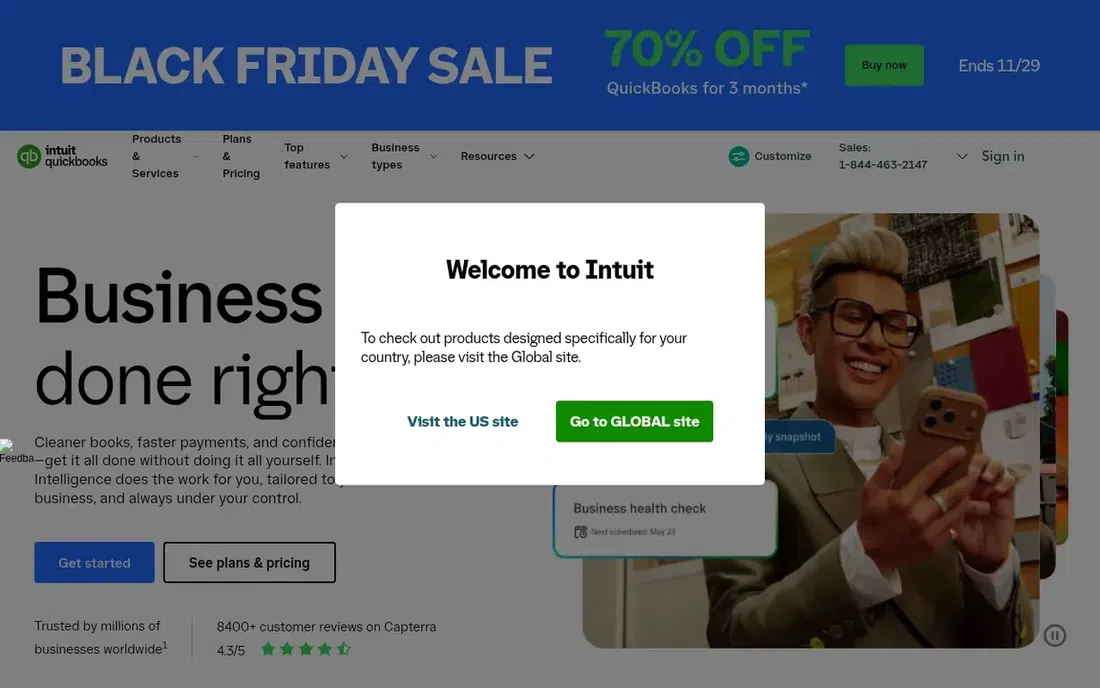
Think of QuickBooks Solopreneur for freelancers already using QuickBooks. QuickBooks Solopreneur is Intuit's offering geared toward solo business owners, and it comes with receipt and expense tracking alongside accounting features.
As for the details, check the current feature set on the vendor site to confirm it spans the receipt workflows you depend on. From a buyer's view, QuickBooks Solopreneur makes the most sense when you want accounting and receipt tracking together. QuickBooks Solopreneur pricing: $11.40 per month. Free plan details: Free trial.
Trade-offs to know: Best value if you use other QuickBooks tools.
- Receipt capture within accounting
- Links income and expenses
- May be more than receipt tracking alone
Think of Shoeboxed for scanning paper receipts and mileage. It focuses on turning physical receipts into organized digital records, which helps freelancers who collect receipts from client lunches, travel, and supplies.
What to check first: Less emphasis on full accounting.
From a buyer's view, Shoeboxed is built around receipt capture and mileage, so it may not replace accounting or invoicing tools. On cost, Shoeboxed starts like this: $9 per month. As for free access: Free trial.
- Deals with paper receipts
- Receipt scanning focus
- May need mailing or uploading receipts
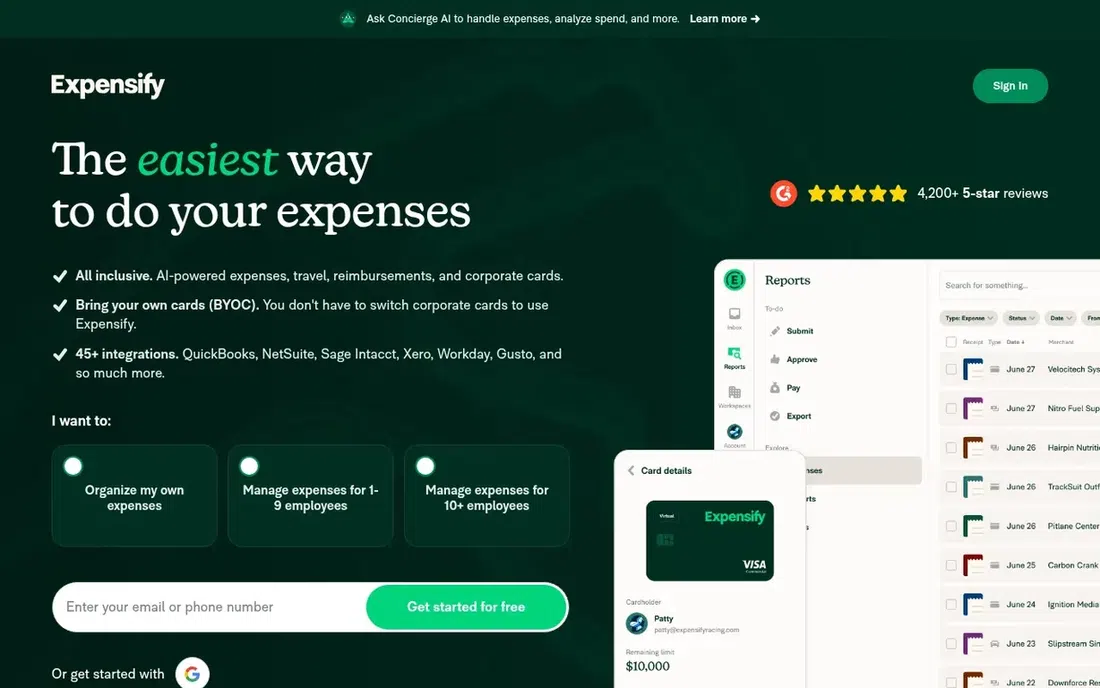
Expensify works best for all-in-one receipt capture and expense reports. Expensify is a spend management product centered on receipts and expenses. Its SmartScan feature reads receipt images and fills in details, which helps freelancers who accumulate paper and digital receipts.
The main drawbacks: Ramp-up time for advanced features.
More specifically, consider Expensify when you want receipt capture and expense reporting together and expect to grow into more structured workflows. In practice, the system is designed for broader spend management, so some features may exceed what a solo freelancer needs. Check the vendor site for Expensify pricing; none is listed in this comparison. Free plan details: Not stated.
- SmartScan receipt capture
- Works across devices
- May be more than solo freelancers need
What went into this list
LinkVetted looked at what each vendor publishes: pricing, plan limits, feature coverage for receipt tracking software for freelancers and stated drawbacks. No hands-on testing is claimed. Where a vendor does not publish a price, the entry says quote. Where a price depends on seats or billing term, the entry says so. The sequence is a judgement call: typical use case first, then pricing transparency, then free access. Use the profiles to check fit.
Things to verify first
- Get a written quote from Zoho Expense and Expensify; the list shows no starting price for them.
- Look at the free plan from Ramp closely: its caps decide whether it is usable for real work.
- Use real work to test the free trial from QuickBooks Solopreneur and Shoeboxed, rather than a demo project.
- Read the limits listed for Zoho Expense first: may be more than solo freelancers need.
- Run a one or two week pilot of Shoeboxed with the people who will use it every day.
- Look at which plan of Expensify unlocks the features you need; entry tiers are often cut down.
FAQ
Do these tools publish their prices?
Not all of them. Zoho Expense and Expensify publish no starting price, so expect a quote request for those. The rest, Ramp included, show a starting price, though seats and billing terms still change the final cost.
Can I try these tools before paying?
Often, yes. Ramp has a free plan and QuickBooks Solopreneur and Shoeboxed offer a free trial. Use your own data and a real task during the test, and check what the free tier or trial limits before you rely on it.
Which options for receipt tracking software for freelancers have a free plan?
Ramp is the only tool in this list with a free plan. Free plans usually cap users, projects or features, so check the limits on the vendor page. Several others offer a trial instead. Each of the 5 options in this receipt tracking software for freelancers guide has its own card above with the price, free plan and limits.
Can I use accounting software for receipt tracking instead of a dedicated app?
Yes, multiple accounting products contain receipt and expense tracking alongside invoicing and bookkeeping. A dedicated scanner may still be better if receipt capture is your primary need and you want a more straightforward workflow.
How do freelancers keep receipts organized for taxes?
Store receipts digitally once you receive them and assign each to a category such as supplies, travel, or client meals. Numerous tools let you photograph paper receipts and attach notes.
How are the tools for receipt tracking software for freelancers ordered?
The order follows typical fit for receipt tracking software for freelancers, with Zoho Expense first and Expensify last, then price clarity and free access. It is editorial judgement, not a score, so another team could rank the tools differently.
Sources
- https://www.zoho.com/expense
- https://ramp.com
- https://quickbooks.intuit.com
- https://www.shoeboxed.com
- https://www.expensify.com