Best Purchase Order Software for Restaurants (2026): 5 Picks Checked on Vendor Pages
Weighing the best purchase order software for restaurants? We lined up 5 products by cost, free access and fit. Each pick lists its main limit. Quick to scan.
- Editor's choiceZip Schedules
Employee scheduling alongside purchasing tasks
Starts at$19 per location a monthVisit zipschedules.comFull review - Great alternative
 MarginEdge
Invoice automation with cost tracking
Starts at$350 per location per monthVisit marginedge.comFull review - Also consider
 SAP Concur
Spend visibility and invoice control
Starts at$7 per reportVisit concur.comFull review
Direct answer
Zip Schedules is the first pick on this list for employee scheduling alongside purchasing tasks. Listed starting prices: Zip Schedules from $19 per location a month, MarginEdge from $350 per location per month and SAP Concur from $7 per report. Alternatives: MarginEdge for invoice automation with cost tracking, and SAP Concur for spend visibility and invoice control. Prices, free plans and limits for all 5 tools follow.
TL;DR:
- This list starts with Zip Schedules, which is built for employee scheduling alongside purchasing tasks.
- The cheapest monthly starting price in the list is $19 per location per month, offered by Zip Schedules.
- Restaurant365 fits purchasing inside full restaurant management.
- MarginEdge comes with a trade-off: purchasing is part of a cost workflow.
Last checked November 2026. Prices and plan details were read from the vendors' own pages in November 2026; vendors change plans often, so confirm the current price on the vendor site before you buy.
Quick comparison
| Tool | Best for | Starts at | Free plan? | |
|---|---|---|---|---|
| Zip Schedules | Employee scheduling alongside purchasing tasks | $19 per location a month | Not stated | Visit |
| MarginEdge | Invoice automation with cost tracking | $350 per location per month | Not stated | Visit |
| SAP Concur | Spend visibility and invoice control | $7 per report | Not stated | Visit |
 MarketMan | Inventory-linked restaurant purchasing | $249 a month | No | Visit |
 Restaurant365 | Purchasing inside full restaurant management | See website | Not stated | Visit |
The best purchase order software for restaurants
Short on time? The summary and table above give the quick view of 5 purchase order software for restaurants, and the profiles that follow give the detail behind each entry.
Zip Schedules
Best for: Employee scheduling alongside purchasing tasks
For employee scheduling alongside purchasing tasks, Zip Schedules is a natural candidate. Zip Schedules is employee scheduling software that makes it straightforward to build clear and manageable schedules for any business. More specifically, restaurants frequently run purchasing and receiving alongside labor planning, so it can complement a purchasing workflow by handling the staffing side.
Beyond that, scheduling is the core purpose, so purchase order creation and supplier management are not its focus. Also, use it as a companion tool when labor planning is the gap, and select a dedicated restaurant purchasing product for the ordering and cost side. Zip Schedules starts at: $19 per location per month. Free options: Not stated.
Points against: Restricted purchasing depth.
- Manageable staff schedules
- Enterprise-friendly
- Scheduling-focused, not purchasing-led
MarginEdge targets invoice automation with cost tracking. MarginEdge is an AI-powered restaurant back office that automates invoice processing and tracks food costs in live, giving operators quick answers about their numbers. Purchase orders fit into that cost-control flow, connecting what you order with what you are billed.
Main advantages: Back-office focus.
Its strength is cost and invoice intelligence instead of wide operations management, so teams needing scheduling or full accounting may pair it with other tools. Choose MarginEdge when invoice automation and live food cost insight are the deciding factors. Starting cost for MarginEdge: $350 per location per month. As for free access: Not stated. Drawbacks to consider: Purchasing is part of a cost workflow.
- Live food cost tracking
- Automatic invoice processing
- Not a scheduling or HR tool
SAP Concur is a good fit for spend visibility and invoice control. For restaurant groups, it can support the approval and invoice side of purchasing, especially where several locations and categories of spend need oversight.
It is a general spend management system instead of restaurant purchasing software, so food-specific inventory and recipe costing are outside its core. Pick SAP Concur when spend control and invoice oversight matter most, and pair it with a restaurant-focused tool for kitchen-level purchasing. SAP Concur cost at the entry level: $7 per report. Free access: Not stated.
Trade-offs to know: General business tool, not restaurant-specific.
- Visibility and control emphasis
- Spend management across categories
- Purchasing needs may need configuration
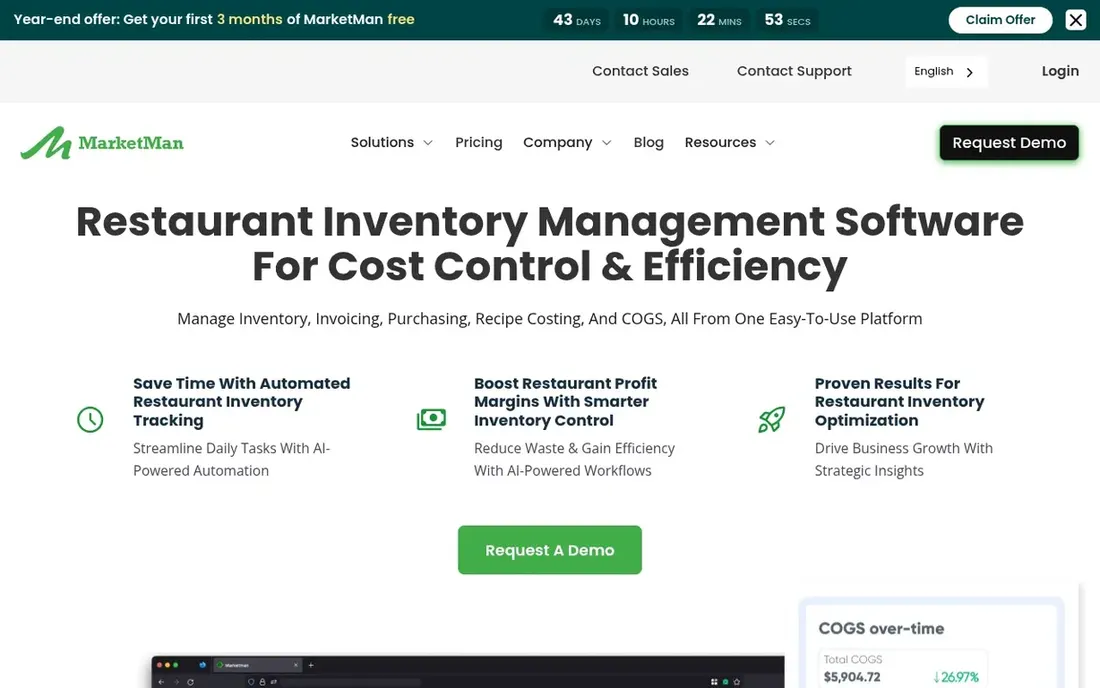
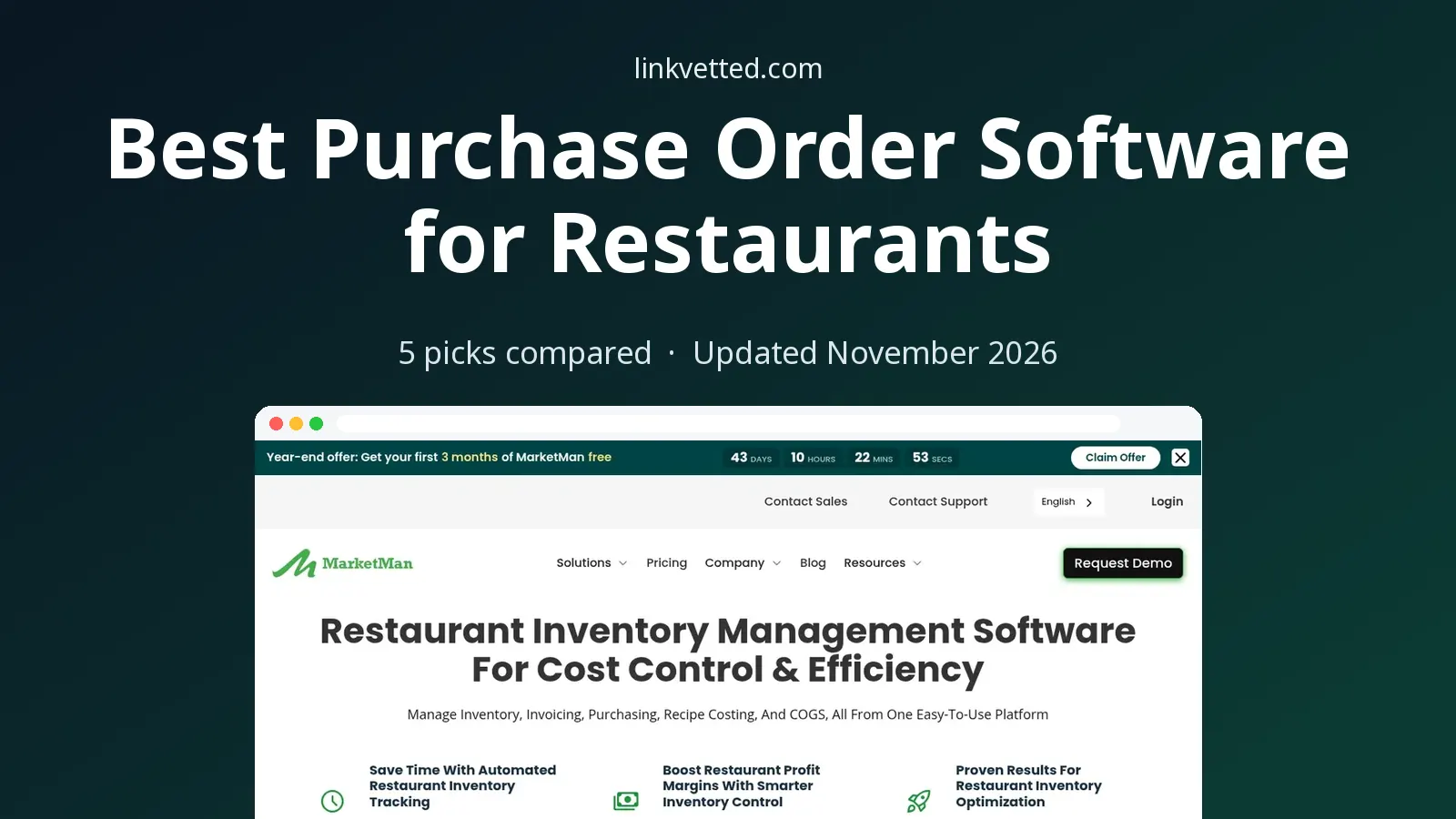
Think of MarketMan for inventory-linked restaurant purchasing. Automatic counts, invoice capture and live recipe costing sit alongside purchasing, so orders link to what you actually use in the kitchen.
Where it is weaker: May overlap with existing inventory tools.
What you pay to start with MarketMan: $249 per month. There is no free plan with MarketMan.
- Invoice capture included
- Automatic inventory counts
- Centred on restaurant operations
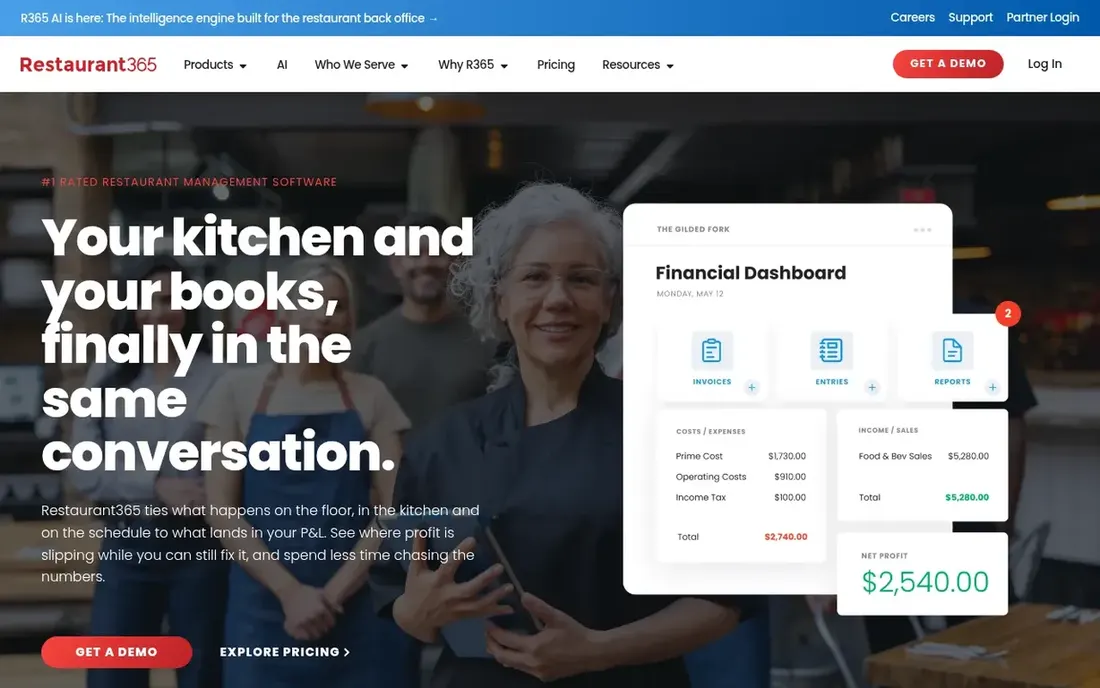
Think of Restaurant365 for purchasing inside full restaurant management. Restaurant365 is cloud-based restaurant management software that brings accounting, operations and workforce together for restaurant leaders.
The breadth is the trade-off: a small operation focused only on raising purchase orders may find the full suite heavier than necessary. Restaurant365 shows no starting price here, so confirm the cost on the vendor site. On free options: Not stated.
Where it is weaker: Wide suite may be more than needed.
- Accounting and operations combined
- Cloud-based access
- Setup spans several departments
Selection criteria
LinkVetted looked at what each vendor publishes: pricing, plan limits, feature coverage for purchase order software for restaurants and stated drawbacks. No hands-on testing is claimed. Figures are shown as the vendors publish them. Billing terms, seat minimums and add-ons can change the real cost. The order reflects how well each tool fits the most common buying scenario for purchase order software for restaurants, then price clarity, then free plan access. It is a starting point, not a verdict.
What to check before you buy
- Get a written quote from Restaurant365; the list shows no starting price for them.
- Before choosing Zip Schedules, weigh its main limit: scheduling-focused, not purchasing-led.
- See whether Zip Schedules offers onboarding or training, and whether it is included in the price.
- Verify that exporting from MarginEdge is possible on your plan and covers all your records.
- Ask Restaurant365 whether prices are locked for the first term and what happens at renewal.
FAQ
Can I try these tools before paying?
Not by default. None of the tools, from Zip Schedules to Restaurant365, lists a free plan or a free trial here, so ask each vendor for a demo before committing.
How are the tools for purchase order software for restaurants ordered?
The order follows typical fit for purchase order software for restaurants, with Zip Schedules first and Restaurant365 last, then price clarity and free access. It is editorial judgement, not a score, so another team could rank the tools differently.
Does any tool for purchase order software for restaurants here have a free plan?
No tool in this list, Zip Schedules and Restaurant365 included, has a permanent free plan. Trials and quotes are the usual route, so plan a short evaluation period.
Do these tools publish their prices?
Not all of them. Restaurant365 publishes no starting price, so expect a quote request for it. The rest, Zip Schedules included, show a starting price, though seats and billing terms still change the final cost.
When is a full management suite better than a purchasing tool?
A suite like Restaurant365 makes sense when you want purchasing, accounting and workforce data in one place across locations. A focused tool is normally more straightforward when ordering and cost control are the primary gaps.
Sources
- https://www.zipschedules.com
- https://www.marginedge.com
- https://www.concur.com
- https://www.marketman.com
- https://www.restaurant365.com