Best Production Tracking Software (2026): 5 Picks Checked on Vendor Pages
Compare 5 picks for the best production tracking software, with prices, free plans and who each fits. Pros and cons for every tool. Jump to the table.
- Editor's choice
 Airtable
Custom workflow apps and automation
Starts at$20 per user a monthVisit airtable.comFull review - Great alternative
 Monday.com
Adaptable AI workspace for operations
Starts at$9 per seat a monthVisit monday.comFull review - Also consider
 Asana
Automatic workflows for mixed teams
Starts at$10.99 per user a monthVisit asana.comFull review
Direct answer
This list puts Airtable first for custom workflow apps and automation. Listed starting prices: Airtable from $20 per user a month, Monday.com from $9 per seat a month and Asana from $10.99 per user a month. Look at Monday.com for adaptable AI workspace for operations, and at Asana for automatic workflows for mixed teams. The full list of 5 tools follows, with prices and free plan facts.
TL;DR:
- Top of the list is Airtable, which targets custom workflow apps and automation.
- Monday.com is the lowest-priced starter here at $9 per seat per month.
- Jira fits agile planning and issue tracking.
- 4 of 5 tools offer a free plan: Airtable, Monday.com, Asana, ClickUp.
Last checked November 2026. Prices and plan details were read from the vendors' own pages in November 2026; vendors change plans often, so confirm the current price on the vendor site before you buy.
Quick comparison
| Tool | Best for | Starts at | Free plan? | |
|---|---|---|---|---|
| Airtable | Custom workflow apps and automation | $20 per user a month | Yes | Visit |
| Monday.com | Adaptable AI workspace for operations | $9 per seat a month | Yes | Visit |
| Asana | Automatic workflows for mixed teams | $10.99 per user a month | Yes | Visit |
 ClickUp | Consolidating tasks, docs and goals | $9 per user a month | Yes | Visit |
 Jira | Agile planning and issue tracking | See website | Not stated | Visit |
Production Tracking Software, one by one
If you are comparing production tracking software, this page covers 5 tools in one place: what each is best for, what it costs to start, whether it has a free plan, and the main limit to know about.
Airtable is built with custom workflow apps and automation in mind. Because it is an adaptable system, teams must design and maintain their own tracking structure, which can take effort.
Points against: Less opinionated than dedicated trackers.
From a buyer's view, if you want ready-made project tracking from day one, Jira, Asana or Monday.com may be quicker to adopt. The starting price for Airtable: $20 per user per month. Airtable includes a free tier.
- Apps and agents
- Automates repetitive manual work
- Custom builds need planning and upkeep
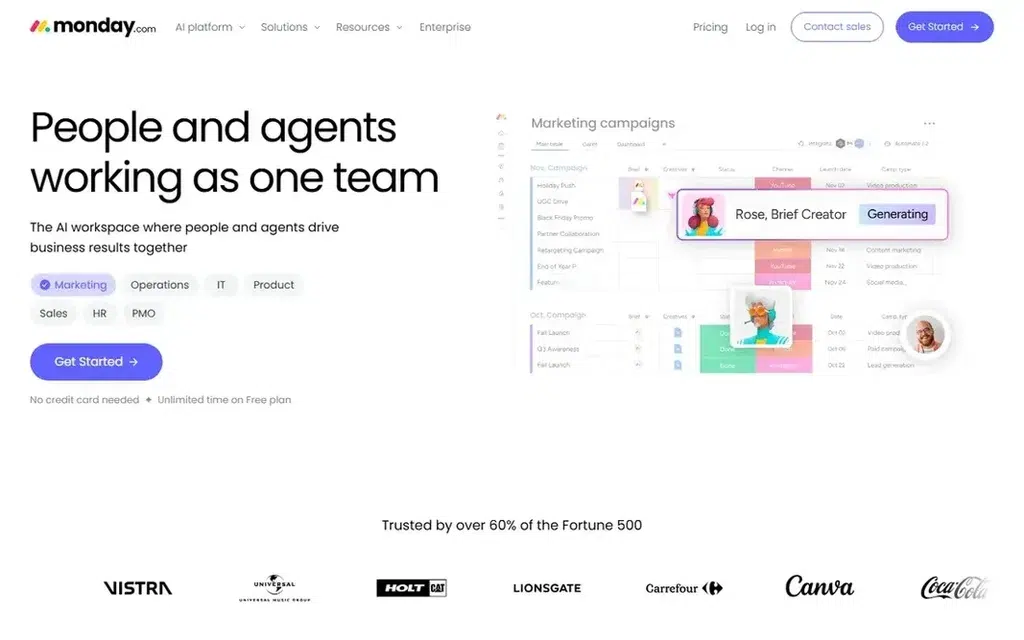
Monday.com works best for adaptable AI workspace for operations. Monday.com is positioned as an AI workspace for people and agents, where teams execute, run and operate together to drive business results.
Since boards are highly customizable, large organizations may need deliberate governance to avoid fragmented tracking. Entry price for Monday.com: $9 per seat per month. Free access exists with Monday.com.
Trade-offs to know: Deep customization takes planning.
- One workspace for managing operations
- AI agents work alongside people
- Adaptable setup can sprawl without governance
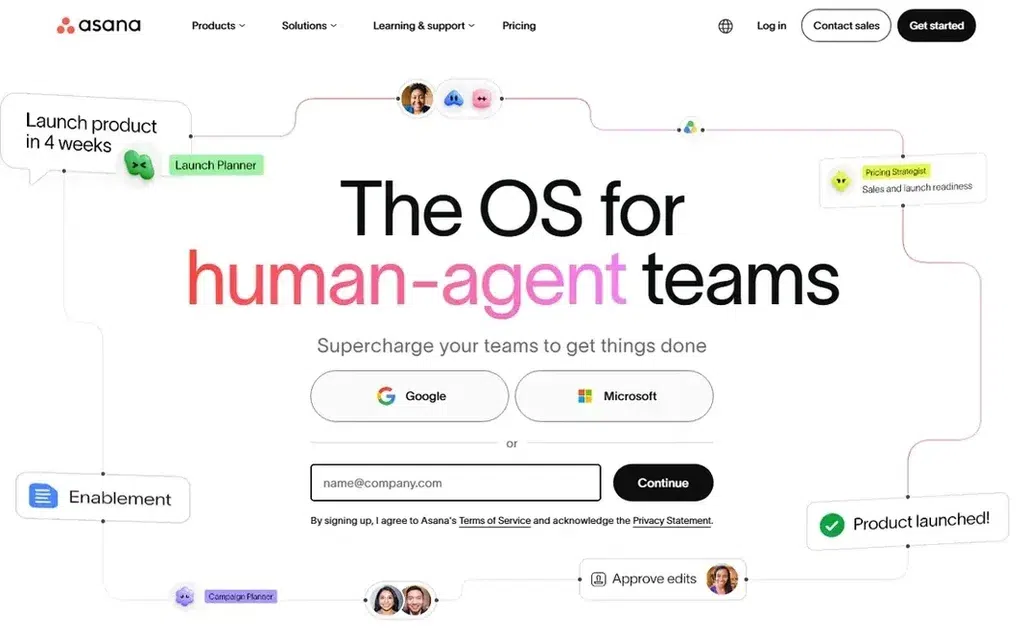
Asana was built for automatic workflows for mixed teams. Asana is work and project management software for teams and AI agents, centred on planning, automating and executing critical workflows together.
It suits cross-functional teams that track production work through shared projects, dependencies and automatic handoffs, and that want a clear view of who is doing what. What you pay to start with Asana: $10.99 per user per month. Asana offers a free plan.
Downsides: Advanced automation depends on setup.
- Automation of critical workflows
- Work management for people and AI agents
- May be less suited to heavy engineering backlogs
Where ClickUp fits: consolidating tasks, docs and goals. ClickUp is an everything app for work that brings tasks, docs, goals and chat together under a mission of making the world more productive.
Downsides: Breadth can overwhelm new users.
The broad feature set can create a ramp-up time and needs intentional configuration to stay organized. On cost, ClickUp starts like this: $9 per user per month. ClickUp has a free plan.
What works well: goals and chat in one app.
- Tasks, docs
- AI and human workflows
- Numerous features need deliberate setup
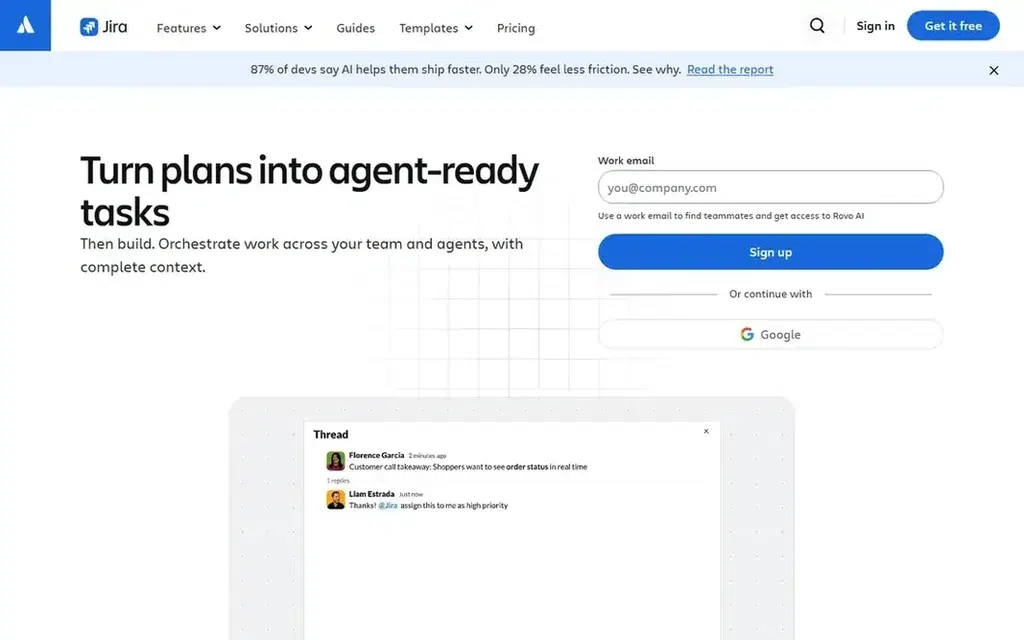
Jira makes the most sense for agile planning and issue tracking. Jira is project management software built to bring teams together and track work at scale, with AI agents that orchestrate, plan and track projects.
It suits engineering and product teams that run structured backlogs, sprints and issue workflows and need a shared system for following production progress from planning through delivery. Pricing for Jira is not stated here, so ask the vendor for current figures. As for free access: Not stated.
The main drawbacks: Less natural for non-technical departments.
- AI agents help orchestrate and track projects
- Strong planning and issue tracking foundation
- Configuration can feel complicated for new teams
How we chose
Questions to settle before buying
- Confirm the entry price on the vendor page. For Jira that means a quote rather than a fixed price.
- Check what the free option really includes: Airtable, Monday.com, Asana and ClickUp offer a free plan, and usage caps differ.
- Read the limits listed for Airtable first: custom builds need planning and upkeep.
- Verify that exporting from Jira is possible on your plan and covers all your records.
- Total up the real monthly cost of Monday.com, including add-ons, extra users and usage-based fees.
FAQ
What is the cheapest option for production tracking software in this list?
On published monthly entry prices, Monday.com is the lowest here at $9 per seat per month. Entry price is only part of the cost, because seats, add-ons and billing terms can change the total. All 5 picks in this production tracking software comparison list a starting price, free plan details and the main limits on their cards above.
Can I try these options before paying?
Often, yes. Airtable, Monday.com, Asana and ClickUp have a free plan. Use your own data and a real task during the test, and check what the free tier or trial limits before you rely on it.
Do these tools publish their prices?
Not all of them. Jira publishes no starting price, so expect a quote request for it. The rest, Airtable included, show a starting price, though seats and billing terms still change the final cost. For the full picture, the cards above cover all 5 entries of this production tracking software list, including price, free plan and limits.
How do Jira and Asana differ for tracking production work?
Jira centers on planning and issue tracking with AI agents that orchestrate projects at scale, which fits engineering and product teams. Choose based on whether issue-level tracking or cross-functional workflow automation matters more.
How are the tools for production tracking software ordered?
The order follows typical fit for production tracking software, with Airtable first and Jira last, then price clarity and free access. It is editorial judgement, not a score, so another team could rank the tools differently.
Sources
- https://www.airtable.com
- https://monday.com
- https://asana.com
- https://clickup.com
- https://www.atlassian.com/software/jira