Best Proctoring Software for Nursing Exams for 2026: Our 5 Vetted Picks
Searching for the best proctoring software for nursing exams? Here are 5 options with prices and free plans. Compare costs and catches in one place. No filler.
- Editor's choicePearson VUE
Licensure and certification exam delivery
Starts atPricing on requestVisit home.pearsonvue.comFull review - Great alternativeHonorlock
AI plus live monitoring for online exams
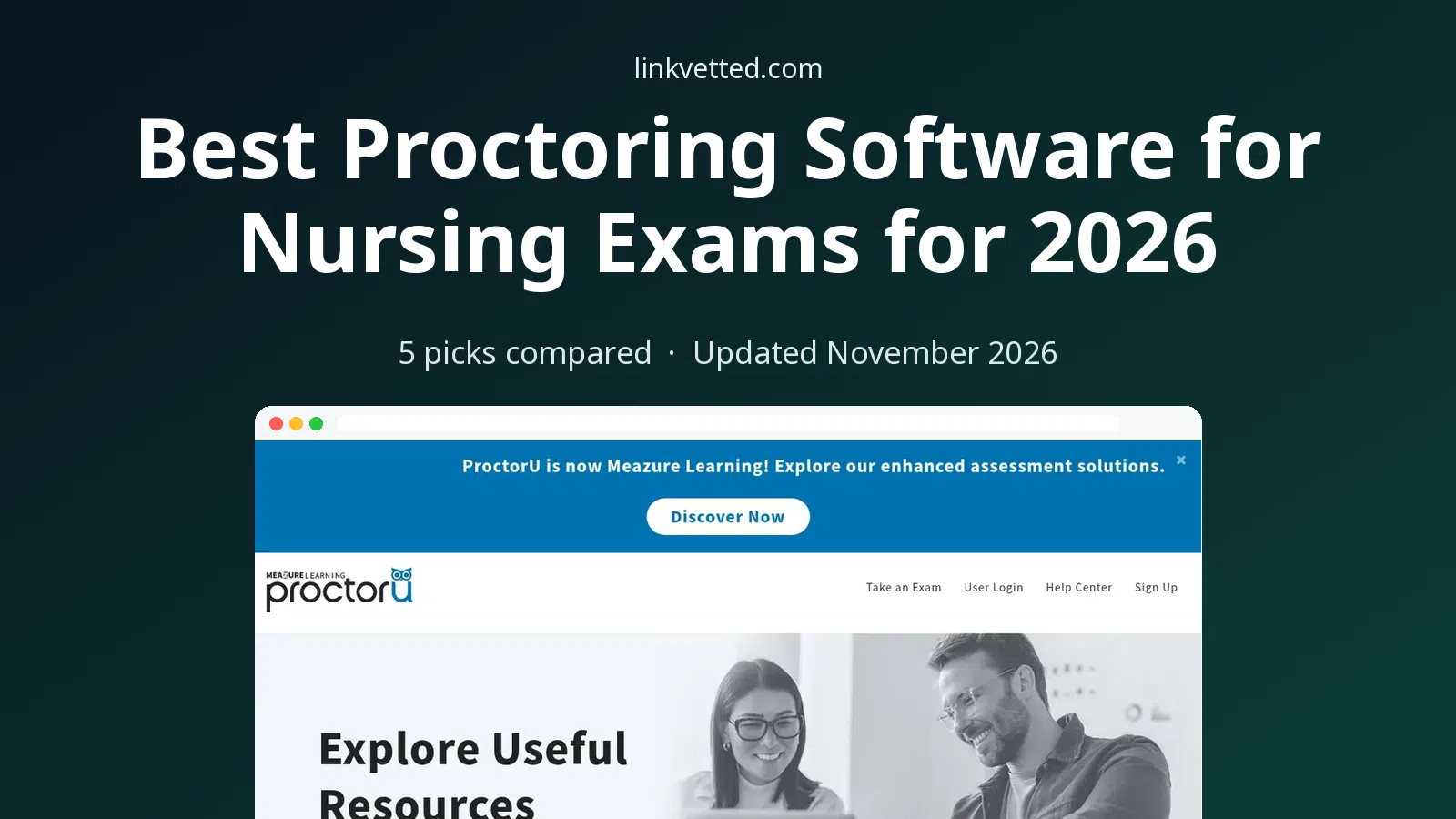
Starts atPricing on requestVisit honorlock.comFull review - Also considerProctorU
Human-validated live remote proctoring
Starts atPricing on requestVisit proctoru.comFull review
Direct answer
Pearson VUE is the first pick on this list for Licensure and certification exam delivery. Look at Honorlock for AI plus live monitoring for online exams, and at ProctorU for human-validated live remote proctoring. The remaining 2 options are covered below with pricing notes and limits. None of these vendors publish plan prices, so pricing is on request for every option.
TL;DR:
- Pearson VUE takes the first slot, best suited to Licensure and certification exam delivery.
- Neither Pearson VUE nor ExamSoft, nor any of the other 3 tools, has a permanent free plan; trials and quotes are the norm.
- Pearson VUE, ExamSoft and the 3 others all sell by quote; expect sales conversations before you see a price.
- Honorlock comes with a trade-off: layered monitoring can feel intrusive to students.
- ExamSoft is the one to check for secure assessments with learning analytics.
Last checked November 2026. Pricing on request: vendors did not publish plan prices when this guide was last checked (November 2026), so ask each vendor for a written quote.
Quick comparison
| Tool | Best for | Starts at | Free plan? | |
|---|---|---|---|---|
| Pearson VUE | Licensure and certification exam delivery | Pricing on request | Not stated | Visit |
| Honorlock | AI plus live monitoring for online exams | Pricing on request | Not stated | Visit |
| ProctorU | Human-validated live remote proctoring | Pricing on request | Not stated | Visit |
| Respondus LockDown Browser | Browser lockdown inside learning systems | Pricing on request | Not stated | Visit |
 ExamSoft | Secure assessments with learning analytics | Pricing on request | Not stated | Visit |
Proctoring Software for Nursing Exams profiles
LinkVetted put together this guide to proctoring software for nursing exams for readers who want a clear shortlist without reading every vendor page. It compares 5 tools on starting price, free plans, who each one suits and where each one falls short.
Pearson VUE
Best for: Licensure and certification exam delivery
Pearson VUE is a good fit for Licensure and certification exam delivery. For nursing, it is the kind of channel students meet at the licensure stage instead of during coursework, and programs often reference it when preparing students for high-stakes professional testing.
Drawbacks to consider: Pitched at certification instead of course exams.
Use it as the benchmark students will face after graduation, and choose a separate system for program exams. Check the vendor site for Pearson VUE pricing; none is listed in this comparison. Free options: Not stated.
- Globally recognized assessment delivery
- Secure licensure and certification testing
- Scheduling runs through professional testing channels
Honorlock
Best for: AI plus live monitoring for online exams
Honorlock is a good fit for AI plus live monitoring for online exams. It also positions itself around improving assessments, not just policing them.
Pricing for Honorlock is not stated here, so ask the vendor for current figures. Free access: Not stated.
Honest limits: Setup requires coordination with your exam product.
- Merges live monitoring with AI detection
- Locks the browser during exams
- Layered monitoring can feel intrusive to students
ProctorU
Best for: Human-validated live remote proctoring

ProctorU serves human-validated live remote proctoring. ProctorU is a remote proctoring product built around advanced exam technology backed by human validation, meaning real proctors oversee sessions instead of relying on automation alone.
Points against: Content migrated to a separate site after rebrand.
The system account and technical support pages remain the entry point for scheduling and exam-day help. This comparison lists no price for ProctorU; ask the vendor. On free options: Not stated.
- System account access and technical support
- Live proctor oversight alongside exam technology
- Live sessions depend on scheduling availability
Respondus LockDown Browser
Best for: Browser lockdown inside learning systems

Respondus LockDown Browser is aimed squarely at Browser lockdown inside learning systems. Respondus supports online testing, academic integrity and student learning for higher education and K-12.
Where it is weaker: Students must install the browser before exam day.
More specifically, Browser lockdown by itself does not confirm who is sitting the exam, so programs needing identity checks or live oversight should add Respondus Monitor or another layer. Check the vendor site for Respondus LockDown Browser pricing; none is listed in this comparison. On free options: Not stated.
- Locks the browser during online exams
- Pairs with Respondus Monitor for webcam review
- Lockdown alone does not verify identity

Pick ExamSoft if this describes you: secure assessments with learning analytics. ExamSoft helps academic institutions boost student learning with secure assessment tools and software that produce data, insights and reports.
On top of that, for nursing programs, that means exams can be delivered securely whereas faculty review performance data to spot weak content areas. Worth adding: ExamSoft is most solid as an assessment and analytics system, so programs needing dedicated live human proctoring may pair it with a separate proctoring service. Pricing for ExamSoft is not stated here, so ask the vendor for current figures. Trial and free access: Not stated.
Watch-outs: Analytics value relies on consistent use.
- Secure assessment tools for institutions
- Designed for academic program workflows
- Centred on institutional assessment instead of live proctoring alone
How we built this list
Pricing pages, product documentation and feature lists were the main sources, and every entry carries at least one honest drawback. Prices and plan limits come from vendor pages and can change, so confirm them on the vendor site before you buy. Tools are placed by general fit for proctoring software for nursing exams, with price clarity and free access as tie-breakers. A different team can reasonably rank them differently.
What to check before you buy
- Confirm the entry price with every vendor: no tool from Pearson VUE to ExamSoft shows a fixed starting price.
- Before choosing Pearson VUE, weigh its main limit: aimed at certification instead of course exams.
- Look at which plan of Respondus LockDown Browser unlocks the features you need; entry tiers are often cut down.
- Price Pearson VUE for your actual team size; headline prices rarely include add-ons or overage.
- See whether Honorlock offers onboarding or training, and whether it is included in the price.
FAQ
How are the tools for proctoring software for nursing exams ordered?
The order follows typical fit for proctoring software for nursing exams, with Pearson VUE first and ExamSoft last, then price clarity and free access. It is editorial judgement, not a score, so another team could rank the tools differently.
Is Pearson VUE the right pick for everyone comparing proctoring software for nursing exams?
No single tool suits every team. Pearson VUE comes first because it fits Licensure and certification exam delivery, while Honorlock suits AI plus live monitoring for online exams and ProctorU suits human-validated live remote proctoring. Match the tool to your own size, budget and workflow before deciding.
Can I try these tools before paying?
Not by default. None of the tools, from Pearson VUE to ExamSoft, lists a free plan or a free trial here, so ask each vendor for a demo before committing.
Do these tools publish their prices?
No. None of the tools, from Pearson VUE to ExamSoft, shows a fixed starting price here, so budget time for quotes.
Sources
- https://home.pearsonvue.com
- https://honorlock.com
- https://www.proctoru.com
- https://web.respondus.com
- https://examsoft.com