Best Preventative Maintenance Software for 2026: Our 5 Vetted Picks
Best preventative maintenance software in 2026: 5 contenders with entry costs and free tiers. Short, factual notes on every option. Reviewed this month.
- Editor's choiceAsset Essentials
Maintenance and capital planning
Starts atSee websiteVisit dudesolutions.comFull review - Great alternative
 Asset Panda
Full asset lifecycle tracking
Starts atSee websiteVisit assetpanda.comFull review - Also consider
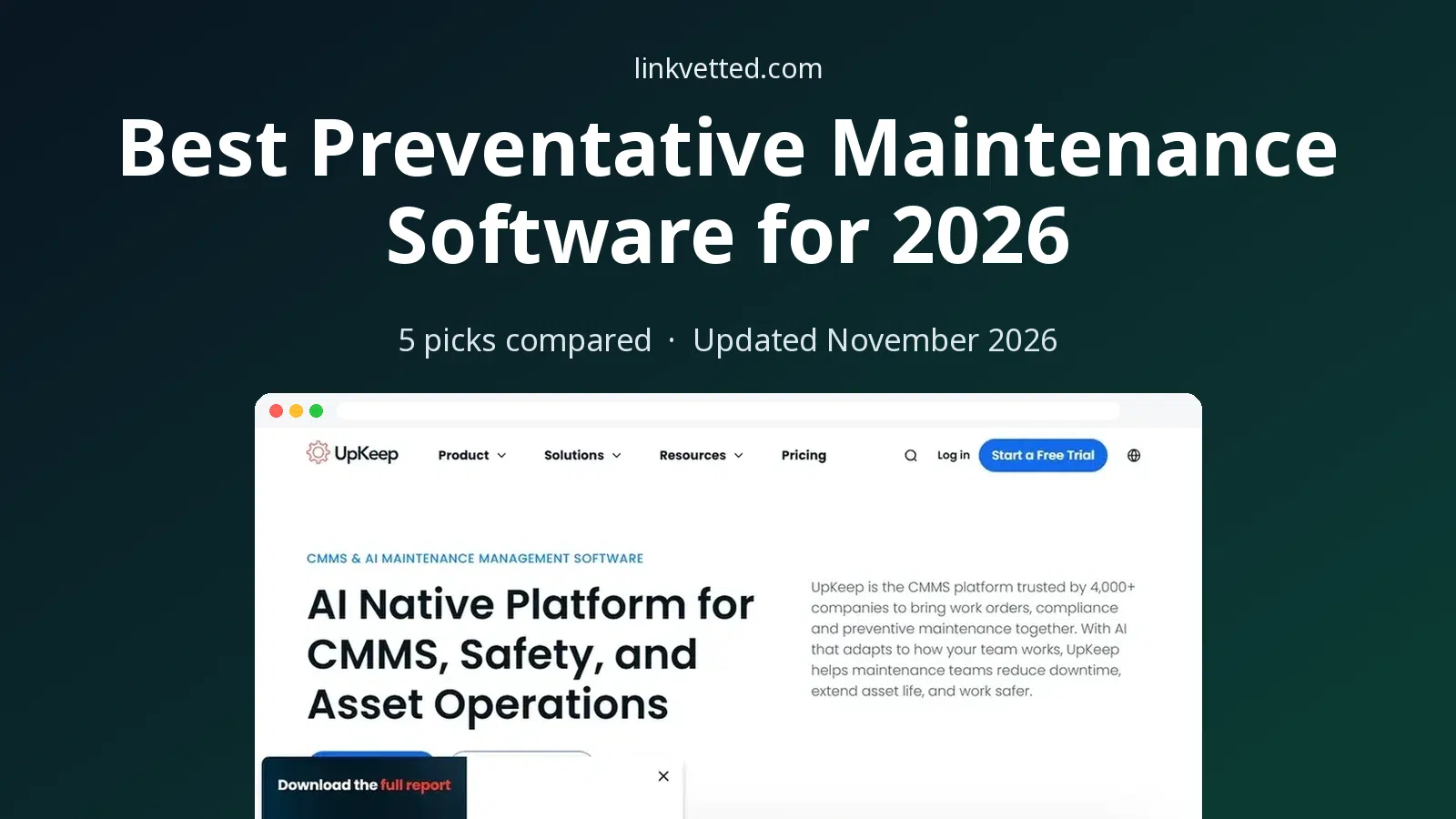
 UpKeep
Mobile-first maintenance teams
Starts at$24 per user a monthVisit upkeep.comFull review
Direct answer
If you need Maintenance and capital planning, Asset Essentials is the first tool to look at here. Listed starting prices: UpKeep from $24 per user a month, Maintenance Connection from $58 per user per month and Fiix from $45 per user per month. If your case is different, Asset Panda suits full asset lifecycle tracking and UpKeep suits mobile-first maintenance teams. The remaining 2 options are covered below with prices and limits.
TL;DR:
- The list opens with Asset Essentials, aimed at Maintenance and capital planning.
- Before buying Asset Panda, weigh this: may be less specialized for complicated maintenance.
- Fiix is the only tool of the 5 with a free plan.
- Fiix fits AI-powered work orders and integrations.
- UpKeep has the lowest monthly starting price in this list: $24 per user per month.
Last checked November 2026. Prices and plan details were read from the vendors' own pages in November 2026; vendors change plans often, so confirm the current price on the vendor site before you buy.
Quick comparison
| Tool | Best for | Starts at | Free plan? | |
|---|---|---|---|---|
| Asset Essentials | Maintenance and capital planning | See website | Not stated | Visit |
| Asset Panda | Full asset lifecycle tracking | See website | Not stated | Visit |
| UpKeep | Mobile-first maintenance teams | $24 per user a month | Free trial | Visit |
| Maintenance Connection | Complete CMMS with inventory tracking | $58 per user per month | Free trial | Visit |
 Fiix | AI-powered work orders and integrations | $45 per user per month | Yes | Visit |
Preventative Maintenance Software compared in detail
LinkVetted compared 5 tools for preventative maintenance software. The goal is a practical shortlist: published prices, free plan facts, best-fit use cases and honest limits for every entry.
Asset Essentials
Best for: Maintenance and capital planning
Choose Asset Essentials for Maintenance and capital planning. The breadth of features may be overwhelming for small teams with straightforward maintenance needs.
More specifically, consider a more straightforward CMMS if you do not need capital planning or advanced analytics. Asset Essentials shows no starting price here, so confirm the cost on the vendor site. Free access: Not stated.
Downsides: May be complicated for small teams.
- Part of Siemens asset management
- Analytics and capital planning
- Full features may need onboarding
Where Asset Panda fits: full asset lifecycle tracking. Asset Panda's wide asset focus may be less specialized for complicated preventative maintenance workflows.
Also, if deep CMMS functionality is essential, evaluate dedicated maintenance products as well. Check the vendor site for Asset Panda pricing; none is listed in this comparison. Free plan details: Not stated.
Where it falls short: May be less specialized for complicated maintenance.
- No coding required
- Mobile-first platform
- Wide asset focus may dilute maintenance depth
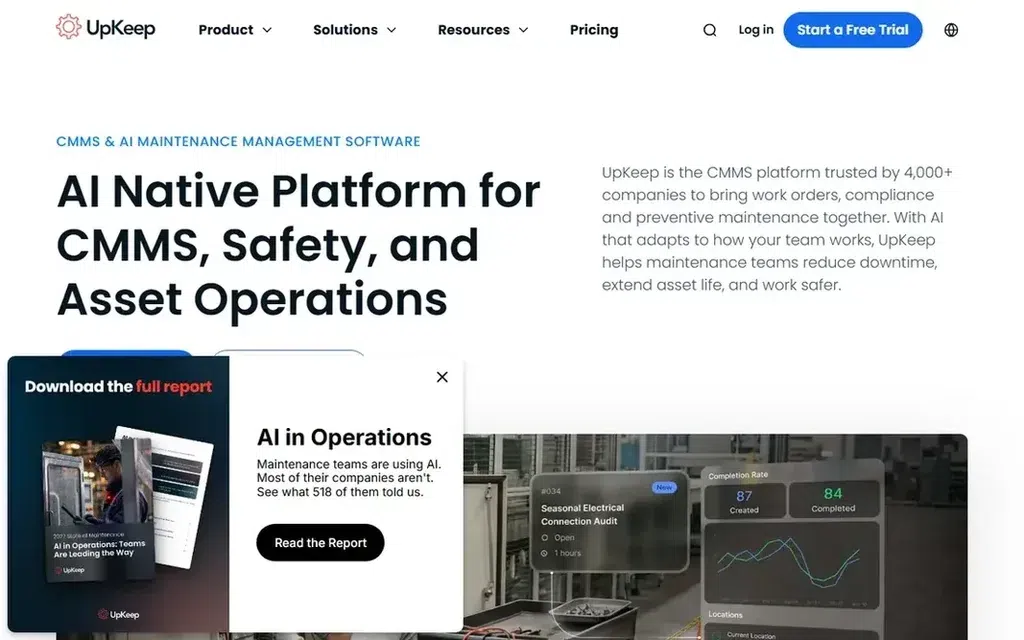
UpKeep is built with mobile-first maintenance teams in mind. UpKeep may not offer the same depth as some enterprise CMMS choices for highly complicated asset structures.
Trade-offs to know: Mobile focus may not suit desk-centric teams.
In daily use, UpKeep is a CMMS product that helps maintenance teams handle work orders, assets, and preventive tasks efficiently from any device. The starting price for UpKeep: $24 per user per month. Free access: Free trial.
- Handle work orders from any device
- Asset and preventive task tracking
- May lack depth for highly complicated asset hierarchies
Maintenance Connection
Best for: Complete CMMS with inventory tracking
Maintenance Connection works best for complete CMMS with inventory tracking. Maintenance Connection is a complete CMMS for work orders, inventory tracking, and asset management.
Some users may find the interface less modern than newer systems. The starting price for Maintenance Connection: $58 per user per month. Trial and free access: Free trial.
Honest limits: Interface may feel less modern.
- Work order management
- Inventory tracking
- May need training for full adoption
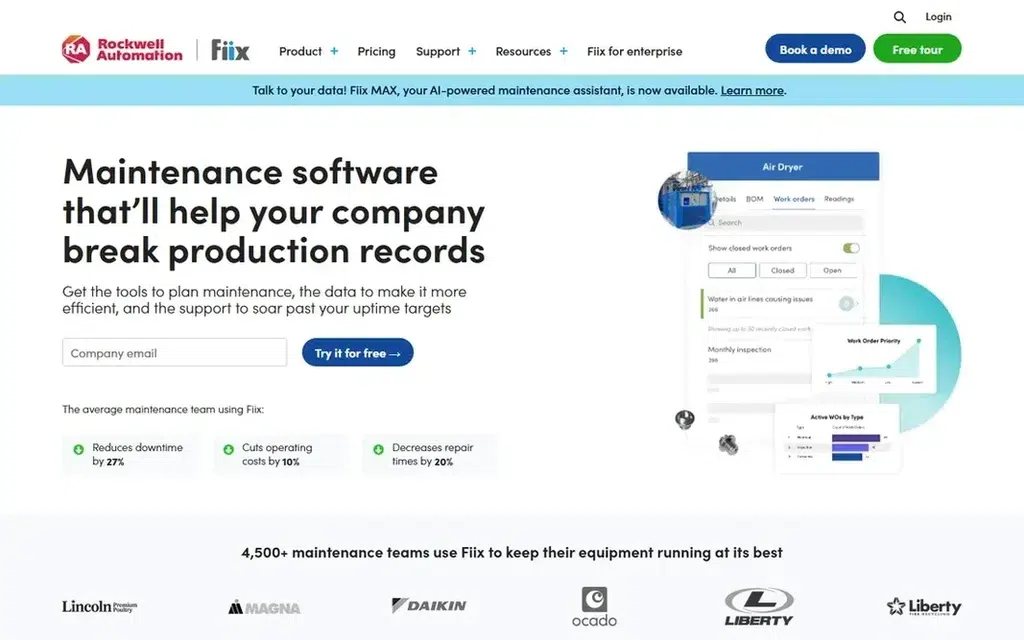
Fiix works best for AI-powered work orders and integrations. It suits organizations looking for a connected system to run preventative tasks and asset performance from a single system.
Consider a lighter choice if you primarily need entry-level work order tracking without extensive integrations or AI features. Price to start with Fiix: $45 per user per month. Fiix includes a free tier.
Where it falls short: May need configuration for complicated workflows.
- Cloud-based CMMS with AI tools
- Work order planning and tracking
- Advanced features could add complexity
How we built this list
We compared the tools on published pricing, free plan or trial availability, feature coverage for preventative maintenance software, and the limits each vendor documents. Prices and plan limits come from vendor pages and can change, so confirm them on the vendor site before you buy. Order on the page follows fit for the typical buyer first, then price transparency and free access. Your own requirements should decide the final pick.
Before you commit
- Get a written quote from Asset Essentials and Asset Panda; the list shows no starting price for them.
- Look at the free plan from Fiix closely: its caps decide whether it is usable for real work.
- Use real work to test the free trial from UpKeep and Maintenance Connection, rather than a demo project.
- Read the limits listed for Asset Essentials first: may be complicated for small teams.
- List the apps you already depend on and check that Fiix supports each one on the plan you would buy.
- Check the support hours and onboarding help Asset Essentials offers; smaller vendors vary a lot here.
FAQ
Which options for preventative maintenance software have a free plan?
Fiix is the only tool in this list with a free plan. Free plans usually cap users, projects or features, so check the limits on the vendor page. Several others offer a trial instead. Each of the 5 options in this Preventative maintenance software guide has its own card above with the price, free plan and limits.
Is Asset Essentials the right pick for everyone comparing preventative maintenance software?
No single tool suits every team. Asset Essentials comes first because it fits Maintenance and capital planning, while Asset Panda suits full asset lifecycle tracking and UpKeep suits mobile-first maintenance teams. Match the tool to your own size, budget and workflow before deciding.
Do these tools publish their prices?
Not all of them. Asset Essentials and Asset Panda publish no starting price, so expect a quote request for those. The rest, UpKeep included, show a starting price, though seats and billing terms still change the final cost.
How do I choose the right preventative maintenance software?
Start by identifying your team's key needs, like mobile access, asset complexity, or inventory tracking. Then compare vendor features and confirm integration and support choices.
What is the cheapest option for preventative maintenance software in this list?
On published monthly entry prices, UpKeep is the lowest here at $24 per user per month. Entry price is only part of the cost, because seats, add-ons and billing terms can change the total. All 5 picks in this Preventative maintenance software comparison list a starting price, free plan details and the main limits on their cards above.
Sources
- https://www.dudesolutions.com
- https://www.assetpanda.com
- https://www.upkeep.com
- https://www.maintenanceconnection.com
- https://www.fiixsoftware.com