6 Press Release Writing Tools Worth Shortlisting in 2026
A practical guide to the best press release writing tools for 2026, compared from vendor documentation and public sources, with limits and buying checks.
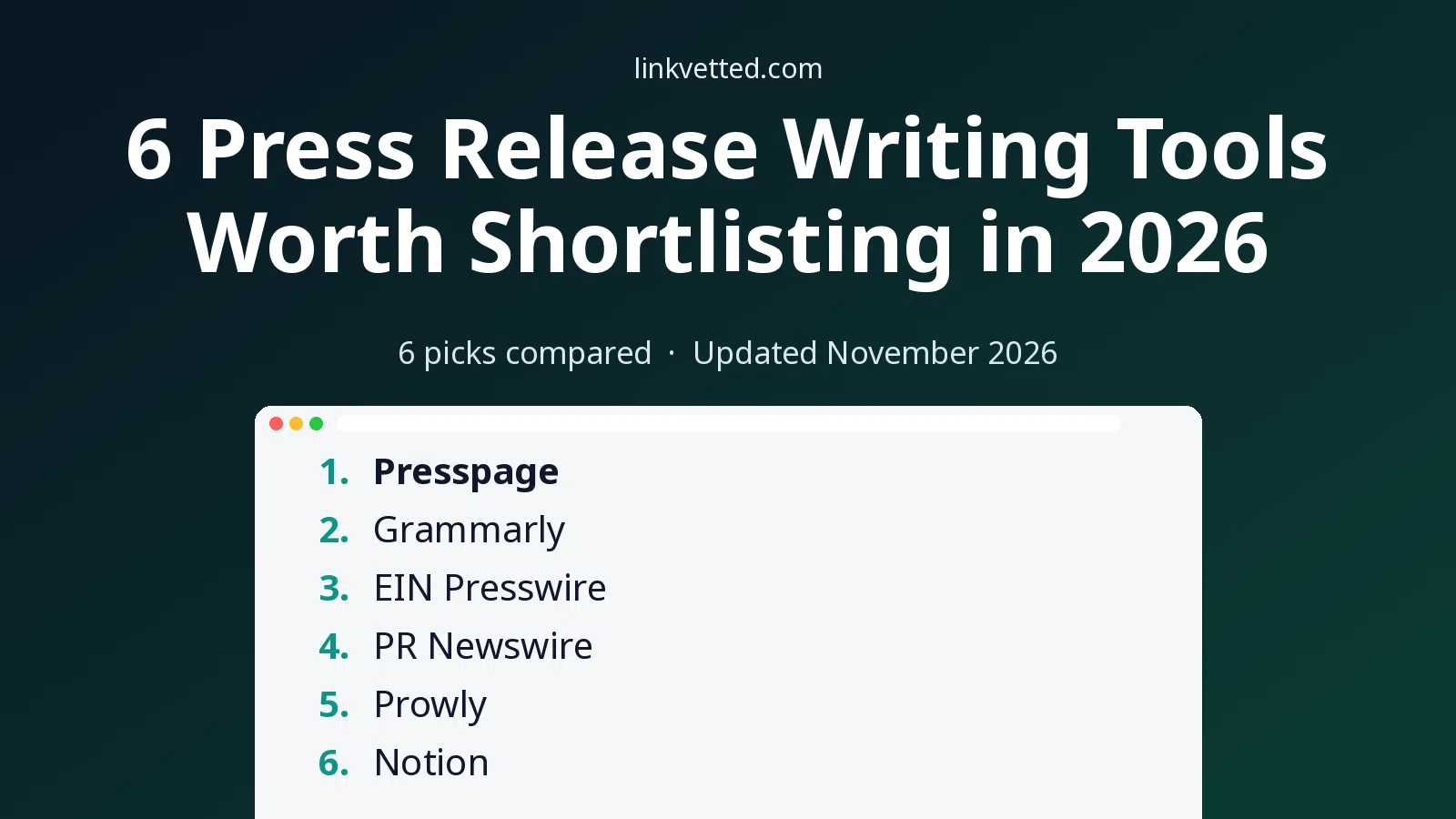
- Editor's choicePresspage
Hosted newsroom with writing workflow
Starts atSee websiteVisit presspage.comFull review - Great alternative
 Grammarly
Grammar, clarity and tone checks
Starts atSee websiteVisit grammarly.comFull review - Also consider
 EIN Presswire
Distribution for small teams
Starts atSee websiteVisit einpresswire.comFull review
Direct answer
My top pick is Presspage for teams that publish press releases regularly and want writing, approval and a hosted newsroom in one place. For the writing itself, I point most people to Grammarly for grammar and tone checks, and to EIN Presswire when the main need is getting a release distributed after it is written. Each fits a different job, so the right choice depends on whether you need drafting help, editing, or distribution.
TL;DR:
- Press release writing tools split into three groups: newsroom platforms, writing and editing assistants, and distribution services, and most teams need one from each group.
- Presspage suits organisations that publish often and need a shared drafting and approval workflow tied to a hosted newsroom.
- Grammarly is the simplest add-on for catching grammar and tone problems before a release goes to an editor or client.
- Distribution tools such as EIN Presswire and PR Newswire solve reach, not writing quality, so treat them as a separate decision.
- Check export formats, approval roles and how each tool handles embargoes before you commit to a paid plan.
Last checked November 2026. Plan prices are not quoted in this guide because they change often; see each vendor's own pricing page for current figures before you buy.
Quick comparison
| Tool | Best for | Starts at | Free plan? | |
|---|---|---|---|---|
| Presspage | Hosted newsroom with writing workflow | See website | Not stated | Visit |
| Grammarly | Grammar, clarity and tone checks | See website | Free plan | Visit |
| EIN Presswire | Distribution for small teams | See website | Not stated | Visit |
 PR Newswire | Established brands and agencies | See website | Not stated | Visit |
 Prowly | PR workflow with media contacts | See website | Free trial | Visit |
 Notion | Drafting and internal review | See website | Free plan | Visit |
The best press release writing tools compared
I compared these tools from vendor documentation and public sources rather than hands-on tests. I looked at what each product says it does, which workflow it supports, and where its published limits sit. That means the notes below describe fit and trade-offs as I read them, not measured results. Use them as a starting point for your own trial.
Presspage
Best for: Hosted newsroom with writing workflow
Presspage is a newsroom platform that also covers the drafting and approval side of publishing releases. It fits communications teams, agencies and organisations that put out releases on a schedule and want the writing, sign-off and public newsroom in one place. If you publish once a quarter, it is more system than you need.
In practice, the writing workflow is the part that matters for this topic. Drafts move through review roles before they go live, and the release sits alongside your other newsroom content. That structure helps when several people touch a release, because the version that gets approved is the version that publishes. It also keeps past releases in one searchable place.
The limits are mostly about scale and fit. Solo writers and small businesses will find it heavy, and you cannot judge cost without talking to the vendor. Skip it if you only need a grammar checker or a one-off distribution.
- Newsroom and drafting in one system
- approval roles for teams
- supports embargoed and scheduled publishing
- Aimed at organisations rather than individuals
- pricing needs a sales conversation
Grammarly is a writing assistant that checks grammar, spelling, clarity and tone as you type. For press releases it is the editing layer, not the drafting system. It suits anyone who writes releases in a document or email and wants a second pass before sending to an editor, a client or a journalist.
The useful part for press releases is the tone and clarity feedback. Releases tend to drift into marketing language, and a tone check flags sentences that read as promotional. You can also set it to review a full draft in the browser, which fits the common workflow of writing in Google Docs and pasting into a distribution tool later.
Its limits are clear. It does not know press release conventions such as the dateline, boilerplate or media contact block, and it will not tell you whether your angle is newsworthy. Treat every suggestion as a prompt for a human decision, and skip it if you already have a strict in-house editing process.
- Works in the browser and common editors
- catches grammar and clarity issues
- tone suggestions for formal writing
- Not built for press release structure
- suggestions need editorial judgement
EIN Presswire is a press release distribution service from EIN News. It is where a finished release goes to reach journalists, news sites and industry feeds. It fits small businesses, startups and agencies that write their own releases and need a straightforward submission route without a large PR retainer.
For this topic, its value is the submission checklist. The service asks for the standard release elements, which forces you to confirm the headline, dateline, body, boilerplate and contact details before submitting. That structure is a useful final check even if you drafted elsewhere. It pairs well with a separate writing tool for the actual copy.
The limit is that distribution does not fix a weak release. If your headline is vague or the news is thin, wider reach will not help. Skip it if your goal is drafting help or a hosted newsroom, and look at the writing and newsroom tools instead.
- Submission workflow for releases
- reach into news and industry feeds
- useful for small businesses
- Distribution is the focus, not drafting
- results depend on the release itself
PR Newswire is one of the long-running press release distribution networks, owned by Cision. It fits established brands, agencies and organisations that issue releases regularly and want a recognised wire behind them. It is less suited to a sole trader sending one announcement a year.
The writing connection is indirect. PR Newswire handles the release after it is written, including multimedia attachments and targeting options. Many teams draft in a word processor, run an editing pass, then submit through the network. The vendor documentation covers required formats and the submission steps, so read it before you write to avoid reworking the release.
The drawbacks are process and cost. Pricing needs a conversation, and the workflow can feel heavy if you publish rarely. Skip it if you want drafting assistance or a simple self-serve submission, and consider a lighter distribution option.
- Long-established distribution network
- supports multimedia releases
- options for targeting and reporting
- Process can feel heavy for small teams
- cost needs a quote
Prowly, part of Semrush, is a PR platform that combines release creation, a media contact database and a newsroom. It fits PR teams and agencies that want outreach and release publishing in one account. If you only need a grammar checker, it is far more than you need.
For press release writing, Prowly offers a structured editor and templates, so the standard sections are in place before you start. The release can then be sent to contacts from the same system, which cuts out the copy-and-paste step between a document and a mailing tool. That joined-up flow is the main reason teams choose it.
The limit is that the media database is central to the value. If you already have your own contact list, you may be paying for a feature you will not use. Check the trial carefully and skip it if drafting is your only need.
- Combines release creation with a media database
- newsroom feature
- contact management in one place
- Value depends on using the media database
- not a pure writing tool
Notion is a general workspace for documents, databases and project tracking. It is not a PR tool, but many small teams use it to draft releases, collect comments and keep an archive. It fits writers and small agencies that want one place for drafts and internal sign-off without paying for a dedicated PR platform.
The way it helps is through structure you set up yourself. You can build a release template with the headline, dateline, body, boilerplate and contact block, then duplicate it for each announcement. Comments handle the review pass, and a database can track status from draft to published. That is enough for many small teams.
The limits are the flip side of that flexibility. There are no press release checks, no distribution and no media contacts, so you still need an editor and a distribution route. Skip it if you want a purpose-built PR workflow out of the box.
- Flexible documents and databases
- easy comments and review
- templates for repeatable drafts
- No PR-specific checks
- needs a template you build yourself
How I chose
I built this list from vendor documentation and public sources. For each tool I read the official product pages and help documentation to confirm what the product does, which workflow it supports and what its published limits are. I did not run hands-on tests, and I have not measured results for any tool. Where a vendor does not publish a free plan or a price, I say so rather than guess.
The shortlist favours tools that cover a distinct part of the press release job: drafting and approval, editing, distribution, or a combined PR workflow. I left out tools that only duplicate another entry, and I avoided anything that promises rankings or guaranteed coverage. The notes on drawbacks come from what the documentation says about scope and from the fit each product describes. Your own trial is the only reliable test.
What to check before you buy
- Confirm whether the tool covers drafting, editing, distribution or all three, and buy only for the part you actually need.
- Check the export formats, so a release can move from the writing tool to your distribution service without reformatting.
- Ask how approval roles and comments work if more than one person signs off on releases.
- Confirm how embargoes and scheduled publishing are handled if you work with journalists under embargo.
- Read the vendor's documentation on required release elements, such as dateline, boilerplate and media contact.
- Check whether a free plan or trial exists and what it excludes, since several tools here need a sales conversation.
FAQ
What is the best press release writing tool overall?
There is no single best tool because the job has three parts. Presspage is my pick for teams that need drafting, approval and a hosted newsroom. Grammarly covers the editing pass, and EIN Presswire or PR Newswire handle distribution. Most teams need one tool from each group rather than one product that does everything.
Can I write a press release with a general writing tool?
Yes. A general writing assistant such as Grammarly or a workspace such as Notion can handle the draft and the review pass. What they will not do is enforce press release structure or distribute the release. You still need a template with the standard sections and a separate route to send it to journalists.
Do I need a distribution service as well as a writing tool?
Usually, yes, unless your newsroom platform includes publishing. Writing tools improve the copy, but they do not put it in front of journalists. Distribution services handle that step. Decide on distribution separately, because the right choice depends on your audience, budget and how often you publish.
Are free plans enough for press release writing?
It depends on the tool. Grammarly and Notion offer free plans that cover basic drafting and checks, which is enough for occasional releases. Dedicated PR platforms generally need a paid plan or a sales conversation. Check what the free tier excludes before you rely on it for client work.
How do I choose between a newsroom platform and a distribution service?
Choose a newsroom platform if you publish regularly and want a permanent home for releases with an approval workflow. Choose a distribution service if your main need is reach for individual announcements. Some teams use both: the newsroom hosts the release, and the distribution service sends it out.
Sources
- https://www.presspage.com
- https://www.grammarly.com
- https://www.einpresswire.com
- https://www.prnewswire.com
- https://prowly.com
- https://www.notion.com