Choosing Phone System for Small Teams in 2026: 5 Options Compared
Weighing the best phone system for small teams? We lined up 5 products by cost, free access and fit. Weak spots flagged for every entry. Prices checked.
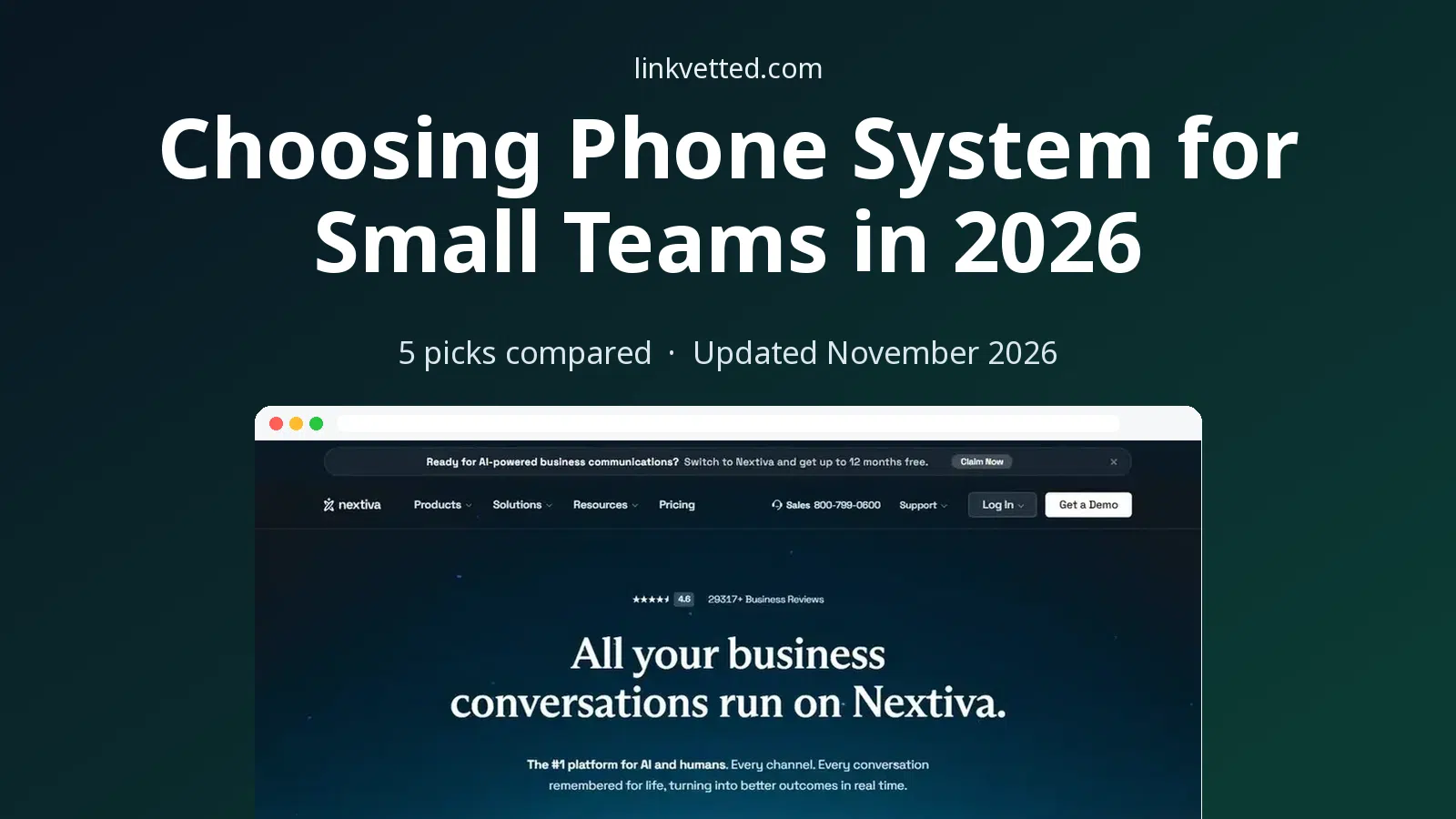
- Editor's choiceVonage Business Communications
Adaptable voice and unified communications
Starts atSee websiteVisit vonage.comFull review - Great alternative
 Microsoft Teams Phone
Teams already using Microsoft Teams
Starts atSee websiteVisit microsoft.comFull review - Also consider
 Nextiva
Customer experience focused small teams
Starts at$15 per user a monthVisit nextiva.comFull review
Direct answer
Vonage Business Communications leads the list, best for adaptable voice and unified communications. Listed starting prices: Nextiva from $15 per user a month, Dialpad from $15 per user a month and RingCentral MVP from $52 a month. For a different need, Microsoft Teams Phone covers Teams already using Microsoft Teams and Nextiva covers customer experience focused small teams. The other 2 tools in the list cover narrower or pricier cases.
TL;DR:
- Top of the list is Vonage Business Communications, which targets adaptable voice and unified communications.
- RingCentral MVP fits Teams wanting voice plus AI assistants.
- Vonage Business Communications, RingCentral MVP and the 3 others all need a premium plan or a trial, since no free plan is listed.
- The lowest published monthly entry price here is $15 per user per month, from Nextiva.
Last checked November 2026. Prices and plan details were read from the vendors' own pages in November 2026; vendors change plans often, so confirm the current price on the vendor site before you buy.
Quick comparison
| Tool | Best for | Starts at | Free plan? | |
|---|---|---|---|---|
| Vonage Business Communications | Adaptable voice and unified communications | See website | Not stated | Visit |
| Microsoft Teams Phone | Teams already using Microsoft Teams | See website | Not stated | Visit |
| Nextiva | Customer experience focused small teams | $15 per user a month | No | Visit |
 Dialpad | AI-driven conversation intelligence | $15 per user a month | Free trial | Visit |
| RingCentral MVP | Teams wanting voice plus AI assistants | $52 a month | Free trial | Visit |
The full phone system for small teams list
If you are comparing phone system for small teams, this page covers 5 tools in one place: what each is best for, what it costs to start, whether it has a free plan, and the main limit to know about.
Vonage Business Communications
Best for: Adaptable voice and unified communications
Choose Vonage Business Communications for adaptable voice and unified communications. Vonage Business Communications supplies adaptable and scalable voice, messaging, video, and data capabilities across unified communications, contact centers, and communications APIs. The breadth of the Vonage portfolio means teams should map their needs carefully before choosing components.
Where it is weaker: Wide portfolio may need needs assessment.
Consider Vonage when adaptability across voice, messaging, and video is important. More specifically, a small team with only entry-level calling needs may find more straightforward virtual systems quicker to set up. For everyday use, the unified communications approach can support teams looking for more than a standalone phone line. Pricing for Vonage Business Communications is not stated here, so ask the vendor for current figures. Trial and free access: Not stated.
Where it shines: Voice, messaging.
- Includes unified communications and APIs
- Video and data capabilities
- Advanced choices may exceed entry-level team calling
Microsoft Teams Phone is built with Teams already using Microsoft Teams in mind. Teams Phone is most handy when your team already uses Microsoft Teams, since its value is tied to that environment.
Honest limits: Best value relies on Teams adoption.
From a buyer's view, Microsoft Teams Phone is a cloud-based phone system that lets teams make Teams calls or dial external numbers to stay connected with their team and customers. Keeping calls inside the collaboration tool can ease the daily workflow for Microsoft-centric workplaces. No starting price is listed for Microsoft Teams Phone here; confirm pricing on the vendor site. Free access: Not stated.
- Cloud phone system within Teams
- Suits Microsoft-centric workplaces
- Layers on telephony complexity to Teams setup
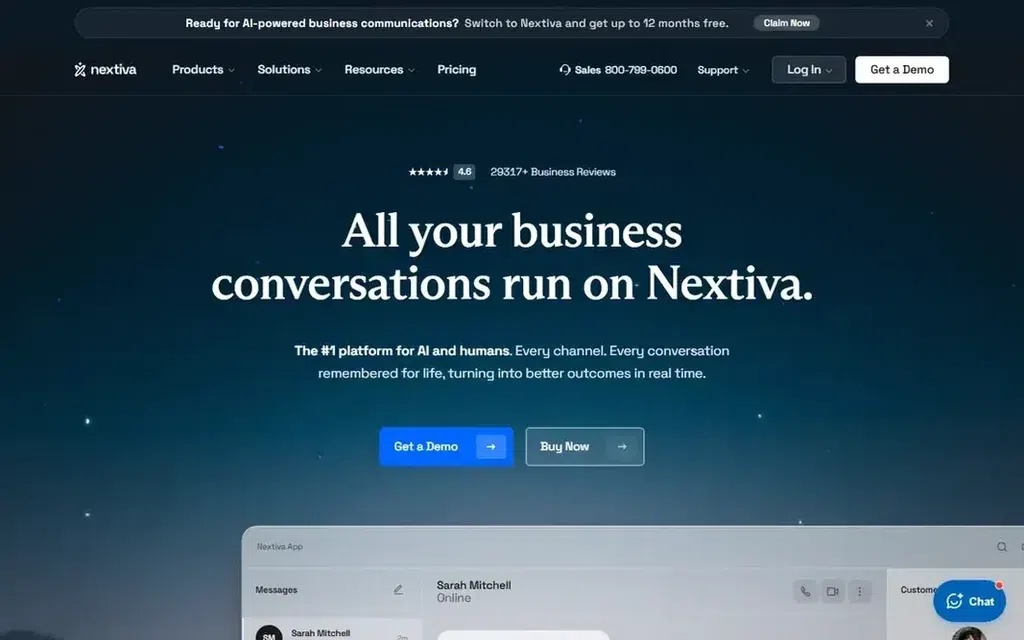
Choose Nextiva for customer experience focused small teams. Nextiva is presented as an AI customer experience management product that brings business phone, contact center, AI receptionist, and unified CX together.
Where it is weaker: CX product may be more than entry-level calling needs.
In practice, pick Nextiva when customer journey optimization matters as much as voice. Also, the customer experience focus means some features go beyond straightforward team calling, which can add setup effort. Price to start with Nextiva: $15 per user per month. Nextiva has no permanent free option.
- Focus on customer journey
- Unified phone and contact center
- Setup may need planning
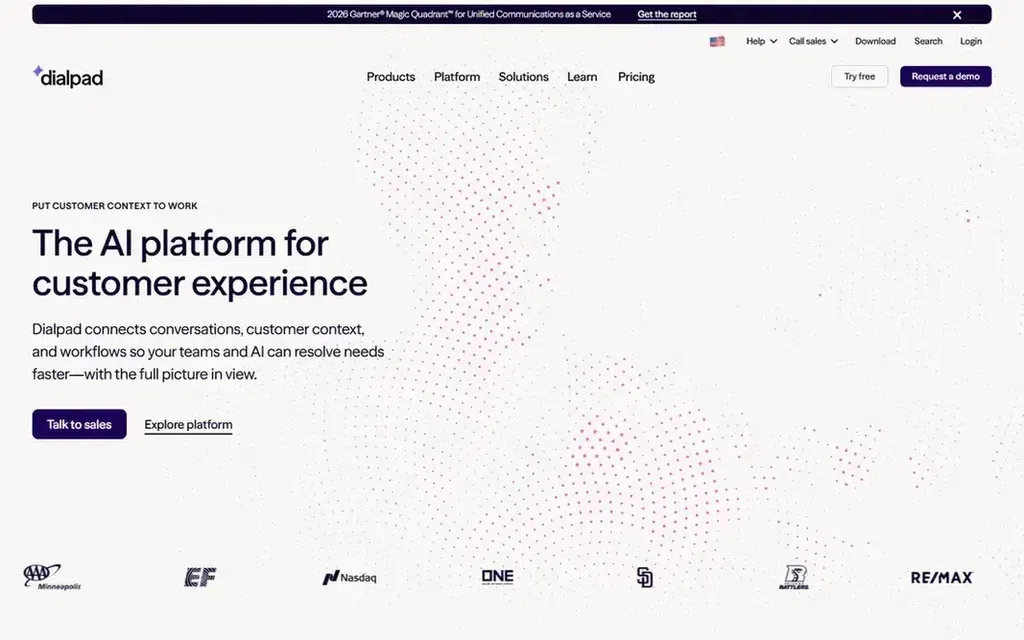
Dialpad works best for AI-driven conversation intelligence. Small teams that want call insights and AI support alongside voice may find it a solid fit, particularly when sales and support calls are central to the business.
Teams seeking a minimal virtual phone system may prefer a simpler choice. Choose Dialpad when conversation intelligence is a core requirement. Price to start with Dialpad: $15 per user per month. On free options: Free trial.
Honest limits: AI emphasis may not suit entry-level calling only.
- Turns conversations into intelligence
- Includes sales and business communications
- Feature set needs onboarding time
RingCentral MVP
Best for: Teams wanting voice plus AI assistants
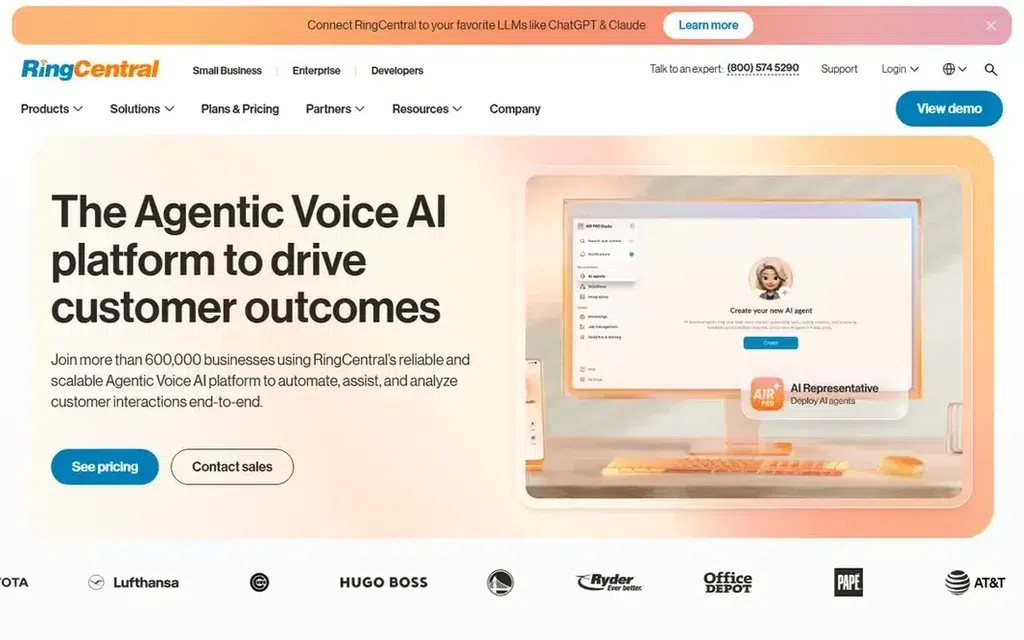
RingCentral MVP is built with Teams wanting voice plus AI assistants in mind. If you only need entry-level call routing and voicemail, a more straightforward virtual system may be easier to run.
Watch-outs: AI features add complexity to setup.
As for the details, consider RingCentral MVP when AI-assisted call handling is a priority. RingCentral MVP cost at the entry level: $52 per month. Free access: Free trial.
- Established business phone system
- AI Receptionist and Virtual Assistant included
- Feature depth may overwhelm very small teams
How we built this list
Pre-purchase checklist
- Get a written quote from Vonage Business Communications and Microsoft Teams Phone; the list shows no starting price for them.
- Use real work to test the free trial from Dialpad and RingCentral MVP, rather than a demo project.
- Read the limits listed for Vonage Business Communications first: wide portfolio may need needs assessment.
- Map your must-have features to a specific RingCentral MVP plan before you compare prices.
- Involve the people who will use Dialpad daily; a short pilot beats a long feature checklist.
FAQ
Do small teams need AI features in a phone system?
AI features can help deal with routine calls and surface insights, but they are not essential for every team. If your call volume is low and straightforward, a basic virtual phone system may be enough.
What should a small team look for in a phone system?
Then consider whether AI receptionist or conversation intelligence features matter for your workflow. Integration with tools your team already uses can cut friction.
How are the tools for phone system for small teams ordered?
Vonage Business Communications sits first and RingCentral MVP last because the order follows typical fit for phone system for small teams, then price clarity and free access. It is a judgement call, so read each profile for fit and limits.
What is the cheapest option for phone system for small teams in this list?
On published monthly entry prices, Nextiva is the lowest here at $15 per user per month. Entry price is only part of the cost, because seats, add-ons and billing terms can change the total. All 5 picks in this phone system for small teams comparison list a starting price, free plan details and the main limits on their cards above.
Is Vonage Business Communications the right pick for everyone comparing phone system for small teams?
No single tool suits every team. Vonage Business Communications comes first because it fits flexible voice and unified communications, while Microsoft Teams Phone suits Teams already using Microsoft Teams and Nextiva suits customer experience focused small teams. Match the tool to your own size, budget and workflow before deciding.
Can a cloud phone system work for a remote small team?
Cloud-based systems like the ones compared here are built to support calls from different locations. Check that the vendor supports the devices and locations your team uses.
Sources
- https://www.vonage.com/business
- https://www.microsoft.com/en-us/microsoft-teams/microsoft-teams-phone
- https://www.nextiva.com
- https://www.dialpad.com
- https://www.ringcentral.com