Best Onboarding Software for Small Teams in 2026: Prices, Free Plans and 5 Picks
Searching for the best onboarding software for small teams? Here are 5 options with prices and free plans. Strengths and gaps are listed per tool. No hype.
- Editor's choiceEnboarder
Personalized onboarding journeys
Starts atSee websiteVisit enboarder.comFull review - Great alternativeWorkBright
Forms and compliance-heavy onboarding
Starts at$25 per recordVisit workbright.comFull review - Also consider
 Deel
Global hiring and onboarding
Starts at$14 per worker per monthVisit deel.comFull review
Direct answer
For personalized onboarding journeys, Enboarder is where this list starts. Listed starting prices: WorkBright from $25 per record, Deel from $14 per worker per month and BambooHR from $10 per employee a month. Look at WorkBright for forms and compliance-heavy onboarding, and at Deel for global hiring and onboarding. Prices, free plans and limits for all 5 tools follow.
TL;DR:
- Number one here is Enboarder, a fit for personalized onboarding journeys.
- The cheapest monthly starting price in the list is $8 per employee per month, offered by Rippling.
- For unifying HR, IT and Finance, Rippling is worth a look.
- The main caution on BambooHR: wide scope may exceed straightforward onboarding needs.
Last checked November 2026. Prices and plan details were read from the vendors' own pages in November 2026; vendors change plans often, so confirm the current price on the vendor site before you buy.
Quick comparison
| Tool | Best for | Starts at | Free plan? | |
|---|---|---|---|---|
| Enboarder | Personalized onboarding journeys | See website | Not stated | Visit |
| WorkBright | Forms and compliance-heavy onboarding | $25 per record | Not stated | Visit |
| Deel | Global hiring and onboarding | $14 per worker per month | Not stated | Visit |
 BambooHR | Core HR with built-in onboarding | $10 per employee a month | No | Visit |
 Rippling | Unifying HR, IT and Finance | $8 per employee per month | Not stated | Visit |
The full onboarding software for small teams list
LinkVetted compared 5 onboarding software for small teams. The goal is a practical shortlist: published prices, free plan facts, best-fit use cases and honest limits for every entry.
Enboarder
Best for: Personalized onboarding journeys
Enboarder makes the most sense for personalized onboarding journeys. Enboarder is an employee journey system built around intelligent onboarding, helping HR leaders deliver personalized, cross-functional onboarding at scale.
Pricing for Enboarder is not stated here, so ask the vendor for current figures. Free options: Not stated.
Downsides: Needs content and process planning.
- Supports cross-functional onboarding
- Centred on the employee journey
- Narrower than full HR suites
WorkBright
Best for: Forms and compliance-heavy onboarding
WorkBright is aimed squarely at forms and compliance-heavy onboarding. WorkBright describes modern HR compliance software that eases I-9, E-Verify and employment forms so teams stay audit-ready. In practice, teams wanting a warm welcome journey or training library should pair it with another tool.
What to check first: Concentrated on compliance instead of culture.
For small teams hiring often or in regulated settings, that means new hire paperwork can be completed and tracked digitally rather than on paper. Pick it when paperwork speed and audit readiness are the primary onboarding pain points. Worth adding: WorkBright is a compliance specialist, so it will not cover payroll, benefits or broader onboarding content. WorkBright cost at the entry level: $25 per record. Trial and free access: Not stated.
- Supports I-9 and E-Verify workflows
- Aims to keep teams audit-ready
- Restricted as a general HR system
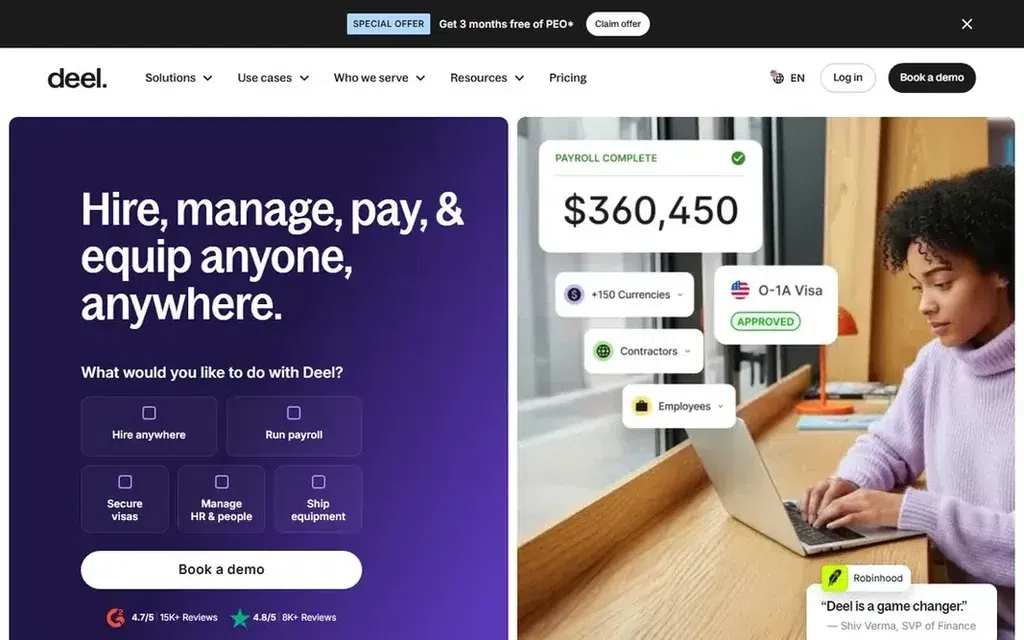
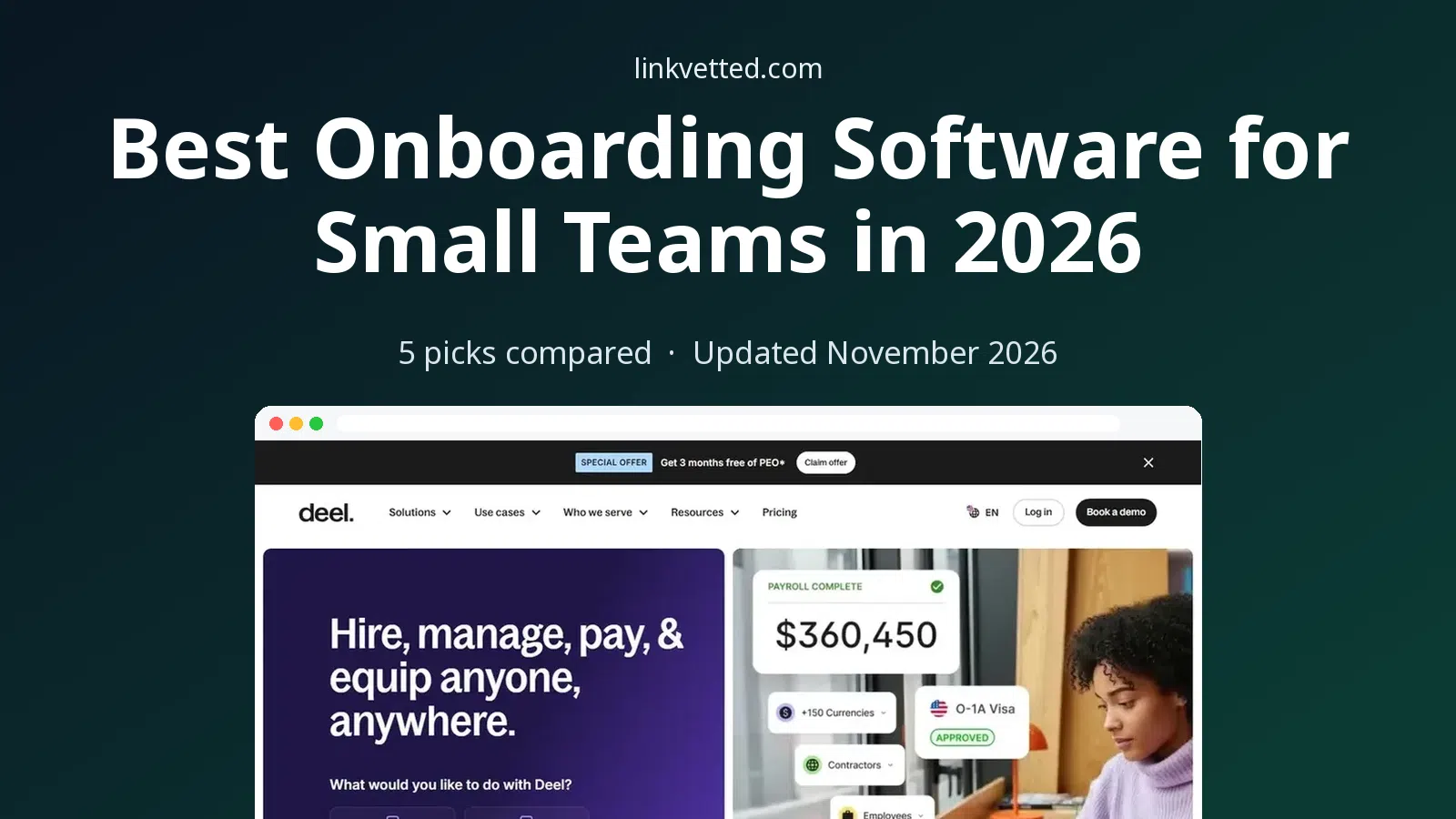
Choose Deel for global hiring and onboarding. A small team that brings on contractors or employees abroad can use it to keep onboarding and payroll administration together. Evaluate how much of the international capability you will actually use.
On top of that, the product rewards teams with cross-border complexity; more straightforward domestic onboarding may be handled by a lighter HR tool. If your hires are all in one country, Deel's global compliance and payroll machinery may be more than you need. On cost, Deel starts like this: $14 per worker per month. Free options: Not stated.
Points against: Global focus may be unnecessary for local teams.
- Simplifies HR operations in one product
- Supports teams in numerous countries
- Compliance workflows add complexity
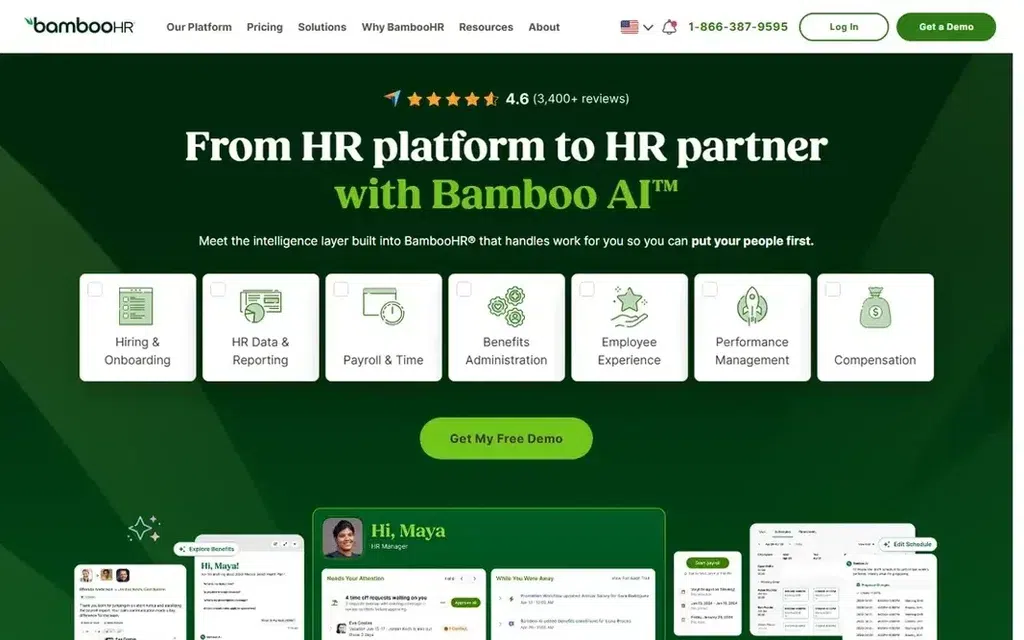
BambooHR works best for core HR with built-in onboarding. Teams that only want to automate a first-week checklist may find a narrower tool quicker to adopt.
BambooHR presents itself as complete HR software for people, payroll and benefits, positioned around simplifying HR from hire to retire. BambooHR cost at the entry level: $10 per employee per month. BambooHR has no free tier.
The main drawbacks: Wide scope may exceed straightforward onboarding needs.
- Straightforward fit for small HR teams
- Merges people records with payroll and benefits
- Feature depth varies by module
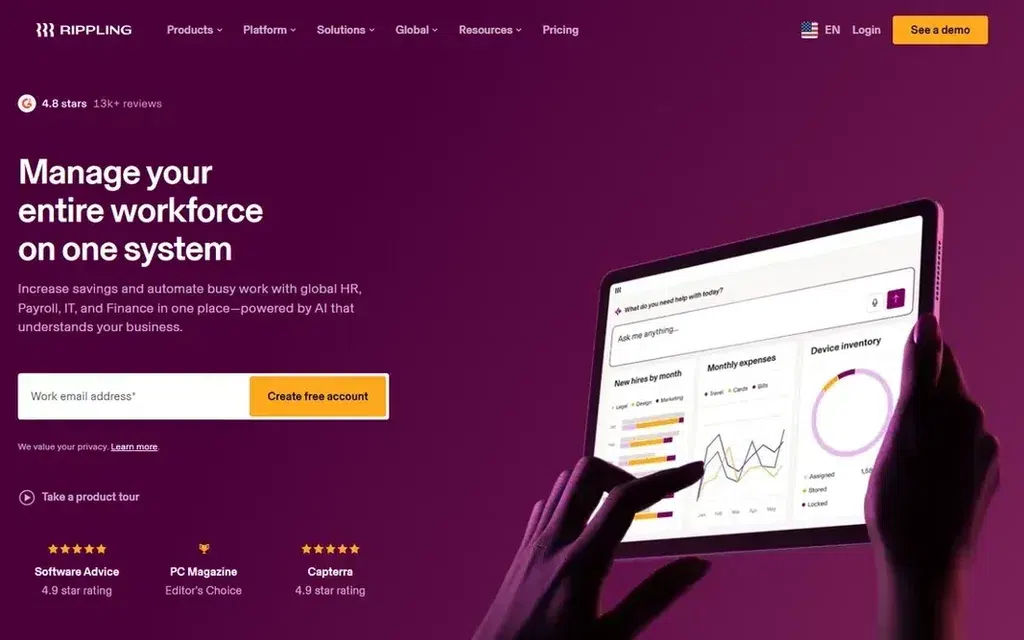
For unifying HR, IT and Finance, Rippling is a natural candidate. Rippling describes itself as a workforce management system that eliminates friction from running a business by combining HR, IT and Finance apps on a unified data product.
From a buyer's view, a very small team with straightforward onboarding steps may not want to configure multiple connected areas at once. For everyday use, the product's scope is its primary caution. Rippling cost at the entry level: $8 per employee per month. Free access: Not stated.
Limits to weigh: Wide system may be more than needed.
What Rippling does well: Merges HR.
- IT and Finance apps
- Handy for account and device provisioning
- Setup spans several business functions
Selection criteria
What to check before you buy
- Confirm the entry price on the vendor page. For Enboarder that means a quote rather than a fixed price.
- Before choosing Enboarder, weigh its main limit: narrower than full HR suites.
- Before rolling out Enboarder, verify the integrations your workflow depends on.
- Price Deel for your actual team size; headline prices rarely include add-ons or overage.
- Confirm minimum seats and billing terms with BambooHR before you commit to an annual plan.
FAQ
What is the cheapest option for onboarding software for small teams in this list?
On published monthly entry prices, Rippling is the lowest here at $8 per employee per month. Entry price is only part of the cost, because seats, add-ons and billing terms can change the total. Each of the 5 options in this onboarding software for small teams guide has its own card above with the price, free plan and limits.
Does any tool for onboarding software for small teams here have a free plan?
No tool in this list, Enboarder and Rippling included, has a permanent free plan. Trials and quotes are the usual route, so plan a short evaluation period.
How are the tools for onboarding software for small teams ordered?
The order follows typical fit for onboarding software for small teams, with Enboarder first and Rippling last, then price clarity and free access. It is editorial judgement, not a score, so another team could rank the tools differently.
What should a small team look for in onboarding software?
Then choose a tool that handles the majority of those steps without heavy configuration. Teams that expect international hiring or regulated forms should weight compliance and payroll coverage more heavily.
Do these tools publish their prices?
Not all of them. Enboarder publishes no starting price, so expect a quote request for it. The rest, WorkBright included, show a starting price, though seats and billing terms still change the final cost.
Sources
- https://enboarder.com
- https://www.workbright.com
- https://www.deel.com
- https://www.bamboohr.com
- https://www.rippling.com