The 5 Best On-Premise Data Integration Software for Startups in 2026, Ranked
Searching for the best On-Premise data integration software for startups? Here are 5 options with prices and free plans. Pros and cons for every tool.
- Editor's choiceMicrosoft SQL Server Integration Services
Microsoft-centered teams and existing SQL Server estates
Starts atSee websiteVisit microsoft.comFull review - Great alternativeIBM InfoSphere DataStage
High-volume batch integration in established environments
Starts atSee websiteVisit ibm.comFull review - Also consider
 Fivetran
Automatic connector-driven data movement
Starts at$12,000Visit fivetran.comFull review
Direct answer
If you need Microsoft-centered teams and existing SQL Server estates, Microsoft SQL Server Integration Services is the first tool to look at here. Listed starting prices: Fivetran from $12,000. IBM InfoSphere DataStage is the stronger choice for high-volume batch integration in established environments, while Fivetran suits automatic connector-driven data movement. All 5 tools are compared below on price, free plan and limits.
TL;DR:
- Microsoft SQL Server Integration Services is the opening pick, best for Microsoft-centered teams and existing SQL Server estates.
- Matillion is the one to check for teams wanting visual, code-optional pipelines.
- Check the limits for Fivetran before you commit: restricted on-premise deployment model.
- Expect to ask for a quote from Microsoft SQL Server Integration Services, IBM InfoSphere DataStage, Talend Data Integration and Matillion; the other tools show a starting price.
- Only Fivetran offers a free plan among these 5 tools.
Last checked November 2026. Prices and plan details were read from the vendors' own pages in November 2026; vendors change plans often, so confirm the current price on the vendor site before you buy.
Quick comparison
| Tool | Best for | Starts at | Free plan? | |
|---|---|---|---|---|
| Microsoft SQL Server Integration Services | Microsoft-centered teams and existing SQL Server estates | See website | Not stated | Visit |
| IBM InfoSphere DataStage | High-volume batch integration in established environments | See website | Free trial | Visit |
| Fivetran | Automatic connector-driven data movement | $12,000 | Yes | Visit |
| Talend Data Integration | Wide connectivity with governance choices | See website | Not stated | Visit |
 Matillion | Teams wanting visual, code-optional pipelines | See website | Free trial | Visit |
The full On-Premise data integration software for startups list
Short on time? The summary and table above give the quick view of 5 On-Premise data integration software for startups, and the profiles that follow give the detail behind each entry.
Microsoft SQL Server Integration Services
Best for: Microsoft-centered teams and existing SQL Server estates
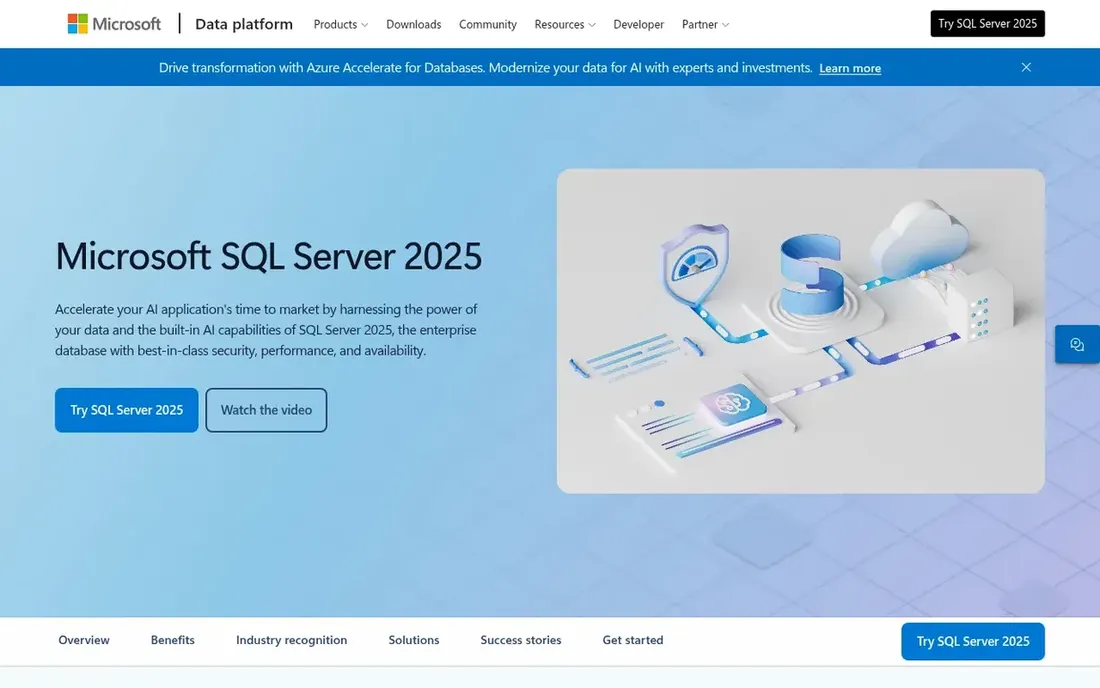
Microsoft SQL Server Integration Services works best for Microsoft-centered teams and existing SQL Server estates. Large package libraries need disciplined versioning and documentation.
Also, Microsoft SQL Server Integration Services is the built-in extract, transform, and load engine for SQL Server, packaged with visual design tools and tight ties to the wider Microsoft data system. As for the details, if your data lives largely outside Microsoft systems or you prefer managed connectors, evaluate a dedicated integration system instead. Microsoft SQL Server Integration Services shows no starting price here, so confirm the cost on the vendor site. Free plan details: Not stated.
Trade-offs to know: Best value only inside a Microsoft stack.
- Familiar tooling for Microsoft data professionals
- Deep integration with SQL Server and related services
- Package management can become cumbersome at scale
IBM InfoSphere DataStage
Best for: High-volume batch integration in established environments
IBM InfoSphere DataStage makes the most sense for high-volume batch integration in established environments. IBM InfoSphere DataStage is an enterprise integration tool made for large-scale batch and parallel data processing. In practice, startups with modest volumes and straightforward sources should look at lighter, more self-service choices before committing to this class of system.
Watch-outs: Steep operational complexity.
DataStage assumes specialist knowledge and significant administrative overhead, which is seldom a decent match for a small generalist team. Beyond that, IBM positions it within its broader automation and hybrid cloud portfolio. Cost and complexity grow with scale. This comparison lists no price for IBM InfoSphere DataStage; ask the vendor. As for free access: Free trial. What works well: Fits hybrid cloud and on-premise estates.
- Long-standing enterprise integration heritage
- Parallel processing for large data volumes
- Needs specialized administrator skills
Fivetran is built with automatic connector-driven data movement in mind. Deep transformation work usually happens downstream.
Limits to weigh: Transformation is not its core focus.
Fivetran is an automatic data movement product that centralizes data from plenty of sources with minimal manual pipeline work. Fivetran is primarily a managed cloud service, so it does not satisfy strict on-premise requirements and should be confirmed against your hosting constraints. Price to start with Fivetran: $12,000. Free access exists with Fivetran.
- Focus on steady replication pipelines
- Automatic connectors with low maintenance
- Restricted on-premise deployment model
Talend Data Integration
Best for: Wide connectivity with governance choices
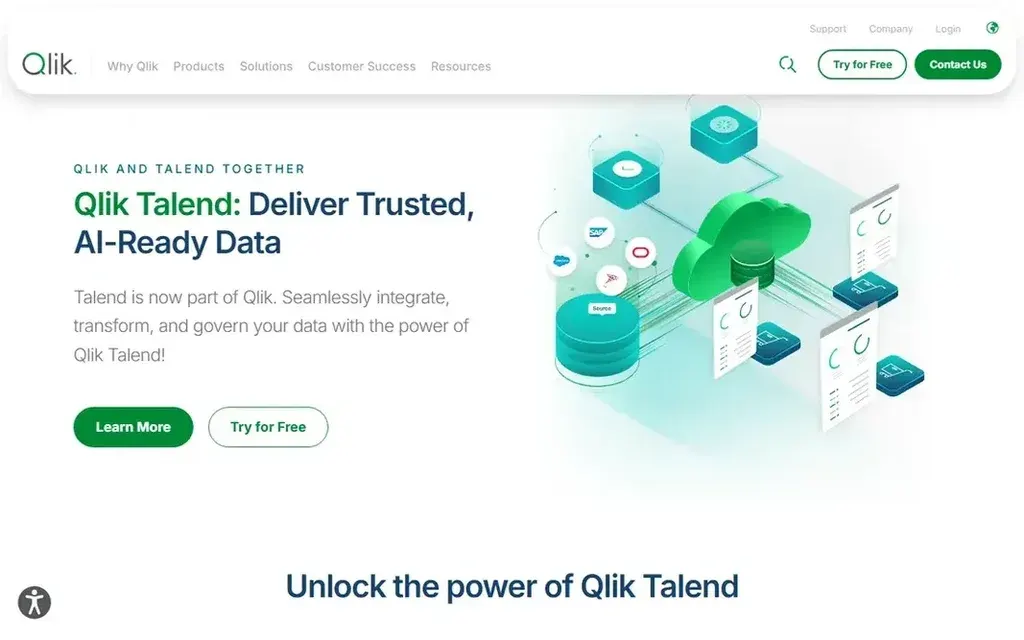
Talend Data Integration was built for wide connectivity with governance choices. Talend Data Integration is a long-established platform for connecting, transforming, and governing data across environments. It supplies a visual development approach plus wide connector coverage, which suits startups that expect their integration needs to expand and want governance choices available early.
What to check first: Enterprise-oriented ramp-up time.
Teams already exploring Qlik tooling may find a coherent path, since Talend is now part of Qlik. More specifically, setup and continuing administration demand real effort, and the product direction now leans toward cloud alongside on-premise use. The system carries enterprise depth that can feel heavy for a small team without dedicated integration staff. No starting price is listed for Talend Data Integration here; confirm pricing on the vendor site. On free options: Not stated.
- Governance and data quality capabilities
- Broad range of connectors and transformation components
- Overlap with Qlik cloud products may complicate planning
Matillion is aimed squarely at teams wanting visual, code-optional pipelines. Matillion's orientation toward cloud data products means genuinely on-premise deployment is not its central strength, so confirm your hosting requirements carefully. More specifically, Matillion provides a visual, low-code approach to building data pipelines, with the choice to drop into code when needed.
Drawbacks to consider: Cloud warehouse dependency shapes design.
It is frequently chosen by teams that want quicker pipeline development without hand-writing everything, and it works closely with major cloud data systems. Startups with a modern analytics stack may find the workflow approachable. Matillion does not show a starting price in this comparison, so check the vendor site for current pricing. On free options: Free trial.
- Works with major cloud data systems
- Visual pipeline design with optional code
- On-premise choices are restricted
How we chose
What to confirm before you sign up
- Get a written quote from Microsoft SQL Server Integration Services, IBM InfoSphere DataStage, Talend Data Integration and Matillion; the list shows no starting price for them.
- Test the free plan from Fivetran against your real workload before relying on it.
- Take the trial from IBM InfoSphere DataStage and Matillion and push a live task through it before you pay.
- Read the limits listed for Microsoft SQL Server Integration Services first: best value only inside a Microsoft stack.
- Make sure Fivetran lets you export your data in a format another tool can read.
- The entry price of IBM InfoSphere DataStage is only the starting point; model the full cost with seats and extras.
FAQ
What should a small team check first before buying?
Start with connector coverage for your real sources and the skills your team already has. Then review scheduling, monitoring, and support terms, since these drive long-term effort more than feature lists.
Can I try these tools before paying?
Often, yes. Fivetran has a free plan and IBM InfoSphere DataStage and Matillion offer a free trial. Use your own data and a real task during the test, and check what the free tier or trial limits before you rely on it. Prices, free plan details and limits for all 5 tools in this On-Premise data integration software for startups roundup sit on the individual cards above.
How are the tools for On-Premise data integration software for startups ordered?
Microsoft SQL Server Integration Services sits first and Matillion last because the order follows typical fit for On-Premise data integration software for startups, then price clarity and free access. It is a judgement call, so read each profile for fit and limits.
Do these tools publish their prices?
Not all of them. Microsoft SQL Server Integration Services, IBM InfoSphere DataStage, Talend Data Integration and Matillion publish no starting price, so expect a quote request for those. The rest, Fivetran included, show a starting price, though seats and billing terms still change the final cost.
Which options for On-Premise data integration software for startups have a free plan?
Fivetran is the only tool in this list with a free plan. Free plans usually cap users, projects or features, so check the limits on the vendor page. Several others offer a trial instead. Each of the 5 options in this On-Premise data integration software for startups guide has its own card above with the price, free plan and limits.
Sources
- https://www.microsoft.com/en-us/sql-server
- https://www.ibm.com
- https://www.fivetran.com
- https://www.talend.com
- https://www.matillion.com