Knowledge Base Software for Freelancers in 2026: The 5 Best Options Side by Side
5 products for the best knowledge base software for freelancers, ranked by fit, with starting costs and free tiers. Short verdicts, no fluff. Prices checked.
- Editor's choice
 KnowledgeOwl
Straightforward, dependable knowledge sharing
Starts at$100 a monthVisit knowledgeowl.comFull review - Great alternative
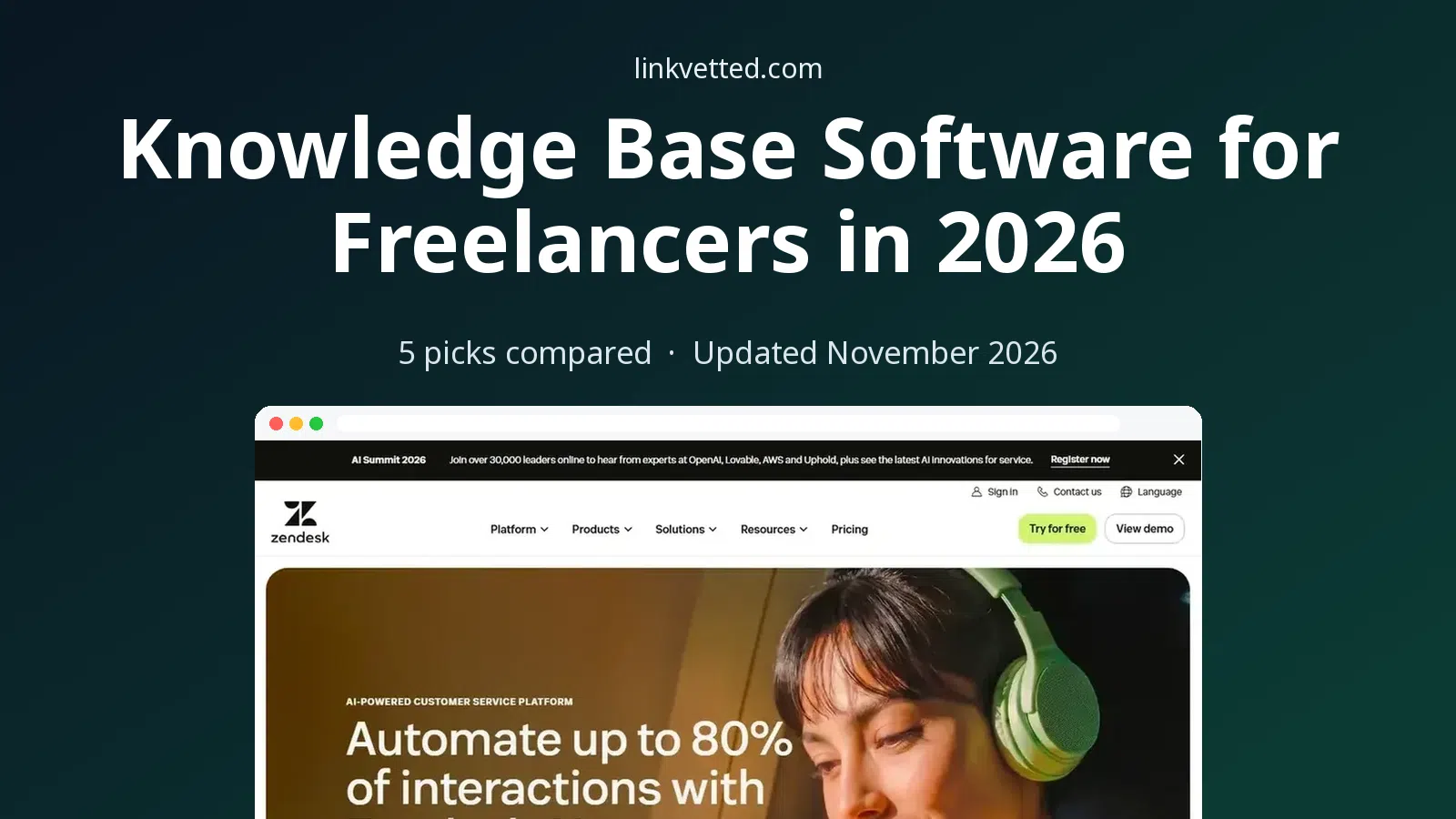
 Zendesk
Scalable AI-powered customer service
Starts at$19 agent/month premium yearlyVisit zendesk.comFull review - Also consider
 Freshdesk
Omnichannel ticketing with knowledge
Starts atSee websiteVisit freshworks.comFull review
Direct answer
If you need straightforward, steady knowledge sharing, KnowledgeOwl is the first tool to look at here. Listed starting prices: KnowledgeOwl from $100 a month, Zendesk from $19 agent/month premium yearly and Help Scout from $25 per user a month. Zendesk fits scalable AI-powered customer service; Freshdesk fits omnichannel ticketing with knowledge. The full list of 5 tools follows, with prices and free plan facts.
TL;DR:
- Number one here is KnowledgeOwl, a fit for straightforward, dependable knowledge sharing.
- A fair warning about Zendesk: can be heavy for a solo freelancer.
- Notion has the lowest monthly starting price in this list: $10 per member per month.
- Only 2 of the 5 tools have a free plan (Help Scout, Notion), so check the caps.
- Notion fits adaptable all-in-one workspace.
Last checked November 2026. Prices and plan details were read from the vendors' own pages in November 2026; vendors change plans often, so confirm the current price on the vendor site before you buy.
Quick comparison
| Tool | Best for | Starts at | Free plan? | |
|---|---|---|---|---|
| KnowledgeOwl | Straightforward, dependable knowledge sharing | $100 a month | Free trial | Visit |
| Zendesk | Scalable AI-powered customer service | $19 agent/month premium yearly | Free trial | Visit |
| Freshdesk | Omnichannel ticketing with knowledge | See website | Not stated | Visit |
 Help Scout | Client support with built-in knowledge | $25 per user a month | Yes | Visit |
 Notion | Adaptable all-in-one workspace | $10 per member per month | Yes | Visit |
Tool-by-tool breakdown
Short on time? The summary and table above give the quick view of 5 knowledge base software for freelancers, and the profiles that follow give the detail behind each entry.
KnowledgeOwl works best for straightforward, steady knowledge sharing. The product emphasizes simplicity and fast access to information. As for the details, KnowledgeOwl supplies easy-to-use software to share information rapidly with customers and staff.
What KnowledgeOwl does well: Straightforward knowledge base focus.
It is built around the core job of a knowledge base, making it a fit for freelancers who want a clear, steady place to publish answers and internal guidance without additional complexity. Pick KnowledgeOwl when a dependable, simple knowledge base is the primary requirement. KnowledgeOwl focuses on knowledge sharing, so it does not aim to replace a full project or support suite. Beyond that, freelancers who need integrated ticketing or broad AI features may have to look at broader systems. The starting price for KnowledgeOwl: $100 per month. Free access: Free trial. Points against: Fewer surrounding workspace features.
- Easy-to-use interface
- Fast sharing with customers and staff
- May lack advanced AI capabilities of bigger tools

In short, Zendesk is for scalable AI-powered customer service. Zendesk is an AI-powered customer service product that aims to move beyond deflection with AI agents handling issues end-to-end. It includes knowledge base capabilities as part of a broader support suite.
Watch-outs: Can be heavy for a solo freelancer.
Also, for numerous freelancers, Zendesk supplies more capability than needed, and the breadth of features can mean a longer setup. If your priority is a straightforward, focused knowledge base, a lighter tool may be simpler to maintain. The starting price for Zendesk: $19 agent/month premium yearly. Free access: Free trial.
- Scales with expanding support needs
- AI agents that resolve issues end-to-end
- Setup may need more time than more straightforward tools
Freshdesk makes the most sense for omnichannel ticketing with knowledge. Freshdesk is designed around customer service teams, so its knowledge base is one part of a bigger system.
Honest limits: Support-focused instead of documentation-first.
Freshdesk is an AI-powered customer service option with omnichannel ticketing and automatic workflows. Check the vendor site for Freshdesk pricing; none is listed in this comparison. Free access: Not stated.
- AI-powered productivity features
- Omnichannel ticketing and automatic workflows
- May need configuration to fit freelance workflows
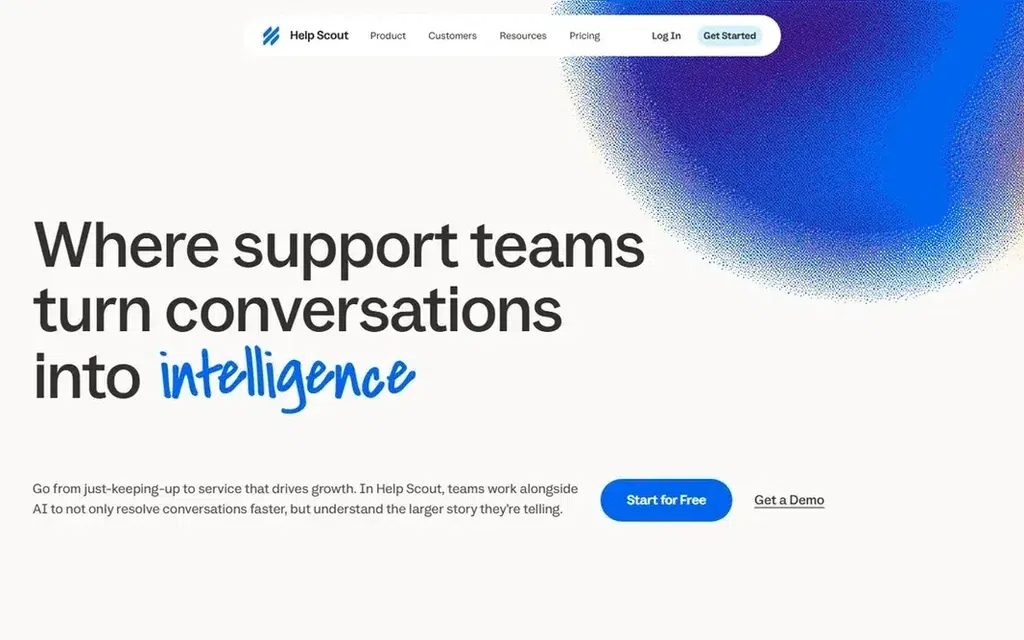
Help Scout was built for client support with built-in knowledge. Freelancers who only need a standalone documentation site may find a dedicated knowledge base tool more direct.
Help Scout cost at the entry level: $25 per user per month. Free access exists with Help Scout.
Drawbacks to consider: May be more than a solo freelancer needs.
- Merges support inbox with knowledge base
- AI-driven support features
- Knowledge base is tied to the support system
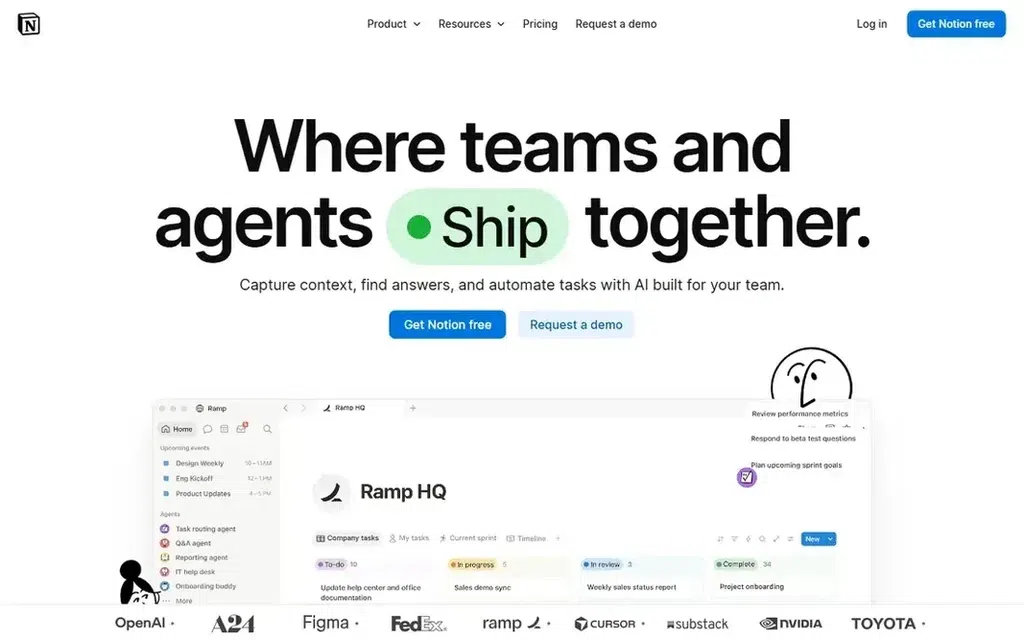
For adaptable all-in-one workspace, Notion is a natural candidate. For freelancers, it does well as a central place to keep client notes, project details and internal how-tos, with pages and databases that can be shaped around the way you work. For everyday use, since Notion is a general workspace, it lacks some of the structured publishing and support features found in dedicated knowledge base software.
Also, if you need a refined public help center with tight ticket integration, a specialized tool may be a better fit. From a buyer's view, Notion is an AI workspace that supports custom agents, search across connected apps and automation of routine tasks. More specifically, choose Notion when adaptability and consolidation matter more than specialized documentation workflows. Notion pricing: $10 per member per month. Notion offers a free plan.
What works well: Merges notes; databases and AI search. Watch-outs: Can feel open-ended without a clear structure.
- Automation features for busywork
- Configurable pages for client knowledge
- Knowledge base features are not as specialized as dedicated tools
How the list was put together
What to confirm before you sign up
- Ask Freshdesk for a written quote, since no starting price is shown.
- Read the fine print on the free plans from Help Scout and Notion; seat, project and feature caps differ.
- Take the trial from KnowledgeOwl and Zendesk and push a live task through it before you pay.
- Before choosing KnowledgeOwl, weigh its main limit: fewer surrounding workspace features.
- Look at the renewal terms for Notion: auto-renewal, notice periods and price changes can matter more than the first-year price.
- Ask Zendesk which support channels and response times come with the plan you would buy.
FAQ
When should a freelancer choose a support platform with a knowledge base?
Choose a support system for example Help Scout, Zendesk or Freshdesk when client inquiries and knowledge sharing are closely connected. These tools combine ticketing with knowledge base features, which can simplify responses.
How are the tools for knowledge base software for freelancers ordered?
The order follows typical fit for knowledge base software for freelancers, with KnowledgeOwl first and Notion last, then price clarity and free access. It is editorial judgement, not a score, so another team could rank the tools differently.
Is KnowledgeOwl the right pick for everyone comparing knowledge base software for freelancers?
No single tool suits every team. KnowledgeOwl comes first because it fits simple, reliable knowledge sharing, while Zendesk suits scalable AI-powered customer service and Freshdesk suits omnichannel ticketing with knowledge. Match the tool to your own size, budget and workflow before deciding.
Which options for knowledge base software for freelancers have a free plan?
On this list, Help Scout and Notion include a free plan. Caps on seats, usage or features are common, so test the free plan against your real workload. Several others offer a trial instead.
Do these tools publish their prices?
Not all of them. Freshdesk publishes no starting price, so expect a quote request for it. The rest, KnowledgeOwl included, show a starting price, though seats and billing terms still change the final cost.
Is a general workspace like Notion enough for a knowledge base?
Notion can work well as an adaptable knowledge base for freelancers who want notes, databases and AI search in one place. It may lack some specialized publishing and support features of dedicated tools.
Sources
- https://www.knowledgeowl.com
- https://www.zendesk.com
- https://www.freshworks.com/freshdesk
- https://www.helpscout.com
- https://www.notion.so
Related guides
- Best Contact Center Knowledge Base Software for Small Business for 2026: Our 5 Vetted Picks
- Top 5 Contact Center Knowledge Base Software for Startups for 2026 (Prices and Free Plans)
- Best Knowledge Base Software in 2026: 9 Options Compared
- Top 5 Knowledge Base Software for Self-Service Support for 2026 (Prices and Free Plans)