Top 5 Knowledge Base Software for DevOps Teams for 2026 (Prices and Free Plans)
5 best knowledge base software for DevOps teams, compared on pricing, free plans and best-fit use. Short, factual notes on every option. Straight answers.
- Editor's choice
 Helpjuice
Support-oriented knowledge base workflows
Starts atSee websiteVisit helpjuice.comFull review - Great alternative
 Notion
Adaptable all-in-one workspace with automation
Starts at$10 per member a monthVisit notion.soFull review - Also consider
 GitBook
Developer documentation connected to AI agents
Starts at$65 per site per monthVisit gitbook.comFull review
Direct answer
Our first pick is Helpjuice, best for support-oriented knowledge base workflows. Listed starting prices: Notion from $10 per member a month, GitBook from $65 per site per month and Slite from $10 per user a month. Notion is the stronger choice for adaptable all-in-one workspace with automation, while GitBook suits developer documentation connected to AI agents. Prices, free plans and limits for all 5 tools follow.
TL;DR:
- Helpjuice takes the first slot, best suited to support-oriented knowledge base workflows.
- A fair warning about Confluence: can feel heavy for small teams.
- For keeping internal knowledge accurate automatically, Slite is worth a look.
- Starting prices begin at $10 per member per month with Notion.
- Free plans exist at 3 of 5 tools (Notion, GitBook, Slite).
Last checked November 2026. Prices and plan details were read from the vendors' own pages in November 2026; vendors change plans often, so confirm the current price on the vendor site before you buy.
Quick comparison
| Tool | Best for | Starts at | Free plan? | |
|---|---|---|---|---|
| Helpjuice | Support-oriented knowledge base workflows | See website | Free trial | Visit |
| Notion | Adaptable all-in-one workspace with automation | $10 per member a month | Yes | Visit |
| GitBook | Developer documentation connected to AI agents | $65 per site per month | Yes | Visit |
 Confluence | Teams already working in the Atlassian ecosystem | See website | Not stated | Visit |
 Slite | Keeping internal knowledge accurate automatically | $10 per user a month | Yes | Visit |
The 5 tools in detail
Short on time? The summary and table above give the quick view of 5 knowledge base software for DevOps teams, and the profiles that follow give the detail behind each entry.
Helpjuice targets support-oriented knowledge base workflows. Helpjuice presents itself as knowledge base software that simplifies support and boosts productivity. In daily use, for DevOps teams it can serve as the place where operational FAQs, troubleshooting steps and internal support guidance live, especially when support and engineering share answers with each other.
The product is positioned around helping people find information rapidly. Its emphasis on support means engineering-heavy documentation for example API references may fit better elsewhere. Pricing for Helpjuice is not stated here, so ask the vendor for current figures. Free access: Free trial.
What to check first: Teams should verify fit against their workflow.
- Geared toward simplifying support work
- Knowledge base software for support and productivity
- Support focus may not handle deep engineering docs
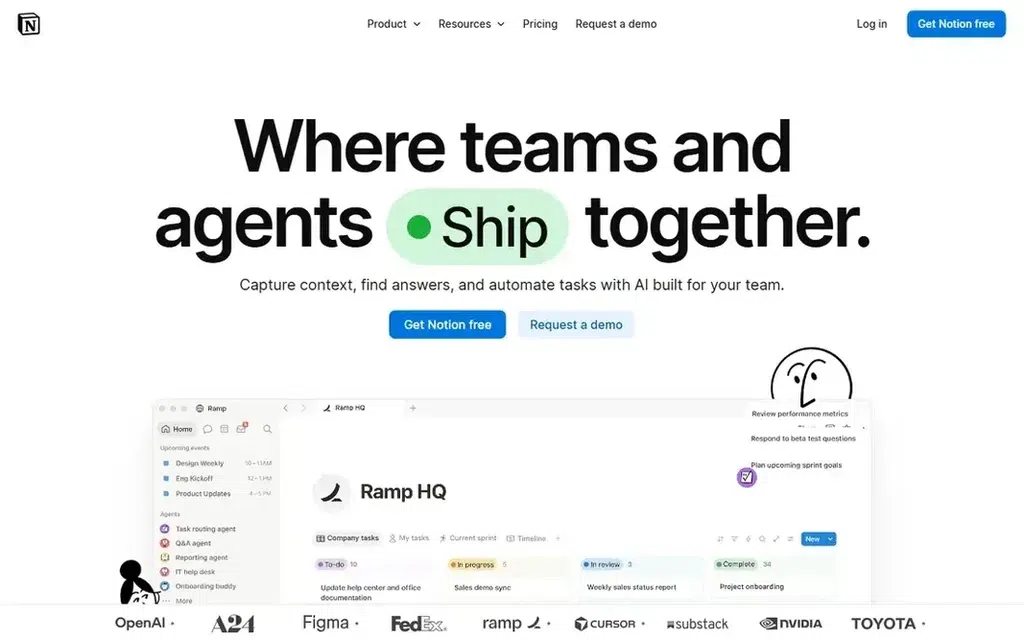
Notion is designed for adaptable all-in-one workspace with automation. That same adaptability means structure and permissions need deliberate upkeep, and teams without conventions can end up with scattered pages.
Points against: Not built purely for API documentation.
Notion cost at the entry level: $10 per member per month. Notion includes a free tier.
- Automation of routine busywork
- Custom agents and cross-app search
- Adaptable structure needs governance

Think of GitBook for developer documentation connected to AI agents. GitBook is a documentation system aimed at humans and AI, with built-in MCP that connects your docs to AI agents whereas GitBook Agent helps keep them accurate.
Drawbacks to consider: Less suited to wide internal wikis.
Since it is centered on documentation, teams looking for a general-purpose wiki with meeting notes and project pages may find it narrower than they want. The starting price for GitBook: $65 per site per month. GitBook offers a free plan.
- Built-in MCP links docs to AI agents
- GitBook Agent helps keep docs accurate
- Centred on documentation instead of general notes
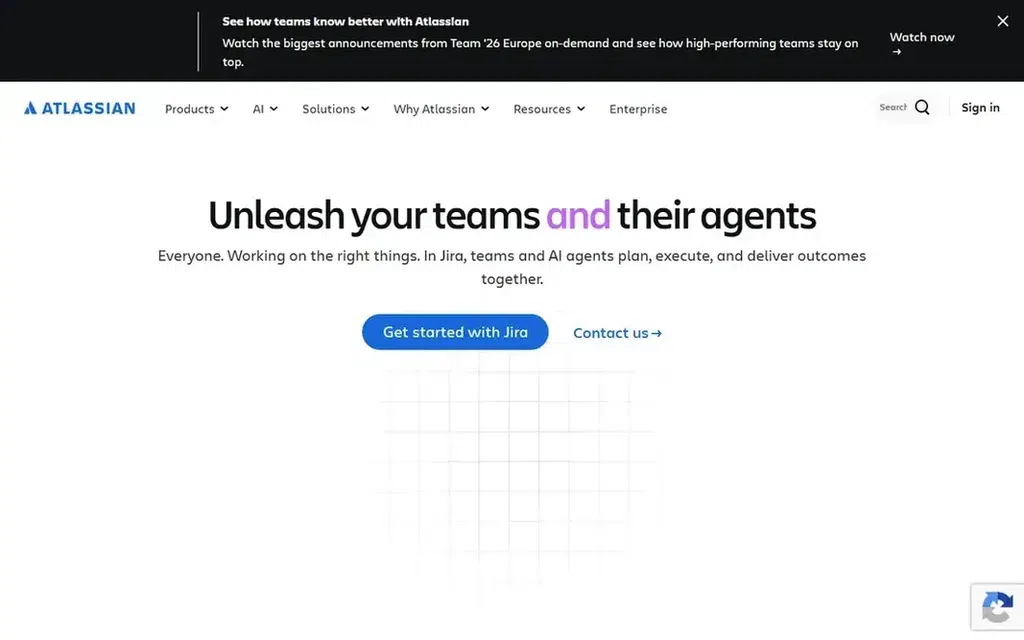
For teams already working in the Atlassian ecosystem, Confluence is a natural candidate. It suits DevOps teams that want one central place for runbooks, architecture notes and process documentation, particularly when they already coordinate work through Atlassian products.
Trade-offs to know: Can feel heavy for small teams.
Beyond that, if you mainly want light notes or public-facing product docs, a leaner or documentation-focused tool may suit you better. Confluence does not show a starting price in this comparison, so check the vendor site for current pricing. Free options: Not stated.
- Shared workspace for creating and sharing knowledge
- AI drafting
- Best value when paired with related Atlassian tools
Slite is built with keeping internal knowledge accurate automatically in mind. If your primary need is a public help center or developer portal, a documentation-focused tool is the better starting point.
Honest limits: Depends on connected sources staying current.
It suits DevOps teams that want internal answers, for both people and their AI assistants, drawn from connected sources instead of manually rewritten pages. Starting cost for Slite: $10 per user per month. Slite has a free plan.
- Links to tools where work happens
- Aims at dependable answers for teams and AI
- Less oriented to public documentation
How these tools were picked
The comparison looks at four things: starting price, free access, how well the feature set matches knowledge base software for DevOps teams, and the main limit of each tool. Plan names, prices and limits change often. Treat the figures here as a starting point and verify them with the vendor. Position on the page reflects fit for a typical buyer first, with price clarity and free access breaking ties. Treat it as a guide, not a ruling.
A buyer's checklist
- Get a written quote from Helpjuice and Confluence; the list shows no starting price for them.
- Look at free plan limits closely: Notion, GitBook and Slite have one, and the caps decide whether it is usable for real work.
- Run a trial of Helpjuice with real work before paying for a year; your own workflow is the best test.
- Read the limits listed for Helpjuice first: support focus may not include deep engineering docs.
- Look at which plan of Helpjuice unlocks the features you need; entry tiers are often cut down.
- Confirm you can export your data from Confluence, so leaving later does not mean losing records.
FAQ
Which knowledge base tool is a good match for a DevOps team new to documentation?
Helpjuice comes first here and is built for support-oriented knowledge base workflows. Buyers with other needs may prefer Notion (for adaptable all-in-one workspace with automation) or GitBook (for developer documentation connected to AI agents). Compare costs and limits first.
Do DevOps teams need documentation aimed at AI agents?
It helps when internal assistants or support bots must read your docs dependably. GitBook flags built-in MCP that links docs to AI agents, and Slite centres on keeping answers accurate for teams and their AI.
Which options for knowledge base software for DevOps teams have a free plan?
Notion, GitBook and Slite offer a free plan in this list. Free plans usually cap users, projects or features, so check the limits on the vendor page. One other tool offers a trial instead.
Can I try these tools before paying?
Often, yes. Notion, GitBook and Slite have a free plan and Helpjuice offers a free trial. Use your own data and a real task during the test, and check what the free tier or trial limits before you rely on it.
What is the cheapest option for knowledge base software for DevOps teams in this list?
On published monthly entry prices, Notion is the lowest here at $10 per member per month. Entry price is only part of the cost, because seats, add-ons and billing terms can change the total. All 5 picks in this knowledge base software for DevOps teams comparison list a starting price, free plan details and the main limits on their cards above.
How are the tools for knowledge base software for DevOps teams ordered?
Helpjuice sits first and Slite last because the order follows typical fit for knowledge base software for DevOps teams, then price clarity and free access. It is a judgement call, so read each profile for fit and limits.
Sources
- https://helpjuice.com
- https://www.notion.so
- https://www.gitbook.com
- https://www.atlassian.com/software/confluence
- https://slite.com
Related guides
- Best Contact Center Knowledge Base Software for Small Business for 2026: Our 5 Vetted Picks
- Top 5 Contact Center Knowledge Base Software for Startups for 2026 (Prices and Free Plans)
- Best Knowledge Base Software in 2026: 9 Options Compared
- Top 5 Knowledge Base Software for Self-Service Support for 2026 (Prices and Free Plans)