5 Best Kitting Bill of Materials Software for 2026, Vetted and Compared
Best kitting bill of materials software: 5 contenders ranked by fit, with entry costs and free tiers. Each listing flags where it falls short. Clear verdicts.
- Editor's choice
 Epicor Kinetic
Discrete manufacturing ERP
Starts atSee websiteVisit epicor.comFull review - Great alternative
 Fishbowl Inventory
QuickBooks and Xero integration
Starts at$229 a monthVisit fishbowlinventory.comFull review - Also consider
 NetSuite
Integrated cloud ERP with AI
Starts atSee websiteVisit netsuite.comFull review
Direct answer
This list puts Epicor Kinetic first for discrete manufacturing ERP. Listed starting prices: Fishbowl Inventory from $229 a month. For a different need, Fishbowl Inventory covers QuickBooks and Xero integration and NetSuite covers integrated cloud ERP with AI. Prices, free plans and limits for all 5 tools follow.
TL;DR:
- Epicor Kinetic sits first on this list: discrete manufacturing ERP.
- Only 2 of the 5 tools have a free plan (Katana Cloud Inventory, Odoo), so check the caps.
- For integrated open source apps, Odoo is worth a look.
- The cheapest monthly starting price in the list is $229 per month, offered by Fishbowl Inventory.
- One limit worth knowing about Fishbowl Inventory: desktop-based choice may limit remote access.
Last checked November 2026. Prices and plan details were read from the vendors' own pages in November 2026; vendors change plans often, so confirm the current price on the vendor site before you buy.
Quick comparison
| Tool | Best for | Starts at | Free plan? | |
|---|---|---|---|---|
| Epicor Kinetic | Discrete manufacturing ERP | See website | Not stated | Visit |
| Fishbowl Inventory | QuickBooks and Xero integration | $229 a month | Not stated | Visit |
| NetSuite | Integrated cloud ERP with AI | See website | Not stated | Visit |
| Katana Cloud Inventory | Live stock and production tracking | See website | Yes | Visit |
 Odoo | Integrated open source apps | See website | Yes | Visit |
The 5 tools in detail
LinkVetted put together this guide to kitting bill of materials software for readers who want a clear shortlist without reading every vendor page. It compares 5 tools on starting price, free plans, who each one suits and where each one falls short.
Where Epicor Kinetic fits: discrete manufacturing ERP. Epicor Kinetic is cloud manufacturing ERP software for discrete manufacturers. It simplifies planning, production, and supply chain operations, helping discrete manufacturers link workflows and gain insight.
Where it is weaker: May be complex for straightforward kitting.
This makes it a solid fit for manufacturing firms that require solid kitting BOM management. More specifically, Epicor Kinetic is tailored to discrete manufacturing, so it may be more than needed for straightforward kitting operations. Epicor Kinetic shows no starting price here, so confirm the cost on the vendor site. Free options: Not stated.
- Simplifies planning and production
- Cloud manufacturing ERP
- Centred on discrete manufacturing
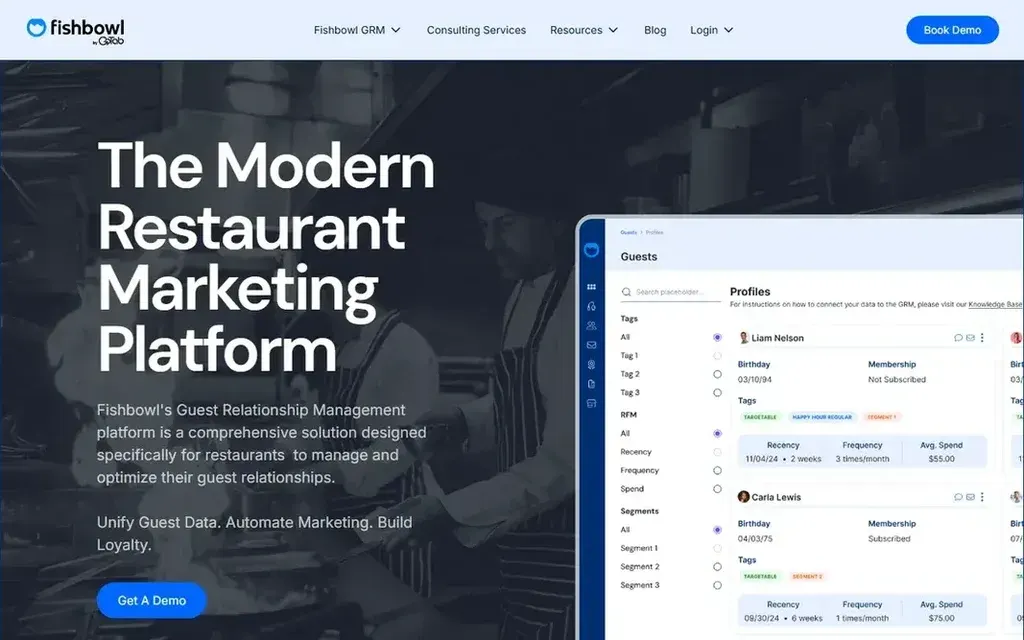
Pick Fishbowl Inventory if this describes you: QuickBooks and Xero integration. Fishbowl is built around QuickBooks and Xero, so it may be less adaptable if you use a different accounting system.
Points against: Desktop-based choice may limit remote access.
Worth adding: for a broader cloud ERP, consider NetSuite or Odoo. On cost, Fishbowl Inventory starts like this: $229 per month. Free plan details: Not stated.
- Plugs into QuickBooks and Xero
- Automates reorders
- Integration focus may not suit all ERPs
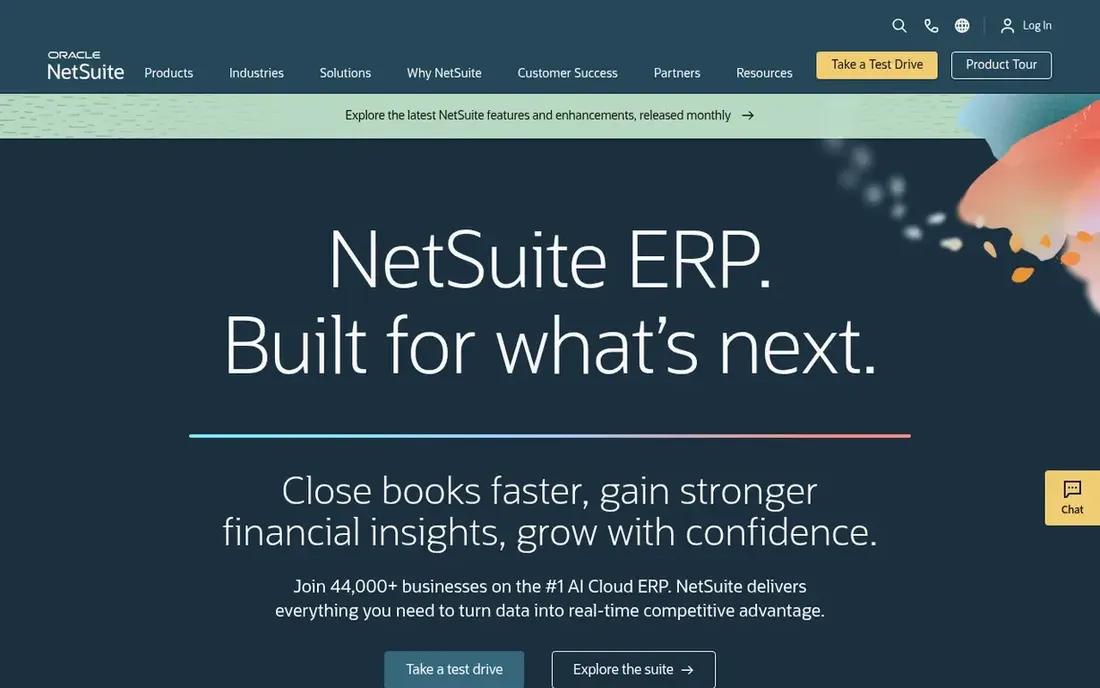
Think of NetSuite for integrated cloud ERP with AI. NetSuite is an AI-powered cloud ERP that merges financials, CRM, accounting, inventory management, and more. It uses built-in AI to ease work and turn data into action, making it a fit for expanding firms that require an integrated system for kitting BOMs and beyond.
If you need a more straightforward inventory-focused tool, consider Katana or Fishbowl. On top of that, NetSuite can be complicated and may need implementation support, which might be overkill for very small companies. Check the vendor site for NetSuite pricing; none is listed in this comparison. Trial and free access: Not stated.
Watch-outs: May need implementation support.
- Merges financials, CRM, inventory
- Built-in AI capabilities
- Complex for small teams
Katana Cloud Inventory
Best for: Live stock and production tracking
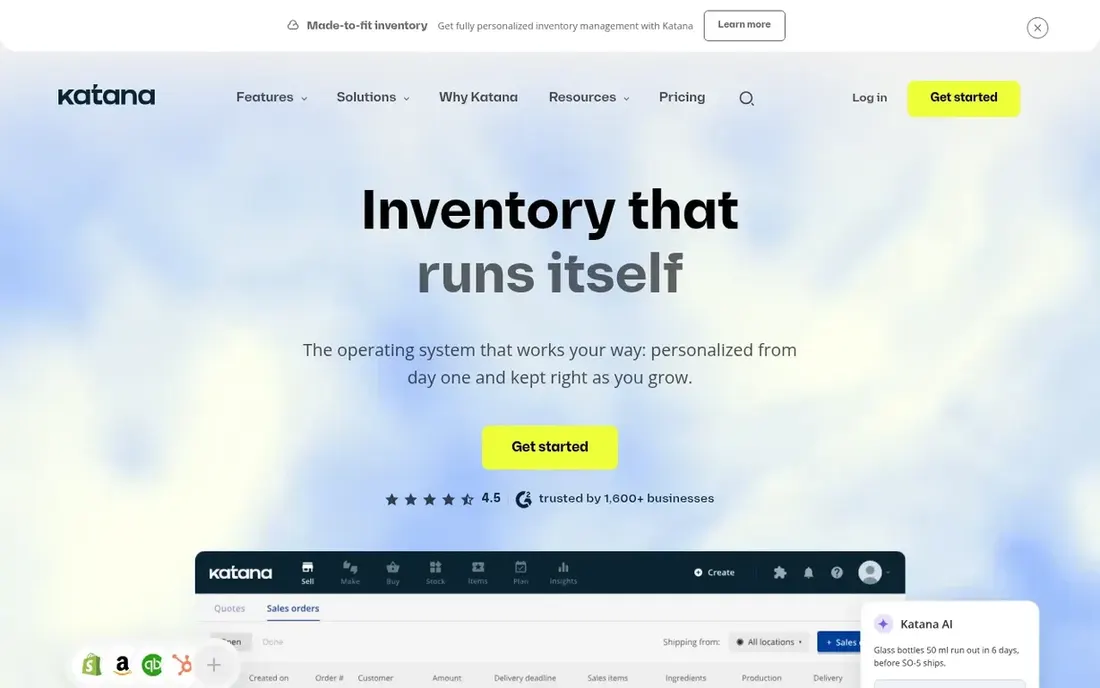
Katana Cloud Inventory is a good fit for live stock and production tracking. Katana Cloud Inventory is cloud inventory management software for product firms.
For everyday use, Katana centres on inventory and production, so it may not handle advanced financials or CRM from day one. Katana Cloud Inventory does not show a starting price in this comparison, so check the vendor site for current pricing. You can start on Katana Cloud Inventory without paying.
The main drawbacks: Restricted to inventory and production focus.
- Cloud-based inventory management
- Setup around how you work
- May need extras for full accounting
Odoo targets integrated open source apps. Odoo is an open source ERP and CRM product with completely integrated apps for ERP, CRM, eCommerce, and CMS.
Also, Odoo's wide app range can be overwhelming, and the open source version may need technical setup. Pricing for Odoo is not stated here, so ask the vendor for current figures. Odoo includes a free tier.
Honest limits: Plenty of apps can be overwhelming.
- Open source choice
- Completely integrated apps
- Open source version may need technical setup
Our selection method
Selection started from tools commonly considered for kitting bill of materials software, then narrowed to 5 that have clear pricing information or a clear quote process. Where a price is missing, the vendor does not list one publicly or ties it to a quote. Always confirm before budgeting. The sequence is a judgement call: typical use case first, then pricing transparency, then free access. Use the profiles to check fit.
Before you commit
- Confirm the entry price on the vendor page. For Epicor Kinetic, NetSuite, Katana Cloud Inventory and Odoo that means a quote rather than a fixed price.
- Look at free plan limits closely: Katana Cloud Inventory and Odoo have one, and the caps decide whether it is usable for real work.
- Before choosing Epicor Kinetic, weigh its main limit: centred on discrete manufacturing.
- Verify that exporting from Katana Cloud Inventory is possible on your plan and covers all your records.
- Ask Fishbowl Inventory which support channels and response times come with the plan you would buy.
FAQ
Is Epicor Kinetic the right pick for everyone comparing kitting bill of materials software?
No single tool suits every team. Epicor Kinetic comes first because it fits discrete manufacturing ERP, while Fishbowl Inventory suits QuickBooks and Xero integration and NetSuite suits integrated cloud ERP with AI. Match the tool to your own size, budget and workflow before deciding.
How are the tools for kitting bill of materials software ordered?
The order follows typical fit for kitting bill of materials software, with Epicor Kinetic first and Odoo last, then price clarity and free access. It is editorial judgement, not a score, so another team could rank the tools differently.
Do these tools publish their prices?
Not all of them. Epicor Kinetic, NetSuite, Katana Cloud Inventory and Odoo publish no starting price, so expect a quote request for those. The rest, Fishbowl Inventory included, show a starting price, though seats and billing terms still change the final cost.
Can I try these options before paying?
Often, yes. Katana Cloud Inventory and Odoo have a free plan. Use your own data and a real task during the test, and check what the free tier or trial limits before you rely on it.
Sources
- https://www.epicor.com/en-us/products/erp/epicor-kinetic
- https://www.fishbowlinventory.com
- https://www.netsuite.com
- https://katanamrp.com
- https://www.odoo.com