5 HR Software for Hospitality Businesses Worth Shortlisting in 2026
Best HR software for hospitality businesses, compared. 5 tools with published prices, free plans and limits. Every entry states what it lacks. Costs up front.
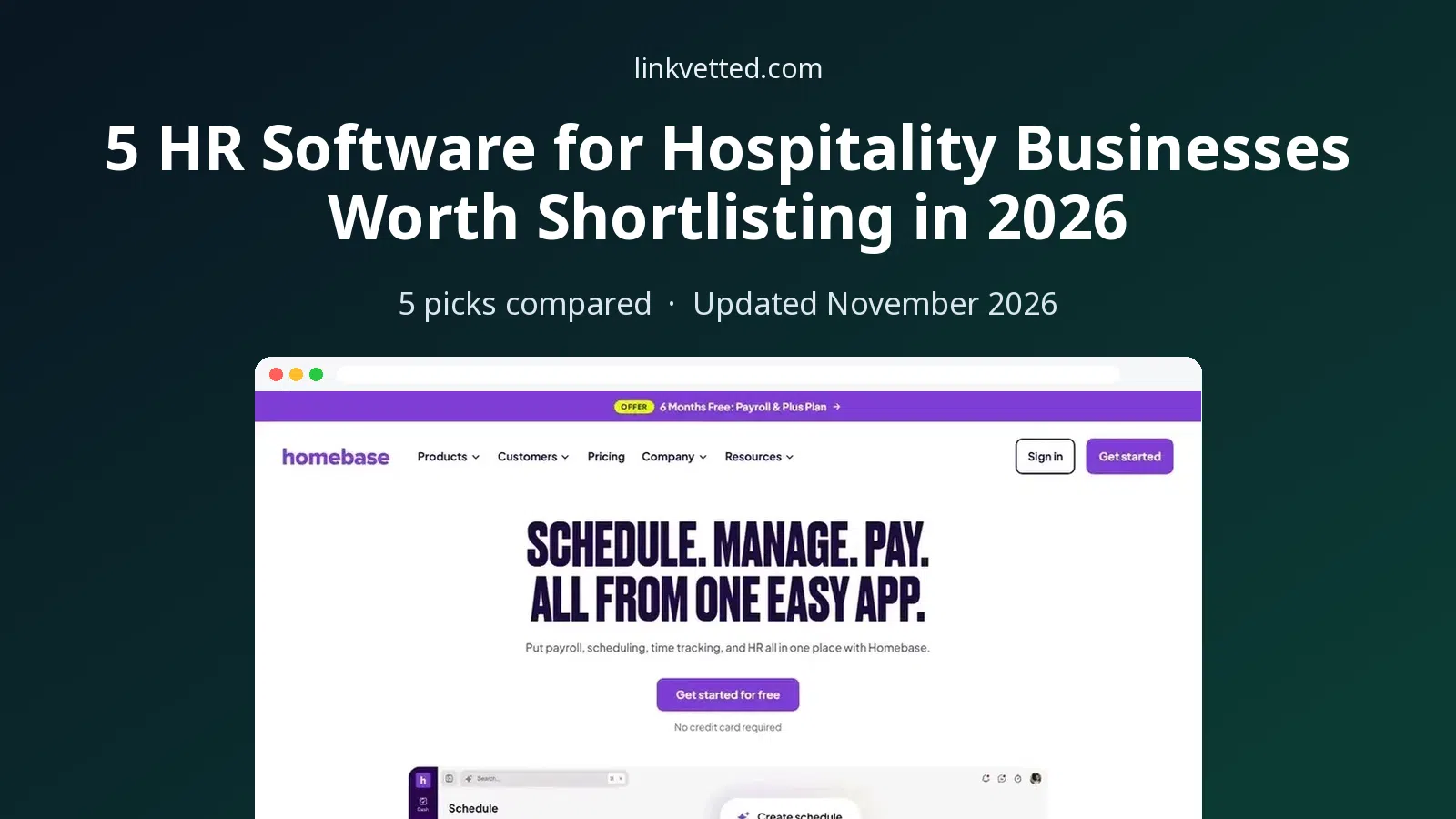
- Editor's choice
 Homebase
Small hourly teams wanting one app
Starts at$30 per location a monthVisit joinhomebase.comFull review - Great alternative
 When I Work
Shift scheduling and team messaging
Starts at$2.50 per user a monthVisit wheniwork.comFull review - Also consider
 Deputy
Scheduling with labor forecasting
Starts at$5 per user a monthVisit deputy.comFull review
Direct answer
If you need small hourly teams wanting one app, Homebase is the first tool to look at here. Listed starting prices: Homebase from $30 per location a month, When I Work from $2.50 per user a month and Deputy from $5 per user a month. When I Work fits shift scheduling and team messaging; Deputy fits scheduling with labor forecasting. All 5 tools are compared below on price, free plan and limits.
TL;DR:
- Homebase sits first on this list: small hourly teams wanting one app.
- One limit worth knowing about When I Work: general instead of hospitality-only.
- The cheapest monthly starting price in the list is $2.50 per user per month, offered by When I Work.
- Push Operations suits restaurant payroll and HR together.
- Homebase is the only tool of the 5 with a free plan.
Last checked November 2026. Prices and plan details were read from the vendors' own pages in November 2026; vendors change plans often, so confirm the current price on the vendor site before you buy.
Quick comparison
| Tool | Best for | Starts at | Free plan? | |
|---|---|---|---|---|
| Homebase | Small hourly teams wanting one app | $30 per location a month | Yes | Visit |
| When I Work | Shift scheduling and team messaging | $2.50 per user a month | Free trial | Visit |
| Deputy | Scheduling with labor forecasting | $5 per user a month | Free trial | Visit |
| HotSchedules | Hospitality shift scheduling and engagement | See website | Not stated | Visit |
| Push Operations | Restaurant payroll and HR together | $200 a month per location | Not stated | Visit |
5 HR software for hospitality businesses in detail
Choosing HR software for hospitality businesses usually comes down to price, fit and limits. This LinkVetted guide sets 5 tools side by side on those three points, with the facts kept short and checkable.
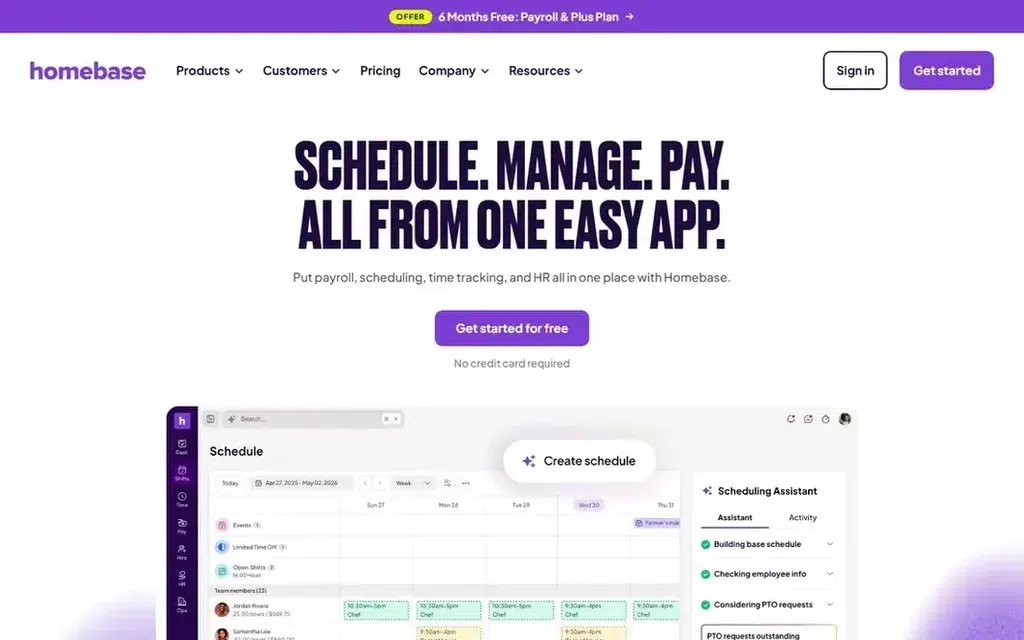
In short, Homebase is for small hourly teams wanting one app. The product is oriented toward small firms, so multi-site groups with complicated compliance or layered approvals may outgrow it.
Homebase starts at: $30 per location per month. Free access exists with Homebase.
The main drawbacks: Targeted at small firms.
- Straightforward app-based setup
- Payroll and hiring included
- Less depth for complicated venues
When I Work is designed for shift scheduling and team messaging. Since it is not built solely for hospitality, features like tip handling or recipe-level labor costing may not be native.
In practice, choose When I Work if scheduling and messaging are the priority and you are comfortable pairing it with other tools for payroll and HR records. Price to start with When I Work: $2.50 per user per month. As for free access: Free trial.
Drawbacks to consider: General instead of hospitality-only. Upsides: Scheduling.
- Straightforward team app
- Works for plenty of workplace types
- Deeper HR features restricted
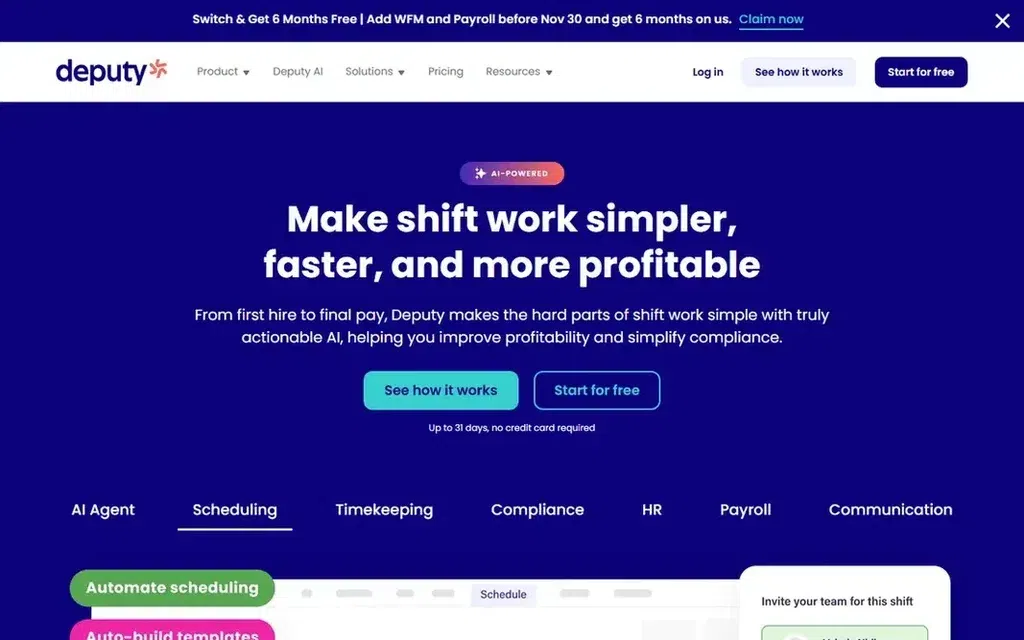
Deputy is built with scheduling with labor forecasting in mind. The forecasting angle helps hospitality managers match staffing to expected demand.
The combined HR and payroll features cut the number of separate tools a venue needs to maintain. The starting price for Deputy: $5 per user per month. Free options: Free trial.
What to check first: Setup takes some effort.
- AI labor forecasting
- Payroll support
- Forecasting needs clean data
HotSchedules
Best for: Hospitality shift scheduling and engagement
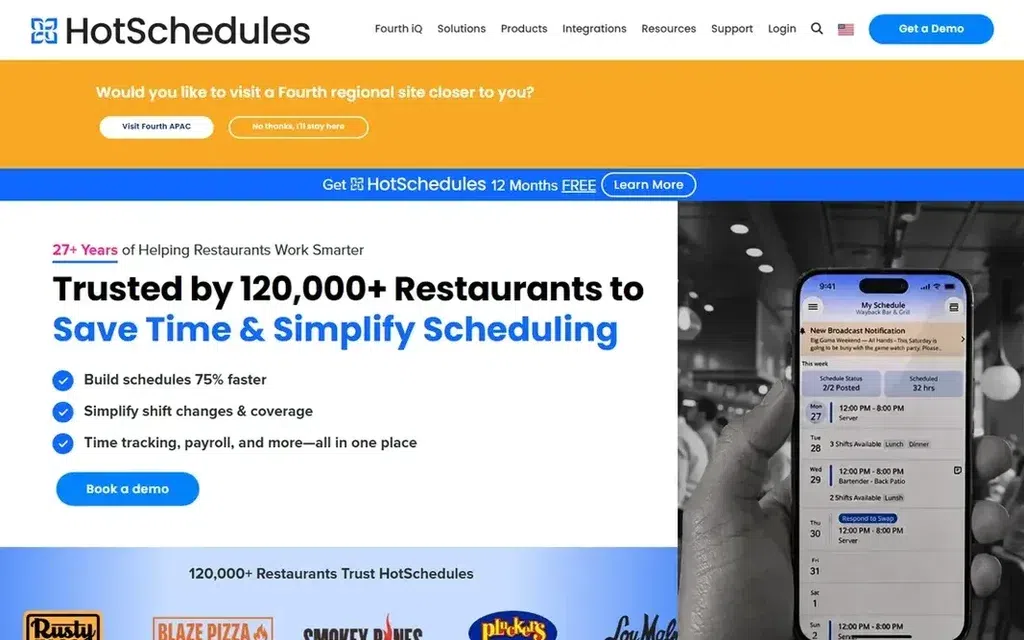
HotSchedules is a good fit for hospitality shift scheduling and engagement. Its focus is the daily rhythm of restaurants and similar venues: building shifts, keeping staff informed and supporting engagement.
Watch-outs: Narrower HR scope.
Since the page emphasizes scheduling and engagement, teams wanting deep payroll, benefits or hiring workflows may need another system alongside it. Choose HotSchedules when scheduling is the core pain point and you prefer a hospitality-specific tool over a general HR product. Check the vendor site for HotSchedules pricing; none is listed in this comparison. Trial and free access: Not stated.
- Aimed at hospitality operations
- Scheduling plus team engagement
- Fewer payroll details on page
Push Operations
Best for: Restaurant payroll and HR together
Push Operations was built for restaurant payroll and HR together. Push Operations is all-in-one restaurant management software combining HR, payroll, time tracking and scheduling. It is built to help restaurants grow and scale, so owners who want payroll and workforce records in one place instead of separate systems will find the combination handy.
Where it falls short: Full setup across modules.
From a buyer's view, pick Push Operations when payroll accuracy and restaurant-specific workflows are the deciding factors, and consider a broader HR suite if you operate mixed venue types. Worth adding: the restaurant focus means it may not suit hotels or other hospitality segments with different payroll structures. Push Operations starts at: $200 per month per location. Free access: Not stated.
- HR
- Aimed at restaurant growth
- Restaurant-focused scope
How we compared the tools
Each tool was reviewed on what its vendor publishes: price, plan limits, core features and stated drawbacks. We did not run hands-on tests. Treat prices as a snapshot: vendors change plans often, so check the vendor site for the figure that applies today. The order reflects how well each tool fits the most common buying scenario for HR software for hospitality businesses, then price clarity, then free plan access. It is a starting point, not a verdict.
Before you commit
- Ask HotSchedules for a written quote, since no starting price is shown.
- Test the free plan from Homebase against your real workload before relying on it.
- Run a trial of When I Work and Deputy with real work before paying for a year; your own workflow is the best test.
- Read the limits listed for Homebase first: pitched at small companies.
- Ask Push Operations about contract length, onboarding fees and user minimums before you sign.
- A short pilot of HotSchedules with your real workflow tells you more than a feature table.
FAQ
What should restaurants look for in scheduling software?
Look for shift planning, time tracking, team messaging and support for the way your venue deals with tips and split shifts. Labor forecasting, as offered by Deputy, helps when you want staffing to follow expected demand.
Can I try these tools before paying?
Often, yes. Homebase has a free plan and When I Work and Deputy offer a free trial. Use your own data and a real task during the test, and check what the free tier or trial limits before you rely on it. For the full picture, the cards above cover all 5 entries of this HR software for hospitality businesses list, including price, free plan and limits.
How are the tools for HR software for hospitality businesses ordered?
The order follows typical fit for HR software for hospitality businesses, with Homebase first and Push Operations last, then price clarity and free access. It is editorial judgement, not a score, so another team could rank the tools differently.
Is Homebase the right pick for everyone comparing HR software for hospitality businesses?
No single tool suits every team. Homebase comes first because it fits small hourly teams wanting one app, while When I Work suits shift scheduling and team messaging and Deputy suits scheduling with labor forecasting. Match the tool to your own size, budget and workflow before deciding.
Which options for HR software for hospitality businesses have a free plan?
Homebase is the only tool in this list with a free plan. Free plans usually cap users, projects or features, so check the limits on the vendor page. Several others offer a trial instead. Prices, free plan details and limits for all 5 tools in this HR software for hospitality businesses roundup sit on the individual cards above.
Sources
- https://www.joinhomebase.com
- https://wheniwork.com
- https://www.deputy.com
- https://www.hotschedules.com
- https://www.pushoperations.com