The 5 Best Healthcare Time & Attendance Software in 2026, Ranked
Best healthcare time & attendance software in 2026: 5 tools with starting prices, free plans and limits. Every entry states what it lacks. Reviewed this month.
- Editor's choice
 When I Work
Straightforward scheduling for smaller teams
Starts at$2.50 per user a monthVisit wheniwork.comFull review - Great alternativeInfor Workforce Management
Industry-specific cloud workforce tools
Starts atSee websiteVisit infor.comFull review - Also consider
 Deputy
Scheduling with labor forecasting
Starts at$5 per user a monthVisit deputy.comFull review
Direct answer
When I Work comes first here, mainly for straightforward scheduling for smaller teams. Listed starting prices: When I Work from $2.50 per user a month and Deputy from $5 per user a month. For a different need, Infor Workforce Management covers industry-specific cloud workforce tools and Deputy covers scheduling with labor forecasting. The remaining 2 options are covered below with prices and limits.
TL;DR:
- When I Work sits first on this list: straightforward scheduling for smaller teams.
- The main caution on ADP Workforce Now: wide suite can feel complicated.
- UKG Dimensions fits complicated shift and coverage management.
- For the cheapest start, look at When I Work: $2.50 per user per month.
- None of the 5 tools, from When I Work to UKG Dimensions, has a free plan, so budget for a subscription or use a trial.
Last checked November 2026. Prices and plan details were read from the vendors' own pages in November 2026; vendors change plans often, so confirm the current price on the vendor site before you buy.
Quick comparison
| Tool | Best for | Starts at | Free plan? | |
|---|---|---|---|---|
| When I Work | Straightforward scheduling for smaller teams | $2.50 per user a month | Free trial | Visit |
| Infor Workforce Management | Industry-specific cloud workforce tools | See website | Not stated | Visit |
| Deputy | Scheduling with labor forecasting | $5 per user a month | Free trial | Visit |
 ADP Workforce Now | Payroll-connected time and attendance | See website | Not stated | Visit |
| UKG Dimensions | Complicated shift and coverage management | See website | Not stated | Visit |
5 options for healthcare time & attendance software in detail
This LinkVetted guide covers 5 options for healthcare time & attendance software. Each profile lists a starting price, free plan details, strengths and drawbacks, so you can drop poor fits quickly.
When I Work serves straightforward scheduling for smaller teams. For smaller clinics, dental offices and care teams, that combination includes the daily essentials without a heavy HR suite.
Points against: Best for more straightforward pay structures.
In daily use, pick When I Work for simplicity and quick adoption. The tool centres on scheduling and time tracking instead of deep HR or payroll administration, so complicated pay rules may push you toward a broader system. The starting price for When I Work: $2.50 per user per month. Free access: Free trial.
- Shift scheduling and time tracking
- Team messaging in one app
- Lighter on deep HR features
Infor Workforce Management
Best for: Industry-specific cloud workforce tools
Think of Infor Workforce Management for industry-specific cloud workforce tools. Infor Workforce Management sits within Infor's cloud enterprise software portfolio, which pairs industry expertise with purpose-built AI.
What to check first: Enterprise implementation effort.
Worth adding: a small practice will likely be better served by a focused scheduling app. Pricing for Infor Workforce Management is not stated here, so ask the vendor for current figures. Free options: Not stated.
- AI technologies included
- Cloud-based delivery
- Narrow fit for small teams
Deputy is designed for scheduling with labor forecasting. Deputy provides employee scheduling, HR, AI labor forecasting and payroll software in an easy-to-use package. In practice, very large health systems may outgrow it.
More specifically, healthcare teams with variable demand can use forecasting to align staffing with expected workload whereas tracking time in the same place. Also, Deputy is wide but not as deep as dedicated enterprise workforce management products, and payroll capability relies on your location and setup. The starting price for Deputy: $5 per user per month. On free options: Free trial.
Where it falls short: Advanced needs may need extras.
- Easy-to-use positioning
- Scheduling
- Payroll depth varies by region
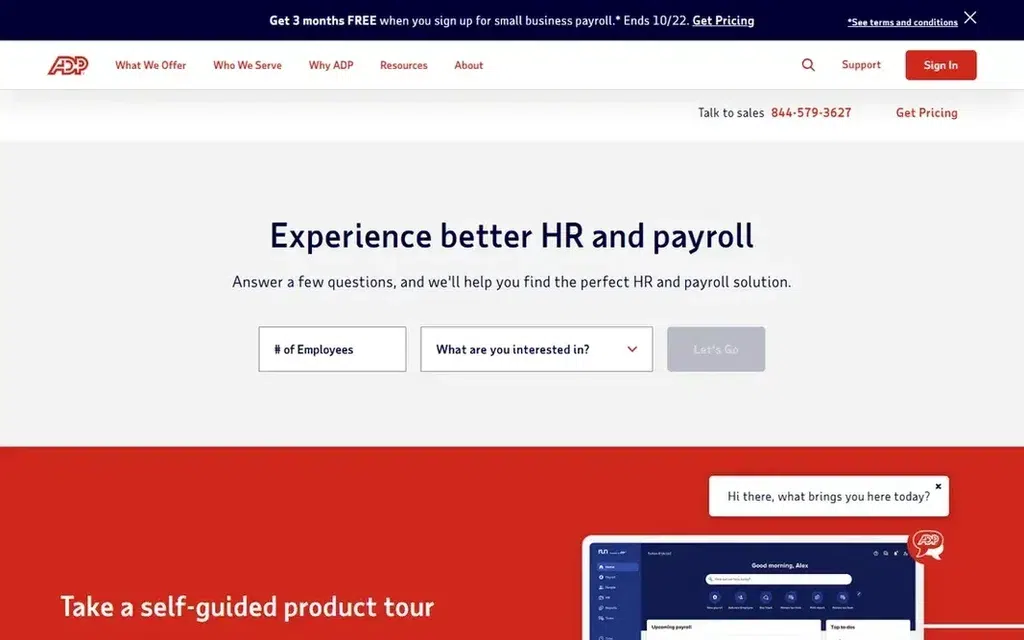
ADP Workforce Now makes the most sense for payroll-connected time and attendance. ADP Workforce Now is an HR and HCM product that brings payroll, tax and HR tools together, with time and attendance as part of the wider suite.
Worth adding: teams wanting only light shift scheduling may prefer a more straightforward app. Pricing for ADP Workforce Now is not stated here, so ask the vendor for current figures. Trial and free access: Not stated.
Points against: Wide suite can feel complicated.
- Time and attendance linked to payroll
- Scales from small to large employers
- Setup may need vendor guidance
UKG Dimensions
Best for: Complicated shift and coverage management
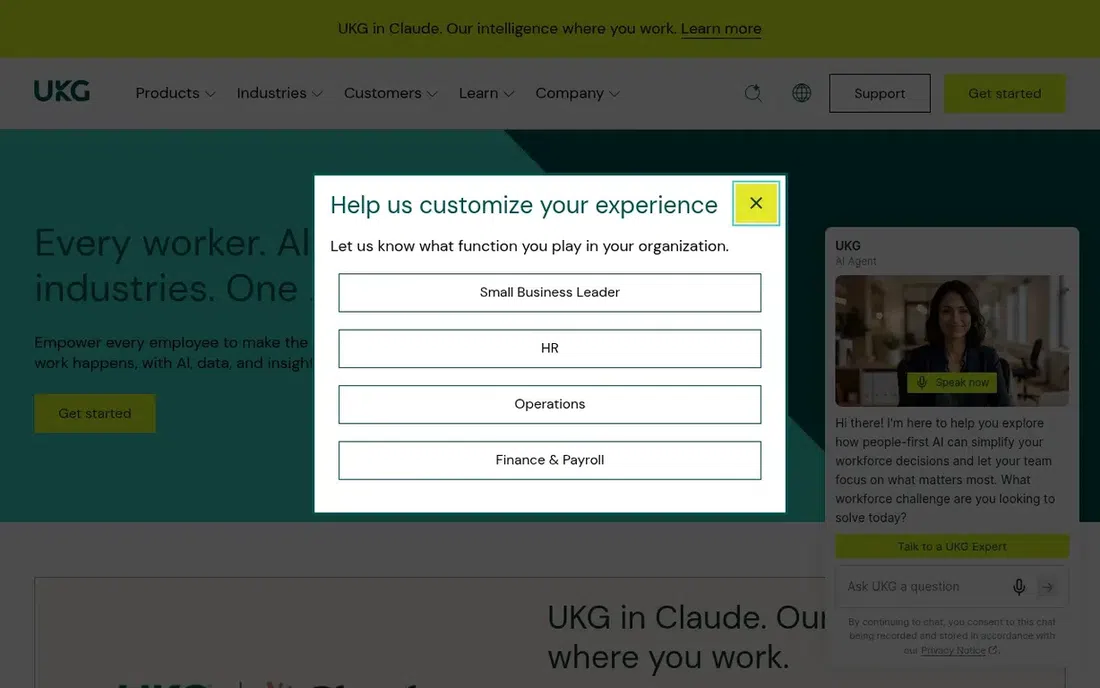
UKG Dimensions is built with complicated shift and coverage management in mind. UKG Dimensions is part of UKG's workforce management offering, which merges HR, payroll and workforce intelligence for operational environments.
Consider UKG when scheduling complexity and workforce insight are central to your operation instead of incidental. The product leans enterprise, so implementation and administration can demand dedicated resources. No starting price is listed for UKG Dimensions here; confirm pricing on the vendor site. Free plan details: Not stated.
Limits to weigh: Enterprise-oriented configuration.
- Merges HR
- Pay and scheduling
- May be more than small clinics need
How we chose
Pre-purchase checklist
- Get a written quote from Infor Workforce Management, ADP Workforce Now and UKG Dimensions; the list shows no starting price for them.
- Use real work to test the free trial from When I Work and Deputy, rather than a demo project.
- Before choosing When I Work, weigh its main limit: lighter on deep HR features.
- Test the integrations you rely on with Deputy before committing; some connectors sit on upper tiers.
- Before you load data into Infor Workforce Management, check what an export looks like and who can run it.
FAQ
Is When I Work the right pick for everyone comparing healthcare time & attendance software?
No single tool suits every team. When I Work comes first because it fits simple scheduling for smaller teams, while Infor Workforce Management suits industry-specific cloud workforce tools and Deputy suits scheduling with labor forecasting. Match the tool to your own size, budget and workflow before deciding.
Does any tool for healthcare time & attendance software here have a free plan?
No tool in this list, When I Work and UKG Dimensions included, has a permanent free plan. When I Work, Deputy offer a trial. Trials and quotes are the usual route, so plan a short evaluation period.
How are the tools for healthcare time & attendance software ordered?
The order follows typical fit for healthcare time & attendance software, with When I Work first and UKG Dimensions last, then price clarity and free access. It is editorial judgement, not a score, so another team could rank the tools differently.
Do these tools publish their prices?
Not all of them. Infor Workforce Management, ADP Workforce Now and UKG Dimensions publish no starting price, so expect a quote request for those. The rest, When I Work included, show a starting price, though seats and billing terms still change the final cost.
What should healthcare employers look for in time and attendance software?
Focus on how the tool deals with shift scheduling, overtime and differential pay rules, and whether time data flows cleanly into payroll.
Sources
- https://wheniwork.com
- https://www.infor.com
- https://www.deputy.com
- https://www.adp.com
- https://www.ukg.com