Best Headcount Planning Software for Growth in 2026: Prices, Free Plans and 6 Picks
Best headcount planning software for growth: 6 tools compared on price, free plans and fit. Fit and flaws are laid out for each entry. See which fits.
- Editor's choiceSAP Analytics Cloud
BI, planning and predictive analysis
Starts atPricing on requestVisit sap.comFull review - Great alternative
 Vena
Microsoft-native financial and operational planning
Starts atPricing on requestVisit venasolutions.comFull review - Also consider
 Pigment
Adaptable modeling with agentic AI
Starts atPricing on requestVisit pigment.comFull review
Direct answer
For BI, planning and predictive analysis, SAP Analytics Cloud is where this list starts. If your case is different, Vena suits Microsoft-native financial and operational planning and Pigment suits adaptable modeling with agentic AI. Free plan facts and limits for all 6 tools follow. None of these vendors publish plan prices, so pricing is on request for every option.
TL;DR:
- SAP Analytics Cloud is the opening pick, best for BI, planning and predictive analysis.
- SAP Analytics Cloud, OneStream and the 4 others all need a premium plan or a trial, since no free plan is listed.
- SAP Analytics Cloud, OneStream and the 4 others all sell by quote; expect sales conversations before you see a price.
- Before buying Pigment, weigh this: wide planning scope may exceed headcount needs.
Last checked November 2026. Pricing on request: vendors did not publish plan prices when this guide was last checked (November 2026), so ask each vendor for a written quote.
Quick comparison
| Tool | Best for | Starts at | Free plan? | |
|---|---|---|---|---|
| SAP Analytics Cloud | BI, planning and predictive analysis | Pricing on request | Not stated | Visit |
| Vena | Microsoft-native financial and operational planning | Pricing on request | Not stated | Visit |
| Pigment | Adaptable modeling with agentic AI | Pricing on request | Not stated | Visit |
 Anaplan | Scenario planning and analysis | Pricing on request | Not stated | Visit |
 Workday Adaptive Planning | Connecting workforce and finance planning | Pricing on request | Not stated | Visit |
 OneStream | Unified enterprise performance management | Pricing on request | Not stated | Visit |
Tool-by-tool breakdown
Short on time? The summary and table above give the quick view of 6 tools for headcount planning software for growth, and the profiles that follow give the detail behind each entry.
SAP Analytics Cloud
Best for: BI, planning and predictive analysis
SAP Analytics Cloud is aimed squarely at BI, planning and predictive analysis. Organizations outside the SAP landscape should weigh integration effort. More specifically, the system is analytics-first, so headcount planning may need configuration and specialist support to match dedicated planning software.
Reasons to shortlist it: Merges BI.
Downsides: Analytics-first design may need planning configuration. As for the details, pick SAP Analytics Cloud when planning should sit inside a wider analytics and BI environment. Worth adding: SAP Analytics Cloud is cloud analytics technology for data visualization, business intelligence, planning and predictive analysis. SAP Analytics Cloud does not show a starting price in this comparison, so check the vendor site for current pricing. On free options: Not stated.
- Cloud analytics foundation
- Planning and predictive tools
- Enterprise tooling can need specialist support
Vena serves Microsoft-native financial and operational planning. The product also spans planning and close broadly, so teams should define ownership.
Beyond that, the Microsoft-native design is a strength only if your team works that way; other stacks may find integration less natural. Choose Vena when your planning workflows already live in the Microsoft ecosystem. Vena shows no starting price here, so confirm the cost on the vendor site. As for free access: Not stated.
Points against: Microsoft-centric approach may not fit every stack.
- Microsoft-native planning system
- AI agents support planning and close
- Wide scope needs clear ownership

Pigment was built for adaptable modeling with agentic AI. Consider a narrower tool if your planning questions are restricted to headcount, and choose Pigment when cross-functional modeling is the goal. For headcount planning, it suits expanding businesses that expect hiring plans to interact with revenue, spending and operational assumptions in one connected model.
Points against: Needs clean data to model steadily.
Worth adding: Pigment is an integrated business planning product powered by agentic AI, designed for teams that want to analyze, model and plan across the business. Since Pigment spans business planning broadly, teams focused only on headcount may not use its full range. Check the vendor site for Pigment pricing; none is listed in this comparison. As for free access: Not stated.
- Made for analyzing and planning scenarios
- Agentic AI supports modeling and analysis
- Wide planning scope may exceed headcount needs
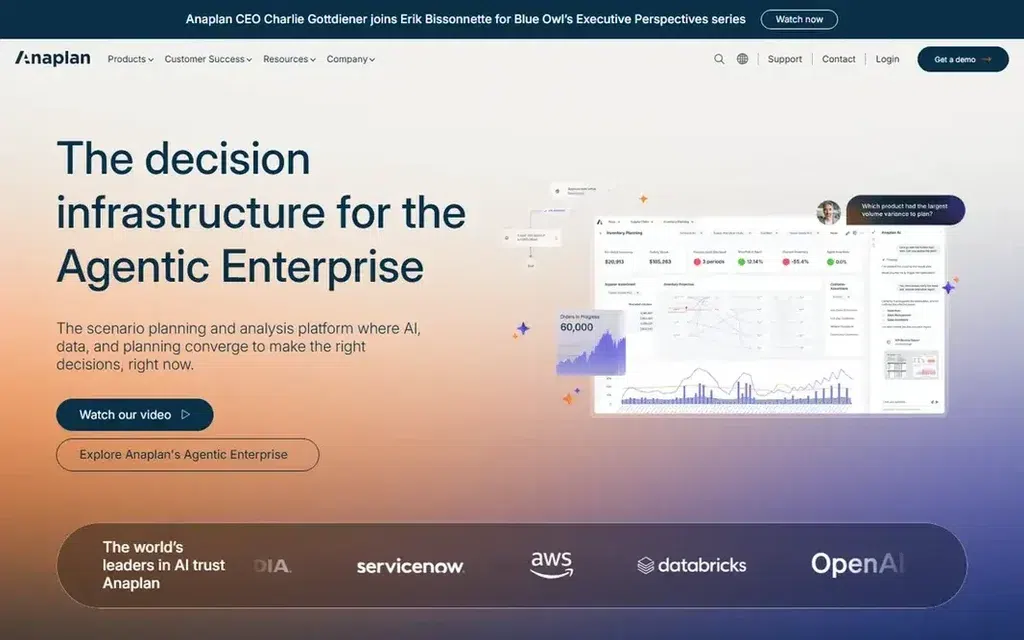
For scenario planning and analysis, Anaplan is a natural candidate. For growth headcount planning, it suits teams that require to model several hiring scenarios and compare outcomes across connected business data before committing to a plan.
Anaplan rewards teams with dedicated modeling skills, and complicated models can need continuing governance as the business changes. Anaplan shows no starting price here, so confirm the cost on the vendor site. Free access: Not stated.
Strengths: Scenario planning and analysis focus.
Limits to weigh: Model building demands planning expertise.
- Supports connected decision making
- Data and planning
- Wide product needs governance to stay aligned
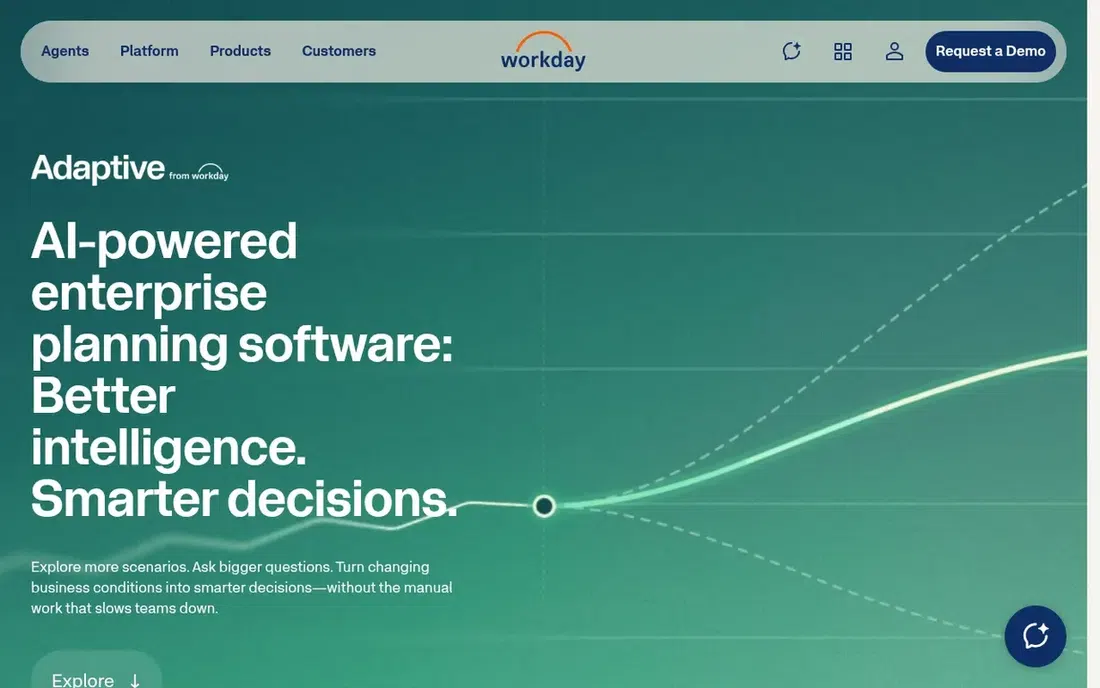
Pick Workday Adaptive Planning if this describes you: connecting workforce and finance planning. Adaptive from Workday is enterprise planning software that links finance, workforce and operations data so leaders can make quicker, more confident decisions.
Check the vendor site for Workday Adaptive Planning pricing; none is listed in this comparison. As for free access: Not stated.
Trade-offs to know: Setup needs planning process discipline.
- AI-driven planning and decision support
- Enterprise-scale planning workflows
- Wide product may feel heavy for small teams
OneStream is built with unified enterprise performance management in mind. OneStream is described as an AI operating system for modern finance and a unified EPM product that links finance and operations so leaders see more than one department's view.
Where it is weaker: Implementation demands finance process maturity.
Pricing for OneStream is not stated here, so ask the vendor for current figures. Free access: Not stated.
- Links finance and operations views
- Provides leaders a fuller picture across departments
- EPM scope may exceed headcount planning needs
How the list was put together
We compared the tools on published pricing, free plan or trial availability, feature coverage for headcount planning software for growth, and the limits each vendor documents. Treat prices as a snapshot: vendors change plans often, so check the vendor site for the figure that applies today. Tools are placed by general fit for headcount planning software for growth, with price clarity and free access as tie-breakers. A different team can reasonably rank them differently.
A buyer's checklist
- Confirm the entry price with every vendor: no tool from SAP Analytics Cloud to OneStream shows a fixed starting price.
- Read the limits listed for SAP Analytics Cloud first: Analytics-first design may need planning configuration.
- Confirm that Anaplan connects to the apps your team already uses, on the plan you would actually buy.
- Ask the daily users to test SAP Analytics Cloud on a live task before you roll it out to everyone.
- Make sure Vena lets you export your data in a format another tool can read.
FAQ
Do these tools publish their prices?
No. None of the tools, from SAP Analytics Cloud to OneStream, shows a fixed starting price here, so budget time for quotes.
Can I try these tools before paying?
Not by default. None of the tools, from SAP Analytics Cloud to OneStream, lists a free plan or a free trial here, so ask each vendor for a demo before committing.
Can these products link headcount plans to financial forecasts?
The tools compared here usually emphasize connecting workforce or operational planning with financial data, though the depth varies by system. Confirm integration details and modeling approach with each vendor before committing.
Is SAP Analytics Cloud the right pick for everyone comparing headcount planning software for growth?
No single tool suits every team. SAP Analytics Cloud comes first because it fits BI, planning and predictive analysis, while Vena suits Microsoft-native financial and operational planning and Pigment suits flexible modeling with agentic AI. Match the tool to your own size, budget and workflow before deciding.
What should growth teams look for in headcount planning software?
Look for a product that links hiring plans to financial forecasts, supports scenario modeling as headcount grows, and plugs into your existing finance and HR systems.
How are the tools for headcount planning software for growth ordered?
SAP Analytics Cloud sits first and OneStream last because the order follows typical fit for headcount planning software for growth, then price clarity and free access. It is a judgement call, so read each profile for fit and limits.
Sources
- https://www.sap.com/products/technology-platform/cloud-analytics.html
- https://www.venasolutions.com
- https://www.pigment.com
- https://www.anaplan.com
- https://www.workday.com/en-us/products/adaptive-planning/overview.html
- https://www.onestream.com