8 Best Estimating Software for Remodeling in 2026
Compare the best estimating software for remodeling, with templates, local pricing, proposals and takeoff tools for kitchen, bath and whole-home jobs.
- Editor's choice
 Clear Estimates
Remodeling templates and local cost data
Starts atSee websiteVisit clearestimates.comFull review - Great alternative
 Buildertrend
Estimating plus full project management
Starts atSee websiteVisit buildertrend.comFull review - Also consider
 Houzz Pro
Residential pros who want estimates and client tools
Starts at$149 per monthVisit houzz.comFull review
TL;DR:
- Remodeling estimates need phase-based line items, allowances and change orders, not a single lump sum.
- Template libraries and local cost data save the most time on repeat kitchen, bath and basement jobs.
- Small crews often do best with a focused estimating tool, while larger firms benefit from estimating plus project management in one place.
- Always check a sample estimate against your own supplier prices before you send it to a homeowner.
- A clear, itemized proposal helps homeowners approve work faster and reduces disputes later.
Quick comparison
| Tool | Best for | Starts at | Free plan? | |
|---|---|---|---|---|
| Clear Estimates | Remodeling templates and local cost data | See website | Free trial | Visit |
| Buildertrend | Estimating plus full project management | See website | Free trial | Visit |
| Houzz Pro | Residential pros who want estimates and client tools | $149 per month | Free trial | Visit |
 Contractor Foreman | Budget all-in-one construction management | $49 per month | Free trial | Visit |
 JobTread | Estimates linked to job costing | See website | Free trial | Visit |
 Handoff AI | Fast AI-assisted residential estimates | $149 per month | Free trial | Visit |
 SimplyWise | Photo and takeoff-based estimates | See website | Free trial | Visit |
 Projul | Growing crews that want predictable pricing | See website | Free trial | Visit |
The best estimating software for remodeling
Remodeling work is messy to price. A kitchen job can include demo, framing, plumbing, electrical, cabinets, counters, flooring and fixtures, and each piece can change after the homeowner makes a selection. The best remodeling estimating software keeps those pieces separate, so a change in one area does not force you to rebuild the whole bid.
We looked for tools that handle the full remodeling workflow, from first walkthrough to signed proposal and change order. The eight below cover different crew sizes and budgets, and each one has a clear reason to pick it.

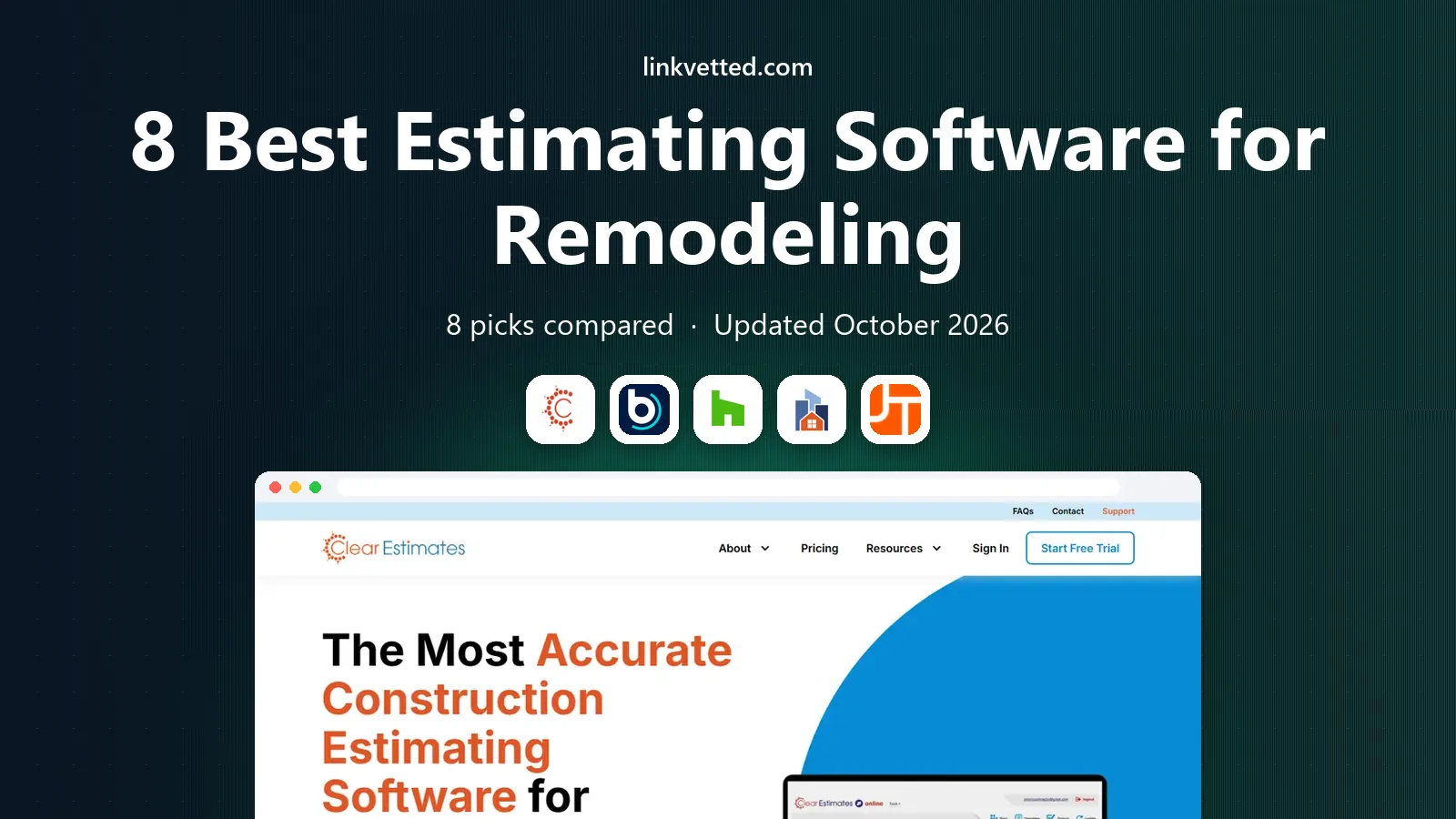
Clear Estimates is built around one job, and that job is remodeling estimating. Instead of starting from a blank sheet, you can start from a kitchen, bathroom, basement, addition or whole-home template and adjust the lines to match the actual job. That structure matters for small firms, because it keeps scopes consistent from one bid to the next and makes it harder to forget a common line item.
The local cost data is the other practical draw. Labor and material costs vary a lot by market, and a national average can leave you short on a real job. Clear Estimates pairs its templates with localized pricing, so you can use its numbers as a starting point and then adjust for your suppliers, subs and overhead. The result is a proposal that looks professional and reads clearly to a homeowner who is comparing bids.
- Hundreds of remodeling templates
- Localized labor and material pricing
- Professional proposals and invoicing
- Limited full project management
- Pricing is not fully published on the main page
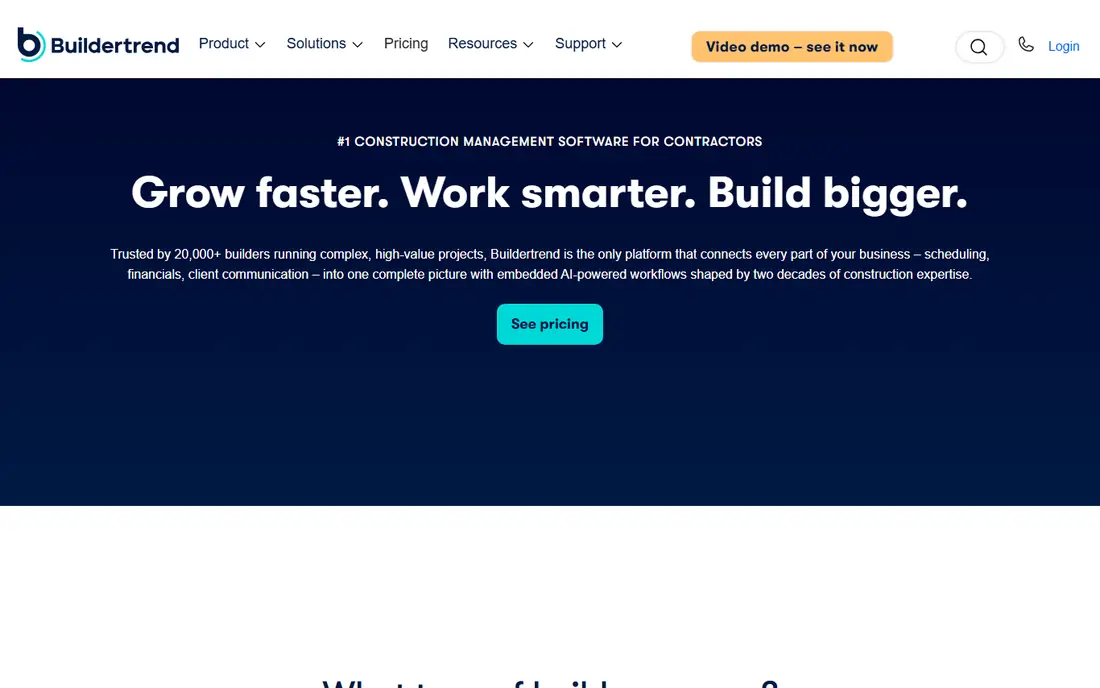
Buildertrend suits a remodeler who has outgrown separate tools for bids, schedules and client messages. Estimates live in the same system as selections, change orders, schedules and payments, so an approved estimate can move forward without retyping the same scope. Homeowners can see selections and approve changes in a portal, which cuts down on email chains.
The trade-off is size and price. This is a full construction management platform, not a quick estimating app, and smaller crews may pay for features they do not use every week. If you run several multi-week projects at once and spend real time coordinating subs and clients, that breadth can be worth it. If you only need a fast bid, a lighter tool on this list will feel quicker.
- Estimates, selections and change orders in one system
- Client portal for communication
- Scheduling and job costing tools
- Higher entry cost than focused estimators
- Setup takes time for a small crew
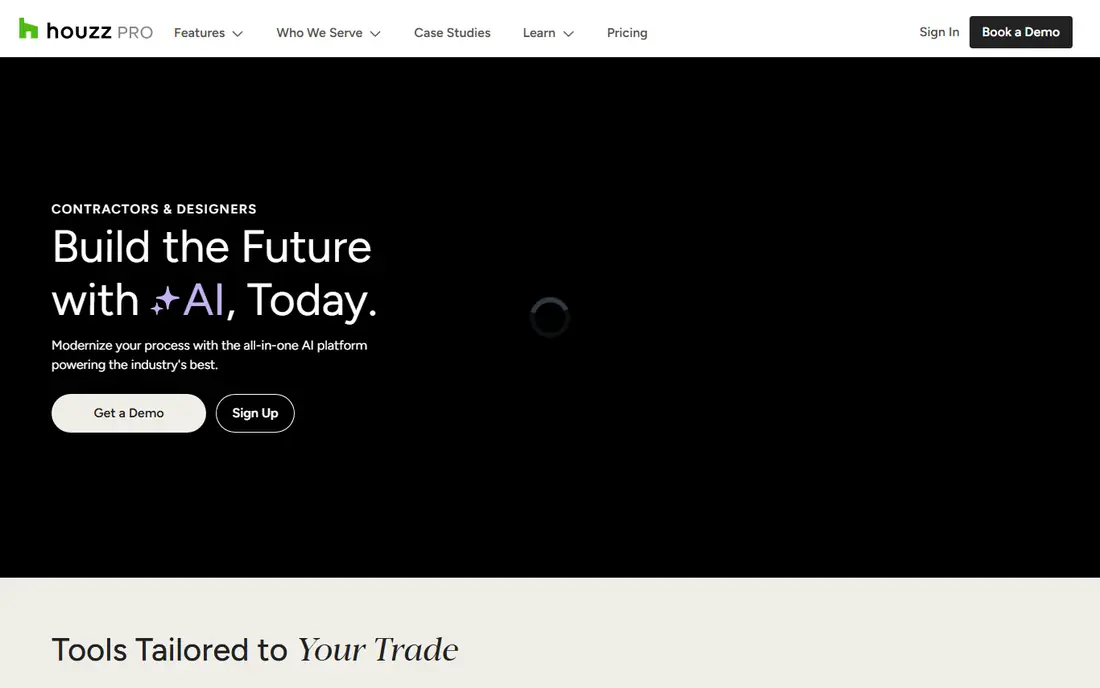
Houzz Pro covers the full client journey for residential contractors and designers, from marketing and lead management through estimates, takeoffs, project management and invoicing. For a remodeler, the useful part is that an estimate is not an isolated document. It connects to takeoffs, selections, invoicing and payments, so the numbers stay tied to the job as it moves forward.
Pricing starts at $149 per month in published listings, which puts it in the mid-range for an all-in-one tool. A one-person crew that only needs estimating may find simpler options cheaper. A firm that already uses Houzz for visibility, or wants one place for estimates, client communication and payments, will get more from the subscription.
- Estimates, takeoffs and 3D floor plans
- Invoicing and online payments
- Client portal and QuickBooks integration
- Best value if you also use its marketing and CRM tools
- Some features suit larger residential firms better
Contractor Foreman pitches itself as an affordable all-in-one system, and its starting price of $49 per month for the whole company is a big part of that appeal. You can build estimates, generate invoices, accept payments online, track time and expenses, and keep daily logs without paying per user. For a small remodeling crew, that flat approach makes budgeting simple as you add field staff.
The catch is focus. This is a general construction management tool, so it does not offer the same depth of remodeling-specific templates as Clear Estimates. You will spend more time building your own estimate structure at the start. Once that structure is set, though, the combination of estimating, invoicing and job tracking at this price is hard to beat for a cost-conscious firm.
- Low starting price for the whole company
- Estimates, invoices and time tracking
- QuickBooks integration
- Interface feels broad rather than remodeling-specific
- Advanced estimating features vary by plan
JobTread is a strong pick when the estimate is only the first step and job costing is the real goal. An estimate becomes a budget, costs are tracked against that budget, and change orders update the financial picture instead of sitting in a separate document. That link helps remodelers spot a job drifting over budget while there is still time to act.
Design-build firms tend to like this structure, because selections and client decisions feed directly into costs. The downside is that pricing is not a simple published starter rate, so you need a demo and quote to know your cost. Teams that only want a quick bid tool may find JobTread heavier than they need, but teams that live by job cost reports will appreciate the discipline it adds.
- Estimates flow into budgets and job costs
- Change orders and selections tracking
- Good fit for design-build remodelers
- Pricing is quote-based
- Learning curve for teams new to job costing
Handoff AI is aimed squarely at residential remodelers and small contractors who bid often and need speed. You can start an estimate from a PDF, a voice description or text input, and the platform builds a proposal with CRM and invoicing attached. For a crew doing many small to mid-size jobs, that speed is the point, because the remodeler who quotes on the walkthrough often wins the job.
We would still review every AI-generated line before sending it. Local labor rates, supplier prices and site conditions vary, and no automated estimate replaces a contractor checking the scope. Used that way, as a fast first draft that you correct and approve, Handoff AI can cut hours of manual line-item work each week.
- Estimates from PDFs, voice and text input
- CRM, proposals and invoicing in one platform
- Trained on residential project data
- AI estimates still need human review
- Monthly cost adds up for very low-volume remodelers
SimplyWise focuses on getting to an itemized number quickly, which is exactly what a remodeler needs on a walkthrough. You can price a job from a photo or plan, keep trade lines separate for demo, rough-in, finishes and fixtures, and adjust lines before presenting the bid. That separation makes revisions cleaner, because a homeowner change to finishes does not blur into labor or plumbing costs.
The platform is less of a full project management suite than Buildertrend or JobTread, so larger firms may pair it with another tool for scheduling and client communication. For a small contractor, that narrow focus is a benefit, not a flaw. You open the app, build the estimate, send a clear proposal, and move on to the next job.
- Fast itemized estimates from photos and plans
- Editable trade lines for demo, rough-in and finishes
- Mobile-friendly for walkthroughs
- Less breadth in full project management
- Pricing varies by plan and user count
Projul is built for remodelers coordinating several subs across tile, plumbing, electrical and finish work. Estimates, tasks, costs and client selections live together, so the office and the field see the same job status. Published plans have used flat annual pricing with no per-user fees, which can be attractive as a team grows and headcount would otherwise push a per-seat bill higher.
The annual commitment is the main thing to weigh before signing. A growing crew that will use the platform daily should be fine with that structure. A solo remodeler who only bids occasionally may prefer a monthly tool with a lower entry cost. If coordination is your bottleneck, Projul addresses that problem directly.
- Flat pricing with no per-user fees
- Project coordination across subs
- Cost and selection tracking in one place
- Annual commitment in published plans
- Estimating is part of a broader platform
How we picked these
We started with tools that remodelers actually use for itemized bids, then checked each vendor site for estimating, template, takeoff, proposal and change-order features. We compared starting prices where published, noted where pricing is quoted, and read public reviews for recurring complaints about setup, accuracy and support. We favored tools with clear proposal output, because a homeowner-facing estimate is part of the product, not an afterthought. We did not test every tool hands-on, and we recommend a trial with one of your past jobs before switching systems.
What to check before you buy
Start with your most common job type, not the longest feature list. If most of your work is kitchens and baths, a template library for those jobs will save more time than a generic estimating module. If you run whole-home projects with many subs, job costing and change-order tracking matter more than raw bid speed.
Match the tool to your bid volume
A crew bidding two jobs a month has different needs from a crew bidding twenty. Low-volume firms can accept more manual setup if the monthly cost is low. High-volume firms should pay for speed, templates and reuse, because hours saved on each bid compound quickly. Run a timed test, and build the same past estimate in each finalist before you commit.
Check local pricing and allowances
No software knows your suppliers, your subs or your overhead as well as you do. Treat built-in cost data as a starting point, adjust it for your market, and be explicit about allowances for cabinets, fixtures, tile and lighting. Clear allowance language in the proposal prevents the most common remodeling dispute, which is a homeowner expecting a higher-end selection at a base allowance price.
Look at change orders from day one
Remodeling jobs change. A tool that handles change orders cleanly, with a paper trail and homeowner approval, will save more stress than a tool that only builds the first bid well. Ask how a change updates the budget, the schedule and the invoice, and whether the homeowner can approve it without a separate email chain.
FAQ
What is the best estimating software for remodeling?
The best remodeling estimating software depends on your crew size and job mix. Clear Estimates fits small remodelers who want templates and local costs, while Buildertrend and JobTread fit larger firms that need estimating tied to project management and job costing. Try your most common job type in each finalist before choosing.
Is there free remodeling estimating software?
There is no strong free tool built specifically for remodeling estimating. Some platforms offer free trials, and general tools like spreadsheets are free but lack templates, local pricing and professional proposals. A paid tool usually pays for itself if it saves even one hour per bid or helps you win one extra job.
How much does remodeling estimating software cost?
Prices on this list range from $49 per month for Contractor Foreman to quoted pricing for larger platforms, with several mid-range options around $149 per month. Per-user pricing can add up as you grow, so check whether field staff need paid seats. Always confirm the current price on the vendor site before buying.
Does estimating software replace a contractor checking the bid?
No. Software speeds up line items, templates and proposals, but local rates, site conditions and scope judgment still need a contractor review. AI-assisted estimates in particular should be checked line by line before they go to a homeowner. Use the tool for speed and consistency, and keep final approval with a person.
What features matter most for kitchen and bath remodels?
Phase-based line items, allowances, selections and change orders matter most. Kitchen and bath jobs involve many trades and frequent homeowner choices, so you need to separate demo, rough-in, finishes and fixtures. A professional proposal format also helps, because homeowners compare bids on clarity as much as on price.
Can I import my old estimates into new software?
Many tools let you import items, price lists or past estimates, but the process varies. Ask the vendor for a demo using your own price list or a past job, and check whether templates carry over cleanly. A short trial with real data tells you more than a feature checklist.
Sources
- https://www.simplywise.com/blog/best-estimating-software-remodelers-2026/
- https://qualixsolutions.com/insights/best-estimating-software-for-remodeling/
- https://sourceforge.net/software/remodeling-estimating/?categories=job-costing
- https://clearestimates.com
- https://buildertrend.com
- https://houzz.com/pro
- https://contractorforeman.com
- https://jobtread.com
- https://handoff.ai
- https://simplywise.com
- https://projul.com