Best Enterprise Social Networking Software for Remote Teams for 2026: Our 6 Vetted Picks
Compare 6 best enterprise social networking software for remote teams, with prices, free plans and who each fits. Verdicts stay brief and factual. No hype.
- Editor's choice
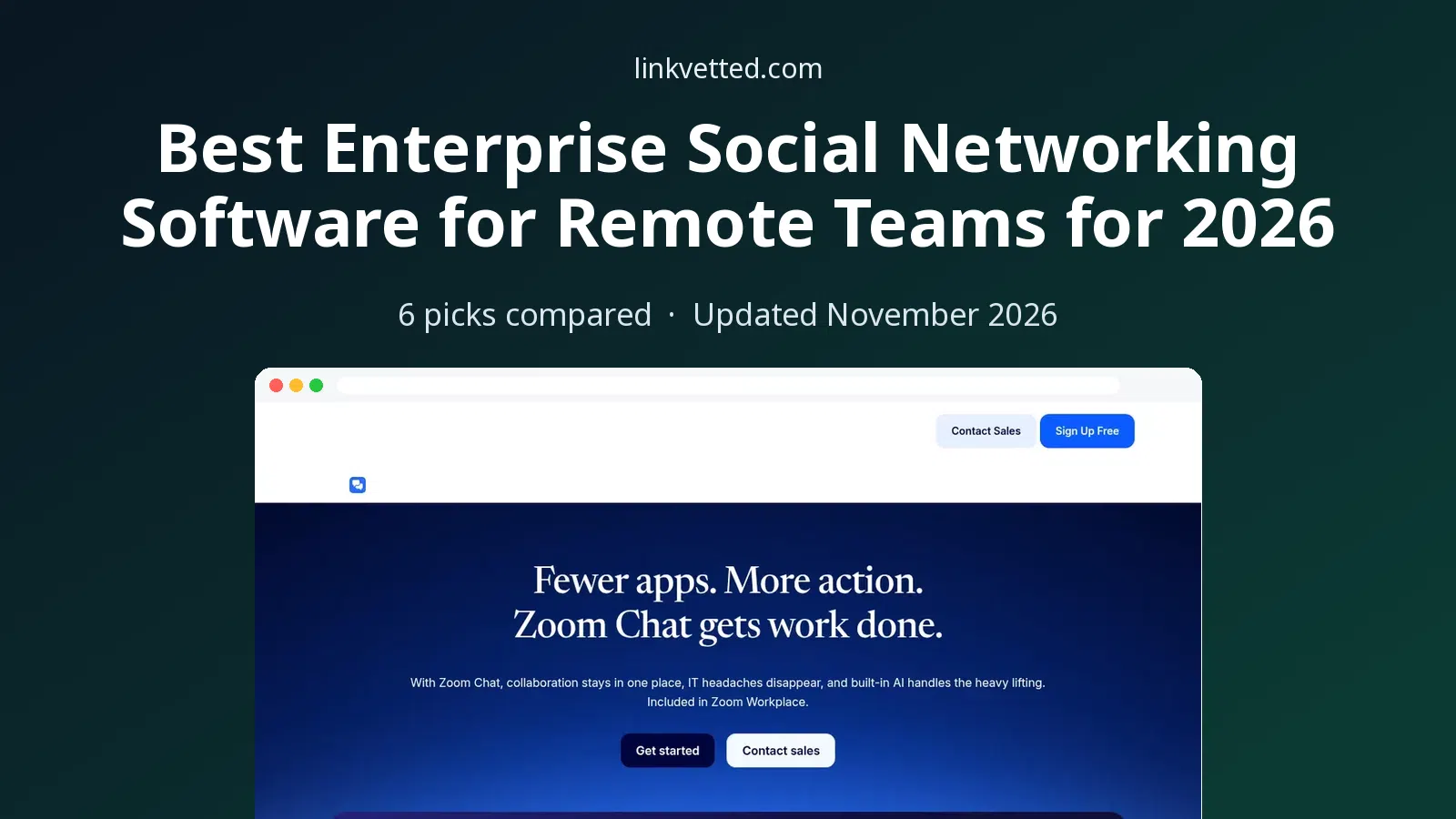
 Zoom Team Chat
Messaging inside the Zoom Workplace product
Starts atSee websiteVisit zoom.comFull review - Great alternative
 Google Workspace
Collaboration suites for Google-centric teams
Starts atSee websiteVisit workspace.google.comFull review - Also consider
 Cisco Webex
AI-assisted collaboration across meetings and messaging
Starts atSee websiteVisit webex.comFull review
Direct answer
Start with Zoom Team Chat if you need messaging inside the Zoom Workplace system. Listed starting prices: Microsoft Viva Engage from $2.00 per user per month and Slack from $4.38 per user per month. For a different need, Google Workspace covers collaboration suites for Google-centric teams and Cisco Webex covers AI-assisted collaboration across meetings and messaging. Details, prices and limits for the rest of the 6 tools are below.
TL;DR:
- Zoom Team Chat sits first on this list: messaging inside the Zoom Workplace product.
- Starting prices begin at $2.00 per user per month with Microsoft Viva Engage.
- Check the limits for Google Workspace before you commit: social networking is spread across tools.
- Slack is the one to check for channel-based messaging and workflow automation.
Last checked November 2026. Prices and plan details were read from the vendors' own pages in November 2026; vendors change plans often, so confirm the current price on the vendor site before you buy.
Quick comparison
| Tool | Best for | Starts at | Free plan? | |
|---|---|---|---|---|
| Zoom Team Chat | Messaging inside the Zoom Workplace product | See website | Not stated | Visit |
| Google Workspace | Collaboration suites for Google-centric teams | See website | Not stated | Visit |
| Cisco Webex | AI-assisted collaboration across meetings and messaging | See website | Yes | Visit |
 Simpplr | AI-powered intranet with employee support agents | See website | Free trial | Visit |
| Microsoft Viva Engage | Community building within Microsoft 365 | $2.00 per user per month | Not stated | Visit |
 Slack | Channel-based messaging and workflow automation | $4.38 per user per month | Yes | Visit |
The 6 tools in detail
LinkVetted compared 6 enterprise social networking software for remote teams. The goal is a practical shortlist: published prices, free plan facts, best-fit use cases and honest limits for every entry.
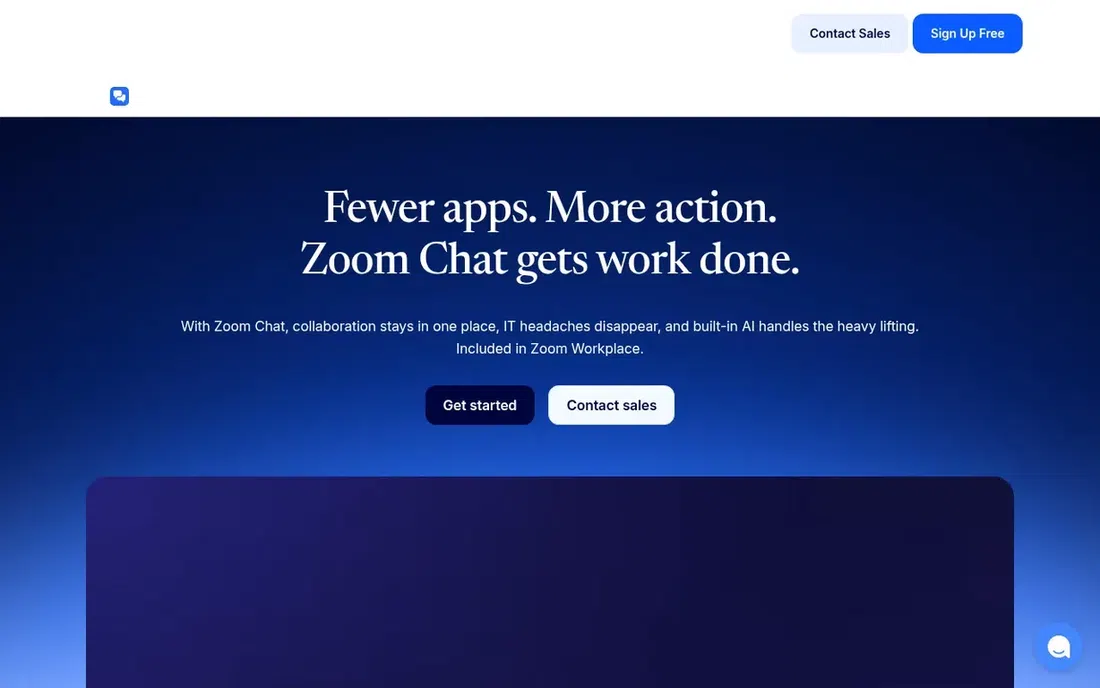
Zoom Team Chat serves messaging inside the Zoom Workplace product. Organizations already using Zoom for meetings get a convenient path to persistent chat without adding another vendor, which fits remote teams that want messaging closely tied to their video collaboration.
On top of that, as a messaging product within a broader suite, it gives you less depth for enterprise social networking such as communities and executive publishing than dedicated products. This comparison lists no price for Zoom Team Chat; ask the vendor. Trial and free access: Not stated.
Drawbacks to consider: Social networking depth is modest.
- Instant messaging across locations
- Integrated with Zoom meetings
- Best value for existing Zoom users
Where Google Workspace fits: collaboration suites for Google-centric teams. Google Workspace supplies a suite of secure online productivity and collaboration tools built to help teams of all sizes do their best work.
Remote teams that already live in Gmail, Docs and Meet get connected communication and shared documents in one environment, with social interaction happening naturally around shared files and spaces. No starting price is listed for Google Workspace here; confirm pricing on the vendor site. Free plan details: Not stated.
Downsides: Less of a dedicated community hub.
- Scales across team sizes
- Secure online productivity tools
- Social networking is spread across tools
Cisco Webex makes the most sense for AI-assisted collaboration across meetings and messaging. For remote teams, it brings messaging together with meetings and hardware in one ecosystem, which appeals to enterprises that prefer a single, security-oriented vendor for communication and want collaboration to span desk and meeting room.
As for the details, the breadth of the product can make administration and user onboarding heavier than with a focused chat tool. Cisco Webex does not show a starting price in this comparison, so check the vendor site for current pricing. A free plan is available with Cisco Webex.
Honest limits: Wide suite can be complicated to administer.
- AI-powered collaboration features
- Security-conscious organizations
- Social community features are secondary
For AI-powered intranet with employee support agents, Simpplr is a natural candidate. Smaller teams without dedicated internal communications resources may find a lighter choice simpler to sustain.
It suits remote businesses that want a modern intranet to centralize announcements, resources and everyday employee requests whereas reducing the load on internal support teams. Check the vendor site for Simpplr pricing; none is listed in this comparison. Free options: Free trial.
Downsides: May duplicate existing collaboration tools.
- AI-powered intranet system
- Specialized agents for employee needs
- Intranet-first instead of chat-first
Microsoft Viva Engage
Best for: Community building within Microsoft 365
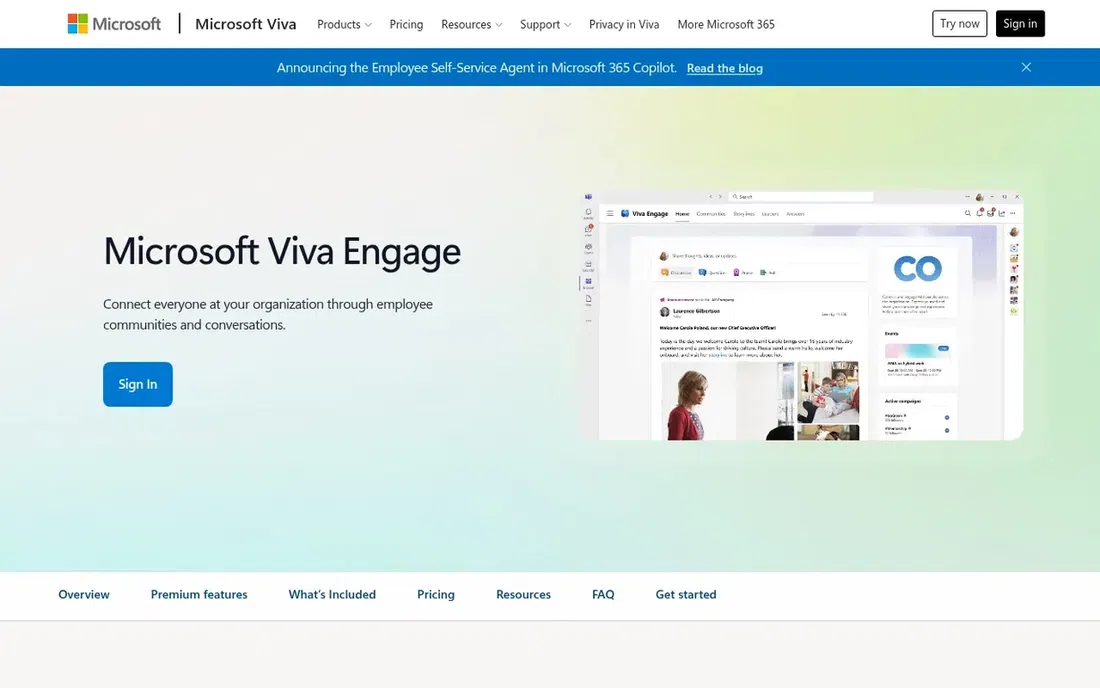
Microsoft Viva Engage serves community building within Microsoft 365. Its usefulness is closely tied to how deeply a company uses the Microsoft ecosystem, so mixed-vendor environments may find adoption harder.
On cost, Microsoft Viva Engage starts like this: $2.00 per user per month. Free options: Not stated.
Where it falls short: Value relies on Microsoft 365 adoption.
- Community-focused employee communication
- Supports company-wide conversations
- Social features may overlap with Teams
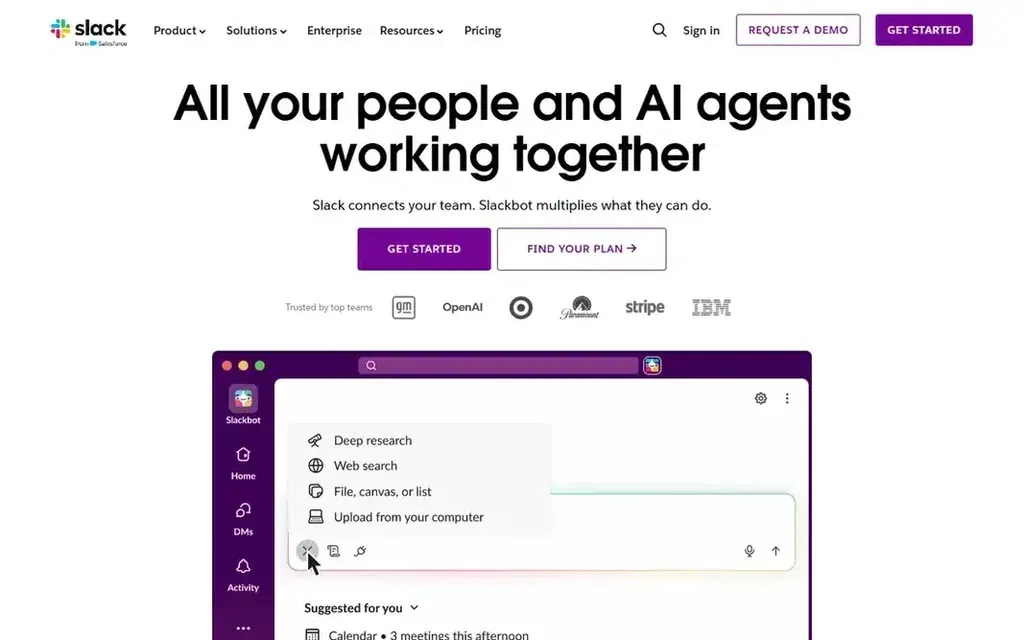
In short, Slack is for channel-based messaging and workflow automation. Slack describes itself as an AI work system for managing projects, automating workflows and connecting teams securely.
Where it falls short: Can become noisy without channel discipline.
Beyond that, very large workspaces can also feel overwhelming without clear channel governance. In practice, Slack is built around work instead of formal company-wide community or intranet publishing, so organizations seeking a structured employee hub may need an extra system. Slack cost at the entry level: $4.38 per user per month. Free access exists with Slack.
- Channel organization for teams and projects
- Workflow automation and integrations
- Social intranet features are restricted
How these tools were picked
The comparison looks at four things: starting price, free access, how well the feature set matches enterprise social networking software for remote teams, and the main limit of each tool. Plan names, prices and limits change often. Treat the figures here as a starting point and verify them with the vendor. Tools are placed by general fit for enterprise social networking software for remote teams, with price clarity and free access as tie-breakers. A different team can reasonably rank them differently.
A buyer's checklist
- Confirm the entry price on the vendor page. For Zoom Team Chat, Google Workspace, Cisco Webex and Simpplr that means a quote rather than a fixed price.
- Read the fine print on the free plans from Cisco Webex and Slack; seat, project and feature caps differ.
- Run a trial of Simpplr with real work before paying for a year; your own workflow is the best test.
- Before choosing Zoom Team Chat, weigh its main limit: social networking depth is modest.
- Ask Cisco Webex which support channels and response times come with the plan you would buy.
- Read the plan comparison for Slack carefully; key features often start on a higher tier.
FAQ
What is enterprise social networking software used for in remote teams?
It provides distributed employees a shared space for company news, communities and conversation beyond one-to-one chat. That helps remote staff stay informed and connected without relying on meetings.
What should I check before buying for a remote workforce?
Confirm integrations with your identity and calendar systems, guest and access controls, and how much content governance the vendor supports. Also verify which community and intranet features are standard compared with add-on.
Is Zoom Team Chat the right pick for everyone comparing enterprise social networking software for remote teams?
No single tool suits every team. Zoom Team Chat comes first because it fits messaging inside the Zoom Workplace platform, while Google Workspace suits collaboration suites for Google-centric teams and Cisco Webex suits AI-assisted collaboration across meetings and messaging. Match the tool to your own size, budget and workflow before deciding.
How does Microsoft Viva Engage fit with Microsoft 365?
Viva Engage is an employee communication product within the Microsoft ecosystem, centred on communities and connections. It performs best when staff already use Microsoft 365 daily tools.
Which options for enterprise social networking software for remote teams have a free plan?
Cisco Webex and Slack offer a free plan in this list. Free plans usually cap users, projects or features, so check the limits on the vendor page. One other tool offers a trial instead. Each of the 6 options in this enterprise social Networking software for remote teams guide has its own card above with the price, free plan and limits.
Do these tools publish their prices?
Not all of them. Zoom Team Chat, Google Workspace, Cisco Webex and Simpplr publish no starting price, so expect a quote request for those. The rest, Microsoft Viva Engage included, show a starting price, though seats and billing terms still change the final cost.
Sources
- https://www.zoom.com/en/products/team-chat
- https://workspace.google.com
- https://www.webex.com
- https://www.simpplr.com
- https://www.microsoft.com/en-us/microsoft-viva/engage
- https://slack.com
Related guides
- 8 Alternatives to Enterprise Marketing Clouds in 2026
- 5 Best Content Operations Software for Enterprise Marketing for 2026, Vetted and Compared
- Best Conversational Marketing Software for Enterprise (2026): 6 Picks Checked on Vendor Pages
- Top 6 Enterprise Forecasting Software for 2026 (Prices and Free Plans)